
Contents
- What is local SEO for local businesses, and when should you use it?
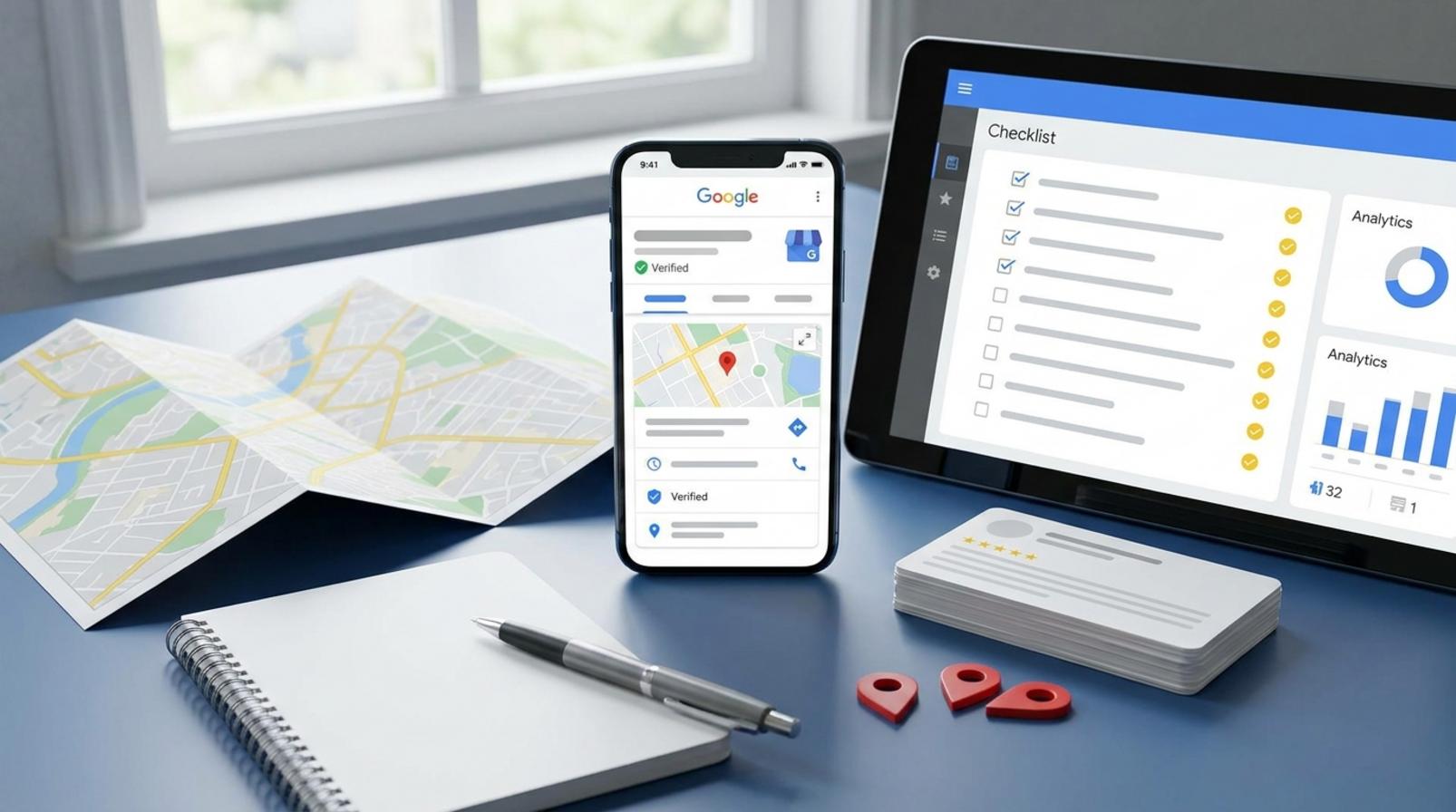
- How does Google Business Profile affect map visibility?
- What should you optimize so Google understands the business and service area correctly?
- How do you build local signals off the website without spamming?
- Basic local SEO process for local businesses
- Common mistakes that make local SEO less effective
- How do you know optimization is correct, and what should you track after launch?
- Frequently asked questions about local SEO for local businesses
When a business depends on customers in its area, local SEO for local businesses is the way to appear at the right moment when buyers are searching nearby. This section focuses on the foundations you should check before deeper optimization: Google Business Profile, visibility on Google Maps, consistent NAP, customer reviews, local citations, and local keywords.
The goal is to help you identify which data to review, which display errors to fix, and which profiles are still missing information. For example, a locksmith shop in an inner-city district can lose calls if the phone number on the website differs from the Google profile. Similarly, a café with many reviews but missing opening hours or the wrong category can also lose visibility. If you are managing a website or WordPress for a local business, this is the section to help you set the right priorities before going deeper.
What is local SEO for local businesses, and when should you use it?
Local SEO for local businesses is the optimization method that helps a business appear in front of users searching by area, in recent search results, on Google Maps business listings, and in queries with the intent to visit or book a service near where they live. The goal of local SEO for local businesses is to attract the right customers within your service radius, rather than just increasing general traffic.
The signs that you should use it are quite clear: you have a physical location for customers, you serve a delivery area, you need to appear on local maps, or you often see queries like “store near me.” At that point, local SEO is no longer a theoretical concept but a set of tasks to do early: optimize consistent NAP, create a Google Business Profile for the local business, collect customer reviews on Google, and add local citations. An auto repair shop, dental clinic, restaurant, salon, or area-based service all benefit because customers often decide directly from the map.
Which business models benefit the most?
Local SEO for local businesses works best for models with a clear service location or a fixed delivery area. The groups that usually benefit most are businesses with a physical location, on-site services such as repair or beauty, businesses serving within a radius, appointment-based visit models, and e-commerce businesses with local pickup or delivery points.

If customers often search “store near me” and decide within minutes, Google Maps SEO will have a faster impact than general SEO. For example, a small furniture store with a showroom, or a service provider operating by area, often needs to appear on local maps before users visit the website. For these models, local keywords and information such as opening hours, service area, and directions are the first things to handle.
When should you not push local SEO yet?
Local SEO for local businesses should not be pushed hard when you do not yet have a clear service location, your operating area is still vague, or your business information keeps changing. If the website is still too weak at the foundation level, the content is thin, NAP is not stable, and Google Business Profile is not complete, focusing too much on local SEO will likely produce slow results.
Another sign is that you do not yet have real demand from recent searches or you do not serve a specific radius. In that case, you should stabilize the website structure, standardize the information, and then expand into Google Maps business listings and local citations. Doing things in the right order will help you avoid wasting effort on a query set that is not yet a fit.
How does Google Business Profile affect map visibility?
Google Business Profile is the central platform for local SEO for local businesses, because Google relies heavily on this profile to understand whether the business is real, where it is, and who it serves. When the profile is complete, correctly categorized, and shows clear activity signals, the chances of appearing on Google Maps business listings and in the local pack are higher.
Which information fields should you check first?
First, check the core fields in Google Maps business listings. The business name must match the website and signage. The primary category must fit the industry, while secondary categories should only be added when truly relevant. The address, phone number, opening hours, website, and service area must be consistent to maintain consistent NAP optimization.
Minimum checklist to review in order:
- The business name is shown in one consistent version.
- The primary category reflects the core service.
- The address or service area does not conflict.
- The phone number and website point to the current page.
- Opening hours match the actual operating schedule.
- The short description includes local keywords without stuffing.
- The profile photo, storefront photo, and real photos are clear enough.
In many profiles, simply fixing the first three items is enough to noticeably improve visibility signals. With Google Maps SEO, the foundation must be clean before you optimize photos, posts, or reviews further.
Signs that a profile is weak or incorrect
A weak profile usually shows familiar errors: information on the website differs from the profile, the wrong category is selected, verification is incomplete, photos are blurry or outdated, opening hours are wrong, or the description is too generic. Even a few mismatches can weaken consistent NAP signals and make Google Business Profile less likely to be prioritized.

When rankings do not improve, check in this order:
- Compare the name, address, and phone number on the website and profile.
- Check whether the primary category matches the most revenue-driving service.
- Open the latest photos to check authenticity and brightness.
- Compare opening hours with the real operating schedule.
- Check whether the service area is too broad or too narrow.
A weak profile does not disappear entirely, but it is harder to enter the local pack, especially when competitors have better customer reviews on Google and more complete profiles. If several points are wrong at once, fix the foundation first and then move on to advanced optimization.
What should you optimize so Google understands the business and service area correctly?
Google understands the business and service area correctly when signals on-site and off-site match, remain consistent, and provide clear local context. Therefore, you should prioritize in this order: consistent NAP, contact or service-area pages, appropriate schema if available, local content, and internal links to service or area pages.
How should consistent NAP be understood and checked?
NAP is the name, address, and phone number that must match everywhere Google can see it. Even a small difference, such as different abbreviations, adding a floor number, or using two phone number formats, can weaken local citation signals.
Quick checklist:
- Review the business name on the website, Google Business Profile for the local business, industry directories, and social media.
- Keep the address in one format, from street number to ward/commune and district.
- Use one main phone number for the contact page, footer, and business profile.
A common example is a website using “Ward” while a directory uses the full “Ward,” or the homepage using a shortened brand name while the business profile uses the full name. With local SEO for local businesses, this kind of mismatch makes it harder for Google to connect the entities into a single business.
Where should local keywords be placed so they do not feel forced?
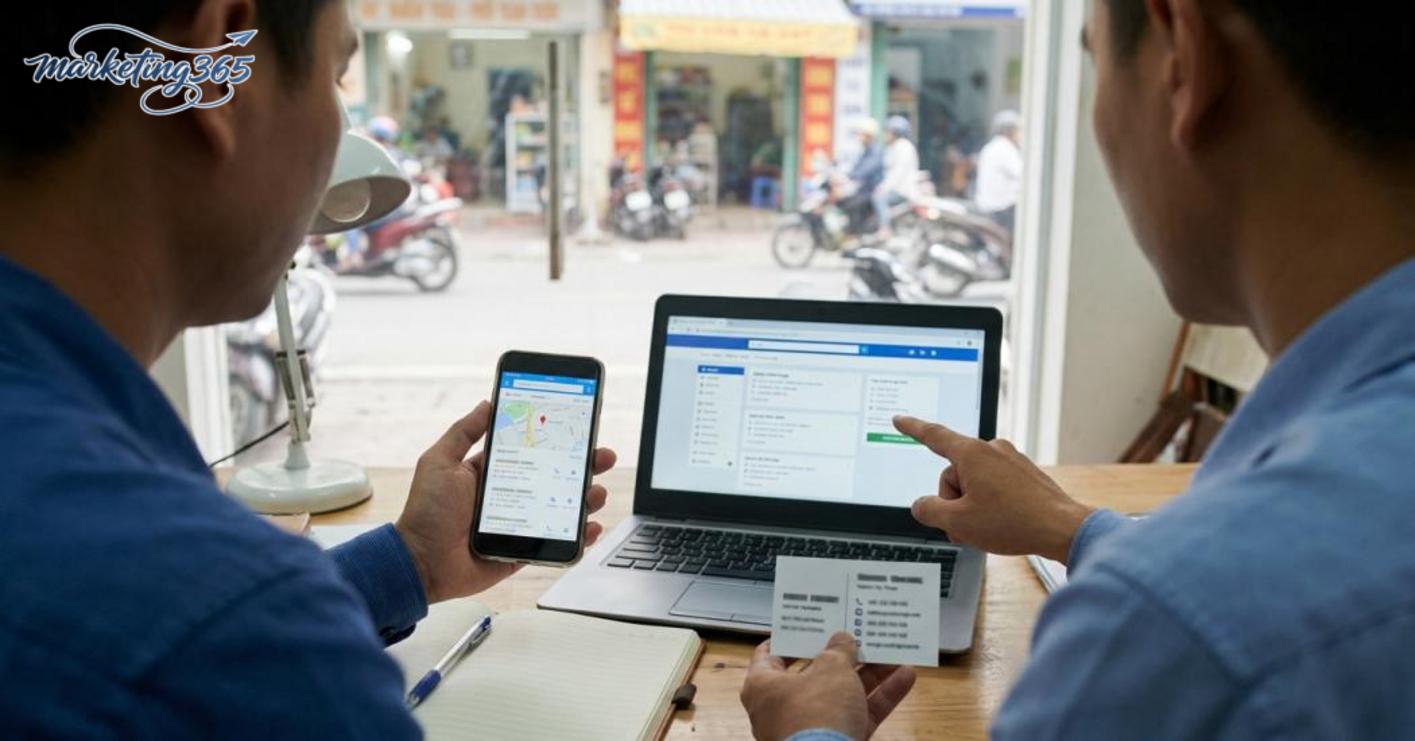
Local keywords should appear in places with service context, not repeated in every heading. The safe approach is to place them in the page title, H1, opening paragraph, area-specific service pages, business description, and FAQ if the questions are truly relevant.
Follow this order:
- Write titles that include the location or main service area.
- Place the local keyword naturally once in the H1 and opening paragraph.
- Create area-specific service pages if there is clear search demand.
- Use internal links from the homepage, service pages, and area pages to connect the context.
If you add schema, use the type that fits a local business, but do not expect schema to replace real content. Google Maps business listings usually respond better when the page has a clear description, consistent location names, and off-site signals such as customer reviews on Google, local citations, and well-structured internal links.
How do you build local signals off the website without spamming?
Local signals off the website come from the business appearing consistently in multiple places, being mentioned with accurate information, and having trustworthy proof from customers. For local SEO for local businesses, you should prioritize data accuracy, consistency, and real feedback before thinking about the number of places you appear in.
What is local citation, and how do you check it properly?
Local citation is where the business name, address, and phone number appear consistently across pages, directories, or local maps. To do it correctly, follow these 4 steps:
1) Lock in one NAP version for all channels, for example: company name, street number, ward/commune, district, phone number.
2) Compare the NAP on the homepage, contact page, Google Business Profile, and 3–5 currently visible sources such as Facebook, Foody, Trang Vàng, or industry directories.
3) Immediately fix any mismatched, duplicate, or incomplete records, such as missing street numbers, wrong wards, or wrong phone numbers, before adding new listings.
4) Only add citations on platforms relevant to your industry and area; if a source has no real users or is hard to control, skip it.
A common example is the same café listed as “12A Le Loi” on the website, but “12 Le Loi” on the map. Even one character off can weaken local signals. When fixing it, prioritize high-trust sources such as Google Business Profile and the official website first.

How do customer reviews affect trust and conversions?
Customer reviews on Google directly affect whether searchers click on the profile. Track 3 specific metrics: the number of reviews, the rate of new reviews each month, and the business owner’s response rate. A profile with 20 real reviews spread over 6 months is often more trustworthy than one with 50 reviews concentrated in 2 days.
To increase signals without spamming, follow these 3 steps:
1) Send a review reminder after the customer has actually used the service, via SMS, email, or Zalo message.
2) Ask customers to describe a specific experience, such as service quality, turnaround time, or support attitude.
3) Respond to each review briefly, on point, and without copying nearly identical templates.
A good response example is: “Thank you, Mr. Minh, for visiting the café on Saturday evening. We’re glad you were satisfied with the service speed.” This feels much more natural than asking for mass reviews or offering gifts in exchange for reviews, because those methods can create account risks and make the signals less trustworthy.
Basic local SEO process for local businesses
Local SEO for local businesses starts with standardizing data, then optimizing content, and finally tracking signals from the profile. If you do it in reverse, you may push incorrect information into Google Business Profile, making Google Maps SEO harder to stabilize and measure.
Step 1: Standardize business data before optimization
This step helps Google understand who you are, where you are, and which area you serve. The goal is to make NAP consistent across the website, business profile, and pages that mention you.
Follow this checklist before pushing content or links:
- Lock in one version of the business name, address, phone number, and opening hours.
- Check that the contact page, footer, about page, and Google Maps business listing all use the same data.
- Fill in the correct primary category, secondary categories, service area, and a clear profile photo.
- Make sure the website has a service page, contact page, and content that accurately describes the business type.
The sign that this is complete is that the information appears consistently across every touchpoint. The most common mistake is that each place uses a different abbreviation, a different phone number, or seasonal opening hours that are not updated everywhere. For businesses with multiple branches, even one mismatched address line is enough to make local SEO for local businesses less trustworthy.
Step 2: Create and optimize content tied to the service area
Area-specific service pages are where local keywords become a clear signal for recent searches. The goal is to show users that you serve the exact district, city, or area they need.
An effective approach is to build a clear structure:
- Each page focuses on one service or one main area.
- The title and opening paragraph naturally mention the service area.
- The content describes real problems users face, such as long travel distance, needing a quick appointment, or wanting to find a store near me.
- Add FAQs, a local map, and internal links to the contact page.
Do not stuff district names into every sentence. A good area-specific service page should read like a page for real people, not a copy-paste template. If a page answers the local need well, it usually keeps readers engaged longer and supports local SEO more effectively.
Step 3: Track signals from the profile, reviews, and user queries
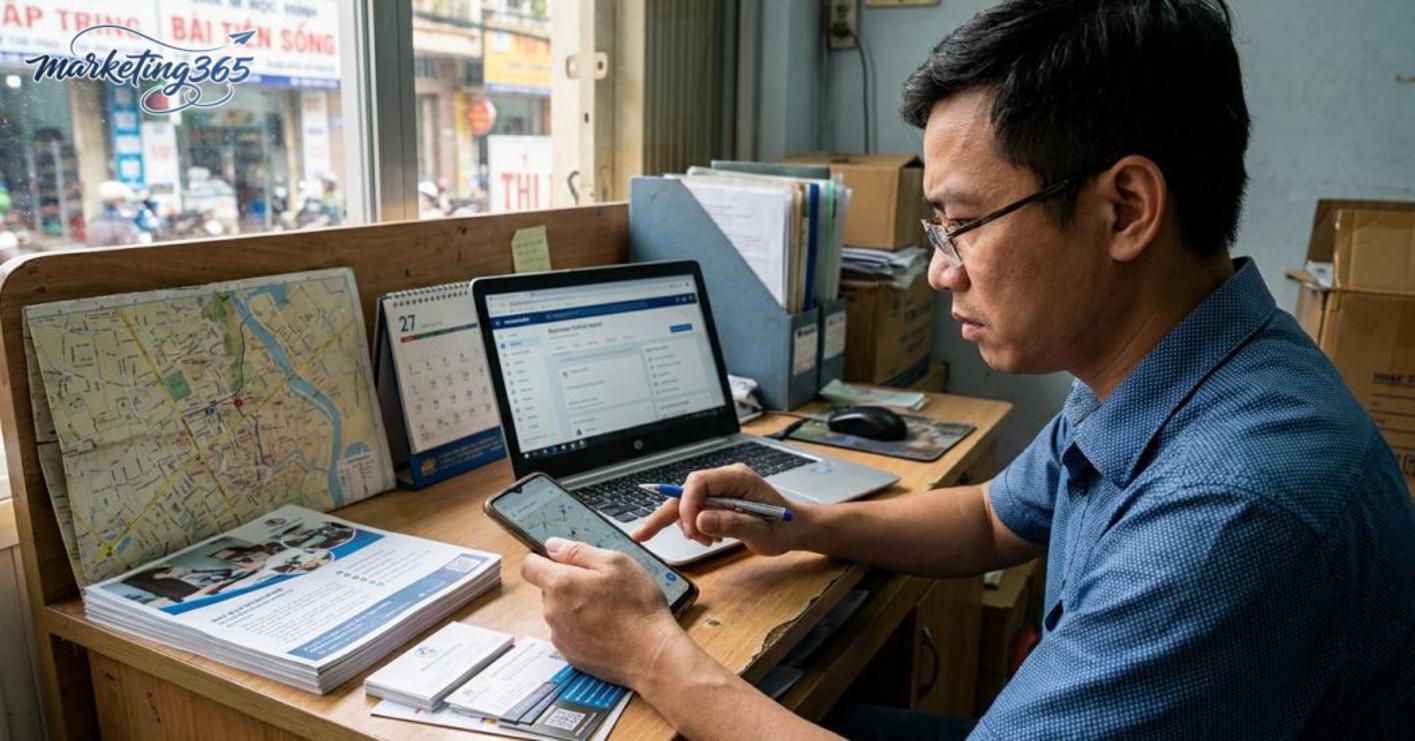
Tracking the right signals helps you know which part is bringing in customers and which part needs fixing. The goal is to read real behavior from Google Business Profile, customer reviews on Google, and user queries.
Every week, check three groups of metrics:
- Profile views, calls, website clicks, and direction requests.
- Search queries appearing in Google Business Profile.
- New reviews, review content, and the business response rate.
If the profile has many views but few direction requests, the description or photos are often not convincing enough. If there are many reviews but the queries still point to the wrong service, the landing page may not match search intent. In that case, fix the content first, then adjust the category or photos, because the feedback data will show where local SEO for local businesses is strong and where it is weak.
Common mistakes that make local SEO less effective
Local SEO for local businesses is often less effective because of two very easy-to-check mistakes: inconsistent information and over-optimized content. Even a mismatch in the name, phone number, opening hours, or stuffing local keywords can make Google Business Profile for the local business and the website harder to trust.
Inconsistent information between the website and the business profile
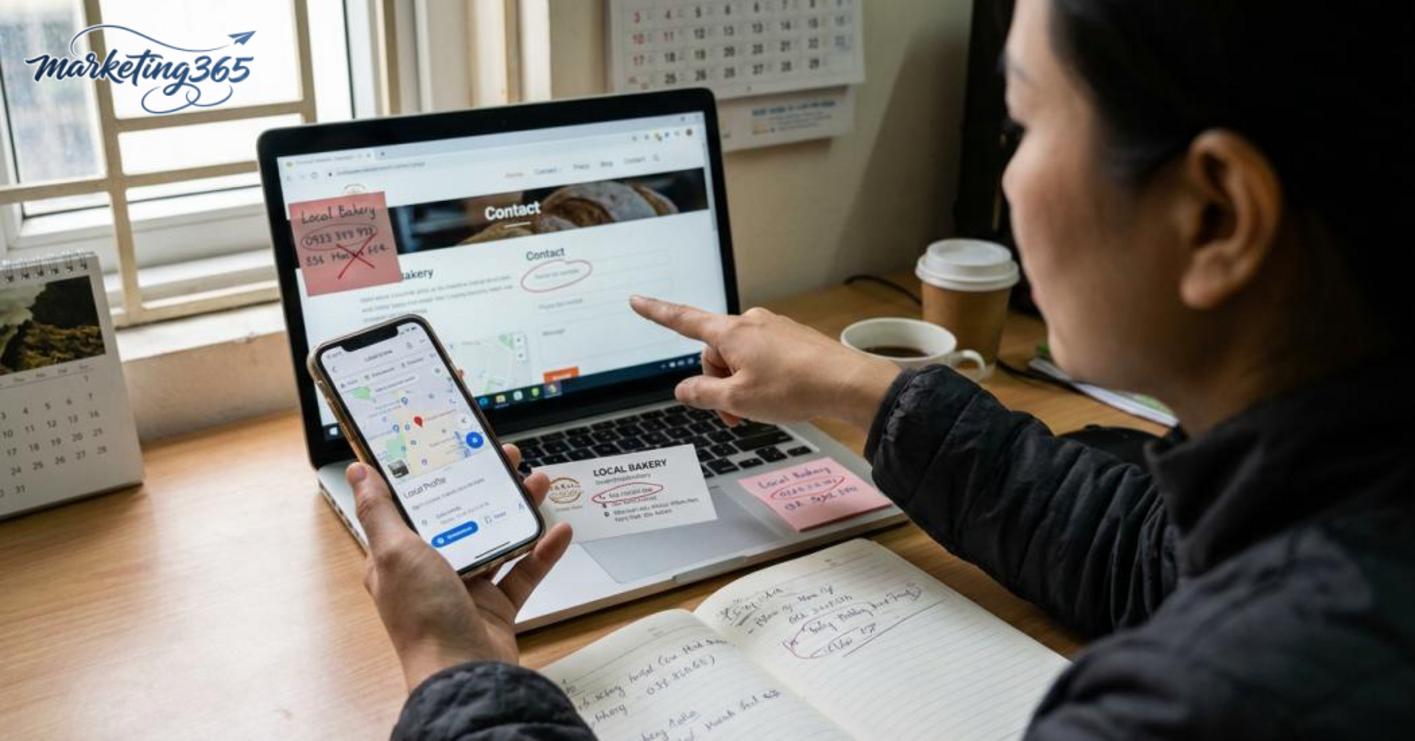
This happens when NAP is inconsistent across the website, Google Maps business listings, and local citations. For example, the contact page says “ABC Company,” the profile says “ABC Co.,” the phone number changes by one digit, or the opening hours on the site and profile differ on weekends. The quickest way to spot it is to open the contact page, footer page, and business profile, then compare each line: name, address, phone number, opening hours, and service categories. If an address is missing a floor number, abbreviations are not consistent, or a secondary phone number appears in one place but not another, it should be corrected to one standard. A practical check is to search the business name on Google with the address; if the results show multiple versions, the NAP signal is already weak.
Over-optimizing with unnatural keywords or content
This mistake makes local SEO for local businesses feel unnatural when every title repeats local keywords, stuffs the phrase “store near me,” or forces district and city names into every line. Google can still read the content, but users will leave quickly because the page looks more like a keyword list than a real service page. Easy signs include every description starting with the same phrase, the FAQ answering in circles, and the article lacking real details such as service area, intake hours, or booking steps. The fix is to keep each page focused on one main idea, use local keywords in the title, opening paragraph, and a few natural spots; the rest should be written around real customer needs, such as service area, process, or differences between locations.
How do you know optimization is correct, and what should you track after launch?
Correct optimization is recognized when visibility, engagement, and conversion signals all rise after launch, not when you look at just one metric. For local SEO for local businesses, you need to compare before and after across each data group from Google Business Profile, Google Maps business listings, and the website.

- Measure visibility first: in Google Search Console, review impressions from local keywords, landing pages receiving traffic, and queries containing the area. If impressions rise but clicks stay flat, the title, description, or local map display is usually not compelling enough.
- Measure profile engagement: in Google Business Profile for the local business, track calls, direction requests, website clicks, and messages if available. A well-performing profile does not always increase every metric at the same time; sometimes the “directions” metric rises first because users are closer to the store.
- Measure traffic quality: in GA4, review sessions from recent searches, engagement time, area-specific service pages, and conversion rate. If traffic increases but users leave quickly, review the local keywords, service page content, and consistent NAP optimization.
- Measure trust signals: the number of customer reviews on Google, the rate of new reviews, and how closely local citations match the website information. Mismatched names, addresses, and phone numbers are easy mistakes that can slow down Google Maps SEO.
2–4 week checklist: compare each metric group, check the queries generating impressions, cross-check the data in Google Maps business listings, and then decide whether to keep, expand, or revise the local keyword cluster. If only one metric rises while the others fall, do not assume the optimization is correct.
Frequently asked questions about local SEO for local businesses
Local SEO for local businesses is the way to appear to the right people, in the right area, and for the right search intent. This approach prioritizes maps, business profiles, reviews, and consistent data more than standard SEO.
How is local SEO different from standard SEO?
Local SEO for local businesses targets people searching by location, while standard SEO targets broader topics. With local SEO, Google Business Profile for the local business, local maps, customer reviews on Google, consistent NAP, and local keywords have a more direct impact.

For example, a repair shop in a specific district needs to appear when users search “store near me” or “area-based service.” If you only write content but ignore the business profile and reviews, local signals are usually weak and hard to maintain.
Can a business without a fixed storefront do local SEO?
Yes, if the business serves a defined area and clearly declares its operating radius. This model works for home services, mobile technicians, or construction teams, as long as the business data is consistent and the content is tied to the service area.
The safe approach is to use Google Business Profile as a service-area business, without forcing a public address to be shown. Avoid creating multiple profiles for the same entity, and keep the name, address, and phone number consistent across the website and local citations.
How long does it take to see results from local SEO?
There is no fixed timeline for local SEO results because it depends on competition, profile completeness, content quality, and signals from Google Maps business listings.
If the profile is still missing photos, categories, descriptions, or NAP is not consistent, signals are usually slower. When the service pages, service area, and customer reviews are optimized together, you often see visibility changes earlier in recent search groups.
Quick self-check checklist:
- Is the business profile complete and correctly categorized?
- Are the name, address, and phone number the same everywhere?
- Does the website have clear area-based content?
- Are reviews coming in steadily?
- Is the service area stated specifically?
MARKETING365
📧 Email: lienhe@marketing365.vn
🌐 Website: https://marketing365.vn
👍 Fanpage: https://facebook.com/marketing365.official
For official and up-to-date guidance, you can also refer to the documentation from Google Search Central.



