
Contents
- What AI tools for short TikTok videos are and how far they can go
- When to use AI tools instead of manual editing
- How to choose an AI tool for short TikTok videos based on real needs
- The end-to-end workflow for creating a short video with AI
- Common mistakes when using AI to edit short TikTok videos
- How to use AI to create TikTok videos more effectively in marketing work
- Frequently asked questions about AI tools for short TikTok videos
When you need to produce TikTok short videos more consistently without making the channel look “too AI,” content creators need to choose the right công cụ AI dựng video ngắn tiktok by task, not by feature list. A suitable tool should help you shorten editing, add subtitles, turn scripts into vertical 9:16 videos, or extract highlights from long videos, while still preserving TikTok’s familiar pacing and format. This section helps marketers, content creators, and business owners identify real needs, evaluate tools against practical criteria, and avoid mistakes that make videos feel unnatural, off-frame, or robotic.
What AI tools for short TikTok videos are and how far they can go
AI tools for short TikTok videos are a group of software that automate part or all of the vertical 9:16 video production process, from turning scripts into clips, cutting existing footage, adding subtitles, choosing highlights, to creating videos with virtual avatars. They help you work faster, but they still cannot replace a person who adjusts pacing, checks illustrative scenes, and keeps the brand voice consistent.
The types of input AI handles best
AI TikTok video editing produces the best results when the input is short, clear, and evenly paced. A 60–90 second script, bullet points in order, a coherent voiceover, or a long video already split into segments usually makes it easier to get a good draft. If one main topic is carried throughout, a text-to-TikTok video AI tool will find it easier to choose scenes, insert text, and maintain rhythm.
Signs of “easy-to-process” input usually include:
- One idea per sentence.
- A clear hook in the first 3–5 seconds.
- Keywords, illustrative scenes, or specific actions.
- Short captions with few long compound sentences.
By contrast, content that changes topics constantly or relies too heavily on metaphors often makes the video feel messy, whether you use a free TikTok video generator AI or a paid one.
What AI often does poorly if you let it run fully automatically
AI often struggles with pacing, scene selection, and maintaining brand voice. For example, a viral TikTok video editing AI app may pull in stock footage that is semantically off, so a line about a “process” is paired with a generic illustrative scene. An AI tool that automatically adds subtitles to TikTok videos also tends to misalign lines when sentences are too long or the speaker pauses irregularly.
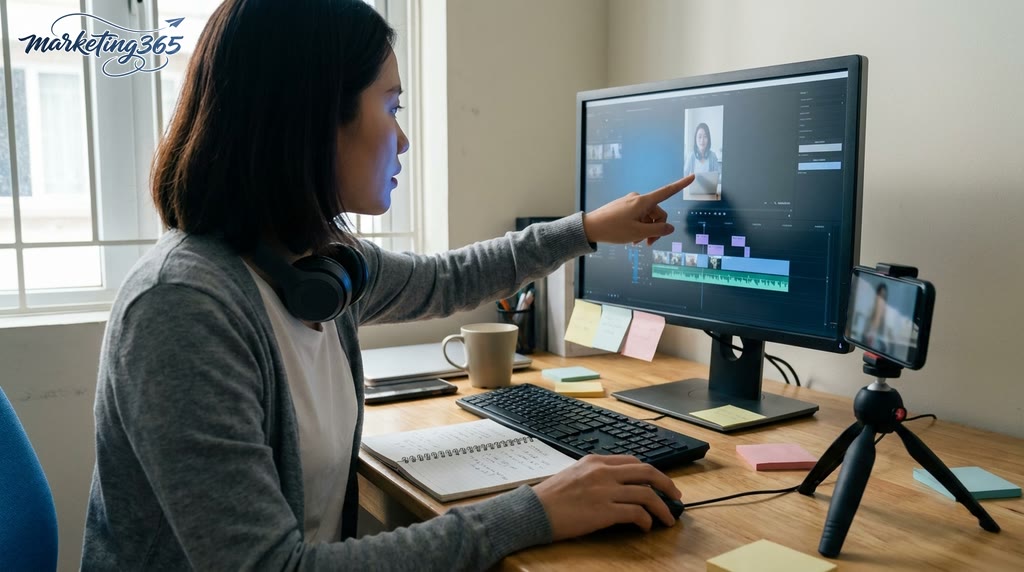
Quick checks before publishing:
- Listen to the first 15 seconds to see whether the hook gets to the point immediately.
- Open the subtitles and check for incorrectly split sentences.
- Match each scene to the corresponding spoken point.
- Check whether the video still matches the channel’s familiar voice.
If the goal is AI to optimize hooks and short TikTok video content, let AI create the draft first, then manually adjust the opening, illustrative scenes, and closing line. For channels with a clear positioning, this is a must to avoid videos that look “technically correct” but don’t feel like the channel.
When to use AI tools instead of manual editing
AI tools for short TikTok videos are a good fit when the goal is to speed up production, test multiple hooks quickly, and keep posting consistently without editing everything by hand. For lean content teams, this approach makes it easier to repurpose webinars, podcasts, live streams, or long videos into short clips with subtitles and a vertical 9:16 frame, especially when you need to produce short videos at scale.
When deciding whether to use one, look at four criteria: speed, cost savings, format standardization, and variation testing. If you are making reels with AI, the goal is usually to shorten the loop from idea to draft so marketers or creators can test hooks, captions, and cutting rhythm before deeper optimization.
Signs it’s time to move to an AI workflow
AI tools for short TikTok videos should be added to the AI workflow when video volume increases, editing time stretches out, and content starts repeating in series. A shop owner who needs to publish 5-7 clips per week, or a content team that has to cut many segments from webinars, will see clear benefits in faster video editing and the ability to produce short videos at scale.
Common signs include: the editor is stuck cutting hooks, adding subtitles, and constantly changing formats; marketers need multiple test versions to choose one winner; creators need to turn one long video into many short clips for TikTok, Reels, and Shorts. In that case, AI highlight selection from long videos into TikTok clips helps reduce the manual work of filtering the most meaningful segments.
Signs you should not rely entirely on AI yet
You should not rely entirely on AI when a video needs subtle emotion, a product demo with difficult details, or a very distinctive brand voice. In sensitive campaigns, even one off-beat edit or a subtitle with the wrong tone can reduce channel safety and affect brand consistency.
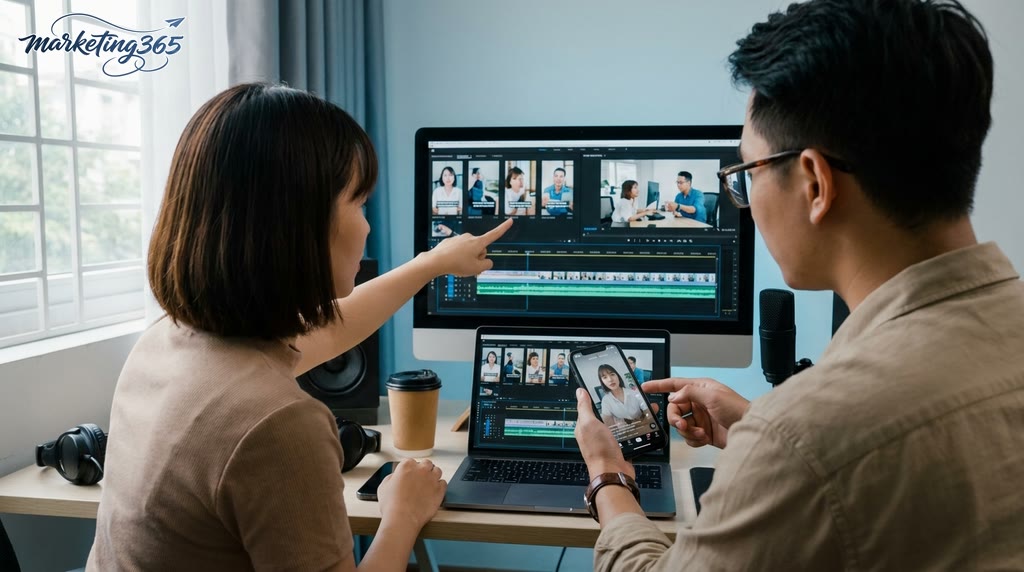
In these cases, a text-to-TikTok video AI tool should only be used to create a draft, while quality control must be done manually: review the hook, match visuals to the narration, check subtitles, and verify pacing. If a sales video has points that need emphasis, such as materials, uses, or value, let a human editor finalize it instead of exporting directly from AI.
How to choose an AI tool for short TikTok videos based on real needs
Choose by task first, then look at features
AI tools for short TikTok videos should be chosen based on the task you need to complete. For a two-person team, a 30-second video can take 20–40 minutes if everything is cut manually. With the right tool, that same workflow often takes only 10–15 minutes to produce the first draft.
| Need | Required input | Automation level | Manual editing level | When to choose |
|---|---|---|---|---|
| Text to video | Script, title, CTA | High | Low | Need speed, high volume |
| Long video to short clip | Long video file, scene markers | Medium | Medium | Creators, content teams |
| Add subtitles, hook | Existing video, brand tone | Medium | High | Need to preserve brand voice |
| Create a virtual avatar | Script, voice, visuals | High | Medium | Explainer videos, sales videos |
| Ride trends | Topic, keywords, trend map | Medium | Medium | Channels that need quick updates |
Choose based on the type of video you produce
Explainer videos need a tool that can combine scenes, add text overlays, and generate subtitles automatically. Sales videos need a clear opening hook, a properly placed CTA, and controlled pacing. Short tip videos should prioritize a viral TikTok video editing AI app because it is fast to use. If you are cutting from a 45-minute livestream, choose a tool with highlight extraction so you don’t cut off sentences or leave dead air for too long.

- Identify the main format: text-to-video, long-clip-to-short-clip, or avatar-based video.
- Check the minimum input required: script, source file, or existing subtitles.
- Create a 15–30 second test video to measure editing speed, subtitle quality, and scene-cutting accuracy.
For example, a 28-second product review video usually needs 3 main scenes: hook, benefit, CTA. If the tool does not let you adjust each scene, the hook can easily repeat and the CTA may appear too early.
Choose based on editing flexibility and long-term budget
Automatic AI software for editing short TikTok videos is a good fit when speed matters, especially for small teams. But if the channel has its own identity, choose an app that lets you edit the timeline, font, subtitles, music, and scene order before publishing. For channels producing 5–10 videos per week, the paid version is often worth it because it offers presets, batch export, and fewer rendering errors than the free version.
When evaluating the free version, check four things in order: whether it has a watermark, how many exports are allowed, whether there is a video length limit, and whether subtitle or avatar features are locked. For example, if the free version only allows 3 exports per day and adds a watermark, it is only suitable for testing the workflow, not for a commercial campaign.
| Criteria | Free version | Paid version |
|---|---|---|
| Testing needs | Very suitable | Not required |
| Commercial publishing | Check watermark | More stable |
| High usage frequency | Easy to hit limits | More stable |
| Output control | Usually limited | Better |
| Best for | Experimentation | Long-term use |
Choose based on publishing risk and channel safety
AI tools for short TikTok videos need output control before publishing to reduce brand and copyright errors. Prioritize tools that let you preview subtitles, check background music, and adjust the 9:16 frame directly in the editor. If you use a virtual avatar, check the voice, facial expression, and how natural the transitions feel.
A quick way to choose is to ask three questions. Does the tool let you export the video with one round of edits? Does it let you adjust each line of text? Does it fit the number of videos you need each week? If all three answers are clear, that is usually a better choice than a “powerful AI” tool that is hard to control.
The end-to-end workflow for creating a short video with AI
An effective AI video workflow goes from goal, script, template, draft generation, to manual editing before publishing. If you skip one step, the video can easily feel off-beat, hard to read, or diluted in message.
Preparing the script and hook structure
A short script should be divided into 3 parts: a one-sentence hook, 2–4 sentences of main points, and one closing point or soft CTA. For videos under 30 seconds, the hook should get straight to the point within the first 3–5 seconds; if the opening is too long, retention usually drops very quickly.
A good hook makes the viewer immediately understand the benefit, pain point, or result. A weak hook starts with something generic like “today I’m sharing…,” because it makes it harder for AI to prioritize pacing. When using a text-to-TikTok video AI tool, write short sentences with one idea per sentence so the AI can match the script to vertical 9:16 video more easily.
Checklist before sending the script into AI:
- One single hook, without cramming in two messages.
- Each sentence under 15 words if possible.
- A closing point where subtitles or a soft CTA can be inserted.
- No vague wording without a specific action.
Letting AI generate the video and reviewing the draft
The first draft should be checked against 5 points: whether the scene matches the sentence, whether the pacing is even, whether the subtitles are accurate, whether the frame stays within the 9:16 safe area, and whether the text is obscured by the publishing interface. This is a step many people rush through and only discover the errors in the final file later.
A checklist before exporting the file:
- Each sentence has one corresponding scene or scene cluster.
- Subtitles do not distort the sentence’s main keyword.
- There are no cuts so abrupt that they lose meaning.
- Text color has enough contrast with the background.
- Illustrative visuals do not conflict with the spoken content.
- Background music does not overpower the voice or make text hard to read.
- The thumbnail or first frame has a clear topic.
If you are using automatic AI software for editing short TikTok videos, play the draft at least once at normal speed, because skimming often misses subtitle errors.
Manual edits that make the video feel more natural
AI videos feel more natural when the creator trims the excess, replaces mismatched scenes, and adjusts text speed to match the reading rhythm. A finished video that still needs human touch usually only requires 3 fixes: remove one unnecessary opening sentence, replace one ill-fitting illustrative scene, and slow the text down in sections with many numbers or technical terms.
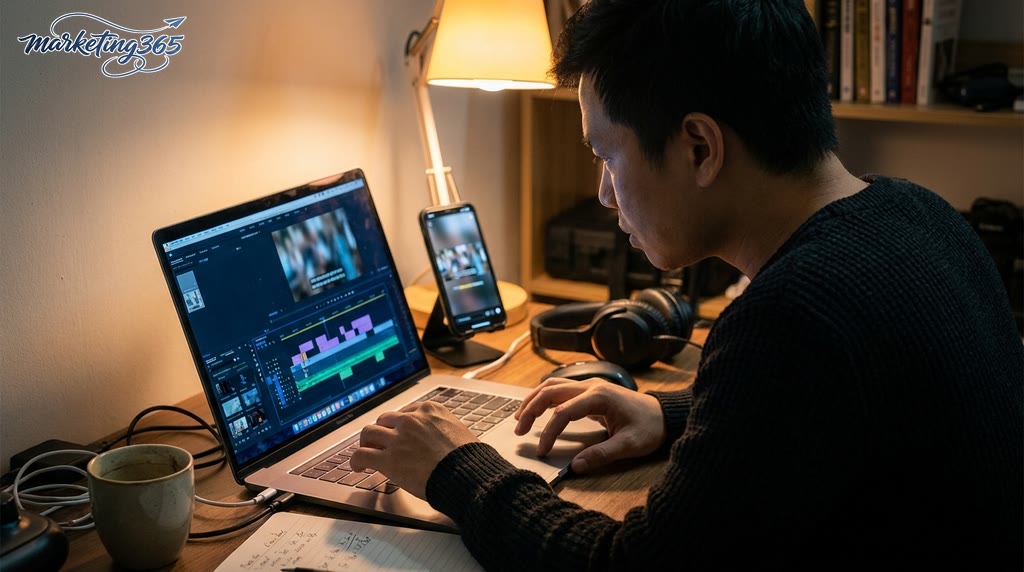
Effective editing tips:
- Cut repetitive or filler sentences.
- Change the scene if the visual is only “pretty” but irrelevant.
- Keep branding consistent with stable fonts, colors, and logo placement.
- Review automatic subtitles for TikTok videos if there are abbreviations, proper names, or words that are easy to misread.
For anyone making reels with AI or AI TikTok videos, manual editing determines whether the video feels like real content or just an automated cut. Fix the right parts, and the video will feel less stiff and hold viewers better.
Common mistakes when using AI to edit short TikTok videos
Using công cụ AI dựng video ngắn tiktok effectively means controlling the input, editing rhythm, and presentation layer before publishing. A video can still flop if the script is too long, the caption is off-topic, the visuals are too generic, or a trend is used in the wrong context. Fix the errors that damage the message first, then address the ones that hurt retention.
Input content that is too long or too vague
Long, vague input makes a text-to-TikTok video AI tool focus on the wrong point, cut off the closing line, or combine multiple ideas into one clip. A common sign is that the video starts fairly well but becomes diluted in the middle, leaving viewers unsure what they are supposed to remember. The fix is to give each video one goal, reduce the hook to one main idea, and split the script into 3 parts: opening the problem, one explanatory point, and one closing line. With a text-to-TikTok video AI tool, a concise input always produces better pacing than a long but messy one.
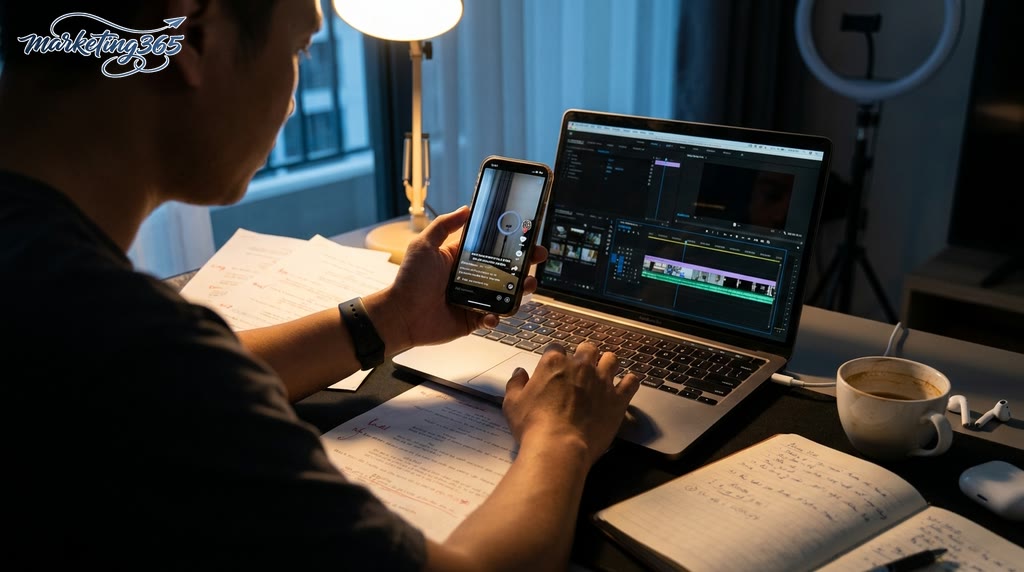
Checklist before sending the script into a công cụ AI dựng video ngắn tiktok:
- One video should handle only one message.
- Each sentence should serve one idea.
- The closing line must appear early; do not let AI guess it.
- If there are 2–3 ideas, split them into a short series.
Subtitle, cut, and pacing mismatches
Misaligned subtitles, cuts that are too fast, and generic visuals make viewers lose the rhythm even when the content itself is fine. A common case is when an AI tool automatically adds subtitles to TikTok videos and splits captions at the wrong place, while automatic short TikTok video editing software cuts to the beat but not to the meaning. The fix is to review 3 things before publishing: whether subtitles match each sentence, whether scene transitions fit the narration, and whether each scene is actually illustrating the main point. If captions run ahead of the visuals or the visuals feel too empty, slow down the cuts and switch to more specific illustrative scenes. When using a viral TikTok video editing AI app, don’t just look at the effects; check whether viewers can read and understand in time.
How to use AI to create TikTok videos more effectively in marketing work
AI tools for short TikTok videos help marketing teams turn one idea into multiple video versions faster, especially when they need to test hooks, extract clips from long content, and keep posting consistently. Its strength lies in reducing editing time, generating subtitles, extracting highlights, and creating multiple variations to compare before pushing them to organic or ads channels.
For marketers: use AI to test multiple hooks and formats
AI tools for short TikTok videos are most useful when you need to test messaging before choosing the main version to run. One video can be split into 2–3 different hooks, paired with 2 caption styles, and tested with 2 opening approaches such as stating the benefit directly or presenting the problem first.
Quick workflow checklist:
- Choose one main message and keep the core content unchanged.
- Create 3 different short hooks, each targeting one angle: benefit, pain point, or result.
- Pair each hook with one short caption, then export vertical 9:16 variations.
- Compare 3-second retention and completion rate to choose the better version.
This approach works well when you need AI to optimize hooks and short TikTok video content for content series, social posts, or test ad creatives. If a hook is too broad, drop it before moving forward so you don’t waste test runs on a weak version.
For business owners: turn long content into a steady stream of short clips
AI tools for short TikTok videos are a great fit when you already have webinars, demos, reviews, or livestreams and want to turn them into many short clips while keeping the sales message intact. AI highlight selection from long videos into TikTok clips helps pull out the closing line, customer reactions, or easy-to-understand explanations so you can post consistently throughout the week.
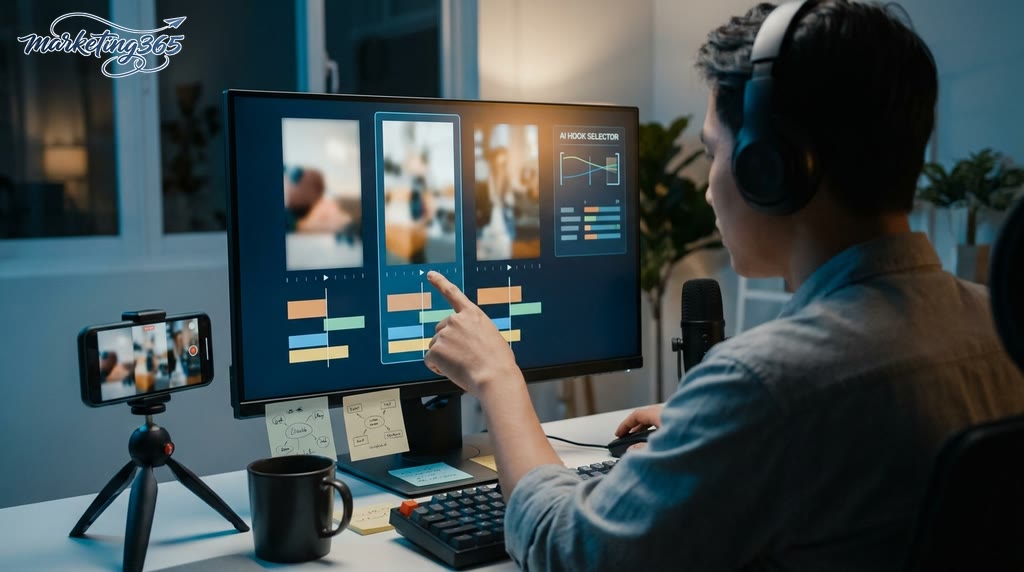
Recommended workflow:
- Mark the segments with sales value and avoid rambling or long greetings.
- Cut each clip around one single idea, without cramming in too much information.
- Add clear subtitles and double-check the closing line so you do not distort the promise.
- Review each version before publishing to maintain credibility, especially for advisory content, product demos, or policy explanations.
When you need to make reels with AI or repurpose long videos for multiple platforms, prioritize message clarity over effects. A good short clip is one where viewers immediately understand what problem is being solved and why they should care.
Frequently asked questions about AI tools for short TikTok videos
AI tools for short TikTok videos help speed up production, but they still cannot replace an editor in every case. They are most suitable when you need a quick draft, short clip cutting, subtitle generation, or turning a script into a vertical 9:16 video.
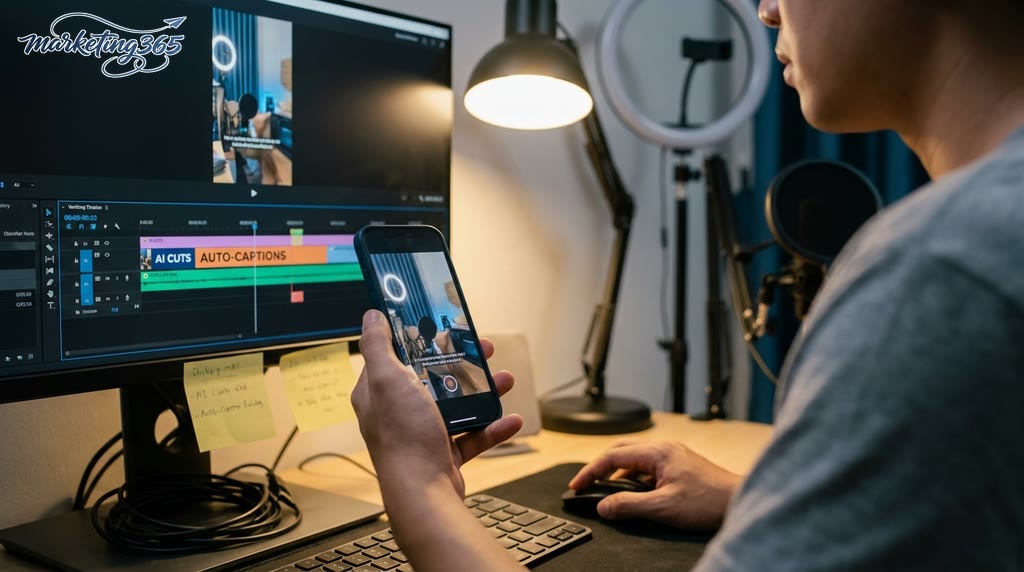
- Can AI tools for short TikTok videos replace an editor? Yes, but only for repetitive production and draft editing. For videos that need precise pacing, audio work, or campaign-specific graphics, an editor is still needed at the end of the process.
- Should I use a free TikTok video generator AI? You can use it to test the workflow, but check the watermark, export limits, subtitle quality, and content usage rights before publishing.
- How do I avoid videos looking too “fake”? Prioritize real scenes, keep subtitles short, limit virtual avatars if the content needs high credibility, and review each hook line to avoid overblown wording.
- Which feature should I prioritize first? Start with an AI tool that automatically adds subtitles to TikTok videos, then move to highlight extraction from long videos, and only then try AI to optimize hooks and short TikTok video content.
If your team handles many videos each week, choose a tool with three minimum requirements: stable 9:16 export, easy text editing, and the ability to adjust each cut. A good viral TikTok video editing AI app often saves time at the beginning, but a person still needs to review pacing, language, and naturalness before publishing.
MARKETING365
📧 Email: lienhe@marketing365.vn
🌐 Website: https://marketing365.vn
👍 Fanpage: https://facebook.com/marketing365.official
For the latest official guidance, you can also refer to TikTok for Business.
You can also read more articles on the same topic in the AI Marketing category.



