

Contents
Browser-use is an open-source Python library with more than 101,000 GitHub stars that helps AI agents operate a browser to complete tasks: clicking buttons, filling out forms, scrolling pages, reading content, and deciding the next step. It is the bridge that lets AI models like GPT or Claude see, understand, and control a real website, turning natural-language instructions into a sequence of browser actions.
Key points
- Open-source Python library with more than 101,000 GitHub stars, helping AI agents operate a browser
- Turns natural-language instructions into action sequences: clicking, filling forms, scrolling, collecting data across multiple pages
- Reads page structure on its own to adapt when the interface changes, instead of relying on rigid scripts
- Marketing use cases: gathering metrics from multiple dashboards, pulling public competitor data, checking landing pages at scale, filling out recurring report forms
- Requires Python knowledge and an AI API key (OpenAI, Anthropic…); agents can sometimes make mistakes, so supervision is needed
Imagine giving a virtual assistant this task: “Go to this page, fill out the form, download the report, then summarize it for me” — and it opens the browser, clicks, types, and scrolls just like a human. That is exactly what browser-use can do. This open-source project is drawing attention in the AI agent wave, helping AI operate a browser to complete repetitive work. If you are interested in the trend of autonomous agents, the AI Updates section has plenty of worthwhile updates.
What is Browser-use?
Browser-use is an open-source Python library (with more than 101,000 GitHub stars) on a mission to “make websites accessible to AI agents.” In other words, it is the bridge that allows an AI model like GPT or Claude to see, understand, and control a real website: click buttons, fill in fields, scroll pages, read content, and decide the next step.

Unlike simply reading web data, browser-use focuses on action — enabling AI to complete online tasks end to end on your behalf.
Main uses
At its core, browser-use turns natural-language instructions into browser action sequences. You give commands in plain language, and the AI agent analyzes the interface, identifies the buttons or fields to interact with, and carries out the task automatically. It can handle multi-step tasks, fill out forms, collect information across multiple pages, and “see” page structure to adapt when the interface changes — instead of depending on rigid scripts like traditional automation tools.
What is it used for in marketing?
For marketers, browser-use is a good fit for repetitive, time-consuming manual work. For example: automatically collecting metrics from multiple ad dashboards, pulling public competitor data, checking landing pages in bulk, or filling out and submitting recurring report forms. Over time, it can handle web “busywork” for you so you can focus on strategy.
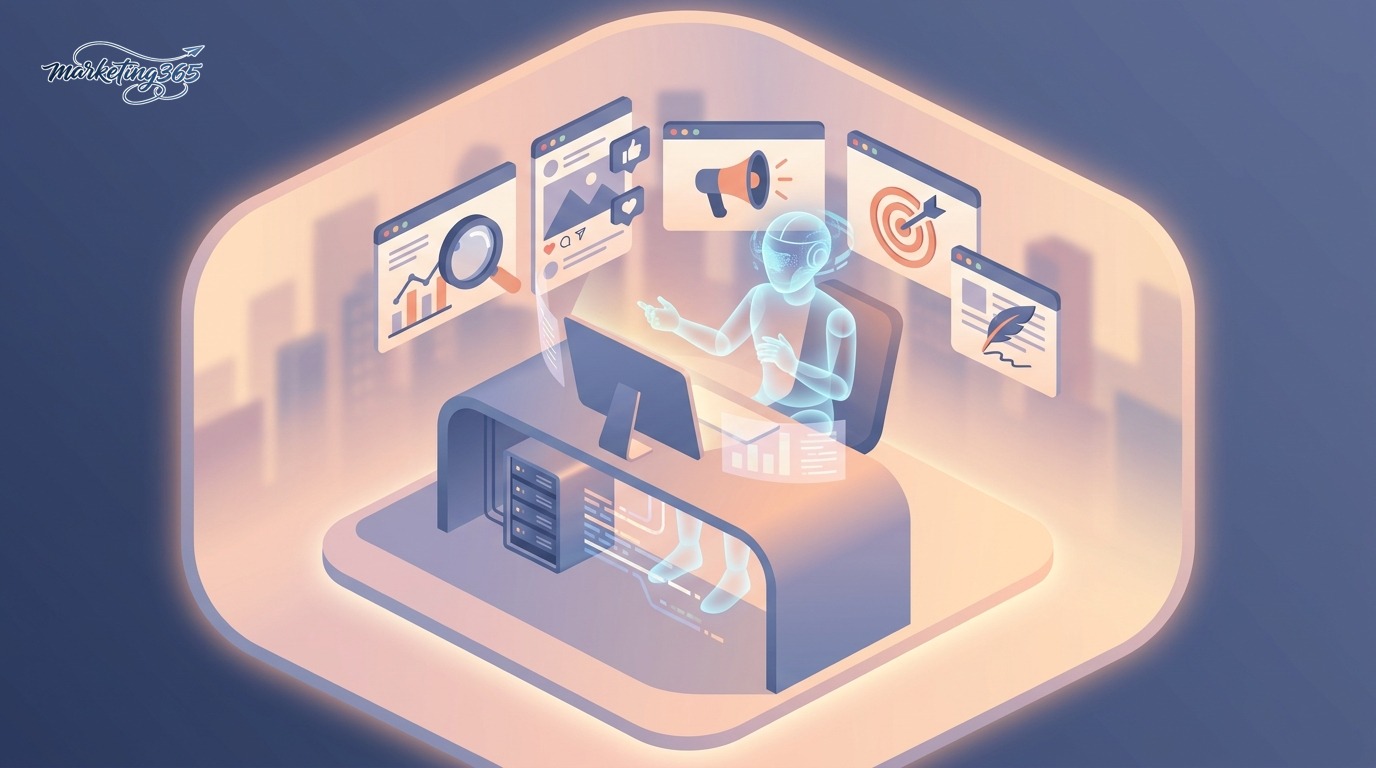
It also works well for analytics tasks — bringing scattered data from multiple platforms into one place — and can be combined with other AI marketing tools to build a complete automated workflow.
How to get started
Browser-use is a Python library, so it needs to be installed via pip and requires some programming background. You will need to install the library, connect it to an AI model (through an API key from OpenAI, Anthropic, or a similar service), and write a few lines of code describing the task. The project includes documentation, sample examples, and even a cloud version for those who do not want to build the infrastructure themselves. If your team does not have a developer, it is best to ask someone technical to set up a trial before putting it into a real workflow.

Read more: What Is Umami? Lightweight Cookie-Free Web Analytics
Pros and cons
- Pros: Can automate complex, multi-step web tasks that older tools struggle with.
- Pros: Natural-language commands, flexible adaptation when interfaces change.
- Pros: Open source, large community, fast development.
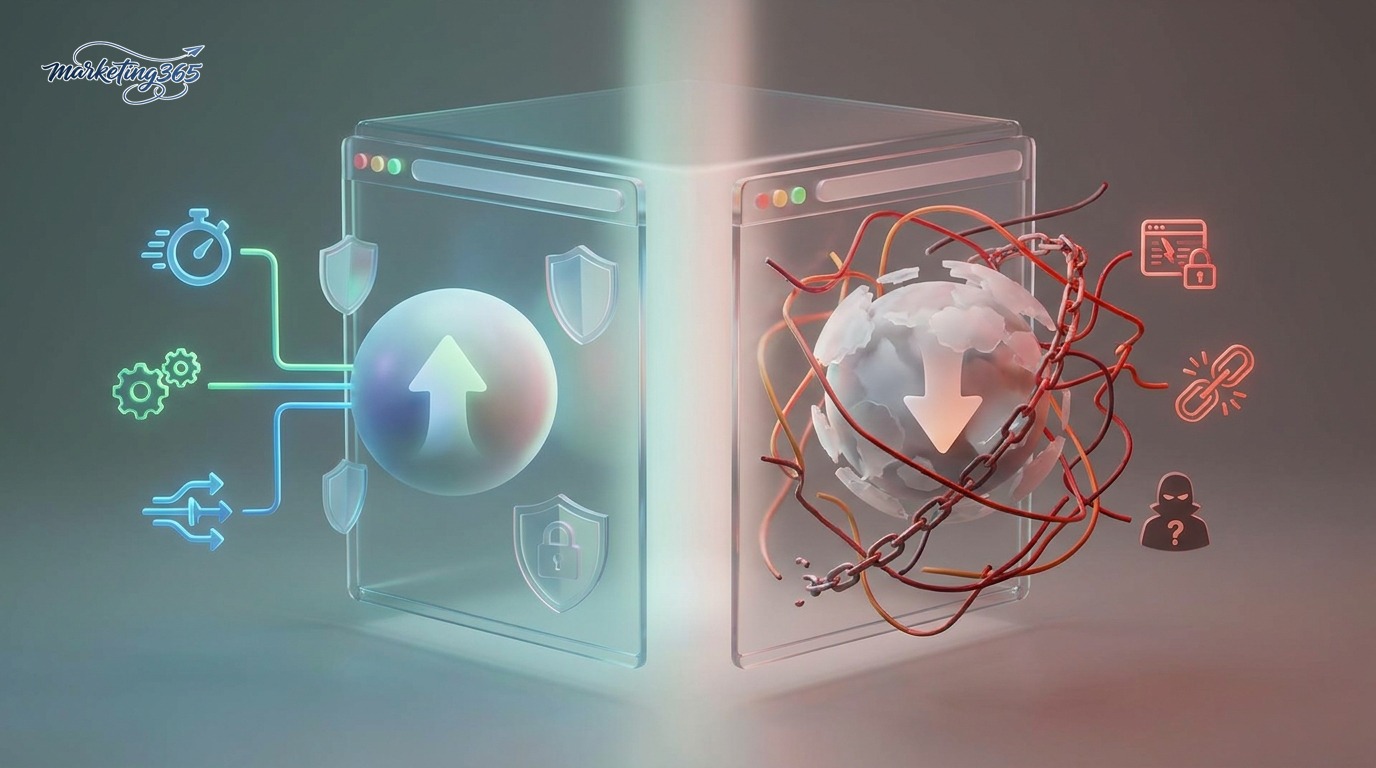
- Cons: Requires Python knowledge and an AI API key (which adds model usage costs).
- Cons: AI agents can sometimes make mistakes, so supervision is still needed.
- Cons: You must consider website terms of use and the risks of automated interaction.
Verdict: is it right for you?
Browser-use is best suited for marketing teams with at least one technically savvy person who wants to automate repetitive web workflows. It is still a fairly new technology — powerful but not perfect — so treat it as an assistant that needs supervision, not something you can expect to run flawlessly 100% on its own. If you are focused purely on content and do not work with automation, it may be better to keep an eye on it for now and come back when the technology is more mature. To understand the AI agent foundation, you can read more in the AI Guides section.

See the details and documentation in the official repository: github.com/browser-use/browser-use.
Note: This article should be reviewed by an editor (human review) before publication.
Frequently asked questions
How is Browser-use different from traditional web automation tools?
Traditional tools follow rigid scripts and can easily break when the interface changes. Browser-use lets AI see the page structure, understand context, and adapt, while focusing on action to complete tasks end to end rather than just reading data.
What do you need to use browser-use?
Browser-use is a Python library, so it needs to be installed via pip and requires some programming background. You need to connect it to an AI model through an API key from OpenAI, Anthropic, or a similar service, then write a few lines of code describing the task. The project also has a cloud version for those who do not want to build the infrastructure themselves.
What do marketers use browser-use for?
It is well suited to repetitive, time-consuming manual work such as automatically collecting metrics from multiple ad dashboards, pulling public competitor data, checking landing pages in bulk, or filling out and submitting recurring report forms, helping you focus on strategy.
Can Browser-use run completely without supervision?
Not yet. This is still a fairly new technology — powerful but not perfect; AI agents can sometimes make mistakes, so supervision is needed rather than leaving it fully unattended. You also need to consider website terms of use and the risks of automated interaction.



