
Contents
Twenty is an open-source CRM software with a modern Notion-like interface that you can self-host on your own server at almost no cost. It is a lightweight alternative to Salesforce/HubSpot for SMEs and shops that want to control customer data without paying per-user subscription fees.
Key points
- Open-source CRM (more than 52,000 GitHub stars), near-free self-hosting, and full data control.
- Notion/Airtable-style interface: manage contacts, companies, and sales opportunities in list or drag-and-drop kanban views.
- Flexible custom objects and GraphQL/REST APIs for extension and automation.
- Marketing use cases: collect leads from campaigns, track conversion funnels, nurture after-sales, and provide the data foundation for automation.
- The ecosystem is still young compared with Salesforce; self-hosting requires technical know-how, or you can use the paid cloud version for convenience.
When people think of CRM, many Vietnamese shop owners and marketing teams immediately think of Salesforce or HubSpot — powerful, but expensive, and with monthly costs that keep rising as the number of users grows. Twenty is another option drawing attention: an open-source CRM with a modern Notion-like interface that you can self-host on your own server at almost no cost. It is a name worth knowing for anyone looking for a lightweight customer management tool without being locked into a large vendor.
What is Twenty?
Twenty is an open-source CRM (Customer Relationship Management) software developed by the twentyhq team and publicly released on GitHub with more than 52,000 stars. The project positions itself as a modern alternative to Salesforce, built from the ground up by the community rather than following the closed, monthly subscription software model of the big players.

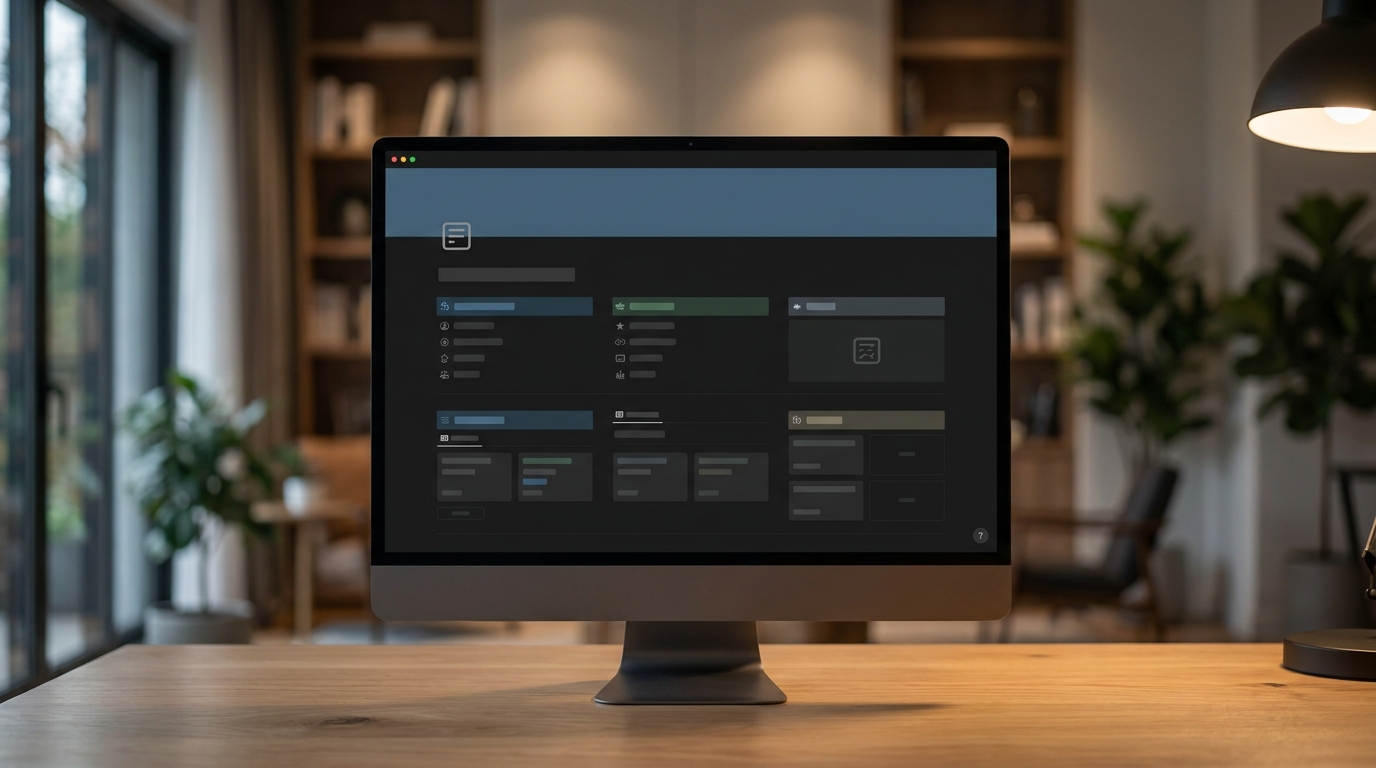
What makes Twenty stand out at first glance is its interface. Instead of the dense, hard-to-use tables often seen in traditional CRMs, Twenty borrows the design spirit of Notion and Airtable: clean, intuitive, and easy to use. You manage contacts, companies, and opportunities in flexible data tables, switching between list and kanban views to drag deals through each stage of the sales funnel.
Because it is open source, you can download the full code, run it on your own infrastructure, and retain full control over customer data — something not every business can do with closed SaaS platforms.
Main uses
Twenty focuses on the core tasks a CRM needs to do well, instead of cramming in hundreds of features. Its main functional groups include:
Read more: PaddleOCR: Open-Source OCR for Marketers

- Contact and company management: store customer, partner, and business information in an organized way, linking contacts to their corresponding companies.
- Kanban sales opportunity management: track each deal through stages (new, negotiating, closed, etc.) with a visual drag-and-drop board.
- Custom objects: create your own data types to fit your business needs, without being limited by predefined templates.
- Email and calendar integration: sync communication activity so you can see the interaction history with each customer.
- GraphQL and REST APIs: connect Twenty with other tools, automate workflows, or build custom features on top of CRM data.
Because Twenty is a fast-moving project, the feature list changes from version to version. Before deciding, you should check the official documentation to understand exactly what the latest release supports.
What can Twenty be used for in marketing?
Many people think CRM is only for sales teams, but for marketing and retail shops, a lightweight CRM like Twenty can solve the everyday bottlenecks that matter most:

- Managing leads from campaigns: bring all potential customers from ads, landing pages, and signup forms into one place instead of scattering them across multiple Excel files and messages.
- Tracking the conversion funnel: see how many leads are at each stage, which deals are about to close, and which ones are stuck so the follow-up team can act in time.
- After-sales customer care: keep interaction history so you do not miss opportunities for upselling or re-engaging past customers.
- Data foundation for automation: thanks to its API, Twenty can become a central data source for connecting email tools, chatbots, or other automation workflows.
For a small shop or a growing agency, Twenty’s biggest value is turning customer management from chaotic to structured without paying expensive software fees. Of course, the tool only supports you; your sales process and how you use the data determine the outcome.
How to get started
You have two ways to start with Twenty, depending on your technical ability and data-control needs:

Read more: What Is listmonk? Open-Source Email Marketing & Newsletter Tool
- Use the cloud version: the Twenty team offers a cloud version so you can sign up and try it quickly without installing anything. This is a good way to test whether the tool fits your workflow.
- Self-host: if you want full control over your data and deep customization, you can install Twenty on your own server. The project supports deployment with Docker, and in practice it only takes a few commands to bring the whole system up. This is almost free in software fees, but you have to handle the server infrastructure and maintenance yourself.
A sensible path for beginners: sign up for the cloud version or spin up a test deployment with Docker on a small server, import a small amount of real customer data to get familiar with pipelines and custom objects, then decide whether to move fully into production. Because installation steps may change by version, always cross-check the official instructions on Twenty’s documentation site.
Pros and cons
No tool is perfect. When weighing Twenty, you need to look at both sides clearly:

- Pros: open source, near-free self-hosting, and full data control; modern Notion-like interface that is easy to use and has a low learning barrier; flexible custom objects and GraphQL/REST APIs for expansion; large community (more than 52,000 GitHub stars) so it is developing quickly and has many users sharing experience; not locked into a single vendor.
- Cons: the ecosystem is still young compared with Salesforce or HubSpot, which have been around for decades, so the library of ready-made integrations and advanced features is still limited; in-app automation is still limited, and more complex workflows must be built through the API; self-hosting requires technical skills for setup and maintenance; as a fast-evolving project, some features may still change or be unstable.
Verdict: is it right for you?
Compared with Salesforce or HubSpot CRM — where costs are charged per user per month and rise as the team grows — Twenty is most attractive on cost and data ownership. If you are a small shop, SME, or agency that wants a clean, easy-to-use CRM, does not want to pay expensive subscription fees, and has at least one technically capable person to handle deployment, Twenty is well worth considering.

On the other hand, if you need a massive CRM system with hundreds of ready-made integrations, complex automation, and immediate full-service support, mature SaaS platforms like Salesforce or HubSpot still have the edge in maturity. Twenty is best for people who value simplicity, control, and reasonable cost more than a heavy, feature-packed system.
Read more: RAGFlow: Open-Source RAG Engine for Document Q&A
Advice: set up a small test project with real data to evaluate the operational effort and fit before committing to move your entire sales process over. Source code & official documentation: github.com/twentyhq/twenty. This information is for general reference — please cross-check the official documentation before implementation.
Frequently asked questions about Twenty
Is Twenty free?
Yes. Twenty is open-source software, and you can self-host it on your own server completely free with no limit on the number of users. Twenty also offers a paid cloud version if you do not want to run the infrastructure yourself.
How is Twenty different from Salesforce?
The biggest difference is cost and data ownership: Salesforce charges per user per month and stores data on its own infrastructure, while Twenty lets you self-host for free and keeps data under your control. Twenty’s Notion-like interface is modern, lighter, and easier for small teams to use, but its integration ecosystem is not as rich as Salesforce’s.
Should small businesses in Vietnam use Twenty?
It is a very good fit if you need a compact CRM to manage customers and the sales pipeline without paying monthly subscription fees. The condition is that you have someone with technical skills to install and maintain the self-hosted version, or you are willing to use the paid cloud version to avoid operations work.
Is Twenty hard to install?
If you use Docker, it is fairly quick — you only need a server and a few commands following the official instructions to get it running. For non-technical users, Twenty Cloud is the simpler option because you do not have to manage servers or updates yourself.



