

Contents
- Why are TikTok Shop ads not converting?
- Check the product and TikTok Shop page before adding more budget
- The ad video gets views but not orders
- Check operational errors and account status before deep optimization
- How to fix TikTok Shop ads not converting in priority order
- When you should handle it yourself
- When you need professional support
- Frequently asked questions about TikTok Shop ads not converting
Having views and spend but no orders is usually not just a problem with the video or the platform alone. With TikTok Shop ads not converting, you need to diagnose each layer: whether the video and ads are reaching the right audience, whether the targeting is misaligned with demand, whether the product is compelling enough to close, whether the landing page or TikTok Shop is causing drop-offs, and whether the account or approval status is being quietly restricted. If you are facing this situation, the first thing to do is isolate each layer to find where the order is being lost, instead of continuing to burn budget on a point that may not be the root cause.
Why are TikTok Shop ads not converting?
TikTok Shop ads not converting usually comes from a bottleneck in the funnel, from the view-driving video and product page to targeting and campaign objective. When you look at the symptoms, ad buyers can know which area to check first instead of increasing budget and fixing things blindly.

Signs the problem is in the funnel, not just the ads
TikTok Shop ads not converting despite many views is often a sign that the funnel is leaking somewhere in the middle. A campaign may attract views but lose people at the click, after they enter the shop, or after add-to-cart without checkout.
| Sign | Likely problem area | First thing to check |
|---|---|---|
| Many views, few clicks | Video, hook, call to action | Does the first 3 seconds clearly state the buying need |
| High clicks, few product visits | Landing page, price, description, images | Does the product title match the video content |
| People enter the shop then leave quickly | Trust, reviews, shipping fee, variants | Are the images, reviews, and shipping information clear |
| Add-to-cart but no checkout | Price, offer, payment methods | Are there extra costs or checkout issues |
If your TikTok Shop has many views but no orders, do not look only at CPM or CTR. Follow each layer of the TikTok optimization funnel: does the video attract the right people, does the page keep them engaged, and is the closing point clear enough for them to buy immediately?
When to revisit keywords, targeting, and campaign objective
Misaligned targeting often causes TikTok Shop ads not converting despite many views, because the ads are reaching viewers, not necessarily buyers. This often happens when targeting is too broad, the buying behavior is wrong, or the campaign objective does not match the product stage.
A clear sign is that CTR is still decent but orders are low, traffic is coming in but quality is weak, or TikTok Shop ads have high CTR but no orders after several delivery cycles. In that case, check in this order:
- Does the campaign objective prioritize conversions or only optimize for views?
- Does the target group match real purchase intent or only broad interests?
- Does the video filter for buyers, or is it attracting curious viewers?
If you have already spent 1–2 million on TikTok ads without orders, the problem is usually a bad match between targeting and offer rather than the video alone. At that point, you need to fix both the input and the output instead of continuing to increase budget.
Check the product and TikTok Shop page before adding more budget
The product page and TikTok Shop page are the conversion point that determines whether the ads will generate orders. When ads drive views but customers still leave, the cause is often price, offer, images, video, reviews, and the trust level of the storefront.
What is missing on the product page that makes customers drop off immediately
A product page that lacks information will make customers leave very quickly, especially when they only scroll for a few seconds before deciding. For TikTok Shop with many views but no orders, check in this order: is the price clearly tied to a benefit, do the real photos show enough angles, is there a real-use video, do the reviews look like genuine purchases, are shipping and returns easy to understand, and is the CTA clear enough to click and buy?
Quick checklist:
- The price should come with a reason to buy, such as a bundle, gift, or key benefit.
- The first image should show what the product is used for, not just a white background shot.
- The description should answer three questions: who it is for, what it solves, and how it is delivered.
- If reviews are missing, customers will hesitate; if reviews are generic, trust is still low.
- A weak CTA or a hidden buy button can also cost orders even when the ad video is good.
Which products are usually harder to convert on TikTok Shop
Products that are not well suited to TikTok are usually those that require long consideration, detailed explanation, or a high level of trust before purchase. Common examples are high-priced items, products whose benefits are not immediately visible, or products that need careful comparison with many alternatives. TikTok Shop ads that spend money but do not close sales often happen when the video creates curiosity but the product page does not have enough force to finish the decision.
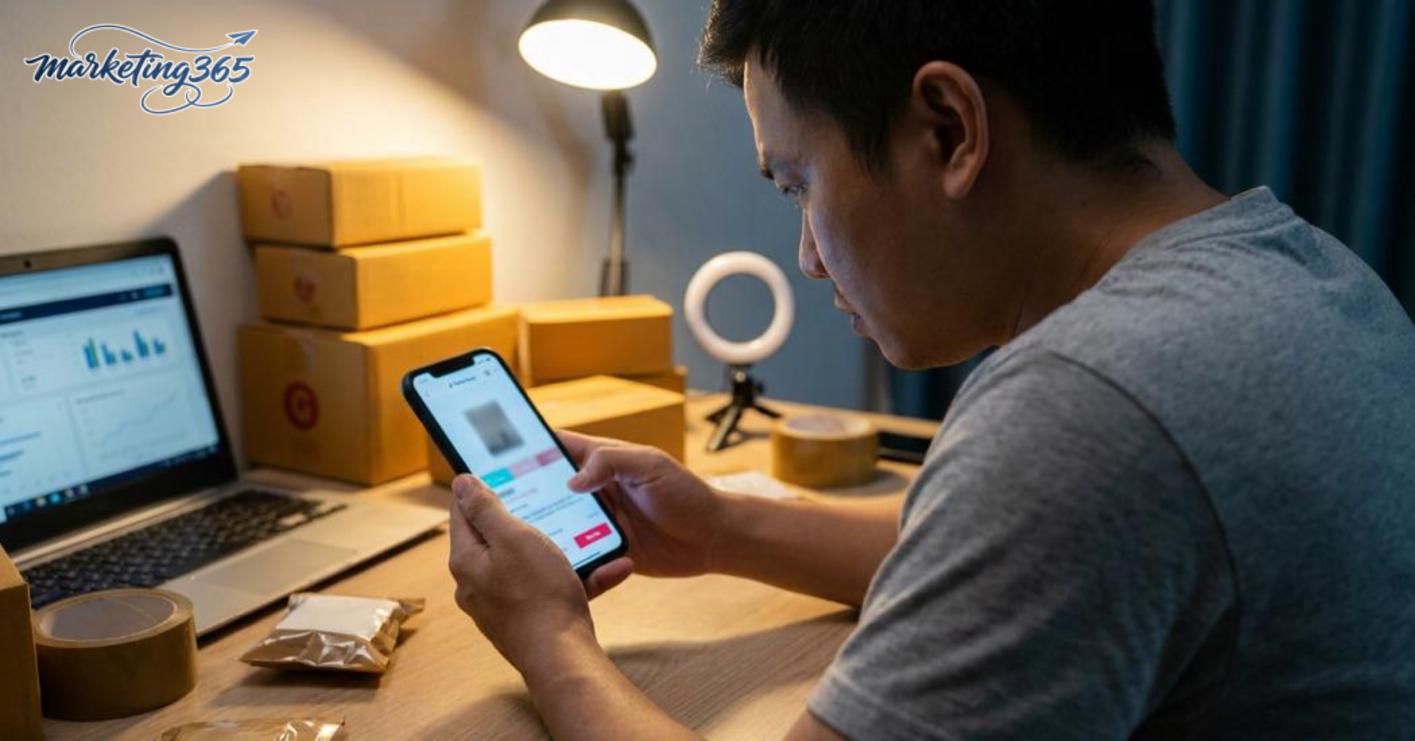
The signs are quite clear: the ad gets views, CTR is fine, but people who enter the page do not add to cart or leave quickly. In that case, the fix for TikTok Shop ads not converting is not to increase budget right away, but to fix the product and storefront first.
Product categories that are harder to close usually need more explanatory content, real photos, reviews, and usage proof than usual.
The ad video gets views but not orders
An ad video that gets views but not orders is usually a video that retains attention well but lacks buying power. Viewers may watch to the end, like, or comment, but still not have enough reason to click the product or place an order.
How to tell when a video attracts views but does not create purchase intent
The clearest sign is that views keep rising but clicks to the product remain low, or CTR is high while orders are still few. Some videos get lots of comments like “where is this from?” or “how much is it?” but never lead to action. In that case, TikTok Shop ads not converting despite many views usually comes from a hook that is too broad, too much focus on features without real usage situations, or a lack of proof such as reviews, before-and-after, number of purchases, or order screenshots.
Quick check checklist:
- The hook opens with curiosity but does not state the main benefit.
- The content is scattered and prioritizes entertainment over selling.
- It does not show who should buy and when to use it.
- There is not enough proof for viewers to trust it.
What to fix immediately in the video content
To optimize TikTok Shop ad videos for more orders, fix them in this order: opening, benefit, proof, editing rhythm, CTA. If the first 3 seconds only show pretty visuals without a problem or result, switch to the main benefit directly on screen. If the video talks about too many features, keep one main message and one usage scenario.
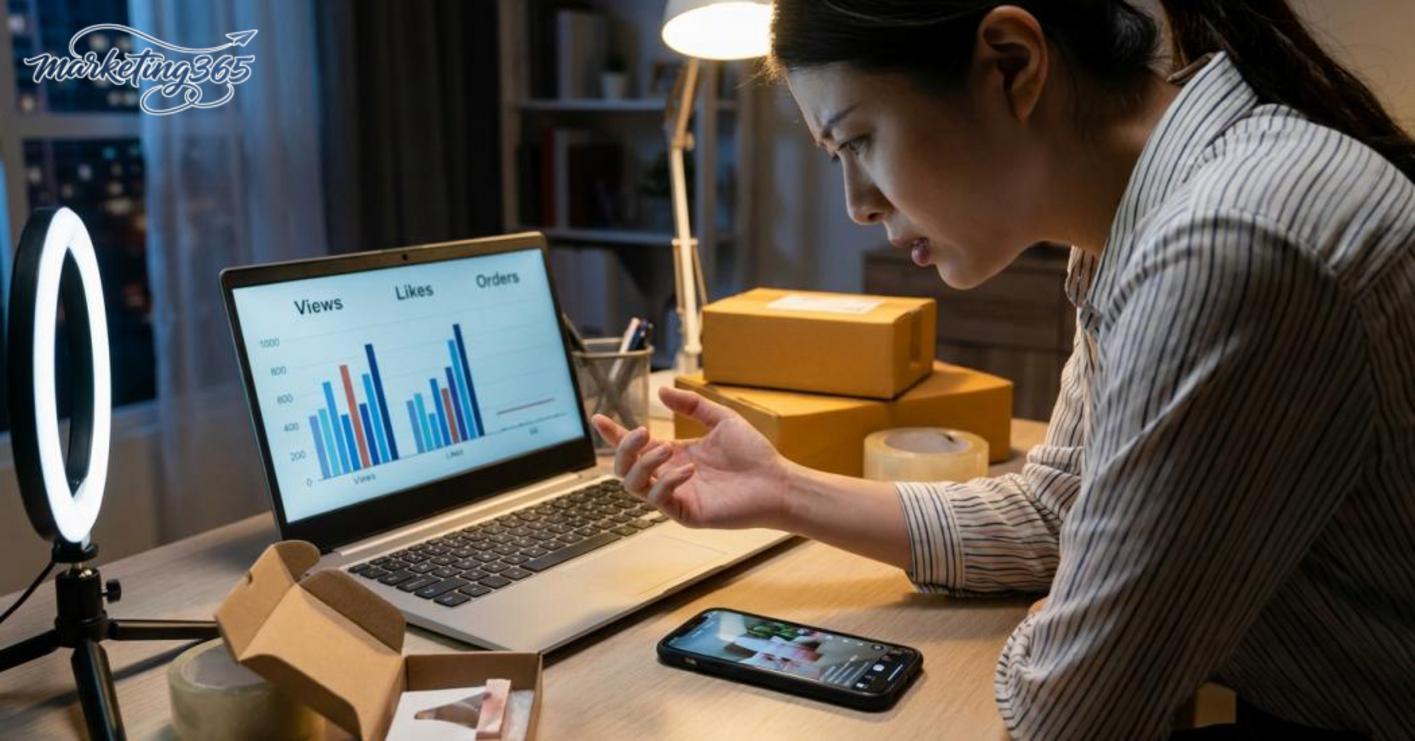
Quick adjustment table:
- Do: state the problem, show the result, add proof, end with a clear CTA.
- Do not: ramble, cut scenes randomly, or use vague calls like “see more.”
The fix for TikTok Shop ads not converting is to align the video content with the product page: the title, value delivered, visuals, and offer must match. If the video promises a “quick fix” but the sales page does not explain how to use it, viewers will leave immediately.
Check operational errors and account status before deep optimization
Checking operational errors and account status before deep optimization helps separate system issues from content issues. When TikTok Shop ads are not converting, do not increase budget right away; check whether the campaign is being blocked from delivery, whether the product has been rejected, and whether tracking is recording correctly.
Signs a campaign is stuck in learning or slow delivery
New campaigns usually need time for the system to gather data, so slow spend, fluctuating metrics, and unstable orders are fairly common. For why TikTok videos spend slowly, check impressions, delivery pace, and click-through rate before changing targeting or switching videos repeatedly. If TikTok Shop ads not converting despite many views, pause small changes for 24–48 hours to avoid confusing the machine learning.
Quick checklist:
- See whether the campaign was just created, had its budget changed, or had its content changed.
- Compare impressions, clicks, and CTR instead of looking only at orders.
- If views are rising but orders are not, check whether the product page has enough buying information.
When technical issues should be fixed first, before creative optimization
TikTok Shop ads errors, unapproved products, wrong destination links, or mismatched pixel/tracking are issues that must be fixed before discussing video or targeting. The fastest way is to check in this order: product status, ad status, link destination, then measurement data.

Short checklist:
Read more: How to Write Effective Facebook Ad Copy
- Open the approval status of the product and ad content.
- Check whether the destination link goes to the correct sales page and loads smoothly on mobile.
- Review the conversion event setup to avoid underreporting.
- See whether there are any unusual account warnings.
If any of the points above are broken, that is a common issue when running TikTok Shop ads and it should be fixed immediately. Only after the system is stable should you continue optimizing creative or targeting.
How to fix TikTok Shop ads not converting in priority order
TikTok Shop ads not converting usually comes down to five points: operations, product, video, targeting, and testing method. To fix it quickly, follow the priority order. Do not change too many variables at once, or you will not know where the real cause is.
What should be fixed immediately, and what should be kept for further testing
Fix immediately the issues that leak money or block conversion. For example: out-of-stock products, wrong prices, mismatched shipping fees, unselectable variants, slow-loading sales pages, or incorrect links. These are the issues that cause TikTok Shop ads not converting even when there are still views.
The areas that should be kept for further testing are targeting, video hooks, and budget. If CTR is still decent but orders are missing, do not rush to delete the entire campaign. Change one variable at a time to keep the data clean.
Priority checklist:
- Check inventory, price, shipping fee, variants, and product status.
- Open the product page on desktop and mobile to see whether there are loading errors, missing images, or descriptions that are too thin.
- See whether the video matches the need, the promise, and the link.
- Check targeting, placement, schedule, and budget allocation.
- Only then conclude whether you need to optimize the TikTok funnel or replace the creative.
If TikTok Shop ads spend money but do not close sales, start fixing from the bottom of the funnel upward. In other words, save the operations first, then save the content.
How to test again after making changes
Test again with only one change in each group. For example, change only the video while keeping the targeting and budget the same; or change only the product page while keeping the creative unchanged.
Track at least three signals: CTR, add-to-cart count, and new orders. Do not use a single metric to conclude, because high CTR can still mean TikTok Shop ads not converting if the sales page is weak.

Simple process:
- Relaunch with a small budget for 24–48 hours.
- Record which variable was changed.
- Compare before and after within the same target audience.
- If there is no improvement, go back one step instead of adding another variable.
The most effective way to fix TikTok Shop ads not converting is controlled testing, not constant switching. Once the data is clean, you can tell which part needs TikTok Shop ad video optimization for more orders and which part should be stopped early.
When you should handle it yourself
You should handle it yourself when the cause of TikTok Shop ads not converting is clearly visible, you have enough data to compare, and you only change one variable at a time. If the campaign is still stable in terms of account, pixel, budget, and checkout flow, self-testing is reasonable.

Quick decision guide:
- You have at least 3–5 days of data to compare.
- There is only one clear bottleneck, such as a video that keeps views but has low CTR, or TikTok Shop with many views but no orders.
- You can check each step: video, audience, offer, product page, and only then touch the campaign structure.
- You record changes before editing to avoid optimizing the TikTok funnel in the wrong direction.
For example, if TikTok ads are not converting despite many views but the account shows no errors, you can change the video hook, product title, or audience group yourself. On the other hand, if TikTok Shop ads spend money but do not close sales and there are payment or delivery anomalies, you should stop testing and move to deeper troubleshooting. Fixing it yourself at the right time saves budget; testing blindly only makes the data noisier.
When you need professional support
When the account is already complex, the issue has lasted through multiple test cycles, or you no longer have enough resources to audit the funnel, it is time to seek professional support. With TikTok Shop ads not converting, the goal is to stop making isolated tweaks and review the entire path from video and targeting to the sales page.
Signs you have optimized many times but still see no improvement
If you keep changing videos and orders still do not move, that is a sign you need a full audit instead of continuing to fix pieces one by one. A very common case is TikTok Shop ads with high CTR but no orders: views and clicks are there, but people drop off after entering the cart.

Signals that you should stop self-testing:
- Targeting keeps being changed but costs still rise.
- Budget increases but orders do not move.
- The data is noisy, and it is unclear whether the issue is in the video, funnel, or product.
- TikTok ads are not converting despite many views for many days.
When TikTok Shop ads spend money but do not close sales, random adjustments can make the data even worse. At that point, a structured review of TikTok Shop ads not converting at each stage will help identify the bottleneck faster.
Frequently asked questions about TikTok Shop ads not converting
TikTok Shop ads not converting is usually caused by a mismatch between the content, the product, and the audience. Once you have views but no orders, prioritize checking traffic quality, the product page, and the checkout step before adding more budget.

- Why are there views but no orders? Because viewers stop at the interest stage and do not trust enough to click buy. Common signs are decent CTR, many shop visits, but low add-to-cart or quick exits from the product page. In that case, the issue is usually the opening of the video, the offer value, or a product page that is not clear enough.
- Should I fix the video or the product first? Fix the product first if the video is reaching the right audience but orders are still low. If the video is getting many views from the wrong audience, fix the video first. The quickest way to decide is to look at the product-page visit rate and add-to-cart rate: if many people visit but do not add to cart, the issue is usually the product; if views are high but shop visits are low, the issue leans toward the video.
- When should I stop a campaign to review it? You should pause briefly when TikTok Shop ads not converting even after a full test period and there are multiple negative signals at once: CPC rises, CTR falls, add-to-cart is low, and comments ask about price but do not lead to purchases. At that point, continuing to burn budget only makes the data noisier.
- Should I keep an ad set that gets many views? Only if the views come with buying signals. If TikTok Shop has many views but no orders, treat it as a warning, not a success.
Quick review checklist:
- Compare the video, product, and audience.
- Check the product page, price, shipping, and reviews.
- Pause weak variants and keep only those with buying signals.
- Relaunch with one change at a time to find the real cause.
For the latest official guidance, you can also refer to TikTok for Business.
You can also find more hands-on marketing guides at https://marketing365.vn.
Content from marketing365 is built for SMEs, online store owners, and new marketers.
You can read more articles on the same topic in the Performance Ads category.



