
Contents
- What is TikTok Shop and why should beginners understand it properly before selling?
- What should you prepare before opening a TikTok Shop?
- How to open a TikTok Shop and set up your profile correctly
- Choosing the right products to sell on TikTok Shop
- What should you do to make products on your channel look more sellable?
- How should you create content and livestreams to get orders early?
- How to manage orders, packaging, and shipping without losing customer trust
- Common mistakes beginners make when selling on TikTok Shop
- How to keep a TikTok selling channel going from zero after the first 2-4 weeks
- Frequently asked questions about how to sell on tiktok shop for beginners
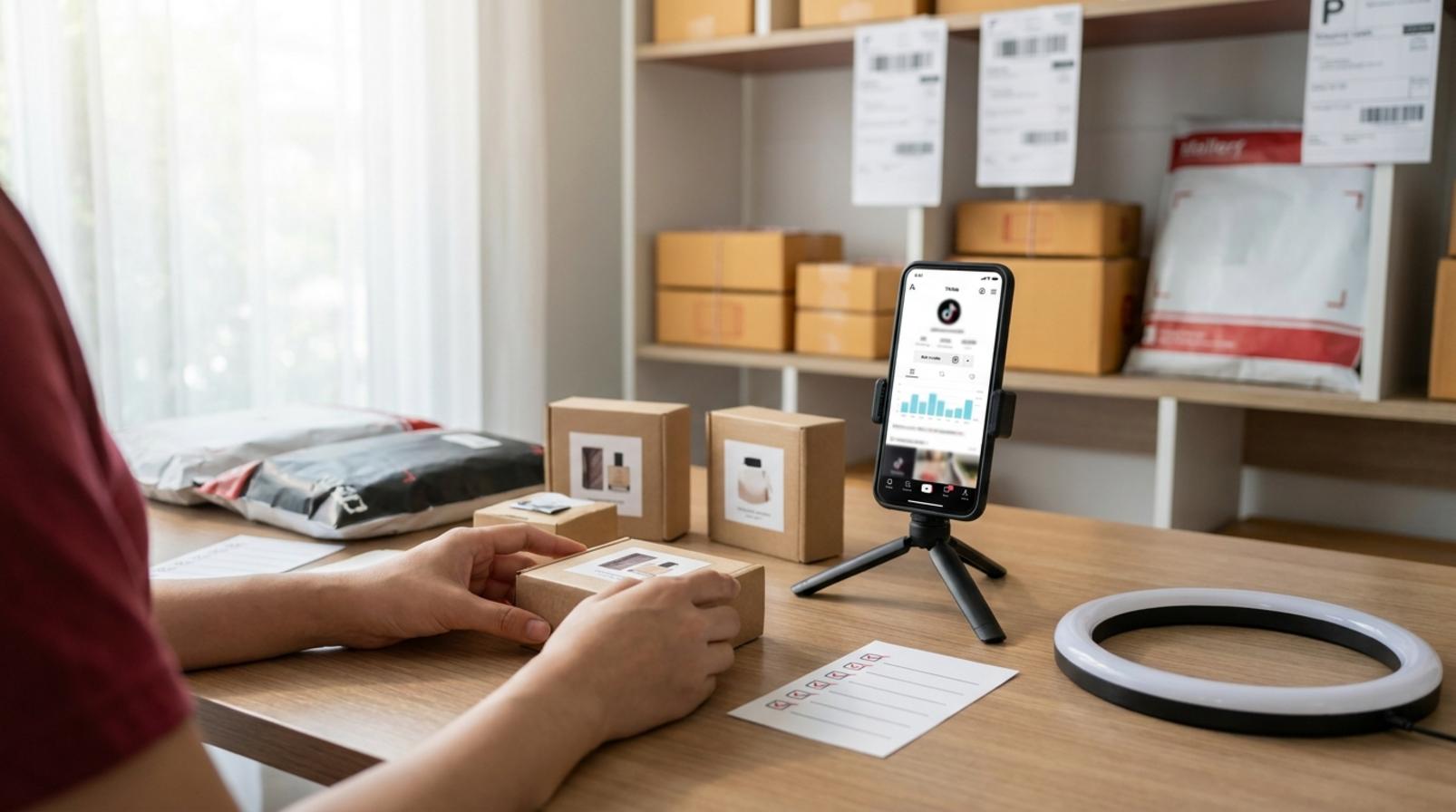
Selling on TikTok Shop can go wrong from the very first step if you have not prepared in the right order. With how to sell on tiktok shop for beginners, the first thing to do is not to post videos in bulk, but to check your account, choose products that can be delivered reliably, then open your shop and set up your selling profile. Following this flow will reduce the risk of slow approval, suspended products, or difficulty generating orders because your channel information is inconsistent. The content below is aimed at beginners, online shop owners, and sales teams who want to enter this market in a safe, step-by-step way that can be put into action right away.
What is TikTok Shop and why should beginners understand it properly before selling?
TikTok Shop is a sales channel integrated directly into TikTok, where viewers can watch content, tap a product, and go straight to the purchase page without leaving the app. With how to sell on tiktok shop for beginners, the key thing to understand first is that this is a buying flow, not just a place to post videos for fun.
Beginners should usually look at TikTok Shop through 3 points: content attracts attention, products create demand, and the shop handles order closing. If you open a shop without preparing videos, product pages, and order operations, your first orders can easily be delayed or fail to come in. A new home-goods shop can tag products in a kitchen-cleaning tips video, while a fashion shop often closes faster through live selling when viewers ask about size and color while watching.
How does TikTok Shop work from video view to order completion?
TikTok Shop works through a flow where viewers see a video or livestream, tap a product tag, open the product page, and place an order directly in the app. The deciding factor in whether viewers continue or leave usually lies in the opening image of the video, how well the content matches the product, and how clearly the value is presented on the product page.
The basic flow has 3 steps:
- The viewer stops because the video or live stream matches their needs.
- They tap the product tag to see details.
- They check the price, description, and variants before placing an order.
If the video promises one thing but the product page lacks information, viewers will leave very quickly. With tiktok shop videos, the opening and the product tag need to align to drive orders.
What do beginners often misunderstand about TikTok Shop?
Beginners often think TikTok Shop only requires posting videos consistently or opening a shop to start selling right away. In reality, how to sell on tiktok shop for beginners requires the channel, products, and order-handling process to work together.

Three common misconceptions are:
- Thinking that posting videos means you are already selling, when videos are only the first touchpoint.
- Thinking that opening a shop means orders will come in, when the profile, products, and content still need optimization.
- Thinking content alone is enough, while ignoring packaging, inventory, and shipping.
Experience selling on tiktok shop usually starts with choosing 1-3 products with clear demand, checking the product page again before pushing content, and then expanding. If you skip this step, the shop can easily get views but no orders.
What should you prepare before opening a TikTok Shop?
Opening a TikTok Shop requires preparing your documents, operational resources, and product catalog before registering to avoid slow approval or order bottlenecks from day one. With how to sell on tiktok shop for beginners, you should check in this order: account, paperwork, shop information, products, product images, and a basic order-handling process.
What information do you need before registering?
Prepare 5 groups of information in advance: shop owner or business details, login account and internal contact channel in the seller center, product descriptions, basic images, and shipping and return policies. Missing even one item can cause a tiktok shop application to be sent back or require mid-process edits.

- Shop owner information: name, ID number, address, and payment receiving account if required by the system.
- Shop information: shop name, product category, short description, and management contact channel.
- Products: name, variants, expected price, and minimum inventory.
- Images: bright background, clearly visible product, no blurry images or overly tight crops.
- Policies: delivery time, packaging method, return rules, and issue handling.
If you already have this data ready, registering TikTok Shop for beginners will be faster because you will not need to stop and look for documents or rewrite descriptions.
Risk checklist before you start
The biggest risks when opening a tiktok shop are incorrect paperwork, poor product images, and no clear order-handling process. These mistakes slow approval and make tiktok shop operations messy from the very first order.
- Cross-check the name, ID number, and address before entering them.
- Check whether product images are bright, clear, and show the real item.
- Finalize the packaging process: who picks the goods, who prints the order, and who hands it over.
- Review inventory to avoid overselling.
- Choose easy-to-handle product groups first; do not expand too many SKUs at once.
If you cannot meet the items above yet, pause and prepare more. Problems when opening a tiktok shop usually do not come from the registration steps themselves, but from poorly planned preparation.
How to open a TikTok Shop and set up your profile correctly
Opening a TikTok Shop means creating a seller account and completing the basic profile so the shop can start listing products, receiving orders, and building trust with viewers. With how to sell on tiktok shop for beginners, you should follow this order: create the shop, fill in legal information, complete the profile, then list products and prepare content.
- Go to the seller registration area and choose the shop type that fits your business model.
- Enter business or personal information exactly as shown on your documents, because a wrong name, ID number, or address mismatch can cause verification to be suspended.
- Once verification is complete, go to the seller center to finish the profile: shop name, avatar, bio, product category, and public information if the platform requires it.
- Review every field visually before listing your first product, because small profile errors often make the shop look untrustworthy from the start.
How to complete your profile, bio, and avatar so it looks more trustworthy
A good TikTok Shop profile is one that makes it immediately clear what the shop sells, which category it belongs to, and what its identity is. The shop name should be easy to remember, short, and directly related to the main product line; avoid names that are too generic or changing them too often, because customers will have trouble recognizing the shop again.
A TikTok bio should be short but focused: state the product category and a real differentiator, without stuffing in slogans. For example, an accessories shop should clearly mention the product style or the customer group it suits. The avatar should be sharp, not blurry, not crop off the logo, and should ideally match the banner or video colors to build shop recognition.
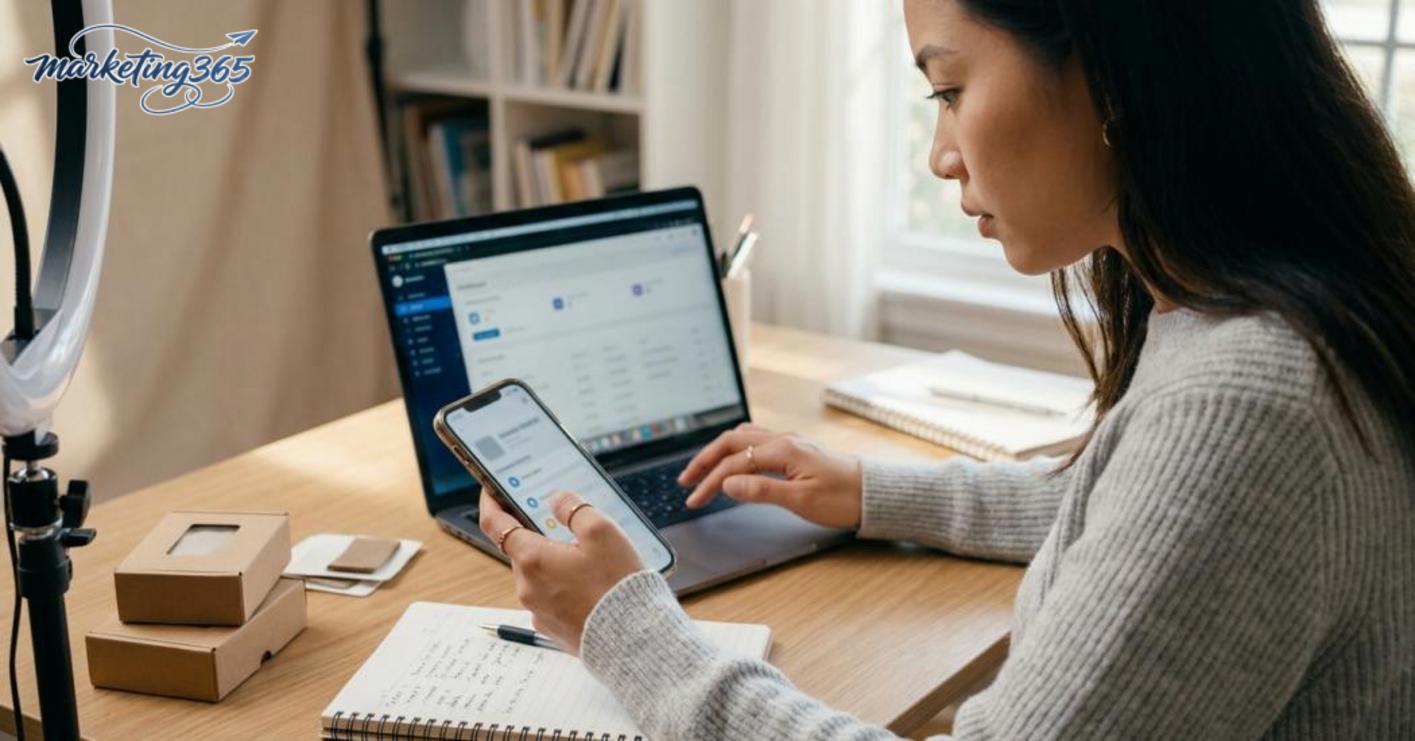
Quick checklist to optimize your TikTok profile:
- The shop name is readable at a glance.
- The bio includes the product category and a short description, not left blank.
- The avatar is clear and not pixelated.
- The profile information matches the products being sold.
- Do not leave too many fields vague, as this will reduce initial trust.
When should you review your shop setup again?
You should review the shop right after opening it, before listing the first product, before the first livestream, and whenever orders come in slower than usual. This is a TikTok Shop management habit that helps detect display errors, missing information, or an unaligned profile early.
If the shop has little engagement and visitors view it but do not follow, you should usually check three things: is the shop name easy to understand, does the bio describe the right product category, and is the avatar trustworthy enough? When preparing to run videos or livestreams, you should also review the profile from a new buyer’s perspective: can they tell what you sell within a few seconds?
Choosing the right products to sell on TikTok Shop
Choosing the right products is the deciding step in whether how to sell on tiktok shop for beginners will generate orders. Beginners should prioritize products that are easy to sell, easy to film, easy to explain, and easy to fulfill; difficult-to-advise products, hard-to-ship items, or products with high return risk will slow down your TikTok selling journey from the start.
Which products are suitable for beginners?
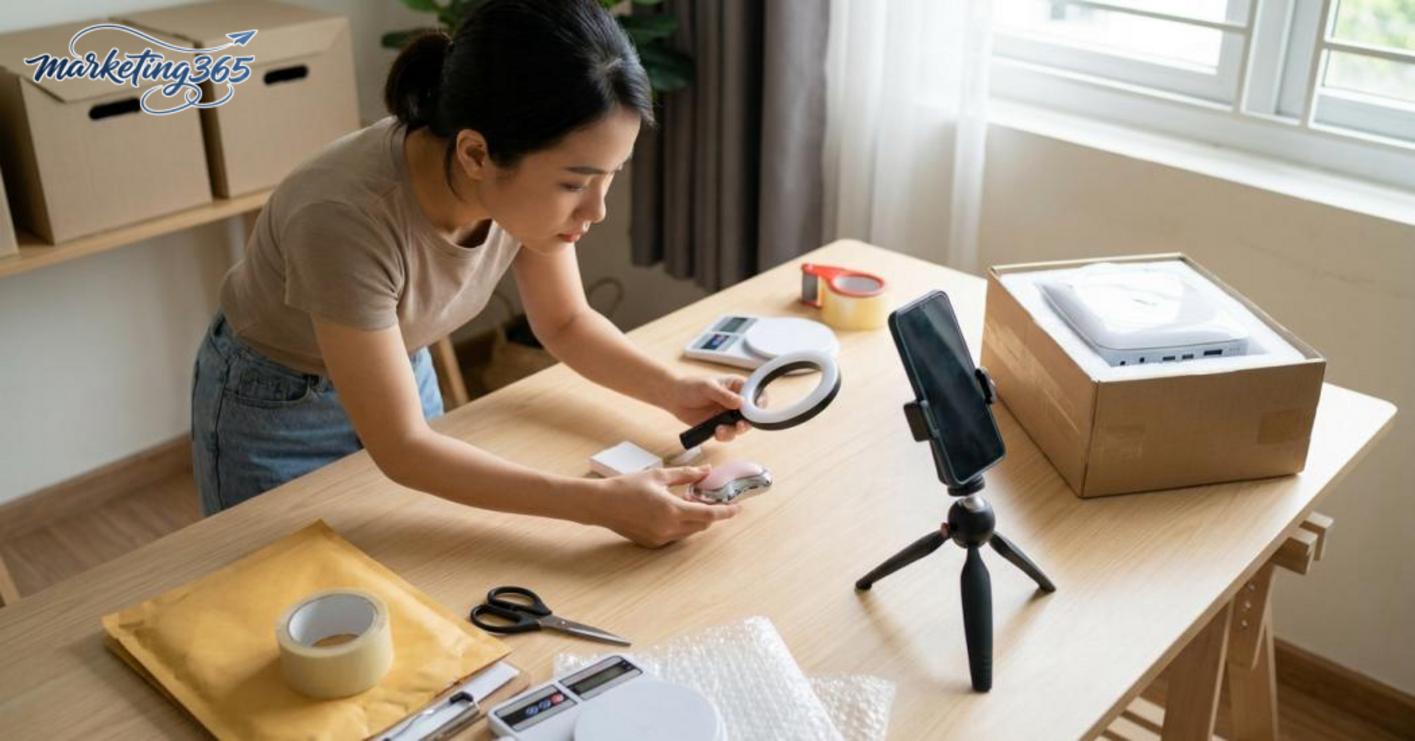
Products suitable for beginners are those with an accessible price, visible benefits, and the ability to be demonstrated in a few dozen seconds. When choosing tiktok shop products, prioritize items with broad demand, low operational risk, and a clear differentiator that can be explained in one video.
Read more: How to Sell on Shopee for Beginners: A Complete Guide
Quick product selection checklist:
- The price does not make people hesitate for too long.
- You can show before-and-after, close-up shots, or feature tests.
- The use case can be understood in one sentence.
- The return rate is low and there are few special sizing issues.
- There are clear variants to build content around, such as color, size, or set bundles.
Easy-to-sell examples include small home goods, accessories, personal items, and simple care products. These are often easy-to-sell products on tiktok because viewers understand them quickly, decide quickly, and do not need long consultations.
Which products should you avoid in the early stage?
Products to avoid are those that require deep consultation, are hard to film, hard to close, or carry high TikTok Shop selling risks. If a product is bulky, difficult to ship, fragile, or requires detailed explanation before it can be used, beginners are very likely to make product-selection mistakes.
You should avoid the following groups:
- Tech products with many specifications, as customers often ask detailed questions before buying.
- Bulky products with high shipping fees that can hurt profit.
- Products that are hard to demonstrate in a short video.
- Products with a high return risk because customer expectations differ from reality.
- Products with large inventory requirements, where you need to buy in bulk to get a good price.
If you are building a tiktok shop selling roadmap from zero, choose products you can film yourself, explain yourself, and fulfill yourself within one working day. This is a way to reduce risk during the market-testing stage.
What should you do to make products on your channel look more sellable?
To make products look more sellable, optimize in this order: image → name → description → tag. The goal is for viewers to immediately understand what the product is, whether it fits their needs, and whether they have enough trust to tap the product page.
- The image should show the product clearly in the first frame. The cover image should have a clean background, show the full product, and not include too much text. If you sell shirts, dresses, accessories, or home goods, the first image should help viewers recognize the correct category within 1 second.
- The product name should include the category plus the main attribute. For example, instead of a generic name, state the style, material, capacity, color, or size if that is the deciding factor. This helps how to sell on tiktok shop for beginners get discovered more easily.
- The description should be short but trustworthy. Break it into 3 parts: main benefit, key specifications, and usage or care notes. When creating a shop and listing products in TikTok Seller Center, the clearer the description, the fewer repeated questions you will get from customers.
- The price and variants must match the displayed content. If the image shows a premium version but the price and variants are vague, viewers will leave early. Variants should be easy to understand, such as by color, size, capacity, or bundle.
- The trust factor is built right on the product page. Make sure the images are real, the description matches the item, the variant information is clear, and the wording is not exaggerated. For tiktok shop product optimization, clarity is often more effective than long descriptions.
How should product images, names, and descriptions be optimized?
Images, names, and descriptions must do three different jobs: images help people recognize the product, names help them find the right product, and descriptions explain why they should buy it. If one of the three is missing, the product page often feels “nice but unclear.”

- First image: show the product immediately, with enough light and no obstruction of the main details.
- Product name: state the category plus the most important attribute.
- Product description: short, with benefits, specifications, and notes.
- If there are multiple versions, the variants must match the images and description.
A common mistake is using a very generic name while making the image too artistic. The result is that viewers do not know what is being sold, even if the product itself may be good.
How do you tag products naturally in videos and livestreams?
Product tags work best when viewers already understand what problem the product solves. Tagging too early often feels like advertising, while tagging at the right moment feels natural and is more likely to trigger action.
In tiktok shop videos, tag the product when it is clearly visible or after a scene that states the problem. In tiktok shop livestreams, tag it while holding the sample, testing the feature, or closing on a specific option. Good product tagging follows context; it is not added just for the sake of it.
- State the problem first.
- Bring the product into the frame at the right moment.
- Then add the product tag.
- If you are talking about multiple models, only tag the one you are mentioning.
How should you create content and livestreams to get orders early?
To get orders early, beginners should use a minimum formula: short videos to build awareness, livestreams to close, and both should focus on the customer’s pain points. With how to sell on tiktok shop for beginners, prioritize one easy-to-repeat format, one short live script, and then optimize trending music, hashtags, and product tags instead of making content too complicated.
What format should beginner sales videos follow?
Beginner sales videos should follow a problem-solution-product format so viewers can understand quickly and have a reason to stop scrolling. An effective tiktok shop video usually only needs 15-30 seconds, starting with a specific pain point, then showing the fix, and only then introducing the product.
A simple approach is:
- Open with a real situation: oily skin, kitchen odors, wrinkled clothes.
- Show a short solution: quick test, before/after, close-up feature demo.
- Close with the product and its main benefit, without stuffing in too many specifications.
Experience filming effective TikTok Shop sales videos shows that it is better to film the same format multiple times, changing the setting and close-up angle instead of rewriting the entire script. Do not turn the video into a heavy ad; the more it feels like a real experience, the easier it is to improve watch-through and product clicks. If you are just starting, keep each video to one main idea so viewers can remember it quickly.
What should you prepare for a livestream so it does not get messy?
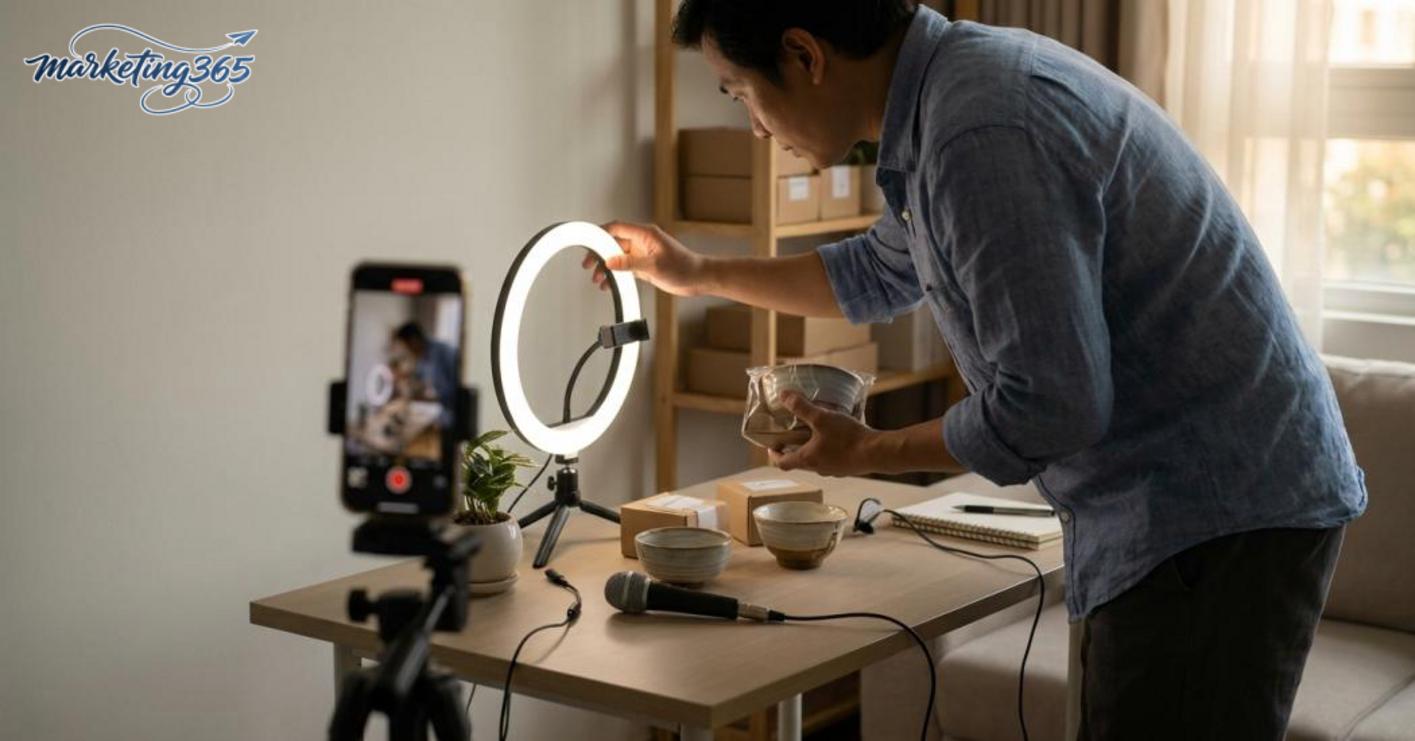
Selling on tiktok shop through livestream requires a minimum checklist to avoid rambling and missing your key products. Beginners should prepare a short script, the order in which products will be shown, enough lighting to see the items clearly, and audio that clearly communicates the selling points.
The basic checklist includes:
- Choose 3-5 core products, prioritizing items that are easy to close and easy to demo.
- Write the live flow in advance: opening, introducing strengths, handling questions, closing orders.
- Set up lighting, a microphone or headset with mic, and a fixed camera angle.
- Prepare common questions in advance, such as size, material, usage, and returns.
- Arrange the product order from easy-to-understand items to those that need more explanation.
The secret to livestream selling on TikTok Shop for beginners is to focus on answering the exact issue customers are asking about, rather than talking too much about the shop itself. When videos bring viewers into the live stream and the live stream addresses the pain point and closes cleanly, orders usually come sooner than if you only post consistently without a clear selling rhythm.
How to manage orders, packaging, and shipping without losing customer trust
Good order management, packaging, and shipping are how you keep the customer experience stable after the order is placed. With how to sell on tiktok shop for beginners, this part often determines whether customers leave good reviews, receive their orders on time, and come back to buy again. A small shop only needs to confirm an order a few hours late, pack carelessly, or update tracking slowly for customers to start messaging repeatedly.
What basic order process should you follow?
The order-handling process should go from order confirmation to inventory check, packaging, handoff, and status tracking. Following the correct sequence helps reduce wrong variants, stock shortages, and shipping delays.

- Confirm the order as soon as it enters the system. If the address is missing a house number or the customer left unusual notes, handle it before packaging.
- Check inventory by variant. Many new shops sell multiple colors at once and can easily pick the wrong one if they do not match the SKU.
- Pack the item securely. Fragile goods need cushioning, moisture-sensitive goods need sealed bags, and small items should be fixed in place so they do not shift.
- Write or print the shipping information clearly. The order code, recipient name, and phone number must match.
- Hand the parcel over to the carrier on schedule. Then track the status to know whether it is being picked up, in transit, or has an issue.
Which operational mistakes make new shops lose orders easily?
Operational mistakes that make shops lose orders usually start with slow responses and end with a poor customer experience. A delayed confirmation, mismatched inventory, or inaccurate product descriptions can reduce trust from the very first order.
- Slow order confirmation: customers wait too long and may cancel if the order sits idle.
- Inventory mismatch: the item has already been sold but is no longer available, forcing an apology and refund.
- Poor packaging: dents, tears, or breakage during shipping, leading to returns.
- Slow customer replies: when an order is late or the color is wrong, customers do not feel supported.
- No return process: handling defective items awkwardly, which spreads bad reviews.
Read more: How to Sell Effectively on Facebook Marketplace
To maintain a good score, the shop should have a fixed checklist for order handling, packaging, and shipping on tiktok shop: check the order, check inventory, pack, hand off, then track the shipment every day. When delays happen, informing customers early and offering a clear solution is usually more effective than letting them wonder and then abandon the order.
Common mistakes beginners make when selling on TikTok Shop
Common mistakes beginners make when selling on TikTok Shop usually fall into 3 layers: choosing the wrong products, making content too aggressively, and operating without a process. If you fix these in the right order, beginners can reduce common errors, keep the shop more stable, and avoid wasting effort on things that do not generate orders.
Which mistake should be fixed first?
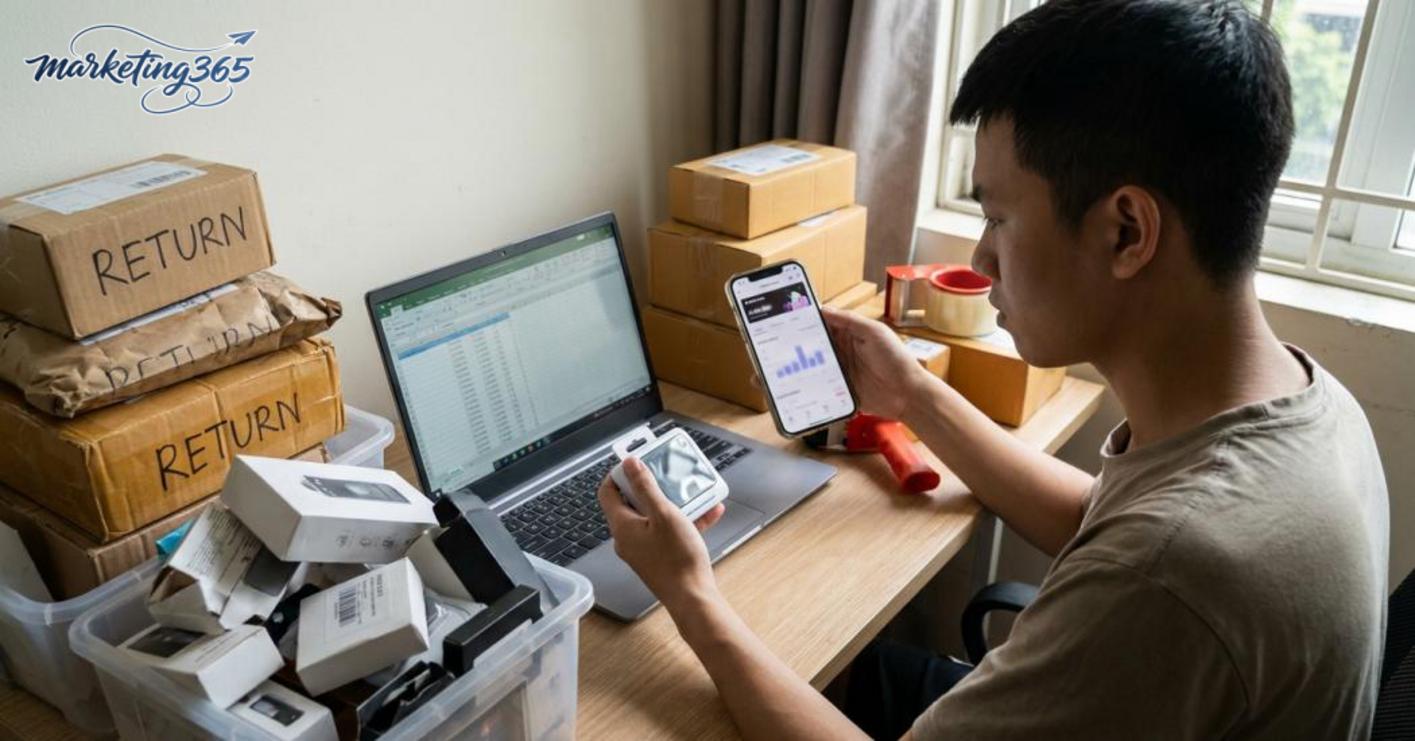
The first TikTok Shop selling mistake to fix is choosing the wrong product and making the shop profile look untrustworthy. A product that is hard to film, not competitively priced, or too thin on margin will make how to sell on tiktok shop for beginners struggle from the start.
Check the shop using 4 points:
- Is the product easy to film and easy to demonstrate?
- Are the cover image, description, price, and variants clear?
- Are the shop profile, avatar, display name, and basic information consistent?
- Is there already an order-handling process in place, especially for packaging and customer replies?
If you are not meeting at least 2 of the 4 points, fix the foundation before posting more videos. A good video still cannot save a poorly matched product.
When should you stop one approach and change direction?
You should stop one approach when you have posted consistently but see no clear signal, the product is hard to film and still hard to close, or customer feedback is starting to turn negative. That is when you need to decide on a different TikTok Shop selling direction instead of forcing more of the same content.
Signs that you should change direction include:
- The video gets views but few people enter the product page.
- People view it but no orders come in, or very few ask to buy.
- Customers repeatedly ask the same question about price, use, or size.
- Orders increase but processing is slow, packaging is messy, and returns become more likely.
The solution is to prioritize optimizing the TikTok channel in one of 3 ways: change the product, change the content angle, or reduce operational complexity. Beginners often keep one approach for too long; in reality, changing early saves much more time.
How to keep a TikTok selling channel going from zero after the first 2-4 weeks
Keeping a TikTok selling channel going from zero after the first 2-4 weeks means maintaining a posting rhythm, reading order signals, and repeating the videos that show selling potential. The goal is not to burn energy on intuition, but to use small data points to optimize the TikTok channel for selling in a more stable way.
A practical schedule for a small team is 3-5 videos per week, keeping 1 main content group, 1 test group, and 1 order-closing group. Each week, only one variable should change: the hook, the camera angle, or the product. If too many things change at once, the roadmap for building a TikTok selling channel from zero will make it very hard to know which video is generating orders.
Which metrics should you check after posting the first few videos?
The metrics to watch are views, retention time, engagement, product clicks, and customer feedback. This is the minimum signal set for tracking TikTok Shop performance without getting overwhelmed by data.
- Views show whether the video is being distributed.
- Retention shows whether the opening is strong enough to keep viewers watching.
- Engagement helps identify which topics make viewers want to ask more.
- Product clicks show whether the video is driving purchase intent.
- If there are orders, break them down by test product group to see which group converts more consistently.
For example, a video with many views but no one clicking the product should prompt you to review the product tag in the TikTok Shop video and the closing line in the last 3 seconds.
How long should you wait before adjusting the product or approach?
You should adjust after 2-4 weeks if the data shows no clear signal or the channel has repeated the same video style without generating orders. This period is long enough to avoid changing too early, but not so long that a weak product drags on for an entire month.

Adjust when you encounter one of four signs: the content is not attracting interest, the audience is not matching the buyers, the product is getting many questions but few closes, or order handling and packaging are becoming overloaded. At that point, adjusting your TikTok Shop strategy should usually start with the product first, then the filming style and posting rhythm.
A practical approach is:
- Keep the video with the strongest signal and replicate it.
- Cut products with low clicks or thin margins.
- Change the camera angle, hook, or format if the video is not retaining viewers.
- If operations are overloaded, reduce the number of test SKUs to manage the TikTok Shop selling channel more neatly.
Frequently asked questions about how to sell on tiktok shop for beginners
How to sell on TikTok Shop for beginners should usually start with short videos, a small number of products to test, and expansion only after you see stable order signals. For a new account, focus on doing 3 things first: finalize one product group, post content consistently, and only then consider livestreaming so you do not try to do too many things at once.
Do beginners need to livestream right away?
Beginners do not need to livestream right away. A safer approach is to post 1-2 videos per day for the first 14 days, optimize the shop, and track which products get views, saves, and the first orders. For example, a new shop can start with 3 videos introducing one product, 1 how-to-use video, and 1 video comparing benefits. Once videos start generating more consistent orders, TikTok Shop livestreaming becomes truly effective because you already have products and content to maintain the selling rhythm.
How many products should you start with?
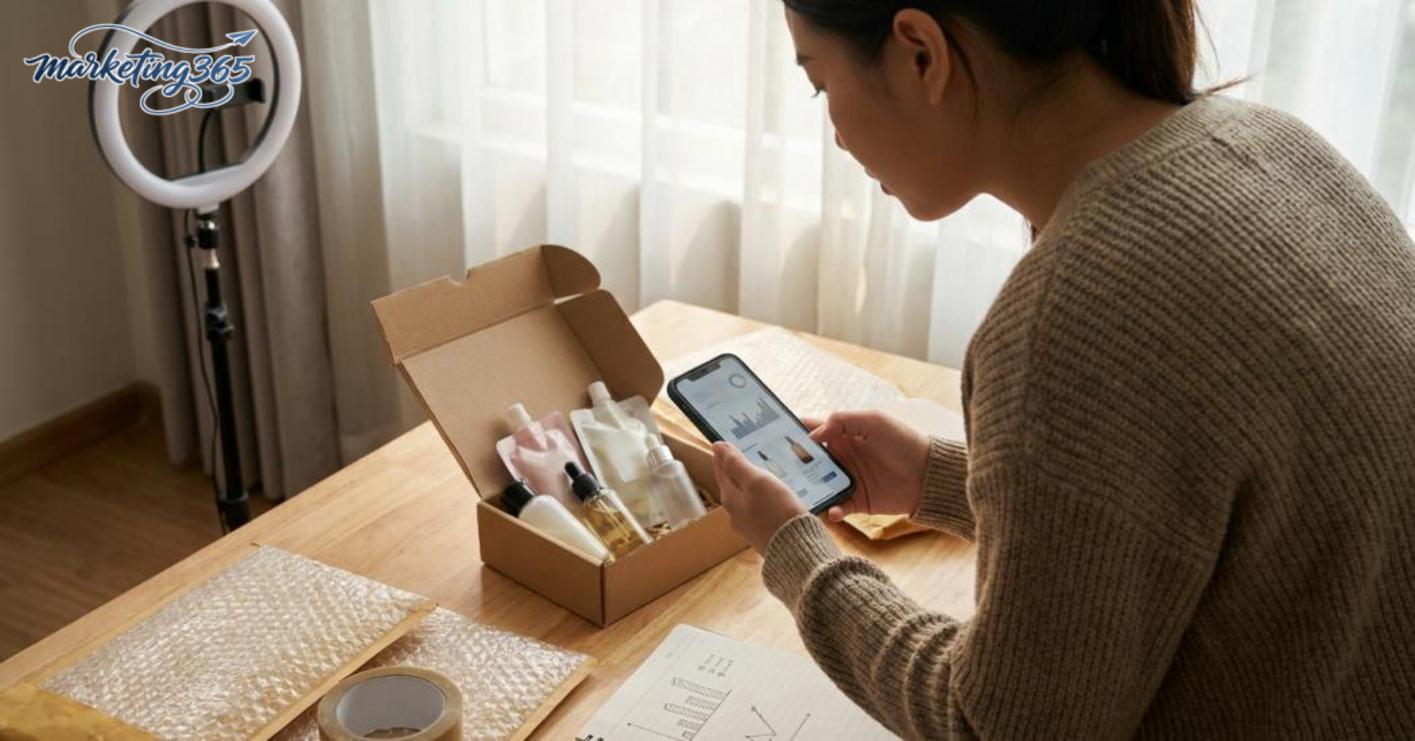
You should start with 3 to 5 products, ideally within the same demand group so content creation and order handling are easier. If you open 10-20 SKUs right away, the data will be diluted and it will be very hard to know which product is driving orders. A practical approach is to choose 1 core product, 1 low-price product to drive orders, and 1 supporting product to increase cart value. After 2 weeks, if one product gets many views but few orders, change the video or the selling angle before adding new SKUs.
Does selling on TikTok Shop require a lot of capital?
Selling on TikTok Shop does not necessarily require a lot of capital if you take a small-test, fast-turnover approach. Beginners can start with a budget of around 3-5 million VND for samples, packaging, and basic content costs, instead of holding large inventory. For example, if one order has a cost price of 70,000 VND and you import 30 products, the total product capital is only about 2.1 million VND before shipping and operating costs. The important thing is to keep the test size small enough to know which products deserve more budget.
What signals should beginners measure before expanding?
Beginners should measure 4 main signals: video views, click-through rate to the product, first-order count, and return rate. If a video gets many views but no clicks, the issue usually lies in the hook or camera angle. If there are clicks but no orders, check the price, description, reviews, and product images in the TikTok Shop. When one product maintains steady orders for 7-14 days, only then should you increase content volume or expand into similar SKUs.
For the latest official guidance, you can also refer to materials from TikTok for Business.
You can also explore more practical marketing guides at https://marketing365.vn.
Content from marketing365 is created for SMEs, online shop owners, and new marketers.
You can read more articles on the same topic in the Ecommerce Marketing category.



