

Contents
- What is a livestream sales script for beginners, and why do you need a ready-made structure?
- What should you prepare before writing a livestream sales script?
- What rhythm should a sales livestream follow?
- A livestream sales script for beginners you can apply right away
- Common mistakes that make a livestream script messy and hard to convert
- How to adapt the script for different product categories without making it formulaic
- Checklist before, during, and after a livestream for beginners
- Frequently asked questions about livestream sales scripts for beginners
If you’re just starting out with sales livestreams, the challenge is often not the product itself but how you speak and structure the content. A livestream sales script for beginners helps you know how to open, guide the flow, close at the right moment, and keep the live session from losing momentum.
This article is for shop owners, online sellers, and e-commerce teams who need an easy-to-apply script-writing approach. The content focuses on five core parts: pre-live preparation, opening, product introduction, maintaining engagement, and handling common mistakes so the livestream stays concise, clear, and easy to follow.
What is a livestream sales script for beginners, and why do you need a ready-made structure?
A livestream sales script for beginners is a framework for guiding the live session so you know where to open, introduce, answer questions, and close. It helps the livestream have a goal and a rhythm, instead of drifting like a memorized monologue.
First-time livestreamers often forget the sequence of introduction – interaction – objection handling – closing the sale. With a livestream sales script for beginners, you only need to follow the structure, while the wording can stay flexible depending on viewers and the situation.
How is a script different from “speaking on inspiration” while live?
A livestream script is a map, while speaking on inspiration is moving without knowing where to turn. When you go live spontaneously, you’re more likely to repeat yourself, switch topics abruptly, and forget to mention promotions or the product’s differentiators.
3 common signs of a live session without structure are:
- The opening is long but never gets to the product.
- You’re talking about shirts, then suddenly jump to shipping, then back to price.
- You don’t know when to move to the next product or close the sale.
For sales livestreams, a ready-made structure helps you keep the pace and avoid missing viewers’ questions.

What parts of the live session do beginners need a script to control?
A simple online sales livestream script for beginners usually needs to control four parts: opening, product introduction, handling questions or concerns, and closing. With just these four parts, the live session is already much less chaotic than speaking completely freely.
Minimum checklist for a livestream sales script for beginners to get started:
- Opening: greet viewers, state the topic, and mention who should stay and watch.
- Product introduction: mention 1 main benefit, 1 differentiator, and 1 use case.
- Handling questions: prepare answers for price, size, material, and returns.
- Closing: remind viewers how to order, or mention the next product or next live time.
If you write these four parts clearly, a product-introduction livestream script for beginners will be easier to use in a real live session.
What should you prepare before writing a livestream sales script?
Before writing a livestream sales script for beginners, lock in four things: what you’re selling, who it’s for, how long the live will last, and what result you want the session to create. If one of these four inputs is missing, the script can easily become diluted, rambling, or push the wrong product at the wrong time. For beginners, the way to write a livestream sales script for beginners should start with a preparation checklist, not with the opening greeting.
Define the goal of the live before writing each line
The goal of the live determines the opening, how you choose products, and how strongly you emphasize promotions in the sales livestream. A livestream designed to boost engagement will need more questions, mini-games, and a slower speaking pace; a sales-focused session, on the other hand, needs to move faster into benefits, value, and reasons to buy now. If you use the same simple online sales livestream script for beginners for every goal, the presentation will easily go off track.
Lock the goal in one short sentence:
- Increase engagement to nurture the audience.
- Introduce a new product.
- Drive orders from people who are still considering.
- Handle concerns before closing.
Only then should you write the opening script for a sales livestream for beginners and the closing section. For example, a live session introducing a new product should spend more time on benefits and how to use it; a fast closing session for beginners should prioritize reasons to buy now, customer benefits, and the end time. Each goal leads to a different speaking style, so define the goal first to avoid writing a long script that doesn’t convert.
Finalize the product list, order of appearance, and key selling points for each item
A livestream sales script for beginners only works well when the products are arranged in a clear order. Usually, it’s best to place the easiest-to-understand item first; the engagement-driving item in the middle; and the product with the highest demand or best value later. This helps keep the live rhythm steady and holds viewers longer.

Quick preparation table:
| Product | Customer problem | Selling point to mention |
|---|---|---|
| Item 1 | Customer needs to understand quickly | Main benefit, who can use it |
| Item 2 | Customers ask a lot | Comparison, how to use, differentiator |
| Item 3 | Customer is considering whether to buy | Clear benefit, reason to buy now |
For a Facebook livestream sales script for beginners, it’s a good idea to prepare 1–2 key lines for each product so you don’t get stuck. If you sell in the style of a clothing livestream script for beginners, you’ll also need to add size, material, fit, and the right customer group. Preparing this way helps the script say the right thing, to the right person, at the right time. It also lays the foundation for writing a fast-closing livestream script for beginners without having to keep revising it while you’re live.
What rhythm should a sales livestream follow?
A sales livestream should follow a rhythm of opening, holding attention, introducing products, handling feedback, and then closing lightly at the end. With a livestream sales script for beginners, the goal is to make viewers immediately understand what you’re selling, why they should stay, and when they should place an order.
How should you open a live so viewers stop and understand what you’re selling?
A good opening clearly says who you are, what you’re selling, and what viewers will get within the first 10–30 seconds. If you ramble, viewers will scroll away before hearing the benefit.
There are 3 easy opening styles for a livestream sales script for beginners:
- Direct: “We’re live with new arrivals today, with great prices and instant size support.”
- Problem-led: “If you often buy the wrong size or worry that the item won’t look like the photo, stay for 1 minute.”
- Brief intro, then benefits: “I’m the person in charge of selecting the products, and today I’m bringing 3 best-selling items and explaining what makes each one different.”
When opening the live, you should have one line anchoring the content, one line anchoring the benefit, and one line anchoring the timing. For example, in a livestream opening script for beginners, you can briefly say who is live, which product is featured, what the advantage is, and what’s worth waiting for at the end.
How should the middle of the live guide products and interaction without becoming diluted?
The middle of the live should follow a loop: mention the pain point, present the feature, give a real-use example, then pull viewers’ questions into the conversation.
An effective way to write a livestream sales script for beginners is not to talk about features before mentioning the problem. For example: customers worry about heat, about revealing flaws, or about difficulty matching outfits, and only then do you move to the material, fit, or usage. This is how you keep the sales livestream moving without overwhelming viewers.

A simple structure you can use:
- Ask an opening question: “Who here needs this style for work or for going out?”
- Point out the pain point: “A lot of people buy it because it looks great, but when they wear it, the shoulders are too wide or it’s hard to style.”
- State 2–3 main benefits: “This one is easy to wear, fits neatly, and works with both pants and skirts.”
- Invite feedback: “If you want me to check your size, comment your height and weight.”
What should you mention at the end of the live so you don’t miss orders and viewers come back?
The end of the live should briefly summarize the product, restate the main benefit, and clearly close with the next step. This helps viewers who are still unsure know exactly what to do next.
For a closing livestream sales script for beginners, you only need 3 points: restate which item is worth buying, who it suits best, and how to order according to the live session’s flow. If there’s a code or limited stock left, mention it once and move on, rather than repeating it too often and making the live feel heavy.
End-of-live checklist:
- Say one line about the best-selling item.
- Reinforce the benefit you mentioned in the middle of the live.
- Close with a specific action: add to cart, comment size, or come back at the next time slot.
- Leave one anchor for the next live, such as a topic or a new product group.
A livestream sales script for beginners you can apply right away
A livestream sales script for beginners is a speaking framework that guides viewers from attention to purchase, then adapts to the specific product category. Beginners only need to keep the rhythm of opening, product introduction, handling concerns, and reminding viewers to close, and the live will already feel much more coherent.
How should a 30–60 minute framework be organized?
A 60-minute sales livestream script should follow a short opening, get into products early, repeat the content loop, and close by product cluster. For a live sales script, the easiest structure is to divide it into four stages: the first 5 minutes for greeting and pulling in viewers, the next 15–20 minutes for introducing the main product group, the following 20 minutes for revisiting products that are getting good feedback, and the last 10 minutes for answering questions and reminding viewers to close. If you’re selling clothing, the opening should mention size, fabric, and fit; if you’re selling household goods, prioritize function and usage.
- Opening: clearly state what you’re selling today, who should watch, and which promotions to pay attention to.
- Introduction: feature 1–2 standout products first to keep viewers engaged.
- Revisit: return to the products getting the most questions, instead of staying too long on one item.
- Handle feedback: answer questions about size, color, usage, and warranty.
- Remind viewers to close: repeat how to order at the end of each content block.
An effective way to write a livestream sales script for beginners is to give each stage only one goal, instead of cramming too much information into one section.
What should product content look like: introduce, explain, handle concerns, close
Read more: Shopee Livestream Tips to Drive Orders for Beginners
A product-introduction livestream script for beginners should follow 4 steps: name the item, explain the easy-to-understand point, address common concerns, and close with a clear reminder. For a shirt, the seller might say: “This style has a loose fit, covers the shoulders well, and works for both work and casual wear.” That’s easier to understand than using too much jargon.

- Introduce: say what the product is, who it suits, and when it should be used.
- Explain: mention 2–3 easy-to-see differentiators, such as material, size, durability, or how it works.
- Handle concerns: answer common questions in advance, such as whether it’s hot, easy to clean, or exchangeable by size.
- Close: restate the main benefit and give a short ordering instruction.
For a fast-closing livestream script for beginners, don’t spend too long on the description. A product usually only needs 30–60 seconds of introduction, then you can move to viewers’ questions or remind them how many are left to keep the live moving.
A TikTok livestream sales script for beginners should stay flexible by category, but the speaking framework must always be clear enough for viewers to know what they’re buying, why they should choose it, and what to do next.
Common mistakes that make a livestream script messy and hard to convert
A livestream sales script for beginners often becomes messy because the host rambles, closes at the wrong time, and doesn’t have prepared answers for unexpected situations. To keep viewers around longer, you need to fix each mistake based on very specific signs: shorten the opening, make transitions clearer, close at the right moment, and prepare a response framework for difficult questions.
The opening is too long but doesn’t clearly state the benefit to viewers
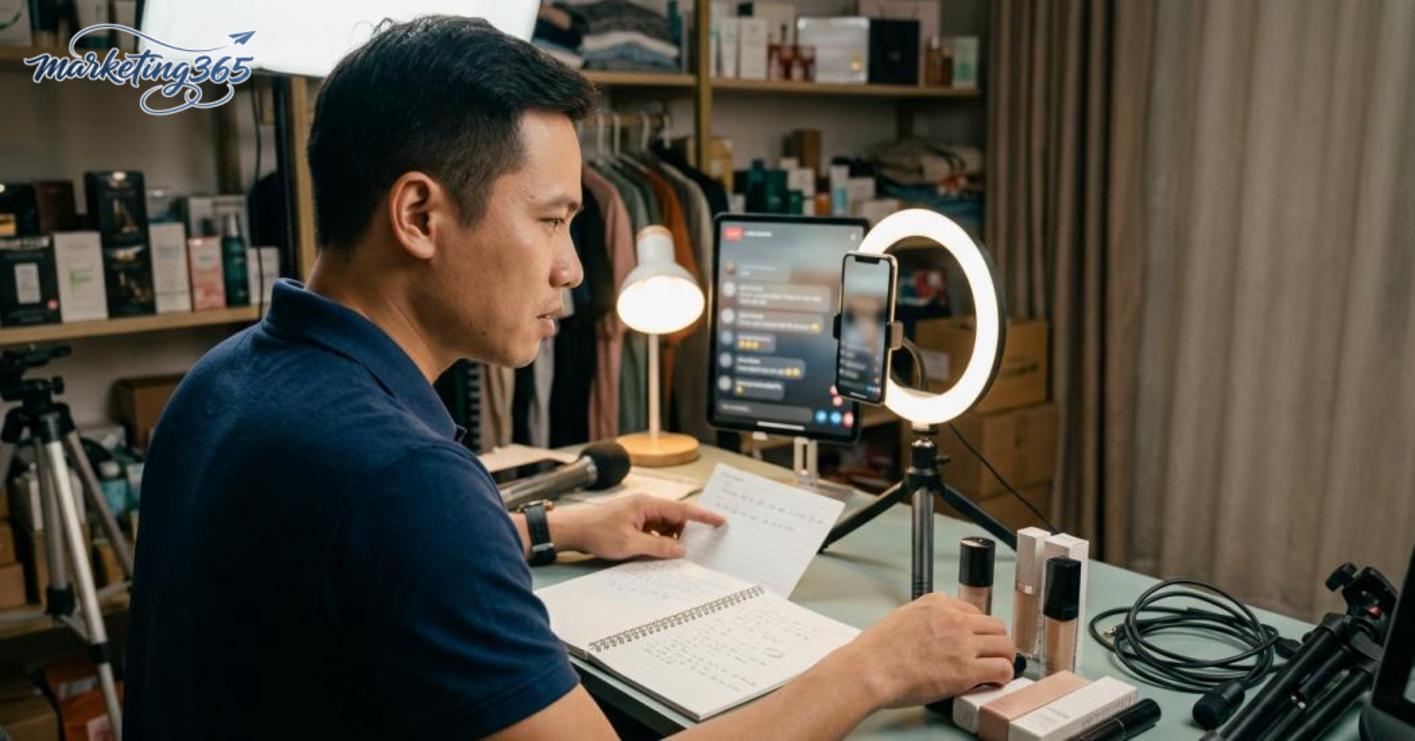
This mistake happens when the host introduces themselves for too long and tells the brand story in circles, while viewers still don’t understand what they’ll get. If the opening runs 3–5 minutes without clearly saying who is live, what is being sold, what the benefit is, and what viewers gain by staying, the exit rate usually rises very quickly. For a livestream sales script for beginners, the opening should be packed into 4 points: who is live, what is being sold today, why viewers should keep watching, and what’s attractive about it, such as a good price, a real demo, or a time-limited offer. The way to shorten it is to write the first 3 sentences in advance, cut repeated greetings, and move straight to the first product.
Closing too early or too awkwardly makes it hard for viewers to follow
Closing too early breaks the flow of information, because customers haven’t yet understood the use case, compared options, or found a reason to buy. In a sales livestream, the closing line should appear only after the main concern has been answered, such as material, size, or usage. The easy rule to remember is: the close should follow the customer’s question flow, not interrupt the middle of a feature explanation. If you’re using a fast-closing livestream script for beginners, place the close at the end of a content block, such as after the demo, after the Q&A, or after clearly stating the benefits.
Not having a plan for difficult questions or silence from viewers
A livestream sales script for beginners will lose momentum if you don’t prepare responses for price questions, quality questions, and comparison questions. When you freeze for 2–3 seconds after a tough question, viewers can easily move to another room. The quick fix is to prepare 3 groups of answers in advance: for price, answer briefly and then move to benefits; for quality, talk about the material, the feel, and how to check it; for comparisons, point out the differences based on real usage needs. If the room goes quiet, use a closed question, name a use case, and invite viewers to choose between two options to bring interaction back.
How to adapt the script for different product categories without making it formulaic
A livestream sales script for beginners needs a stable framework, but the parts about benefits, demos, price emphasis, and handling concerns must change by product category. Doing this makes the live sound more natural, less robotic, while still keeping the closing rhythm clear.
Step 1: Separate what stays the same from what must change
Split the script into two groups from the start to avoid rambling. The fixed parts include the greeting, brief introduction, transition rhythm, and closing line. The parts that must change include usage examples, demo style, price emphasis, and answers to viewers’ concerns.
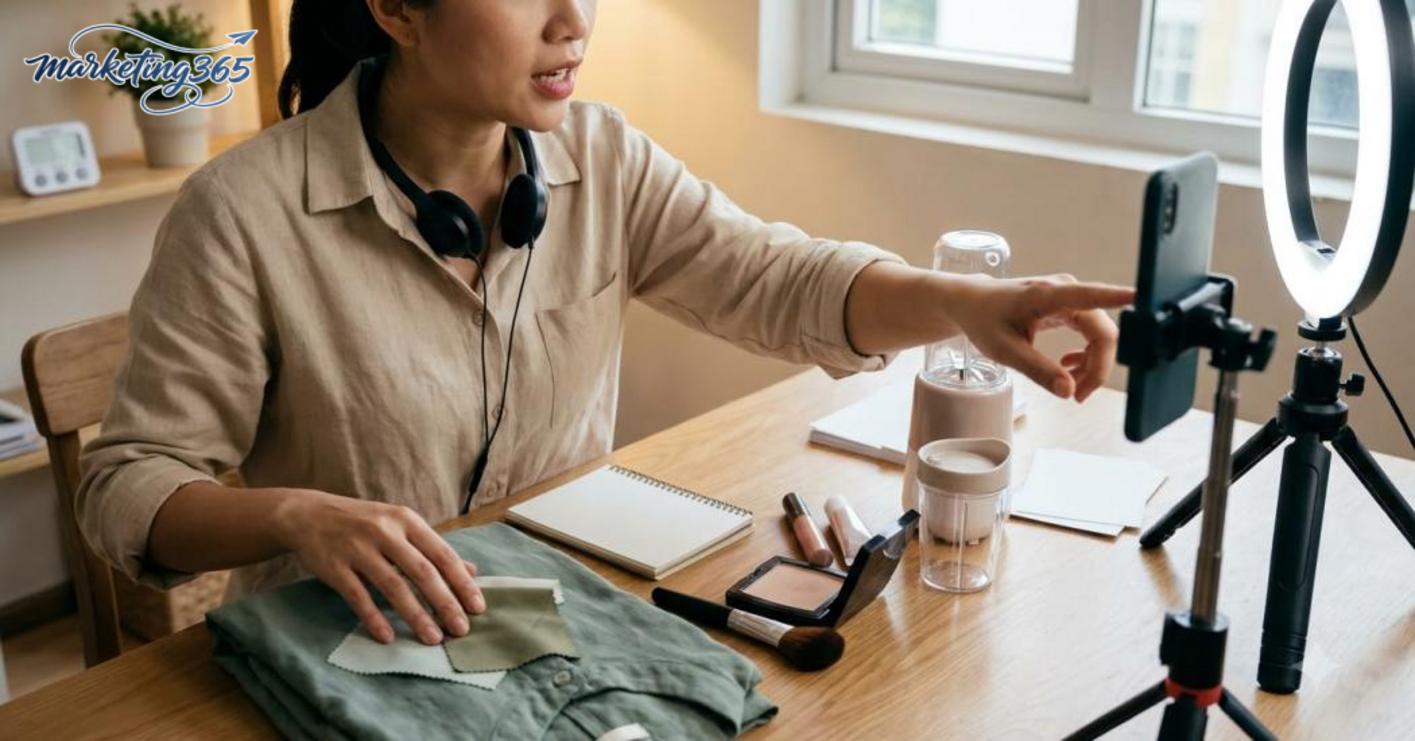
For example, with the same 60-minute live framework, you can keep the 5-minute opening and the 3-minute closing. But the 20-minute demo in the middle should be different if you’re selling clothing, cosmetics, or household goods.
Step 2: Change the content based on each product group’s characteristics
A livestream sales script for beginners must follow how viewers make purchase decisions. Products that need direct experience should be shown visually, by hand, or through real actions; products that can be described in words should clearly explain the use case, the situation, and the result they deliver.
For clothing, prioritize pulling the fabric, trying it on, turning it around, and clearly stating the fit. For cosmetics, focus on texture, blendability, skin feel, and the skin type it suits. For household goods, go through common problems, how the product solves them, and the estimated usage time.
Step 3: Keep the overall framework, but change the 4 selling details
A fixed framework works well for coordinating the live session, but the selling content must be adjusted for each specific product. If you use one template for every category, viewers may recognize the structure but still struggle to make a decision.
You should keep 4 parts fixed: opening, brief introduction, transition to demo, and the closing line. Then change 4 other parts: the main benefit, usage example, explanation, and concern-handling line. For example, when selling a T-shirt, the concern-handling line might be “Is this fit regular or clearly oversized?”; for a blender, it should be “Is the motor strong enough for ice cubes?”.
Checklist for adapting the script by product category
- Identify whether the product needs a visual demo or can be described in words.
- Keep the greeting, introduction, and closing unchanged so the live rhythm stays intact.
- Rewrite the benefits based on the real usage situation of each product category.
- Replace the concern-handling line with the question buyers ask most often.
- Test the script in a short 15-minute live session before applying it fully.
This makes the livestream sales script for beginners more flexible while still keeping a structure that’s easy to deploy for Shopee shops, TikTok Shop, or online sales teams.
Checklist before, during, and after a livestream for beginners
A checklist helps beginners keep the live session paced, avoid stock issues, rambling, or missing buying signals. With a livestream sales script for beginners, it’s best to divide the work into 3 stages: prepare before, adjust during the live, and review after the live. Doing it in this order is much easier to control than memorizing one long list.

What should you check before going live?
The top priority is content, products, and connection quality. If you’re using the way to write a livestream sales script for beginners, lock in 3 parts first: the opening, the main product to mention, and the closing line. Then check the visuals, lighting, audio, and battery level.
- Choose 1–3 main products and pre-set the price, promotion, and variants.
- Write the key lines in advance: greeting, benefit introduction, reminder to comment, reminder to close.
- Test the camera, mic, and network for 3–5 minutes to see if there’s noise, lag, or distortion.
- Place the products within reach so you don’t have to leave the frame.
If you’re short on time, cut the extra details first, but don’t cut the opening and closing lines.
What signals should you watch during the live to adjust the script?
The script needs to change pace as soon as viewer signals change, especially when sales livestreams start slowing down. If viewers increase but comments repeat the same question, stop the long introduction and answer directly first.
- If viewers drop quickly after a long section: shorten the description and move to a demo or state the benefits more clearly.
- If comments keep asking the same thing: switch to a short explanation and repeat it in simpler language.
- If viewers stay longer when you hold the product: keep that rhythm longer instead of going back to reading the script.
- If closing is slow: switch to a shorter livestream template, focusing on one product instead of too many.
What should you review after the live to make the next one smoother?
After the live, write down the opening, middle, and closing sections so you can fix the exact bottlenecks. For a detailed livestream sales script for beginners, you only need to review 3 things: which questions customers asked most, which section you spoke too long in, and which product was mentioned most often.
- Record the 5 most repeated questions to add to the next script.
- Mark the section that caused viewers to leave so you can shorten it.
- Keep the introduction style that worked, and remove the rambling lines.
- Update the closing livestream sales script for beginners if the closing section is still weak.
Do these three steps consistently, and each live session will become tighter and easier to close without having to change the entire script.
Frequently asked questions about livestream sales scripts for beginners
A livestream sales script for beginners should have 5 parts: opening, brief introduction, product presentation, handling feedback, and closing the sale or ending the session. If one part is missing, the live session often becomes diluted, viewers struggle to follow, and beginners easily lose their speaking rhythm.
- Opening: greet viewers, state the benefit, and clearly say what the live is selling.
- Product presentation: choose 1–3 main selling points and avoid rambling.
- Interaction: quick Q&A, reminders to comment, and keeping the pace.
- Closing: restate the promotion, how to order, and the applicable conditions.
Do you need to read every line exactly as written in the script? No. Beginners should only follow the ideas and sequence, because reading word-for-word can make you stiff, unnatural, and slow to respond when customers ask unexpected questions. A safer approach is to write short bullet points: one opening line, 3 benefit points, 2 concern-handling lines, and 1 closing line. When you’re live, if customers ask something outside the script, return to the main framework instead of trying to read everything.
Should every live session use one fixed template? You should use a fixed framework, but change the content based on the product, customer segment, and selling situation. For example, with the same livestream sales script for beginners, a T-shirt sale will differ from a cosmetics sale in the material description, benefits, and closing line. A fixed framework helps you avoid forgetting things, but change the examples, benefit priorities, and opening questions to avoid boredom.
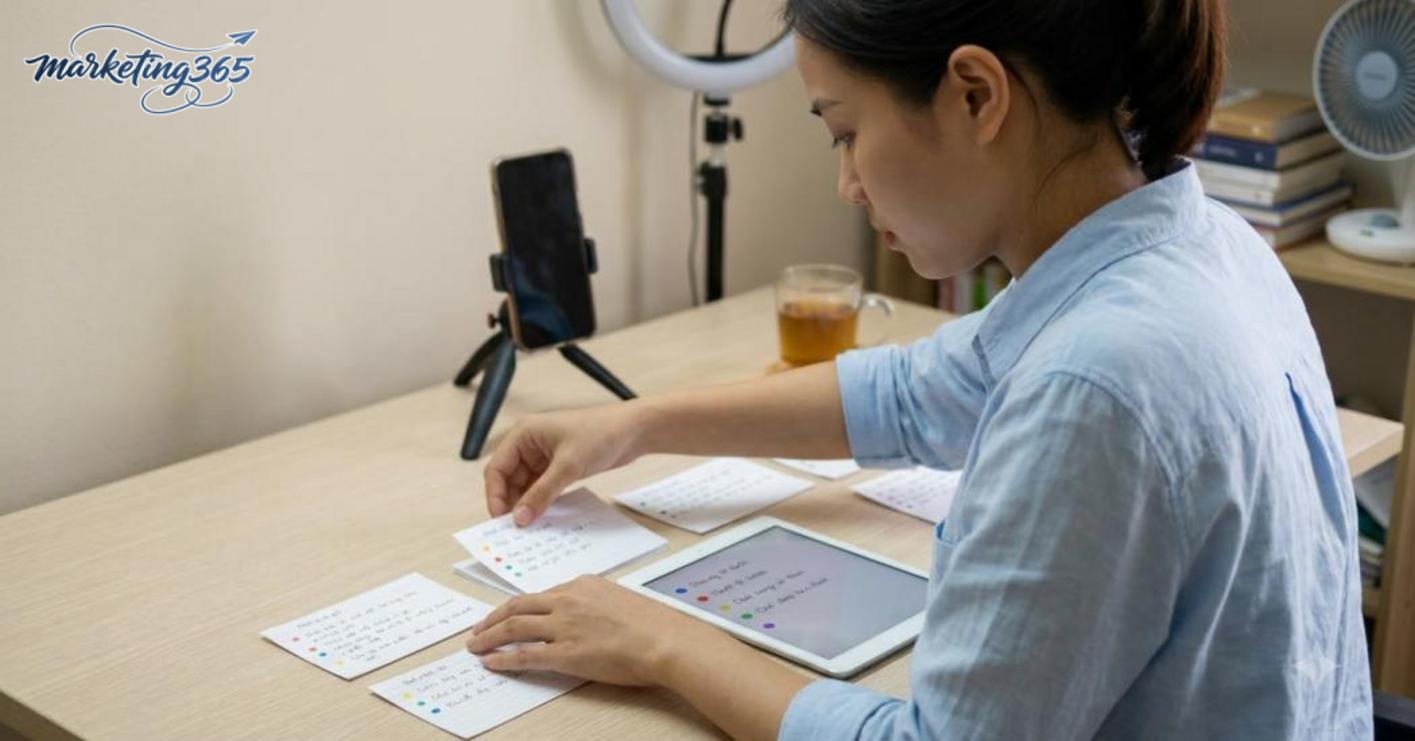
If you’re not sure where to start, write a simple online sales livestream script for beginners using this formula: 30-second opening, 3 product points, 2 interaction questions, and 1 short closing section. Just following this framework is enough to make your live more coherent and keep you from drifting into off-topic conversation.
MARKETING365
📧 Email: lienhe@marketing365.vn
🌐 Website: https://marketing365.vn
👍 Fanpage: https://facebook.com/marketing365.official
To stay updated with official and latest guidance, you can also refer to materials from Think with Google.
You can also read more articles on the same topic in the Ecommerce Marketing category.



