

Contents
If you’re exploring what an agent harness is used for, the short answer is that it acts as the “orchestration framework” around an AI agent, helping a language model do more than chat: it can call tools, read results, loop through multiple steps, and complete tasks safely and under control. For marketers and SME business owners, understanding this concept helps you evaluate the growing number of “AI automation” platforms instead of simply taking the advertising at face value.
What is an agent harness?
An agent harness is a software layer wrapped around a large language model (LLM) to turn it into an AI agent capable of taking action. The model itself only generates text; the harness is what receives that output, interprets which tool the agent wants to call, executes the command, returns the result to the model, and continues the loop until the goal is reached.

In other words, the harness is the “framework” that handles repetitive tasks: managing conversation context, tool calling, error handling, limiting the number of loops, and logging. That way, developers can focus on the business objective. You can also see the foundational concepts in What is Harness AI? and What is an AI agent? to get the full picture.
What is an agent harness used for? Orchestration and safety
The core role of an agent harness comes down to two words: orchestration and control. This is what separates a “real” agent from a chatbot that only knows how to answer.
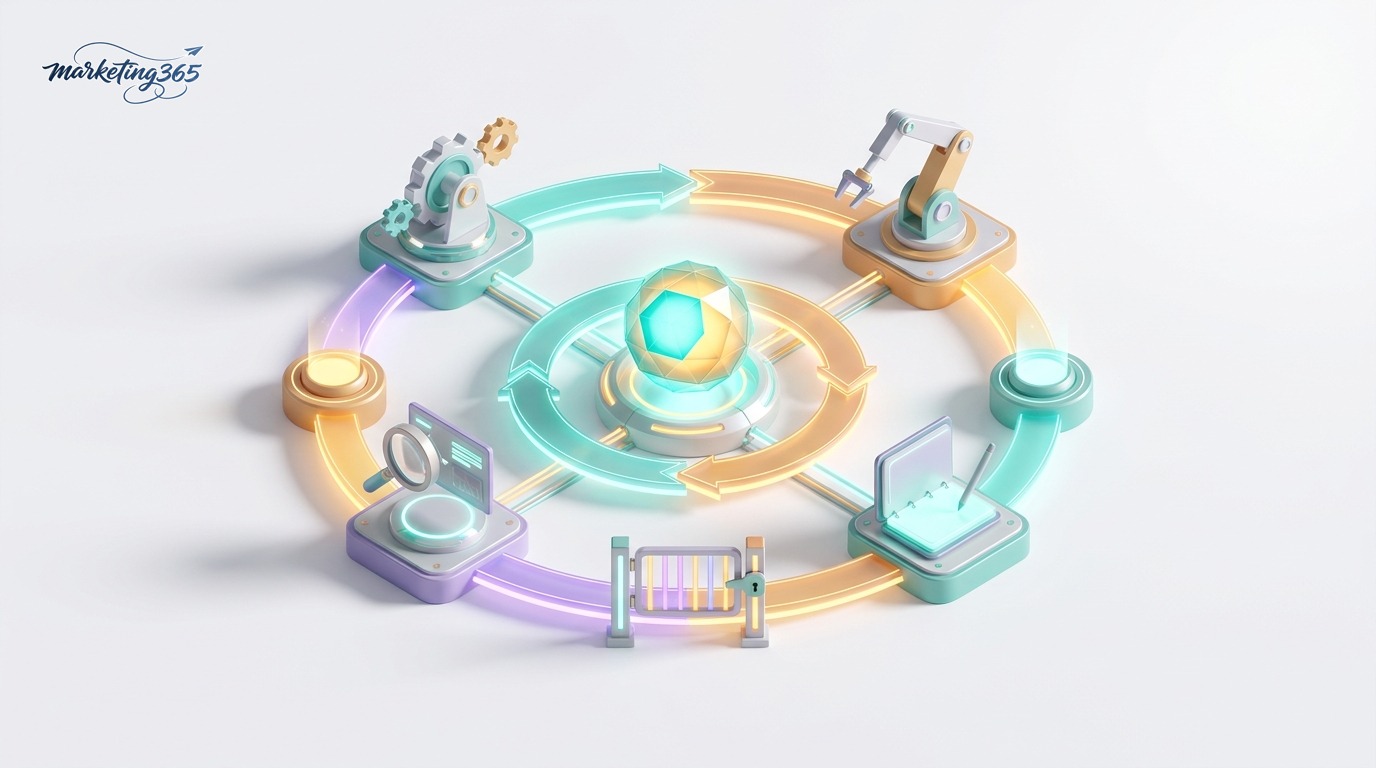
- Action loop: The harness runs the cycle “think → call tool → observe result → think again” until the task is complete. The model cannot do this on its own without a control framework.
- Tool integration: The harness defines a list of tools (web search, database queries, API calls, sending email…) and turns the agent’s request into a real executable command.
- Context management: It trims, summarizes, and loads the right information into the context window so the agent does not “forget” the goal midway and does not exceed token limits.
- Safety layer: It sets step limits, blocks dangerous actions (deleting data, spending money), requires human approval at sensitive points, and logs everything for review.
- Error recovery: When a tool returns an error, the harness feeds that error back to the agent so it can try another approach instead of crashing the entire workflow.
Anthropic explains this thinking quite clearly in its building effective agents documentation: a reliable agent is not about the model being “smarter,” but about the orchestration framework around it being designed to be simple, transparent, and controlled.
Main components of an agent harness
Although each platform uses different names, most agent harnesses include the following building blocks:
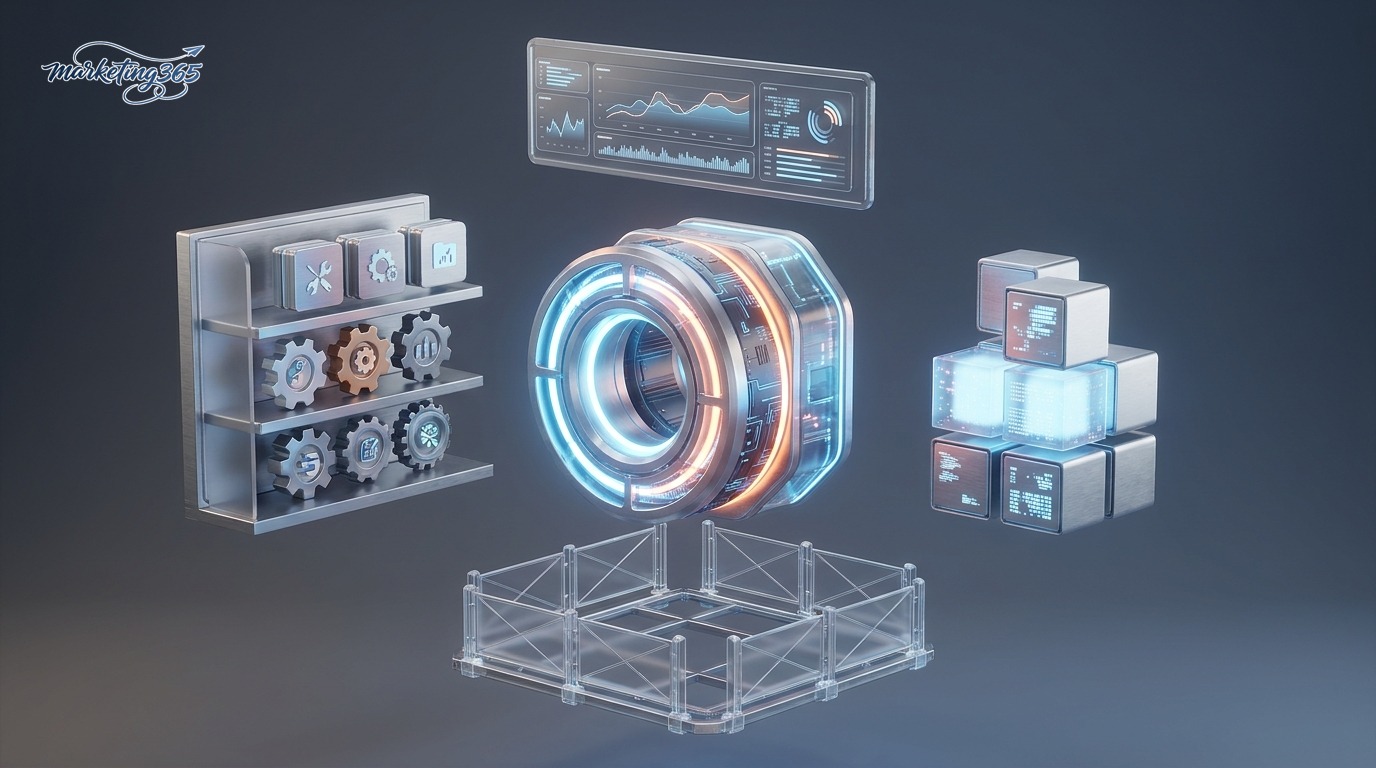
- Agent loop controller: the heart of the harness, deciding when to continue and when to stop.
- Tool registry: describes each tool by name, parameters, and purpose so the model knows how to use it.
- Memory and context: stores conversation history, intermediate results, and long-term notes.
- Guardrails: permission policies, sandboxing, manual approval, and cost monitoring.
- Logging and observability: records every step for debugging and performance evaluation.
In practice, you rarely need to build all of these blocks from scratch. Open-source frameworks such as Claude Agent SDK, LangChain, or agent operation platforms like OpenClaw already provide built-in loops, tool calling, and guardrails so you can assemble things quickly. If you want to build one yourself, refer to how to build an AI agent.
How agent harnesses are used in marketing
For small and medium-sized businesses, the value of an agent harness is not in theory, but in turning AI into a “digital employee” that can handle repetitive work. A few real-world scenarios:

- Automated market research: the agent searches the web, reads multiple sources, and synthesizes competitor insights into a report — the harness handles search calls and result assembly.
- Content production workflows: from keyword research and drafting to SEO optimization and image creation, each step is a tool in the harness.
- Omnichannel customer support: the agent reads messages, checks orders via API, drafts replies, and only escalates to a human when sensitive situations arise.
- Performance reporting: the agent queries ad data, calculates metrics, and sends periodic summaries via email or chat.
- Campaign orchestration: combines multiple small agents (writing, review, publishing) into an automated production line.
The common thread: the harness is what connects the separate steps above into a workflow that can run without a human clicking every button. To go deeper into automation, see AI agents and marketing automation and the AI Guide section.
Things to keep in mind when choosing and using an agent harness
Before trusting a “fully automated AI” platform, marketers should check a few factors:

- Level of control: Does it allow limits, manual approval, and log viewing? Avoid black boxes.
- Cost management: Agent loops can call the model many times; there should be token caps and cost alerts.
- Data security: Which tools are allowed to access customer data? Does it run in a sandboxed environment?
- Scalability: Is it easy to add new tools, or are you locked into one provider?
- Start small: Test with a narrow workflow under human supervision first, then expand the agent’s permissions.
Frequently asked questions
How is an agent harness different from a chatbot? It is different. A chatbot only generates text responses. An agent harness allows the model to act: call tools, read results, and loop through multiple steps to complete a task.

I don’t know how to code. Can I still use it? Yes. Many low-code/no-code platforms (for example n8n or SDKs with ready-made templates) package the harness for you, so you configure tools and rules instead of writing code.
Is an agent harness safe for business data? Safety depends on the configuration. Limit tool permissions, use a sandbox, enable approval for sensitive steps, and monitor logs regularly.
Should I build my own or use an existing platform? For SMEs, it’s best to start with an existing framework such as Claude Agent SDK, LangChain, or OpenClaw to save time, and only build from scratch when you have very specific needs.



