

Contents
Claude Projects is a feature from Anthropic that creates dedicated workspaces, each Project tied to a base set of documents (knowledge) and a fixed set of custom instructions. This allows marketers and SMEs to package brand knowledge once and create consistent content without having to paste in context for every conversation.
Key points
- The two pillars behind its power are Project knowledge (base documents) and custom instructions (role, tone of voice, output rules).
- Projects are available on paid Pro, Team, and Enterprise plans; the Team plan allows sharing Projects and conversations within a group.
- Create and use a Project in 5 steps: create a Project → add knowledge → set custom instructions → start chatting → refine.
- Marketing use cases: brand content factory, customer support assistant, competitor analysis, campaign management, template reuse.
- Unlike regular chat, it stands out for persistent context – Projects are optimized for repetitive work that needs the same base documents and team collaboration.
What are Claude Projects? This is an Anthropic feature that lets you create separate workspaces with Claude, where each workspace is tied to a base set of documents (knowledge) and a fixed set of custom instructions. Instead of having to paste in context every time you chat, marketers and SME business owners can “package” all knowledge about the brand, product, or campaign into a Project and reuse it again and again. This article will explain the feature in detail, how to create one, marketing applications, and how it differs from regular chat.
What are Claude Projects?
Claude Projects is an organized workspace area inside Anthropic’s Claude app, helping you group related conversations under one topic and share a common knowledge base. Each Project can contain reference documents, files, code snippets, or text that Claude will automatically reference in every conversation within that Project.

If you are not yet clear on what Claude is or how it works, read What is Claude first to understand the basic concept. Simply put, if a regular conversation is like texting with an assistant who knows nothing about you, then a Project is like assigning work to an assistant who has already read your entire company profile and work rules.
According to Anthropic’s official documentation, Projects are available to users on paid plans (Pro, Team, and Enterprise), and are suitable when you repeatedly perform a type of work that requires the same context.
Core features: Knowledge and Custom Instructions
The two pillars that make Claude Projects powerful are knowledge and custom instructions. This is also what makes a Project superior to scattered Q&A.
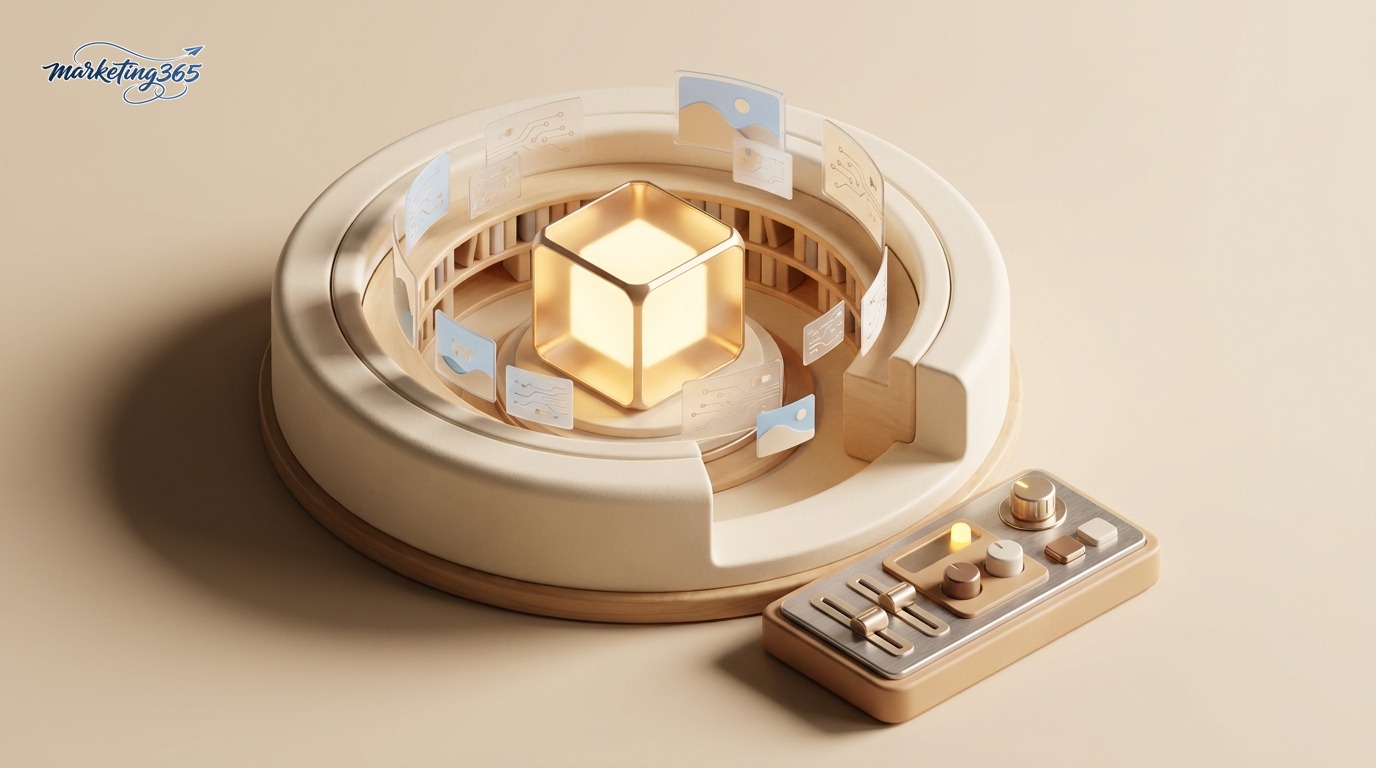
- Project knowledge: You upload documents such as brand guidelines, pricing tables, product descriptions, customer personas, and market research reports. Claude will reference these files in every answer within the Project, helping content stay aligned with the business reality instead of giving generic responses.
- Custom instructions: You predefine the role, tone of voice, output format, and rules to follow. For example: “Always write in friendly Vietnamese, use ‘you,’ and include a clear CTA in every article.” Claude applies these rules to every conversation without needing to be reminded.
- Large context window: Thanks to the wide context window of Claude models, a Project can retain a substantial amount of material for the model to retrieve when needed.
- Team sharing: With the Team plan, members can use the same Project and view shared conversations, helping align internal knowledge.
To make your instructions work as effectively as possible, the skill of writing clear prompts is very important. You can refer to what prompt engineering is to write tighter custom instructions.
How to create and use a Project
The process of creating a Project is very straightforward. Based on Anthropic’s guidance, you can get started with the following steps:
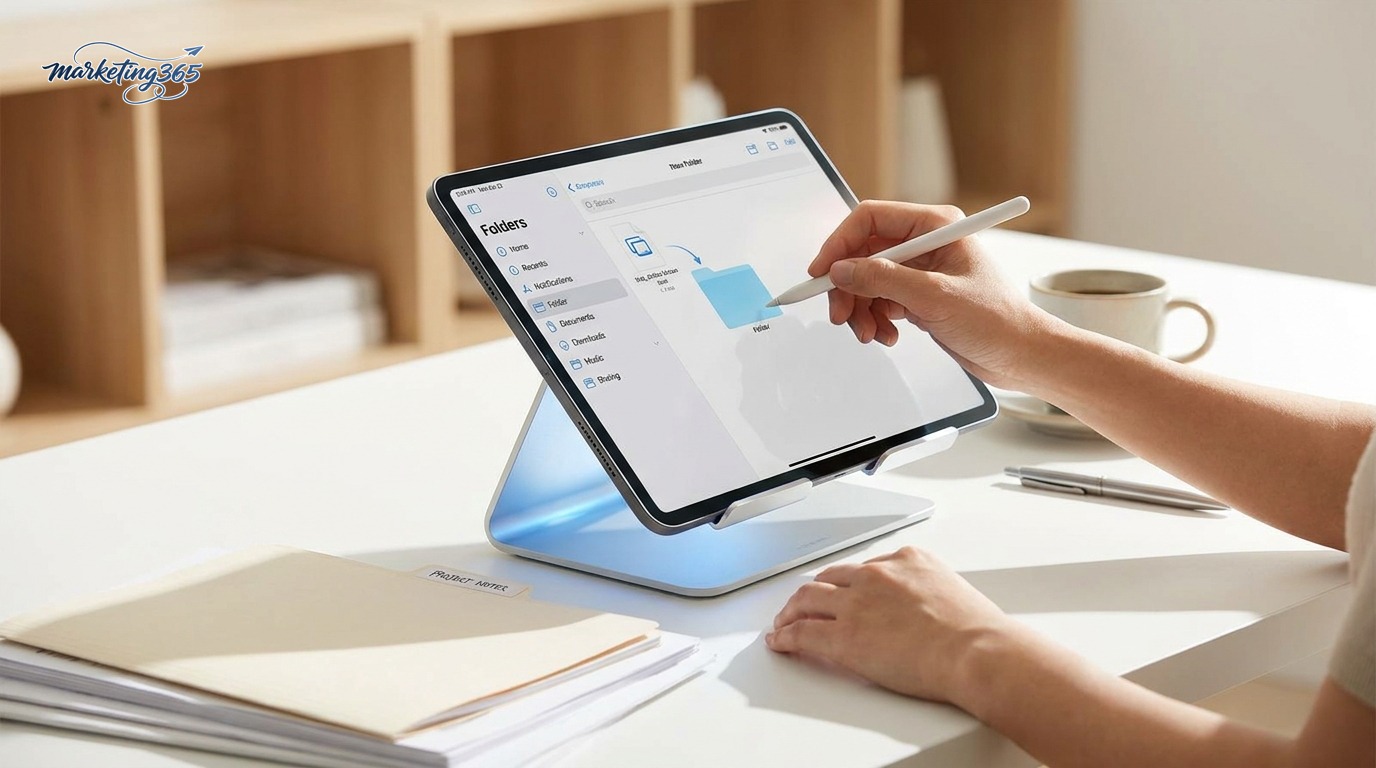
- Step 1 – Create a Project: In the Claude interface, select Projects and click to create a new Project, then name it and add a short description of its purpose.
- Step 2 – Add knowledge: Upload document files or paste background text into the Project’s knowledge section (for example, brand documents or product FAQs).
- Step 3 – Set custom instructions: Write instructions describing the desired role, tone of voice, language, and output format.
- Step 4 – Start chatting: Create a conversation inside the Project. Every question will automatically inherit the knowledge and instructions you have set.
- Step 5 – Refine: When documents change, update the knowledge; when work requirements change, adjust the instructions.
For teams that want deeper automation or to integrate Claude into internal systems, you can combine Projects with programming. See how to use Claude API to understand how to call the model via API, and what Claude MCP is to connect Claude with external data and tools using an open standard.
How Claude Projects are used in marketing
For marketers and SMEs, Projects are an effective way to turn Claude into a brand-savvy “teammate.” Some real-world scenarios:

- Brand content factory: One Project contains the brand voice, USP, and standard article templates. Every blog post, caption, and email comes out in the right voice without repeating the rules.
- Customer support assistant: A Project loads FAQs, warranty policies, and complaint-handling scripts to draft consistent responses for the CS team.
- Competitor and market analysis: Upload reports and survey notes into knowledge to ask questions quickly and extract insights.
- Campaign management: One Project for each major campaign, containing the brief, timeline, and KPI so all content stays aligned with the goal.
- Template reuse: Save communication plan frameworks and video script templates to create new versions in just a few minutes.
This approach helps small teams save time onboarding tools and reduce message drift. If you want to go deeper into more AI skills for work, you can explore our AI guide section.
How is Claude Projects different from regular chat?
The core difference lies in the persistence of context. In a regular conversation, Claude only “remembers” what is in the current session; when you open a new session, you have to provide the context again from scratch. With a Project, knowledge and custom instructions are kept fixed and applied to every conversation within that Project.

- Regular chat: Suitable for quick, one-off questions that do not require repeated context.
- Project: Suitable for repetitive work that needs the same base documents and rules, especially when working in a team.
- Organization: A Project gathers related conversations in one place, making them easy to find and hand off.
In other words, regular chat is optimized for immediate speed, while Projects are optimized for consistency and long-term productivity.
Frequently asked questions
Are Claude Projects free? According to Anthropic, Projects are for users on paid plans such as Pro, Team, and Enterprise. You should check the service plans page and the Anthropic support center for the latest updated conditions.

Is there a document storage limit for a Project? Yes, the amount of knowledge in each Project depends on the product’s context limits. When it is nearly full, prioritize core documents and trim unnecessary content.
Is the data in a Project used to train the model? Anthropic publishes separate data policies by plan; you should read the documentation at docs.anthropic.com and the privacy policy to understand clearly before uploading sensitive data.
Can I share a Project with colleagues? Yes, on the Team plan you can share Projects and conversations with workspace members to work together.
How is a Project different from “Custom GPTs” in other tools? Both allow you to fix the context, but the setup, underlying model, and data policies differ; you should evaluate based on your specific needs. See more on generative AI at Wikipedia.
In short, understanding what Claude Projects are will help marketers and SMEs use AI in a more structured way: package brand knowledge into knowledge, standardize workflows with custom instructions, and create consistent content without the repeated effort of re-establishing context. Start with a small Project for your brand and expand gradually as you see results.



