

Contents
Claude MCP is Claude from Anthropic using Model Context Protocol (MCP) — an open standard that helps AI models securely connect with external data and tools such as Google Drive, Gmail, or databases. As a result, Claude can read and work directly on real data instead of relying on manual copy-paste.
Key Points
- MCP is an open standard announced by Anthropic in late 2024, like a “USB-C port for AI applications” that connects every model to every data source.
- The client-server architecture has three parts: MCP Host (AI application), MCP Client (1–1 connection), and MCP Server (exposes specific capabilities).
- An MCP server provides three types of resources: Tools (actions), Resources (data to read), and Prompts (prebuilt prompt templates).
- Benefits for SMEs: less copy-paste, answers closer to real data, automation of repetitive workflows, reusable, and not locked into one vendor.
- Human-in-the-loop is still needed: approve before writing/deleting, connect only trusted servers, grant minimum permissions, and review outputs.
What is Claude MCP? It is a shorthand for Claude from Anthropic using MCP — Model Context Protocol, an open standard that helps AI models securely connect to external data and tools such as Google Drive, Gmail, databases, or a company’s internal systems. Simply put, instead of manually copy-pasting each piece of data for AI, MCP lets Claude “plug into” the data source directly and work there. For SMEs, shop owners, and new marketers, this is the key to turning a generic chatbot into an assistant that truly understands your real numbers, files, and workflows.
What is Claude MCP and why does it matter?
MCP (Model Context Protocol) is an open protocol announced by Anthropic in late 2024, acting like a “USB-C port for AI applications”: a common standard that lets every model connect to every data source without having to build a separate integration for each pair. Before MCP, whenever Claude needed to read Google Sheets, query a database, or call an API, developers had to code a custom bridge — time-consuming and hard to maintain.

When people say “Claude MCP,” they mean Claude AI assistant using this protocol to access real-world context. Thanks to MCP, Claude is no longer limited to what you type into the chat box; it can “see” your files, calendar, orders, or reports in real time. This is a major step toward making AI genuinely useful in everyday business work.
How does MCP work?
The MCP architecture has three main components, designed in a client-server model:
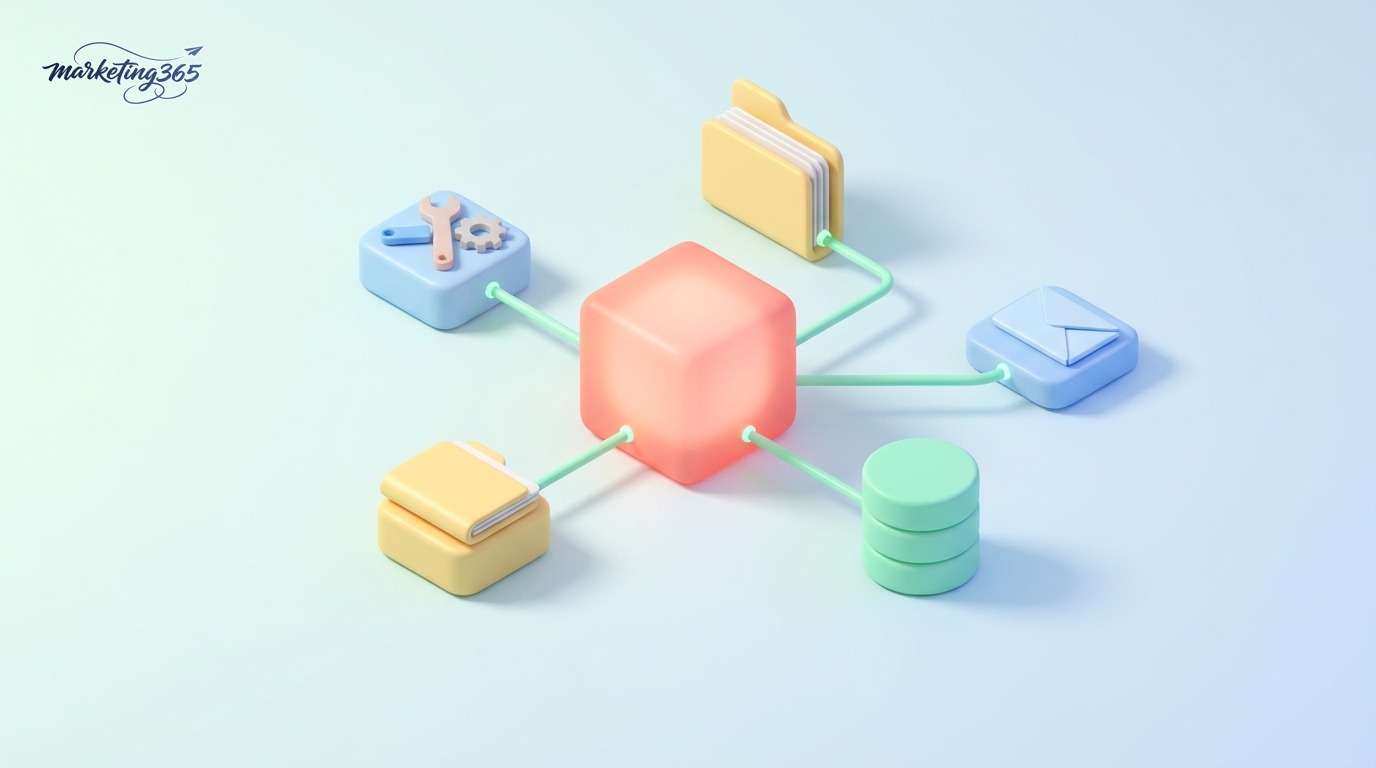
- MCP Host: the AI application you use, such as Claude Desktop or Claude Code. The host is where Claude “lives” and makes decisions.
- MCP Client: a component inside the host that maintains a 1–1 connection with each server.
- MCP Server: a small program that exposes a specific capability — such as reading files, querying a database, sending emails, or calling a service API.
These components communicate through the JSON-RPC 2.0 standard. An MCP server can provide Claude with three types of “resources”:
| Concept | Meaning | Real-world example |
|---|---|---|
| Tools | Actions Claude can perform | Create a new row in Google Sheets, send an email |
| Resources | Data Claude can read | The contents of a PDF file, a customer data table |
| Prompts | Prebuilt prompt templates | A “draft weekly revenue report” template |
When you ask Claude to do something, it will automatically identify which tool to use, call the corresponding MCP server, receive the result, and then synthesize the answer. This entire process turns Claude from a conversational assistant into an AI agent that can take action on its own.
Benefits of Claude MCP for SMEs and marketers
For small business owners and marketers, “What is Claude MCP” matters less than the question “What can it do for me?” Here are the practical benefits:

- Less manual copy-paste: Claude reads data directly from Drive, Notion, and spreadsheets instead of you pasting each section.
- Answers closer to real numbers: instead of speaking in general terms, Claude analyzes the exact revenue file and the exact customer list you have.
- Automates repetitive workflows: order summaries, content drafting from product data, work status updates.
- Reusable: one MCP server written once can be used across many projects and many team members.
- Not locked into one vendor: because it is an open standard, the same server can serve many different AI applications, not just Claude.
For example, a shop owner can ask: “Read this month’s order sheet, find the top 10 customers by purchases, and draft a thank-you message.” If an MCP server is already connected to the spreadsheet and messaging tool, Claude can handle the entire workflow. To get the most out of it, you should first master the basics in the how to use Claude AI guide before moving on to advanced integrations.
How to get started with Claude MCP
You do not need to be a strong programmer to try MCP. A practical path for beginners includes these steps:

- Step 1 — Choose a host: install Claude Desktop (for general users) or Claude Code (for those comfortable with the command line).
- Step 2 — Find an existing server: Anthropic and the community have shared many open-source MCP servers for Google Drive, GitHub, Slack, PostgreSQL… You only need to configure them, not build them from scratch.
- Step 3 — Declare the server: in Claude Desktop, add the server to the configuration file; in Claude Code, use the
claude mcp addcommand to attach the server to the project. - Step 4 — Grant permissions and test: turn on the server and ask Claude to do a small task to check that the connection works.
Start with a simple server (for example, file reading) before moving on to servers with write/delete permissions. This approach helps you understand how the system behaves without taking on unnecessary risk. If you want to learn AI applications more systematically, our AI guide section has many articles from basic to advanced.
Safety note: humans still need control
MCP is powerful because it allows Claude to take real action — and that is also why you need to keep the human-in-the-loop principle. A few important notes:

- Approve before execution: for write, send, or delete actions, let Claude ask for confirmation instead of running automatically.
- Connect only trusted servers: install MCP servers only from reputable sources, because a server may access your sensitive data.
- Limit permissions to the minimum: grant only the permissions needed, and avoid giving a server full access to the entire system.
- Check the output data: AI can still misunderstand context, so always review before sending to customers or publishing.
In other words, think of Claude via MCP as a capable employee who still needs careful permissioning and human review — especially for tasks involving money and customers.
Frequently asked questions about Claude MCP
What is Claude MCP compared with plugins or traditional integrations?
The core difference is standardization. Traditional plugins are often tied to one platform, while MCP is an open protocol: a server built to the MCP standard can be used by Claude and other AI applications that support the standard, saving integration effort and avoiding dependence on a single vendor.

Can I use MCP if I do not know how to code?
Yes. With Claude Desktop, you only need to install an existing server and adjust a few configuration lines following the instructions. The difficult part (writing a new server) is only needed when you want to connect to a specialized system that does not yet have a public server. Beginners can absolutely start with community-shared servers.
Is MCP free, and is it only for Claude?
MCP itself is an open and free standard; many MCP servers are also open source. Although “Claude MCP” is associated with Anthropic, the protocol is not exclusive — other AI platforms, including the OpenAI ecosystem, are also gradually adopting it, showing that MCP is becoming a common industry standard.
In short, understanding what Claude MCP is will help you move beyond simple question-and-answer AI use and toward real work automation with real data. Start small with a data-reading server, always keep humans in control, and expand gradually as you get comfortable. That is the safest way to turn Claude and MCP into a powerful assistant for SMEs, shop owners, and marketers.
Primary official references: Model Context Protocol (modelcontextprotocol.io), Anthropic’s MCP documentation, Anthropic’s MCP launch announcement, and the open-source MCP server repository on GitHub.



