
Contents
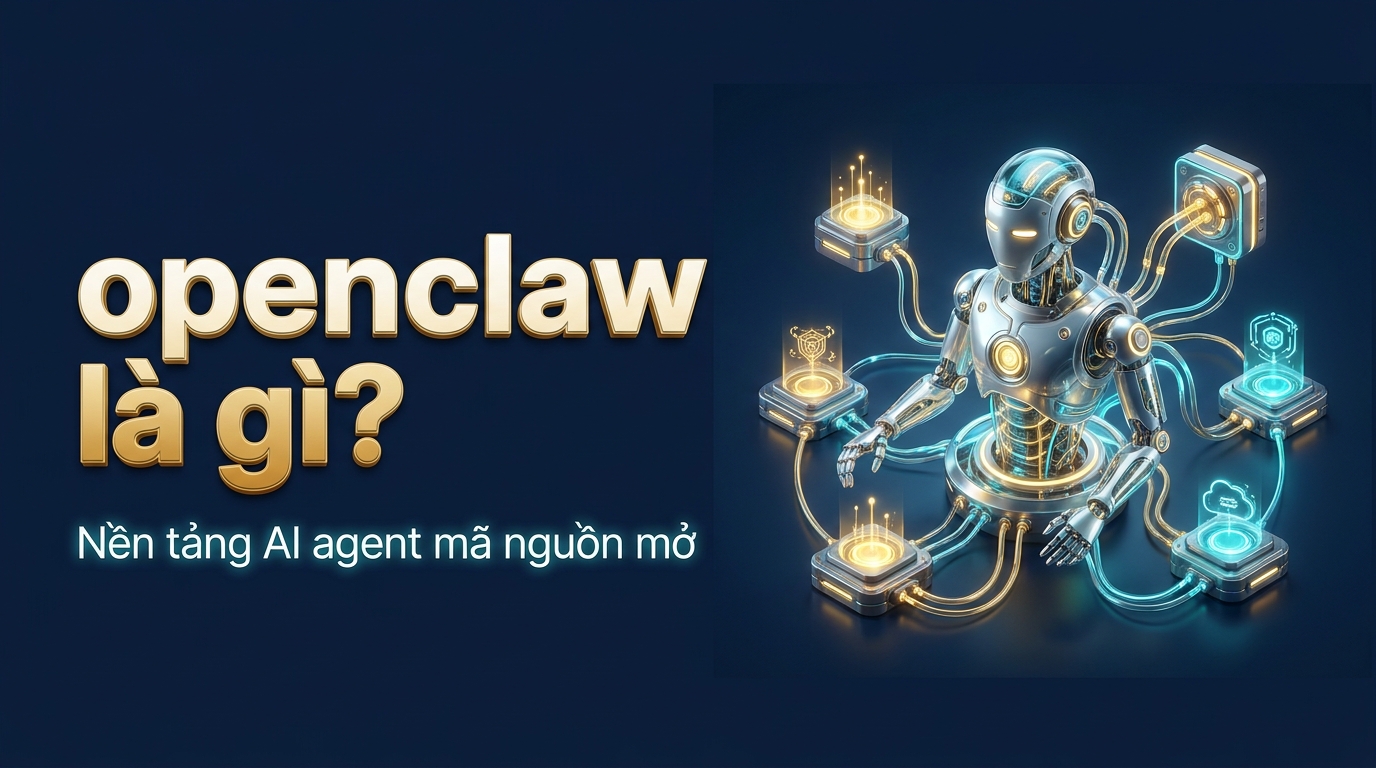
openclaw is an open-source platform that helps marketers orchestrate “AI assistants” (agents) that automatically run workflows in place of humans. Unlike a single chatbot, it lets you assemble multiple agents working together in a scripted flow, with each agent equipped with skills to read Google Sheet, call APIs, generate images, or publish posts — you define the goal, and openclaw handles the rest.
Key points
- An open-source AI agent orchestration framework focused on solving repetitive work.
- Free, self-hostable, and not locked into a single AI vendor.
- You can switch between OpenAI, Claude… without rewriting the entire workflow.
- Each agent uses “skills” — modules that know how to do specific tasks such as publishing to WordPress or calling the Facebook API.
- Well suited for non-technical marketers who want to automate captions, news roundups, emails, and keyword tracking.
openclaw is an open-source platform that helps marketers orchestrate AI assistants that automatically run workflows in place of humans. If the platform concept still feels unclear, read What Is AI Agent? first to understand the foundation — this article focuses on explaining openclaw from a practical angle for marketers who are not technical.
What is openclaw and why should marketers care?
openclaw is an open-source AI agent orchestration framework created to solve a very everyday problem: you have a lot of repetitive work — writing captions, summarizing news, drafting emails, tracking keyword rankings — and you want AI to do it instead of copy-pasting prompts into ChatGPT every day.

Unlike a single chatbot, openclaw lets you assemble multiple “agents” (AI agents) working together in a scripted workflow. Each agent is equipped with skills — small modules that know how to do a specific task such as reading Google Sheet, calling the Facebook API, generating images, or publishing to WordPress. You define the goal, and openclaw handles the rest.
The most appealing part for Vietnamese marketers: it is free and self-hostable, and it does not lock you into a single AI provider. You can use OpenAI today and switch to Claude tomorrow without rewriting the entire workflow.
2026 context: why “agent orchestration” has become a hot keyword
In 2024-2025, most Vietnamese businesses were still at the stage of “using ChatGPT to write faster.” By 2026, the next wave is no longer chat but automated action: AI does not just answer, it also reads real data, calls real tools, and completes an entire task end to end. That is where openclaw fits. A marketer does not need deep machine learning knowledge — you only need to describe the job clearly enough, and the platform turns that description into a controlled sequence of actions.
Think about the difference with a familiar example. Before, to produce a morning industry roundup, you opened 5 news tabs, skimmed them, copied the key points, pasted them into ChatGPT, edited the tone, downloaded images, and then published to WordPress — a total of 40-60 minutes. With an openclaw workflow configured once, that entire chain runs in the background at 7 a.m. and leaves a draft ready for your review when you open your laptop. You move from the role of “doer” to “approver” — that is a difference in productivity leverage, not just speed.
Repetitive tasks openclaw can take over for marketers
Look at a typical week: daily industry news roundups, writing captions for 3 channels, replying to template inbox messages, tracking keyword rankings, and exporting weekly reports. These are all tasks with clear, repeatable processes — exactly where openclaw shines. You describe it once, and the agent runs it every day.
How to choose the first task to hand off: prioritize tasks that take time but carry low risk if they go wrong (news summaries, drafting), and keep sensitive work (finalizing ad budgets, sending emails to major clients) for your own review. Simple rule: delegate the boring work, keep the work that requires brand judgment.
Core components of openclaw
To use it well, you only need to understand the four building blocks that make up this platform:
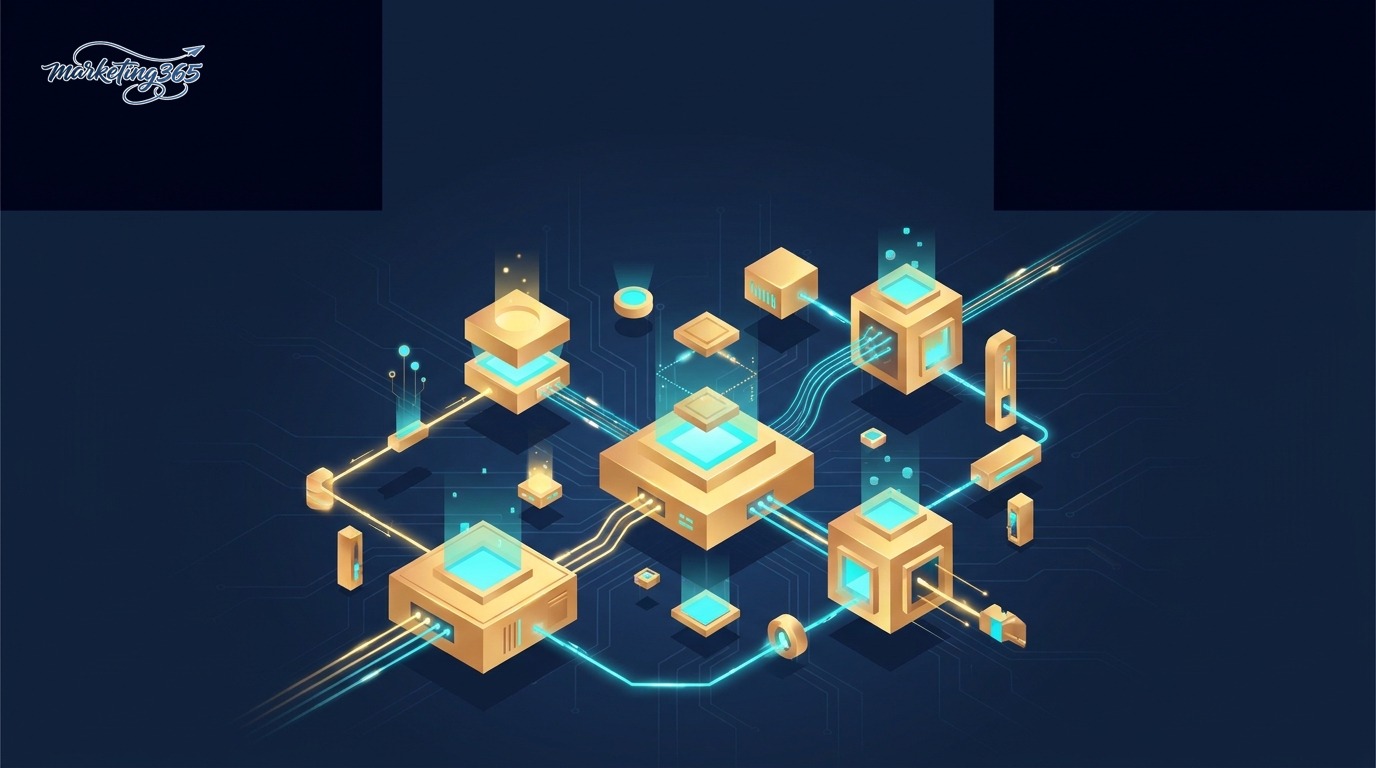
- Agent — the execution brain. It receives the goal, reasons step by step, calls tools, and fixes errors when problems arise.
- Skills — plug-and-play capabilities. Each skill is a file that describes “when to use it” and “how to do it,” helping the agent choose the right tool for the right job.
- Tools / Connectors — bridges to the outside world: social media APIs, data warehouses, image generation tools, web browsers.
- Harness — the runtime environment that supervises the agent loop and sets safety limits so it does not run forever. Read more about this concept in the article What Is harness AI?.
The combination of agent + skills is what turns openclaw from “an AI that can chat” into “a virtual employee that can complete workflows on its own.”
Understand each block more deeply through a people analogy
The easiest way for a marketer to remember this architecture is to compare it with how you organize a small team:

| openclaw component | Equivalent in a human team | Main responsibility |
|---|---|---|
| Agent | Execution staff | Understands the goal, decides the steps, reports results |
| Skills | Written SOPs | Specify “how to do this” and “when to use it” |
| Tools / Connectors | Work accounts & tools | Access to Facebook, Sheets, WordPress, images |
| Harness | Supervising manager | Sets limits, stops the agent when it goes off track, controls budget |
The key point for beginners: skills are the most valuable asset you accumulate. A well-written skill — for example, “a WordPress publishing skill that follows the brand’s SEO standards” — can be reused across every agent and every future workflow. The longer you operate, the richer your private skill library becomes, and that is a hard-to-copy competitive advantage. It is like gradually building an internal SOP library, except the machine can read and execute it immediately.
How the four blocks work together in a real publishing workflow
Take the example of “publishing a post to the website and then sharing it on Fanpage”: Harness starts the run and sets safety limits; the Agent reads the goal and maps out the steps; it calls the “write SEO article” Skill to draft the content, the “generate image” Skill to create the cover; finally, Tools/Connectors push the post through the WordPress and Facebook APIs. The four blocks connect into one production line, and no block does another block’s job.
A common beginner mistake is stuffing too many tasks into one skill, causing the agent to choose the wrong tool. Tip: keep each skill to one job, and describe “when to use it” very clearly. The more distinct the skills are, the less the agent has to guess, and the easier the workflow is to debug when a step goes wrong.
What marketers use openclaw for in practice
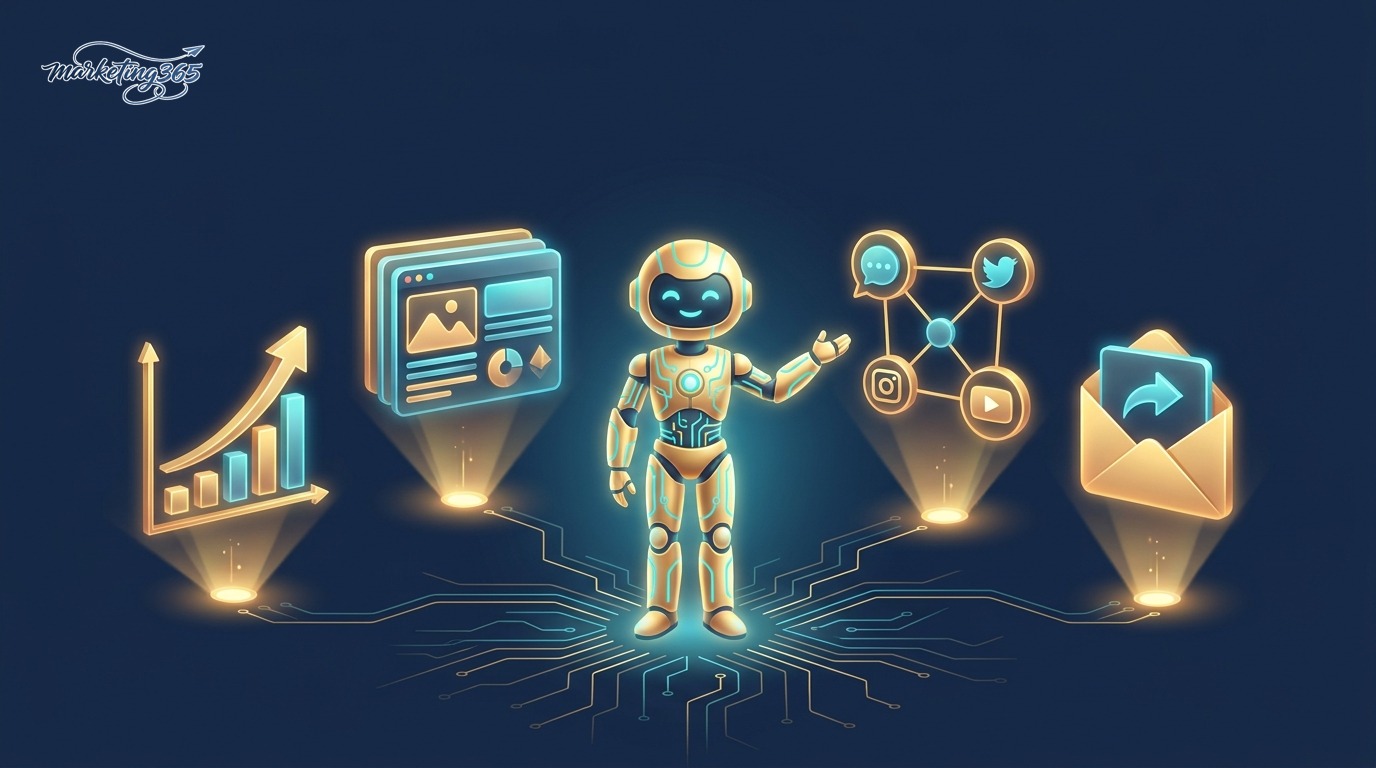
Below are real scenarios marketing teams are implementing in 2026, not just theory:
| Scenario | What openclaw does | Value |
|---|---|---|
| Industry news roundup | Agent scans RSS, filters, rewrites into Vietnamese news briefs, publishes to the web | Saves 2-3 hours/day |
| Fanpage management | Generates captions + images, schedules, and posts automatically at golden hours | Consistent, no missed days |
| SEO tracking | Agent checks keyword rankings, logs them, and alerts on drops | Faster response |
| Lead nurturing | Reads forms, classifies them, drafts personalized emails for approval | No leads missed |
The common thread: humans still make decisions and approve sensitive content, while openclaw handles the repetitive and time-consuming work. This is the “human-in-the-loop” mindset every serious marketing team should keep.
A sample workflow to make it easier to visualize
- You define the goal: “Every morning at 8 a.m., summarize the 5 latest AI news items into a roundup article and save it as a draft on the website.”
- openclaw activates the agent, and the agent uses a skill to read RSS and collect the news.
- The agent calls a language model to rewrite it in your brand’s tone of voice.
- The image-generation skill creates a featured image, and the WordPress skill publishes the post as a draft.
- You review it, edit a few sentences, and publish. Done.
Three content problems openclaw solves best
If you have to choose where to start for a Vietnamese marketing team, the three tasks below deliver the clearest ROI in the very first week after handing them to openclaw:
- Consistent content production: instead of “we forgot to post on Fanpage this week,” a scheduled agent ensures 1-2 posts every day at the right time, with automatically generated images. You only review the content; you do not have to sit and watch the posting time.
- Content repurposing: one long blog post can be cut by the agent into 3 social captions, 1 short reel script, and 1 email segment — automatically, while preserving the core message. This is where a lot of effort is saved, and few teams fully exploit it.
- Monitoring and alerts: the agent tracks keyword rankings or engagement volume and only “wakes you up” when there is a notable change. You do not need to open the dashboard every day; you only react when it truly matters.
Practical tip: do not hand openclaw something you have never done manually. First do the workflow by hand a few times, extract the “formula,” and only then turn it into a skill. An agent is only as good as the process you teach it — garbage in, garbage out.
Quick comparison: openclaw, n8n, and a standalone agent
Many Vietnamese marketers are already familiar with n8n. So where does openclaw fit? The table below helps position it:

| Criteria | openclaw | n8n | Single agent |
|---|---|---|---|
| Nature | AI agent orchestration framework | Node-based workflow automation | A single conversational AI |
| Self-reasoning ability | High — the agent decides the steps | Follows the fixed flow you draw | Depends on the prompt each time |
| Best when | The task requires flexible judgment | The process is clear and stable | Small, one-off tasks |
| Learning curve | Medium | Low — drag and drop | Very low |
In practice, they do not exclude one another. You can absolutely let n8n handle the fixed flow and call openclaw for the steps that require “thinking.” And the AI platform behind it, such as OpenAI or Claude, is just the brain — openclaw is the one organizing the work for that brain.
When to choose which one — a 30-second decision rule
To avoid getting stuck in tool debates, use one simple filter question: “Does this task require judgment?”

- If every run is exactly the same (take data from A, send it to B, send a notification) — choose n8n. Fixed flow, stable, cheap, easy to debug.
- If each run requires “reading the situation” before deciding (which news is worth posting, what should the caption emphasize, how should this lead be answered) — that is openclaw‘s territory, because its agent reasons through each different case.
- If it is just a one-time question — use a chatbot directly, do not build a system.
The ideal architecture for a mature team is usually a combination: n8n acts as the “railway track” for data transport and scheduling, while openclaw acts as the “brain” for steps that require intelligence. This is not an either-or choice, but a matter of assigning the right role to the right tool.
Hybrid model: let n8n keep the flow, let openclaw handle the thinking
In practice, the optimal choice is often not “one of the three” but combining them. For example: n8n handles the stable framework — scheduling 7 a.m., fetching RSS, writing to Google Sheet — and then at the step that requires judgment (choosing which news is worth writing about, setting an attractive headline), n8n calls openclaw so the agent can reason. The fixed part runs on nodes, the flexible part runs on agents.
A simple way to remember the split: if you can draw a clear branching diagram, let n8n handle it; if the answer changes depending on context, let openclaw handle it. Do not force n8n to handle complex reasoning with dozens of nested if nodes, and do not use an agent for mechanical tasks that a single node can finish.
How non-technical users can get started with openclaw
You do not need to know how to code to get started. Recommended path for marketers:

- Step 1 — Understand the foundation: read the AI Guide series to grasp the concepts of agent, skill, and harness before installation.
- Step 2 — Explore the community: visit the open-source repository and sample projects on the GitHub topic openclaw to see what others have built.
- Step 3 — Choose one small workflow: do not be greedy. Start with one clear repetitive task such as “summarize 3 news items every morning.”
- Step 4 — Keep humans in the loop: always leave the article/email in draft status for your approval in the early stages.
- Step 5 — Expand gradually: once you trust it, add skills, add agents, and connect more workflows.
The golden rule: implement in small steps, measure the results, then scale. One stable agent doing one job is more valuable than ten half-finished agents.
Your first 30-day plan with openclaw
A concrete roadmap helps you avoid feeling overwhelmed and gives you measurable results:
- Week 1 — Learn the concepts and observe. Read the AI Guide series, look at 3-5 sample projects on GitHub, and write down one repetitive task that currently consumes the most time.
- Week 2 — Build a test workflow. Ask a technical teammate (or figure it out yourself from the docs) to install and configure exactly one chosen workflow. Goal: make it run, even if it is still rough.
- Week 3 — Refine quality. Review the output carefully: is the tone of voice on brand, do the images fit, is anything factually wrong? Polish the skill until you trust the output at a “just glance at it” level.
- Week 4 — Measure and decide whether to expand. Calculate how many hours per week the workflow has saved. If it is clearly paying off, add a second workflow. If not, keep refining before scaling.
The most common mistake beginners make is automating too early and too broadly. Remember: you are building a “team of virtual employees,” and just like hiring real people, you need to train each role properly before scaling up. Starting small is not overcautious; it is the fastest way to learn how to teach agents correctly.
Mistakes that make beginners quit too soon
The most common mistake is greed: automating an entire 10-step pipeline on day one, then one agent fails at a single link and the whole chain collapses, and you do not know where the error is. The second mistake is skipping approval — letting the agent publish directly, which allows bad writing or fabricated numbers to go public and damage brand credibility.
Safety checklist for the first 30 days: each workflow should have only 2-3 steps; every output should stay in draft status for approval; record errors each time the agent makes a mistake so you can refine the skill; set loop limits so the agent cannot run forever. Once a workflow has been stable for two straight weeks, then expand it — slow and steady is always cheaper than cleaning up the mess.
Frequently asked questions about openclaw
Is openclaw free?
openclaw itself is open-source and free. You only pay for the AI model it calls (for example, OpenAI or Claude tokens) and server infrastructure if you self-host. For a small team running a few content workflows, monthly token costs are often much lower than hiring a freelancer for one session — and, importantly, it runs 24/7 without breaks.

Can I use openclaw if I do not know how to code?
Yes, but you will need to get familiar with basic configuration and the agent/skill concepts. Many teams hire a technical teammate to build the initial framework, then marketers operate it and adjust daily content themselves. Your day-to-day work is mainly reviewing content and refining the instructions in plain Vietnamese — not writing code.

How is openclaw different from using ChatGPT directly?
ChatGPT answers individual questions. openclaw turns AI into an automated workflow running in the background: it collects data, processes it, and publishes it on its own — repeating every day without you sitting there. In short: ChatGPT is the responder, openclaw is the one that does the work.
Is my data safe?
Because it can be self-hosted, you control where data and API keys are stored. Set permission limits for each skill, do not hardcode secret keys, and enable manual approval for sensitive actions such as deleting data or sending bulk emails. The minimum principle: each skill gets only the permissions it needs, no more.
Will openclaw replace marketing staff?
No, and that is not the right goal. openclaw replaces repetitive, time-consuming, and low-creativity tasks — not strategic thinking, brand aesthetics, or the ability to understand customers. In practice, the teams that use it best are the ones that treat it as a “busywork assistant” so humans can focus on the high-value work machines still cannot do.
Where should I start learning openclaw?
Start with the core concept What Is AI Agent?, then learn about the AI brain you plan to use, such as Claude, and only then connect everything with openclaw for a specific workflow. Do not try to understand everything before you begin — choose one small task and learn by doing; it is much faster.
In short, openclaw is the bridge between AI power and everyday marketing work: it does not replace you, it doubles your productivity. To start from the right foundation, go back to the cornerstone article What Is AI Agent? and follow the AI Guide series on marketing365.vn for the latest automation techniques for practitioners.
Updated: June 2026. AI tools change quickly — please check the provider’s official documentation for the latest information.



