

Contents
Open WebUI is an open-source Python project with more than 143,000 GitHub stars, offering a friendly self-hosted AI chat interface in front of large language models. It lets teams use AI as easily as ChatGPT, but on their own infrastructure, connecting to locally running Ollama or OpenAI-compatible APIs, and keeping conversation data within internal systems.
Key points
- Open-source, self-hosted AI chat interface with more than 143,000 GitHub stars, written in Python
- Connects to locally running Ollama or OpenAI-compatible APIs; multiple users can share one system
- Conversation data stays on your infrastructure instead of being sent to third-party services
- Marketing value: a shared internal AI station, campaign data security, cost savings, centralized management
- Usually deployed via Docker; requires infrastructure operations work and quality depends on the underlying model
Running AI models locally is one thing, but typing commands in the terminal is not something any content team wants to do. That is where Open WebUI comes in: a friendly, self-hosted chat interface that makes it easy for the whole team to use AI like ChatGPT — but on your own infrastructure. If you are looking for practical AI guides, this is a tool worth knowing.
What is Open WebUI?
Open WebUI is an open-source project (written in Python) with more than 143,000 stars on GitHub, described as a “user-friendly AI interface.” In other words, it is a polished, easy-to-use chat layer placed in front of large language models — supporting connections to Ollama, OpenAI-compatible APIs, and many other sources.

Instead of making the whole team wrestle with command lines, you set up Open WebUI once and everyone accesses it through a browser and chats with AI like a normal chat app. Because it is self-hosted, conversation data stays on your system instead of being sent to a third-party service.
Main uses
Open WebUI acts as the “front end” for the AI models you already have. Common uses include:

- Providing an intuitive browser-based chat interface for interacting with LLMs.
- Connecting to locally running Ollama or OpenAI-compatible APIs.
- Allowing multiple users to access one internal AI system.
- Storing and managing conversation history directly on your infrastructure.
The project has a fairly broad feature ecosystem and is updated regularly; specific advanced capabilities should be verified through the official documentation before you rely on them for deployment.
What can you use Open WebUI for in marketing?
Read more: What OpenAI's Vetted-Only ChatGPT Rollout Means for Marketing Teams
For marketing teams, Open WebUI’s biggest value is turning AI into a shared, accessible tool for even non-technical users. A few ways to use it:

- Internal AI station for the whole team: a place where copywriters, SEO, and social teams can all jump in to chat and brainstorm, without everyone needing a separate account for an external service.
- Campaign data security: when combined with a locally running model, you can discuss sensitive information without sending it to a cloud service.
- Cost savings: share one interface instead of buying multiple individual AI tool subscriptions.
- Control and consistency: centrally manage who can use what, while keeping the experience consistent across the team.
This is a natural addition if your team already uses AI for content marketing and wants a clean, shared gateway. Keep in mind that answer quality still depends on the model behind Open WebUI.
How to get started
Open WebUI is usually deployed via Docker and paired with a model source — most commonly locally running Ollama or an OpenAI-compatible API. Once set up, you access it through a browser, create an admin account, and start inviting team members to use it.

For beginners, the easiest way is to combine Open WebUI with Ollama to create a complete AI chat system running on your machine. Specific installation steps and configuration requirements should be checked in the official documentation, as they may change depending on your version and environment.
Pros and cons
- Pros: friendly interface, easy for non-technical users; open-source and self-hosted, with strong data control; supports multiple models via Ollama and OpenAI-compatible APIs; large community (more than 143,000 GitHub stars).
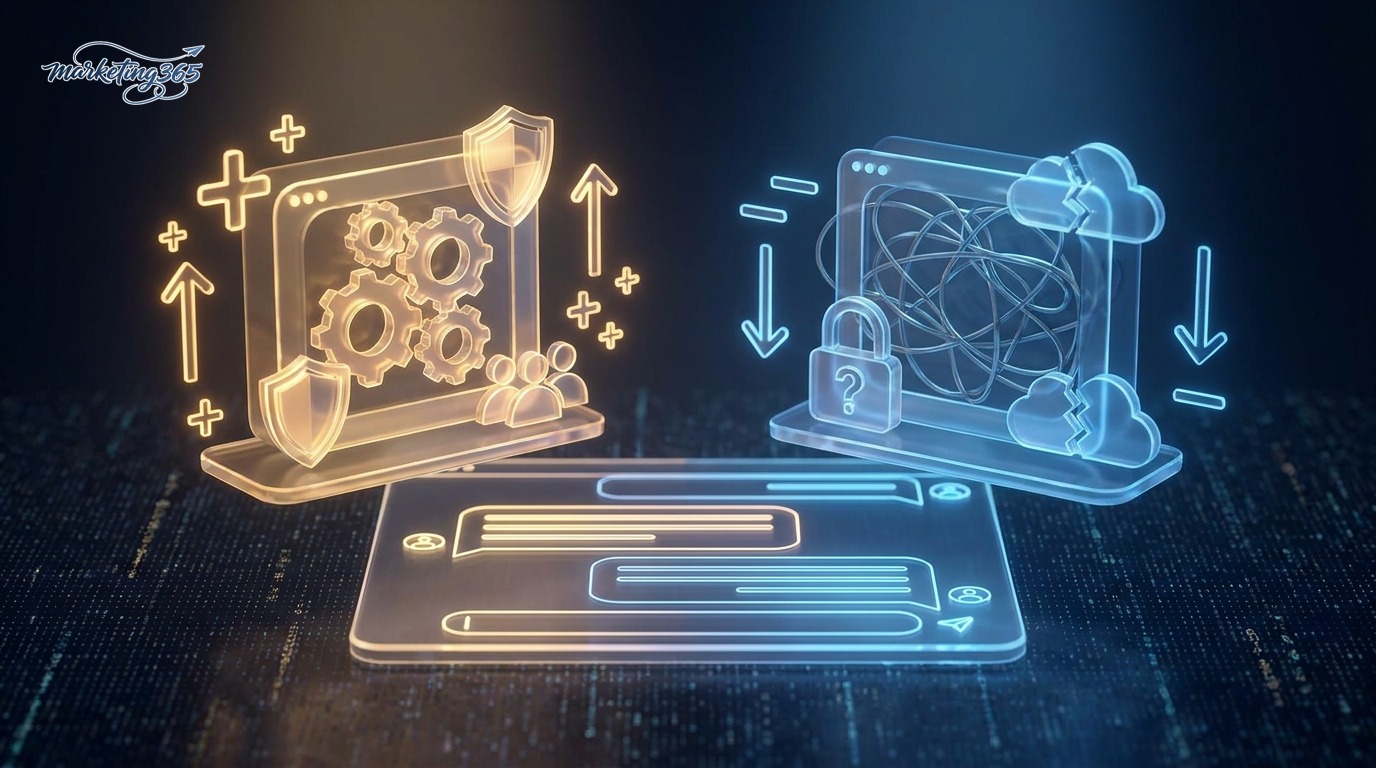
- Cons: requires infrastructure setup and maintenance (usually via Docker); quality depends on the underlying model; stable use for many people requires some operational work; not a turnkey solution that needs no technical involvement.
Verdict: is it right for you?
Open WebUI is a great fit for marketing teams that want a shared “AI station,” especially if they already run or are considering running local models for data security. It fills the exact gap between the power of self-hosted LLMs and the need for an interface that everyone can use.
Read more: Why AI is becoming an infrastructure cost, not just a tool, for marketing teams

If your team does not have anyone who can handle infrastructure setup and maintenance, commercial AI chat services are still simpler. But if you value control and want a cost-effective internal AI platform, try setting up the Open WebUI + Ollama pair and evaluate it in practice before scaling up.
Source code & official documentation: github.com/open-webui/open-webui. This information is for general reference — please check the official documentation before deploying.
Frequently asked questions
Is Open WebUI free?
Open WebUI is an open-source project, so it is free to use. You set up and maintain the infrastructure yourself, usually via Docker, and pair it with a model source such as locally running Ollama or an OpenAI-compatible API. The real cost lies in the infrastructure and the model you connect to.
Which AI models can Open WebUI connect to?
Open WebUI acts as the front end for the models you already have. It supports connections to locally running Ollama and OpenAI-compatible APIs, as well as many other sources. Answer quality depends on the underlying model Open WebUI connects to.
What do marketing teams use Open WebUI for?
The biggest value is turning AI into a shared tool for non-technical users: an internal AI station where copywriters, SEO, and social teams can brainstorm together; campaign data security when using local models; cost savings instead of buying multiple separate accounts; and centralized management to keep the experience consistent.
Is Open WebUI suitable if the team is not technical?
The interface itself is very friendly for non-technical users, but setting up and maintaining the infrastructure (usually via Docker) requires at least one person to handle operations. If no one on the team can do that, commercial AI chat services will be simpler.



