

Contents
Claude Code is Anthropic’s CLI-based AI tool, working like an “AI programmer” in the terminal: it reads projects, writes and edits code, runs commands, and checks results on its own. Even non-technical marketers can use it for light technical tasks such as data processing, report automation, or building simple landing pages.
Key points
- An AI agent that runs in the terminal, uses the Claude model to understand Vietnamese/English requests, and works directly in the project folder.
- Handles multi-step tasks: reading and explaining a project, fixing bugs, writing features, running tests, and creating automation scripts.
- Shows diffs for review before overwriting, making it safer and easier to control.
- Marketers can use it for light technical work: cleaning customer data, exporting reports from CSV, connecting Google Sheets/Facebook APIs.
- Use it through a paid Claude plan (Pro/Max) or an API key; start small, always read the diff, and keep human review in place.
Claude Code is Anthropic’s command-line AI tool that lets you delegate work to an “AI programmer” right in the terminal: it reads projects, writes and edits code, runs commands, and checks results on its own. This article explains what Claude Code is, what it can do, and how even a non-coding marketer can make use of it.
This is part of the AI & AI Agent Guide for Marketers series. If you’re not familiar with Claude yet, read What is Claude first.
What is Claude Code
Claude Code is an AI agent that runs in the terminal (CLI), developed by Anthropic, using the Claude model to understand requests in Vietnamese/English and then work directly in your project folder. Instead of only suggesting one line at a time like a typing assistant, it can plan multi-step tasks, edit multiple files, run tests, and report back the results.

The official documentation is at code.claude.com and docs.anthropic.com. Because it is an agent-style tool, it is best suited for tasks that require “thinking,” not just mechanical automation.
What Claude Code can do
The strength of this tool is handling multi-step tasks on a real codebase, with review before applying changes.
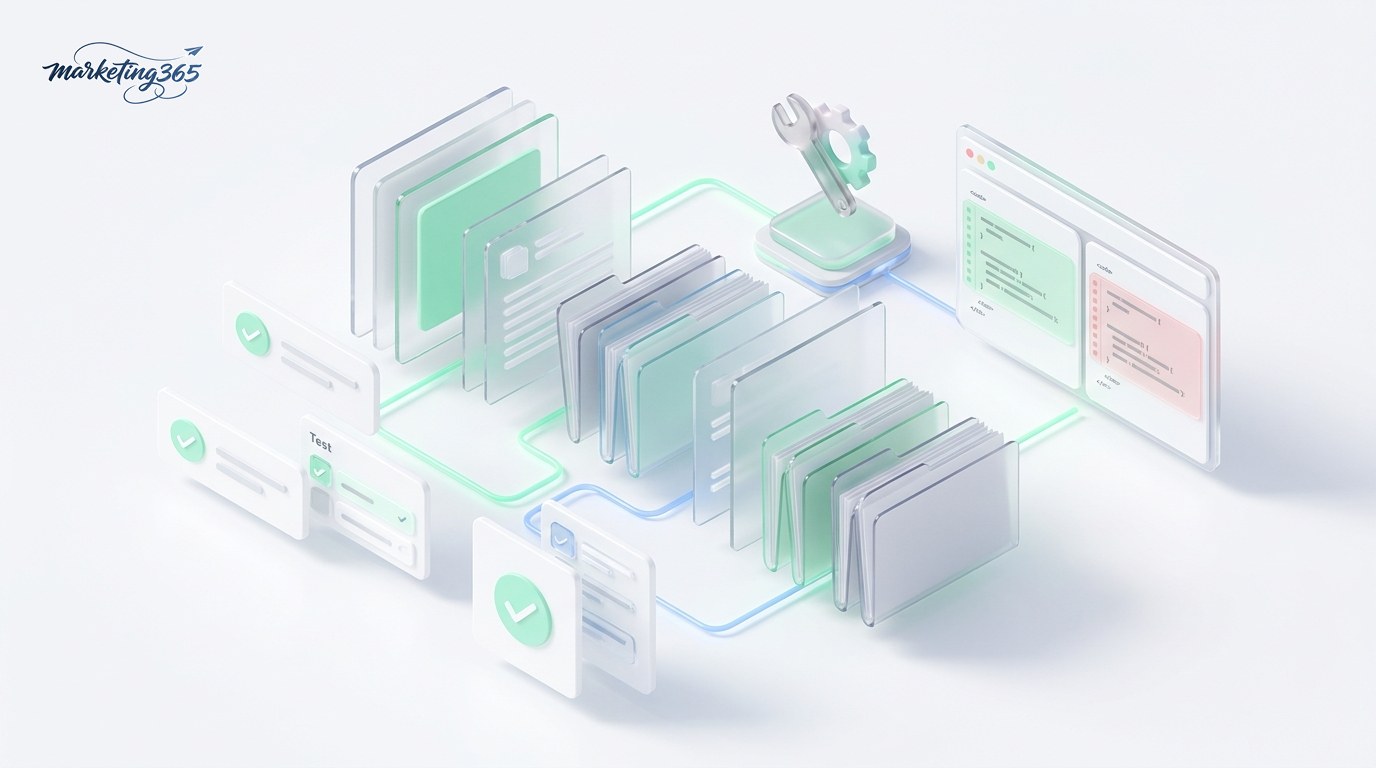
- Read and explain an existing project, find and fix bugs.
- Write new features, refactor, then run tests to verify the results.
- Create automation scripts (data processing, bulk file renaming, API calls).
- Show diffs for you to review before overwriting — safe and easy to control.
How to get started with Claude Code
To get started, install it via the command line (npm) and sign in to your Claude account, then open the terminal in your project folder and type your request in natural language.

- Install it following the instructions at code.claude.com (requires Node.js).
- Sign in with a Claude account (Pro/Max or API key).
- Open the terminal in your project folder, type
claude, then describe what you need done. - Review the diff the tool suggests, approve it, then apply it.
How non-coding marketers can use it
You do not need to be a programmer to benefit from this tool. For marketers, it is useful for “light technical” tasks: writing scripts to merge/clean customer data, automatically exporting reports from CSV files, building a simple landing page, or connecting APIs (Google Sheets, Facebook) to pull data. You describe the goal, and it writes and explains each step.

Advice: start with small, low-risk tasks, always read the diff before running, and keep a backup of your data. See also how to use Claude AI for marketing to get more out of Claude beyond coding.
Real-world example: you have a CSV file exported from Facebook Ads with thousands of rows and want to filter out campaigns with unusually high cost per order. Instead of doing it manually, you tell it: “read this file, calculate cost per conversion for each campaign, filter rows that are 50% above average, and export a new table.” Claude Code writes the script, runs a test, and returns the result — you just check it. Repetitive tasks like this are where the tool saves marketers the most time.
How Claude Code differs from other coding assistants
This tool is more of a “terminal agent”: it runs multiple steps on its own, making it a good fit for large projects and review-diff workflows. Tools inside editors (IDEs) are stronger at instant suggestions while you type. That line is getting blurrier as both now offer terminal and IDE features; for a detailed comparison, see Claude Code vs Cursor.

Frequently asked questions
Is Claude Code free?
This tool is used through a paid Claude plan (Pro/Max) or an API key billed by usage. The CLI tool itself can be downloaded, but the cost comes from calling the Claude model.

Can you use it without knowing how to code?
Yes, at a basic level: you describe the task in Vietnamese and let it write and explain. But you should have a basic understanding of the terminal and always review the output; for important work, ask someone technical to check it.
Conclusion: Claude Code is an “AI programmer” in the terminal — strong at multi-step tasks with safe review. Marketers can use it for light technical automation, as long as they start small and keep human review in place. See the full series at AI Guide.



