
Contents
To connect n8n with ChatGPT, add a credential containing an OpenAI API key to n8n, then drag the OpenAI node into the right place in the workflow and connect it to the processing flow. This helps marketers automate content writing, email classification, and data handling without needing to code.
Key points
- You need three things: an n8n account (cloud or self-hosted), an OpenAI API key, and a specific task to start small.
- Four steps: add the OpenAI credential, drag the OpenAI node into the workflow, configure the action and prompt, then connect it to the flow and test it.
- The OpenAI API key is billed separately by token, apart from the ChatGPT Plus web plan; set a budget limit.
- Marketer use cases: bulk caption writing, email classification, report summarization, and draft reply generation.
- Always keep a “human-in-the-loop” step — have a person review before automatically publishing posts or sending them to customers.
Learning how to connect n8n with ChatGPT is the most practical first step for a marketer or small business owner (SME) looking to automate writing, email classification, and data processing without knowing how to code. The good news is that the process is much simpler than many people think: you only need to add a credential containing an OpenAI API key to n8n, then drag the OpenAI node into the right place in the workflow. This article will walk through each step in an easy-to-follow way, along with the key points to keep you from feeling overwhelmed when you first get started.
Connecting n8n with ChatGPT essentially allows your automated workflow to call OpenAI’s language model to generate content, summarize, or make decisions — turning manual tasks into a background production line.
What are n8n and ChatGPT, and why combine them?
If you’re new to this, read the article what is n8n to understand the basics. In short, n8n is an open-source workflow automation tool: you connect “nodes” (functional blocks) together so data moves from A to B without writing code. ChatGPT, meanwhile, is a product based on OpenAI’s language models, capable of writing, summarizing, translating, and classifying text on demand.

When you combine the two, marketers can create automated “virtual assistants”: writing product descriptions from a Google Sheets list, summarizing customer feedback, drafting email replies, or classifying leads by potential. This is also the foundation for building AI Agents — AI systems that can act autonomously toward a goal. You can explore more similar guides in Marketing365’s AI Guides section.
What to prepare before connecting n8n with ChatGPT
Before you begin, you need three things. Preparing them in advance will make the next steps smoother and help you avoid minor errors.
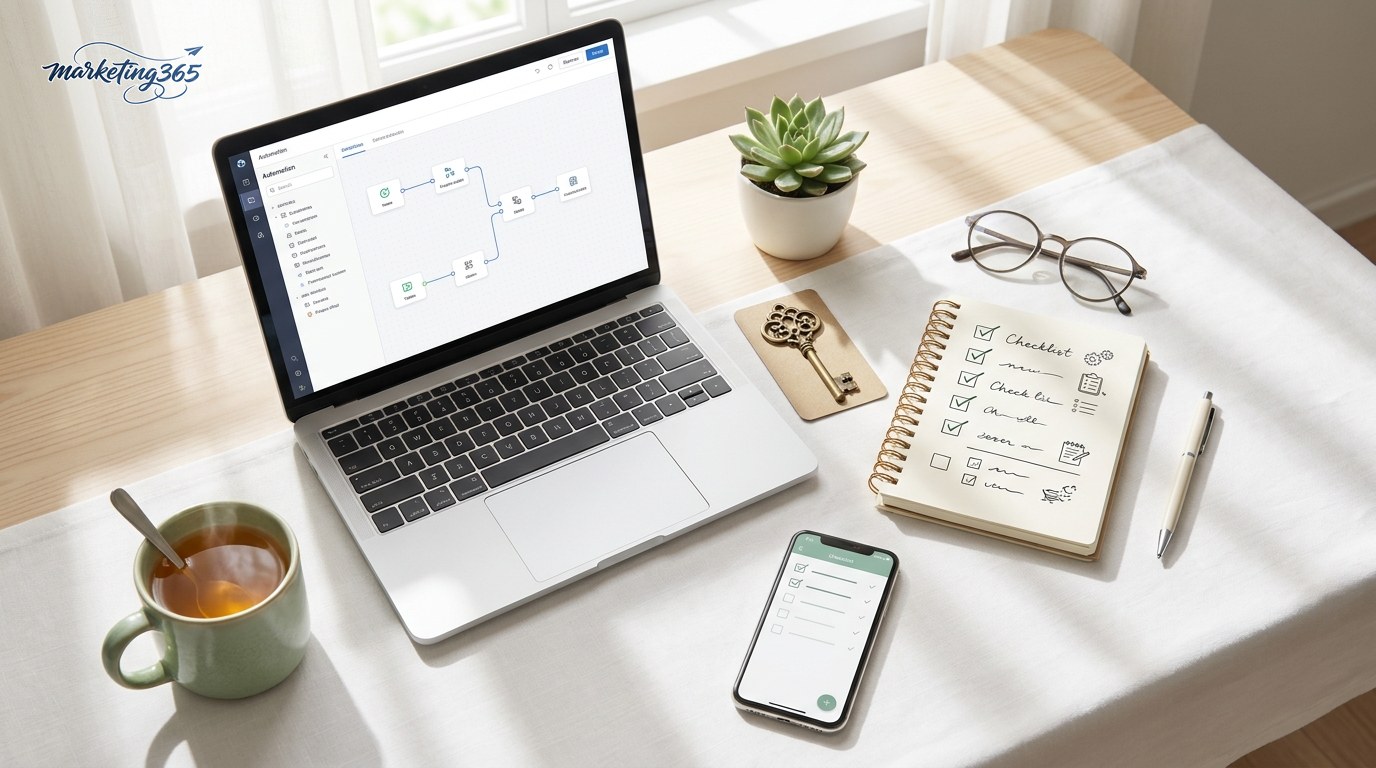
- An active n8n account: you can use either n8n Cloud or a self-hosted setup. Check the official n8n.io site to choose the option that fits your budget.
- An OpenAI API key: this is the “key” that lets n8n communicate with OpenAI’s models. You create the key in your OpenAI account dashboard and need to add a small amount of credit to use it. Note that the API key is billed separately from the ChatGPT Plus plan used on the web.
- A specific task idea: for example, “summarize each customer feedback line into one sentence.” Starting small is easier to control than building a complex workflow right away.
Steps to connect n8n with ChatGPT
The overall process has four steps. The n8n interface may change depending on the version, so refer to the official documentation at docs.n8n.io for the exact actions on the screen you’re using.
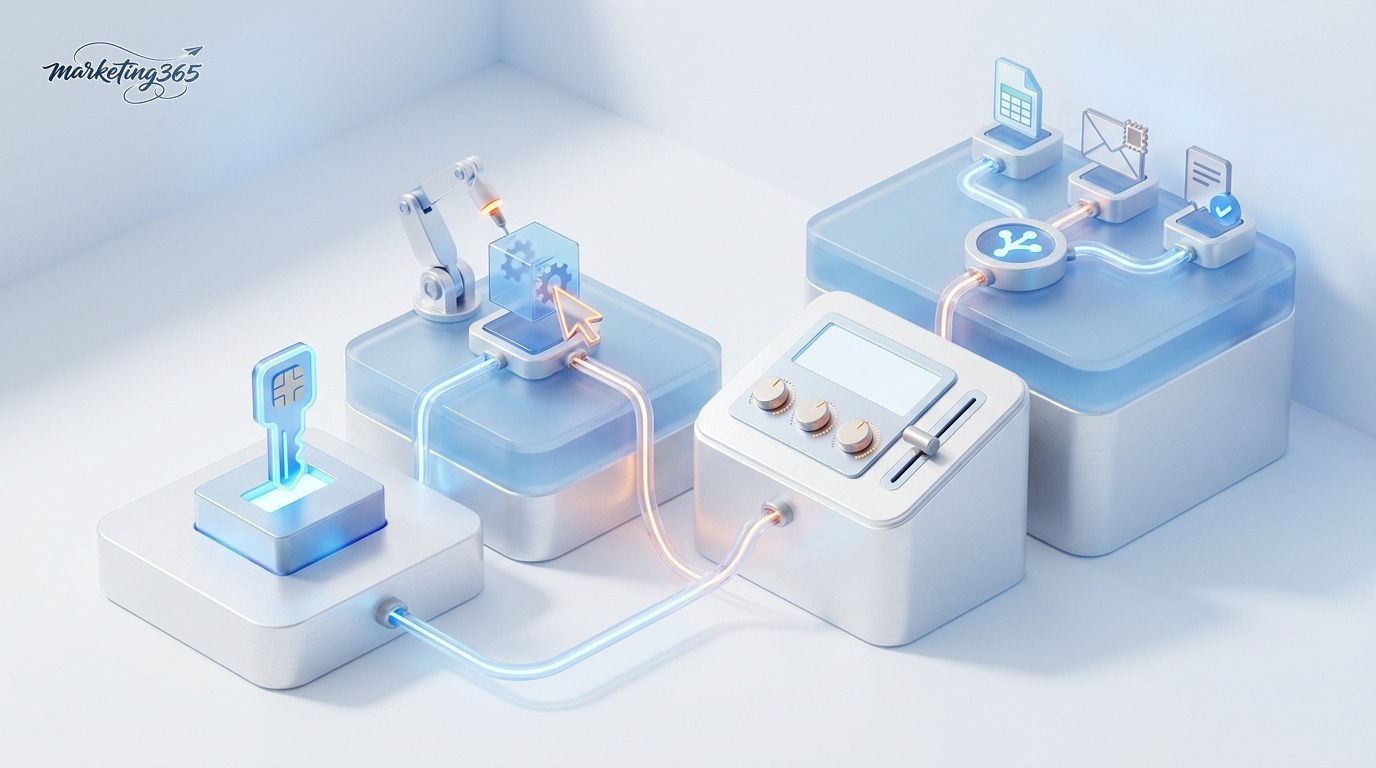
- Add the OpenAI credential: in n8n’s credential management area, create a new OpenAI credential and paste in your API key. This is the core “connection” step — once saved, n8n will remember and reuse this key for every workflow.
- Drag the OpenAI node into the workflow: n8n already includes the OpenAI node and the AI Agent node, so you don’t need to install anything else. In the workflow editor, find and add the OpenAI node, then select the credential you just created.
- Configure the action and prompt: choose the task type (for example, text generation), select a model, and enter a prompt that clearly describes what you want the AI to do. You can insert data from a previous node into the prompt so each run uses dynamic content.
- Connect the node to the flow and test it: connect the OpenAI node’s output to the next nodes (write to Google Sheets, send email, publish a post…). Run a test with a small sample of data to check the result before letting it run in bulk.
To see which other services n8n supports integrating with (Gmail, Slack, Notion, WordPress…), you can browse the directory at n8n.io/integrations. Technical API parameters such as model, temperature, or token limits are fully explained in the platform.openai.com/docs documentation.
Practical applications for marketers and SMEs
Read more: ChatGPT vs Gemini: Choosing the Right AI Tool for Marketing
Once you’ve connected successfully, here are a few simple but effective workflows that a small marketing team can implement right away:

- Bulk caption writing: read topics from Google Sheets, have the OpenAI node write captions for each row, then write the results back to the sheet.
- Email and message classification: automatically label incoming emails as “complaint,” “pricing inquiry,” or “partnership” so the team can respond faster.
- Report summarization: every morning, compile new feedback into a short summary sent to Slack or internal email.
- Draft reply support: generate reply drafts so staff only need to edit and approve them.
One extremely important point: when a workflow includes automatic publishing, sending emails, or replying to customers, keep a “human-in-the-loop” step — meaning there should always be a person reviewing before the content is published. AI can produce inaccuracies or drift from brand voice, so a review step protects your reputation. You can build a node that waits for approval or have the AI save a draft in a safe place before it is officially published.
Placing it in the broader picture of AI marketing automation
Connecting n8n with ChatGPT is just one piece of a larger picture: combining workflow automation with generative AI. Automation handles the “when event A happens, do action B” part, while AI handles the “make decisions and create content” part. Common marketing tasks that SMEs can automate include:
- Content: write blog drafts, product descriptions, and captions; turn one long article into multiple short formats.
- Email: personalize subject lines, segment lists, and draft nurturing email sequences based on open/click behavior.
- Advertising: generate multiple headline/description variations for A/B testing, summarize campaign performance reports.
- Customer service: chatbot answers frequently asked questions, classifies and routes requests, drafts replies.
- Reporting: gather data from multiple sources and automatically turn it into a weekly report with easy-to-understand commentary.
The toolkit usually has three layers: AI models (Claude, GPT) generate content; workflow platforms (n8n, Make, Zapier) connect applications; and AI agents plan and execute chains of tasks on their own. A safe path for SMEs is to choose the single most painful task, build a small workflow, keep human review in the early stages, measure results, and then scale — instead of trying to automate everything at once.
Frequently asked questions
The two most common questions when marketers first start connecting n8n with ChatGPT.

Does connecting n8n with ChatGPT cost money?
n8n itself has a free option (self-hosted) and paid plans. The part that calls OpenAI’s models via API is always billed by token usage — separate from the web-based ChatGPT plan. For the small workloads of an SME, the cost is usually very low, but you should set a budget limit in your OpenAI account to avoid unexpected charges.
Do I need to know how to code?
No, it’s not required. n8n is designed as a drag-and-drop node system, and most marketing tasks can be done without writing code. If you want to compare n8n with other automation platforms to choose the right tool for you, you can read the article OpenClaw vs n8n.
Conclusion
As you can see, how to connect n8n with ChatGPT comes down to one simple principle: add an OpenAI API key credential, drag the OpenAI node into the workflow, and connect it to your processing flow. Start with a small task, test carefully, and always keep a human as the final reviewer for anything that will be published externally. Once you’re familiar with it, this will become a lever that helps a lean marketing team produce many times more work. Don’t forget to consult the official documentation for the latest steps, and explore the AI Guides section to expand your automation toolkit.



