

Contents
How to get an OpenAI API key includes: creating an account at platform.openai.com, adding credit in Billing, going to the API keys page, and clicking Create new secret key, then copying it immediately. An API key is a secret string (usually starting with sk-) used to authenticate and bill each request your application sends to OpenAI.
Key points
- An OpenAI Platform account is different from a ChatGPT account; you must verify your email/phone number and add credit before API calls will work.
- OpenAI shows the full key only once — if you forget to copy it, you must delete the old key and create a new one; there is no way to recover it.
- Security is the most important step: store the key in an environment variable (.env + .gitignore), never push it to GitHub, and never send it via chat/email.
- Create a separate key for each project, set usage limits, and rotate keys regularly; monitor the Usage section to detect unusual abuse.
- If a key is exposed, go to the API keys page and Revoke it immediately, then create a new key; the key can be used for n8n, website chatbots, Google Sheets/Notion plugins…
If you want to integrate AI into a website, chatbot, or automation tool, knowing how to get an OpenAI API key is the first essential step. An API key is like a private key that lets your application “talk” directly to models such as GPT-4o or GPT-4.1 without opening the ChatGPT interface. This article walks you through how to create, copy, and especially secure your API key safely — following the official process on platform.openai.com, not just theory. If you’re still unclear on what OpenAI is, read What is OpenAI first to get the full picture.
What is an OpenAI API key and what is it used for?
An API key is a secret string of characters (usually starting with sk-) used to authenticate each request your application sends to OpenAI’s servers. When you call the API, OpenAI uses this key to identify which account the request comes from, then applies the corresponding billing and usage limits.

Unlike using ChatGPT in a browser (which is billed as a monthly plan), API usage is charged based on the actual number of tokens consumed. That means if someone leaks your key, they can use it at your expense. This is exactly why the security section below is just as important as creating the key. To understand costs before you start, you should read How much does the OpenAI API cost to budget properly.
Step 1: Create an OpenAI Platform account
Before creating a key, you need an account on the developer platform (different from a regular ChatGPT account, although you can use the same login email).

- Go to platform.openai.com and click Sign up.
- Register with your email, or sign in quickly with a Google, Microsoft, or Apple account.
- Verify your email and phone number — this is a required anti-abuse step, and each number can only be used for a limited number of accounts.
- Complete your Organization profile. You can enter a company name or your personal name if you’re a freelancer.
Important note for beginners: an API account does not automatically come with funds. You must go to Billing to add a payment method and top up a minimum credit amount before API calls will work. This is why many people think the key is broken when, in fact, the account simply has no balance.
Step 2: How to get an OpenAI API key in just a few clicks
Once your account is ready, creating a key is very quick. Follow these steps:

- Log in and open platform.openai.com/api-keys — this is where all keys are managed.
- Click the Create new secret key button.
- Give the key a memorable name (for example: chatbot-website or n8n-automation) so you can easily tell them apart later and revoke the right one when needed.
- Choose permissions if prompted: All for full access, or Restricted to limit it to certain features — choose the minimum permissions necessary.
- Click Create secret key, then Copy the key string that appears immediately.
One extremely important point: OpenAI shows the full key only once. Once you leave that window, the system only keeps a few ending characters for identification and you cannot view the full key again. If you forget to copy it, simply delete the old key and create a new one — there is no way to “recover” it.
Step 3: Secure and manage your API key properly
This is the part beginners tend to overlook most, yet it causes the biggest financial damage. A key exposed on GitHub or in public source code can be scanned and abused by bots within minutes (see OpenAI’s official recommendation in Best practices for API key safety). Follow these principles:

- Never hard-code the key or push it to GitHub. Store it in an environment variable, for example in a
.envfile, and add that file to.gitignore. - Never send the key through chat, email, or screenshots. Treat it like a bank password.
- Create a separate key for each project. When one project is shut down, you can revoke that specific key without affecting others.
- Set usage limits in Billing to protect yourself in case the key is abused — this is the “safety brake” for your wallet.
- Rotate keys regularly: create a new key, update it in your application, then delete the old one. Do this every few months or immediately if you suspect a leak.
- Monitor the Usage section regularly. If usage spikes unexpectedly, the key may have been exposed.
If your key is ever leaked, go back to the API keys page, click the trash icon to Revoke that key immediately, then create a new one. See more troubleshooting guidance in the OpenAI help center.
Step 4: Where can you use the API key? Common SME use cases
Once you have a key, you can plug it into many tools without deep programming knowledge. Here are a few practical applications for small businesses and marketers:
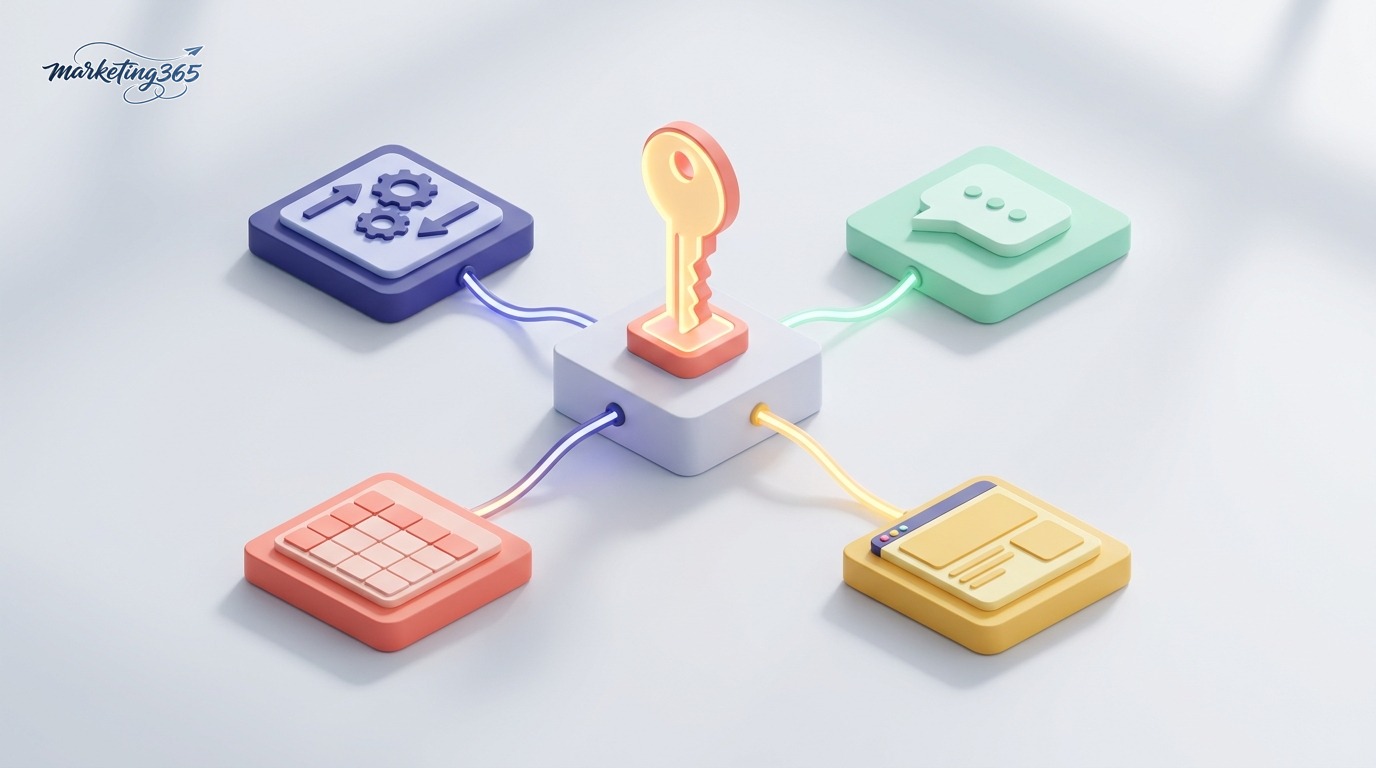
- Content automation with n8n: connect the key to the OpenAI node to write captions, product descriptions, and bulk emails. See the detailed guide in how to connect n8n with ChatGPT.
- Customer service chatbots on a website or fan page, answering automatically 24/7.
- Plugins and extensions such as add-ons in Google Sheets, Notion, or content-writing tools with an “API key” field.
- Data analysis and classification: summarize customer feedback, label emails, filter comments.
For the model to produce quality results, prompt-writing skill is the deciding factor. Don’t miss how to write effective ChatGPT prompts. You can also read the official technical documentation at OpenAI API Reference or browse the compiled guides in our AI Guides section.
Frequently asked questions
Does getting an OpenAI API key cost money?
Creating the key itself is free. However, each API call is billed based on the number of tokens consumed, and you must add credit to your account first. New accounts are sometimes given a small trial credit for a limited time, but this policy changes from period to period — check directly in Billing.

Can I view an API key again after creating it?
No. For security reasons, OpenAI only displays the full key string once when it is created. After that, you will only see the last few characters. If you forget to save it, delete the old key and create a replacement.
How many API keys can one account create?
You can create multiple keys for the same account, and this is the recommended approach: one key per project makes it easier to manage, track costs, and revoke when needed without affecting other applications.
In short, how to get an OpenAI API key is not difficult: create an account, add credit, go to the API keys page, and click to create a new key. The truly important part is security — store the key safely, set spending limits, and rotate it regularly. Master both steps, and you’re ready to bring AI power into your business and marketing work safely and cost-effectively.



