

Contents
- What are AI video automation tools, and what needs are they suited for?
- What do businesses gain and lose when relying on AI for video?
- How to choose the right AI video automation tool for your marketing goals
- How to use AI to make videos quickly while keeping brand identity intact
- Common mistakes when using AI video automation tools and how to avoid them
- When to use AI video, and when manual editing is still needed
- Frequently asked questions about AI video automation tools
When a marketing team needs to produce videos quickly for a campaign, post on social media every day, or test multiple ad variations, AI video automation tools help shorten the initial editing stage. They are a good fit when you need to create videos with AI from an existing script, turn text into video for introductory content, or turn images into video to make reels, shorts, or product demos.
The strength of this tool group is speeding up production and maintaining consistency across multiple content versions. However, it cannot replace message approval, brand checks, or error review before publishing. This article focuses on how to recognize when to use it, the criteria to check before publishing, and how to avoid depending on an AI video generator for every need.
What are AI video automation tools, and what needs are they suited for?
AI video automation tools are software that take inputs such as scripts, prompts, images, or brand assets and automatically assemble them into short videos with scenes, text, voiceover, and background music. These tools are most useful when you need to produce videos quickly, with few shots, few staff, and a willingness to review before publishing.
They usually do four things well: turn text into video, create video from text, turn images into video, and automatically assemble scenes based on content. What users still need to control is the message, cut rhythm, logo, on-screen copy, and image accuracy. For example, a short ad video can be outlined very quickly, but the headline, CTA, and product shots should still be checked manually before publishing.
Compared with template-based AI video creation, AI video automation tools are better suited to marketing teams that need to test many variations, while traditional editing software remains stronger for frame control, motion, and detailed post-production.

How does an AI video generator work in the content production workflow?
An AI video generator usually follows the sequence input → scene generation → refinement → publishing. Users provide a script, prompt, images, existing footage, or brand assets; the system then creates short clips, background music, captions, and automatic subtitles, and assembles them into a preview for review.
In a common workflow, you enter content for a social campaign, review each scene, edit long or out-of-context copy, and then export the final file. If you are using it for brand content, the review step is mandatory because AI may assemble scenes that fit the idea but still be off in language or inconsistent in logo, font, or color.
When should businesses prioritize using this tool?
Businesses should prioritize AI video automation tools when they need to create videos quickly, in multiple variations, and do not want to depend on a long editing process. They are especially suitable for ad testing videos, creating short AI videos for social media, repurposing blog posts into clips, and making short product videos for catalogs with many SKUs.
A small team should also use them when it needs to save resources during the idea-testing stage. For example, instead of manually editing 5 ad versions, you can create ad videos with AI to see which message is worth keeping. If the goal is a video that requires very tight frame control, complex effects, or long-form storytelling, consider other tools or use AI only for the draft stage.
What do businesses gain and lose when relying on AI for video?
Businesses gain the most in production speed and the ability to test many video versions without increasing headcount. When used correctly, AI video automation tools help small marketing teams turn articles, landing pages, or product briefs into short videos faster, especially for repetitive tasks such as building intros, cutting 15-second versions, or creating AI ad videos for different customer segments.
| Benefit | Limitation | Impact on the team |
|---|---|---|
| Fast video production | Easy for videos to look similar | Reduces backlog |
| Low upfront cost | Requires careful review | Small teams can still test many versions |
| Create multiple versions | Template-dependent | Increases content review work |
| Supports turning text into video | Lacks brand fine-tuning | Reduces load on designers/editors |
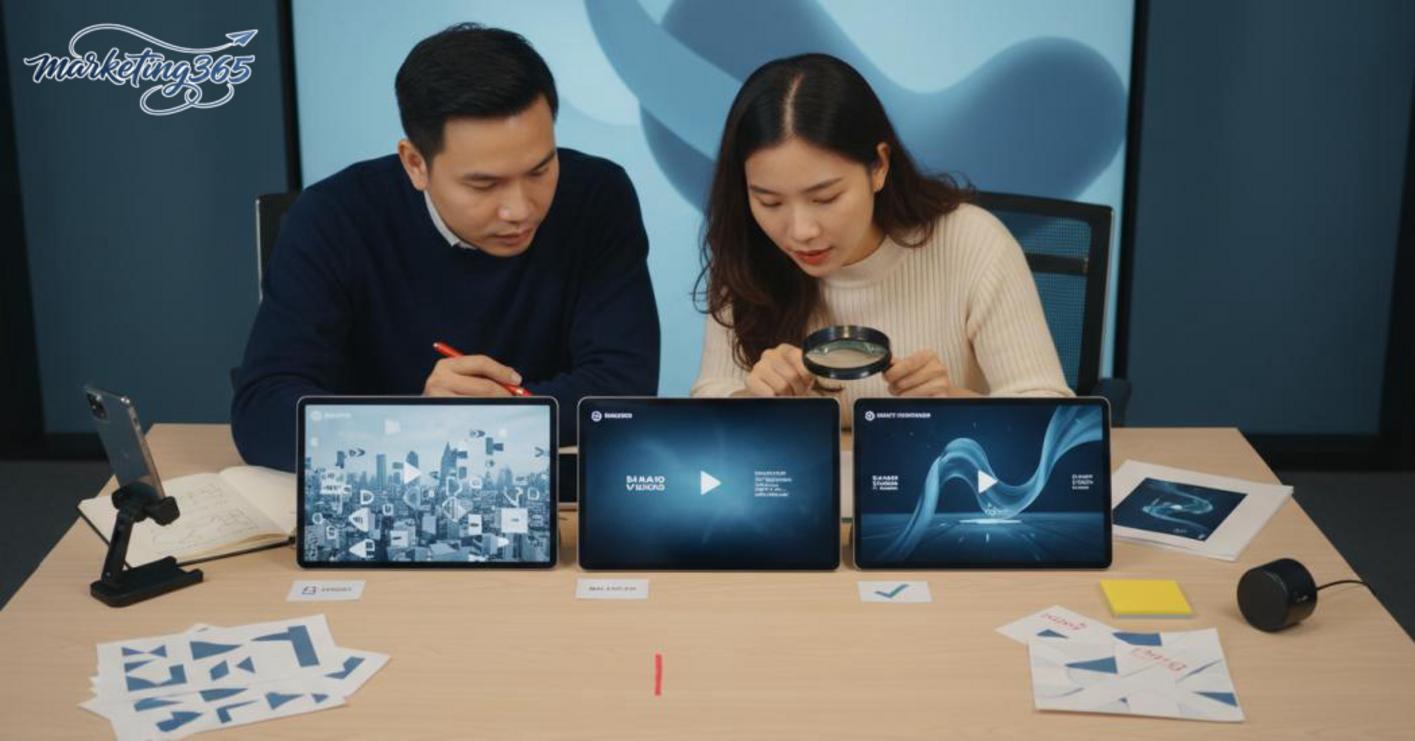
What is the most valuable benefit for a small marketing team?
The most valuable benefit is saving time on repetitive videos and creating multiple variations for quick testing. An AI video software can help generate videos automatically from a script, so a small team does not have to wait for a designer to handle every draft. For example, one blog post can be split into 3 different AI video versions to compare the opening hook, cut rhythm, and CTA.
The most valuable point is not fully replacing the video maker, but reducing simple manual work. When you need to turn images into video, shortening the process from idea to preview is the clearest advantage.
What risks are common if AI is used without a control process?
The biggest risk is a video that is technically correct but has the wrong message or off-brand identity. AI video generators often produce usable scenes, text, and voiceovers, but if they are not reviewed carefully, subtitles may be wrong, background music may not fit the context, or the video may look too “AI-generated,” reducing trust.
The way to avoid this is to set a fixed review step before publishing: check the opening line, product name, industry terms, logo, colors, and subtitles. For campaigns that require high credibility, AI video software should only be used to create drafts, not to publish directly to the main channel.
How to choose the right AI video automation tool for your marketing goals
AI video automation tools are best when they match your content goals, brand control level, and production time. If you choose based on flashy features, you may waste time learning the tool while the output still does not fit the channel you need to publish on.
The fastest way to decide is to work backward from the desired output. If you need to create video from text for a blog, email, or landing page, prioritize tools with clear text-to-video conversion, few editing steps, and the correct export ratio. If you need to turn images into video or make short reels, check scene-building ability, cut rhythm, and the template library. For ad videos, more important criteria are inserting the logo, brand colors, fonts, and adjusting each scene to avoid a generic feel.
A quick way to filter options is to use this 6-point checklist:
- The main goal is short video, ad video, or explainer video.
- Whether the output matches the format of the platform you publish on.
- Whether it supports Vietnamese, voiceover, and subtitles.
- Whether it allows scene, logo, and brand color editing.
- Whether the team needs a fast learning curve or can accept more manual steps.
- Whether there are copyright risks, account limits, or watermarks.
Read more: AI Tools for Writing Facebook Captions: Choose and Use Well
If your team needs to create videos with AI regularly, do not choose based only on a nice interface. Choose based on control level and internal review speed. A solid AI video software should let you quickly revise when the message changes, the CTA changes, or a long video needs to be split into multiple variations for the same campaign.
What criteria should you check before choosing?
A good tool is one that delivers the right output with the fewest revision rounds. When comparing AI video generators, check four things: whether text-to-video is smooth, whether the templates are sufficient for your industry, whether each scene can be edited, and whether the export works for TikTok, Reels, or YouTube Shorts.
Practical checklist:
- Supports Vietnamese or natural-sounding voiceover.
- Can insert logos, brand colors, and fixed fonts.
- Can quickly split scenes, change images, and change text.
- Has watermark, storage, or export-duration limits.
When should you prioritize free tools, and when should you consider paid plans?
Free AI video creation tools are suitable when you are testing ideas, learning the workflow, or making content where stability is not critical. If you only need to check whether a script can be turned into a video quickly, the free version is enough to evaluate the workflow.

Paid AI video software is worth considering when the video is tied to clear KPIs, requires tight brand control, or must be produced consistently every week. In that case, the cost is often offset by lower editing effort, more stable output, and less risk of watermarks or feature limits. If your channel needs a standardized automated video workflow, the paid version is usually a better fit than the free one.
How to use AI to make videos quickly while keeping brand identity intact
Using AI video automation tools is most effective when you have a clear workflow: standardize the message, prepare the right inputs, create a draft, and then have a human review it before publishing. This approach helps you create videos with AI faster while still keeping the logo, tone, and visual rhythm aligned with the brand identity.
How should you prepare inputs so AI produces fewer errors?
The clearer the input, the fewer edits the video will need. When creating videos with AI, prepare 4 things: the video goal, one main message, brand-correct assets, and implementation constraints. For example, a social ad video should have only one CTA, one offer, and a consistent text tone; a product video should have clear images, feature names, and concise descriptions.
Checklist before entering data:
- Write a 30–60 second script, with each sentence short.
- Use only one set of terms for the product name, slogan, and benefits.
- Prepare the logo, font, colors, product images, and licensed background music in advance.
- Remove vague phrases like “say it better” or “make it stand out more.”
If you need to turn text into video or turn images into video, decide in advance which scenes must remain unchanged. With AI video editing, the more specific the prompt, the closer the first draft will be, reducing revision rounds in the editing stage.
What checks should be done before publishing or running ads?
Before posting or running ads, the video should be reviewed by a human in this order: content, visuals, audio, framing, and platform suitability. This is the decisive step to avoid brand errors, spelling mistakes, or format issues when using AI video software.
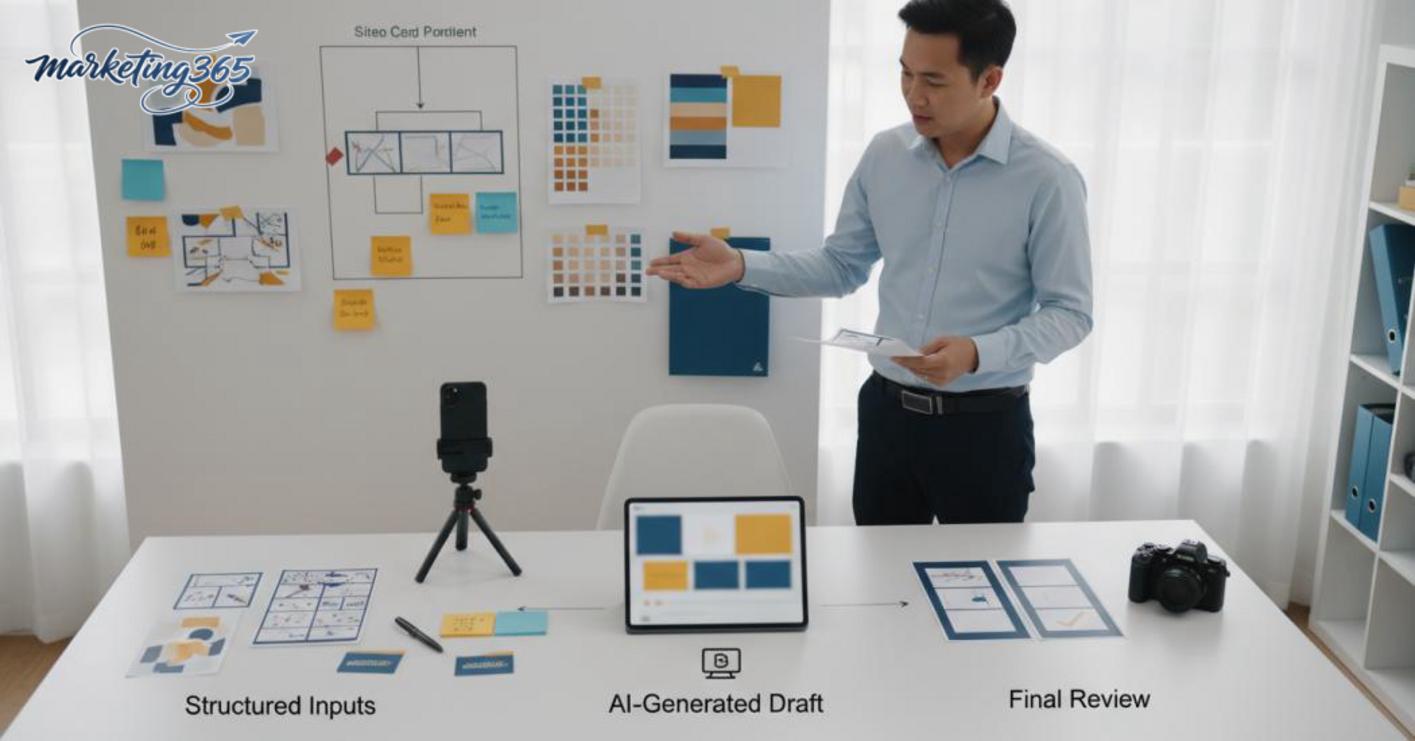
- Read every subtitle and caption line again to catch spelling mistakes, incorrect abbreviations, or overly long sentences.
- Check the logo, colors, fonts, and safe margins; if the logo is covered or misaligned, fix it immediately.
- Review scene rhythm and length: the opening scene should go straight to the message, without dragging on.
- Test the audio: background music should not overpower the voice, and volume should not change abruptly.
- Check the frame format for the platform. A 9:16 vertical video should not be published unchanged across every channel.
When creating AI ad videos, the version used for A/B testing should keep one variable changed, such as the headline or CTA, and not change too many elements at once. If the video fails the basic checks above, do not publish it yet; fix it in the draft before duplicating variations.
Common mistakes when using AI video automation tools and how to avoid them
Using AI video automation tools effectively means controlling three layers of risk: content, technical, and operational. If you ignore one layer, the video can easily feel stiff, lose rhythm, or break when uploaded to the platform. For marketing teams, small mistakes in AI video creation often reduce completion rates and create extra revision work.
What content mistakes make a video feel unnatural?
Content mistakes that make a video feel unnatural include stiff wording, rambling ideas, and visuals that do not match the message. When using an AI video generator, many teams keep the original script from the text, so the video sounds like a slide deck being read aloud, lacking rhythm and emphasis. For example, in a product promo video where each scene changes too quickly and each line says something different, viewers will feel the content was stitched together just to fill the scenes.
The way to avoid this is to edit the script before exporting the video. Follow these 4 steps: 1) open with the main benefit, 2) keep only one idea per scene, 3) remove unnecessary and overly long sentences, 4) match visuals to the message. When turning text into video, it is best to read it aloud before publishing. If a sentence cannot be spoken naturally in one breath, split it into 2 shorter sentences.
What technical and operational mistakes should be controlled before publishing?
Read more: AI Logo Design: How to Do It and Mistakes to Avoid
Technical mistakes often ruin a video at the publishing stage, even when the content itself is fine. Common issues include the wrong aspect ratio, subtitles out of sync, uneven audio, rendering errors, and exports that do not match the platform. When editing videos with AI, exporting in 1:1 instead of 9:16 can cause short videos to lose important text.
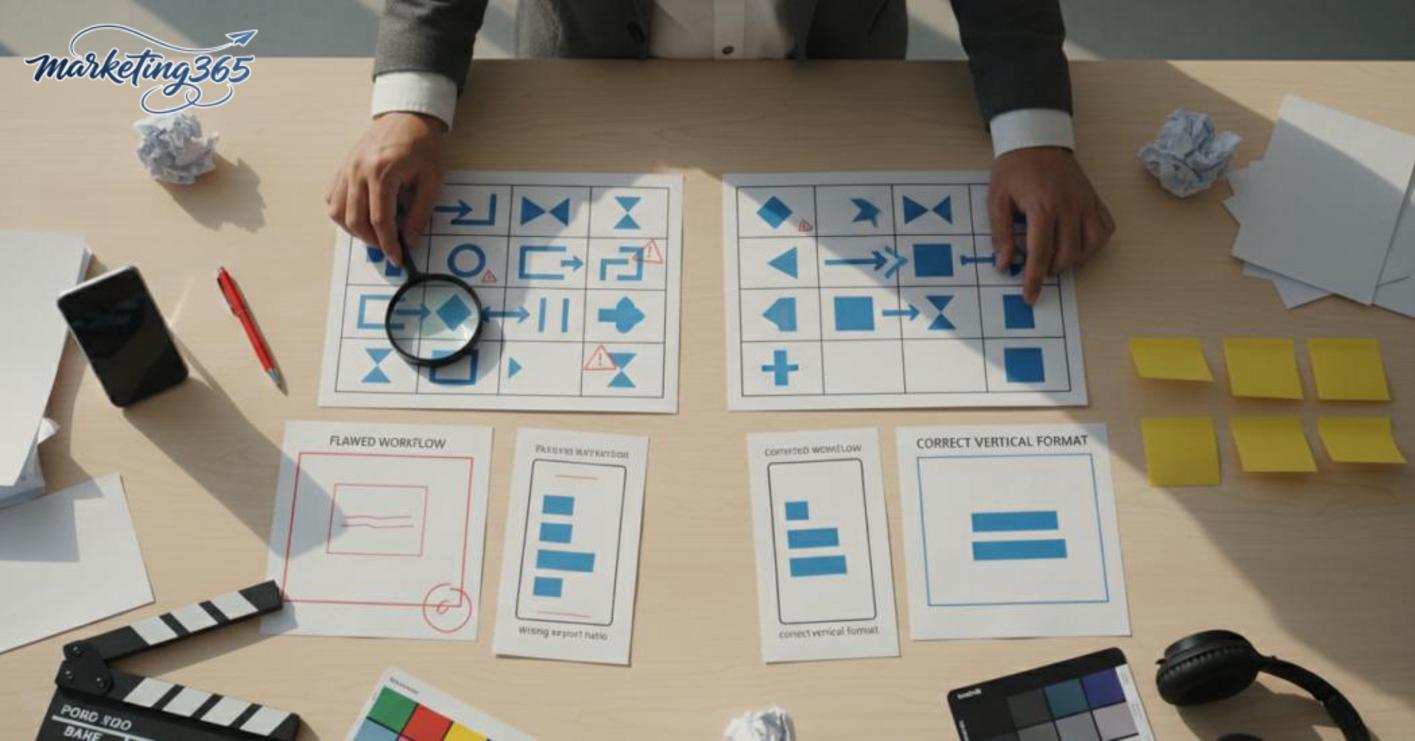
The way to control this is to follow the sequence: 1) choose the correct aspect ratio from the start, 2) review subtitles across the full timeline, 3) listen to the audio at the opening and ending sections, 4) export a short test version before publishing at scale. With AI video software, you should check the source images and videos first, because blurry or underexposed files will make the final product look untrustworthy. If the video is meant for ads, review it on the actual publishing platform to avoid display errors, misaligned text, or a missing CTA.
When to use AI video, and when manual editing is still needed
AI video is best when the goal is speed, multiple variations, and keeping production costs lean. With AI video automation tools, marketing teams can turn ideas into short clips, then repeat variations to compare hooks, captions, or thumbnails without rebuilding from scratch.
Which types of video does AI handle best?
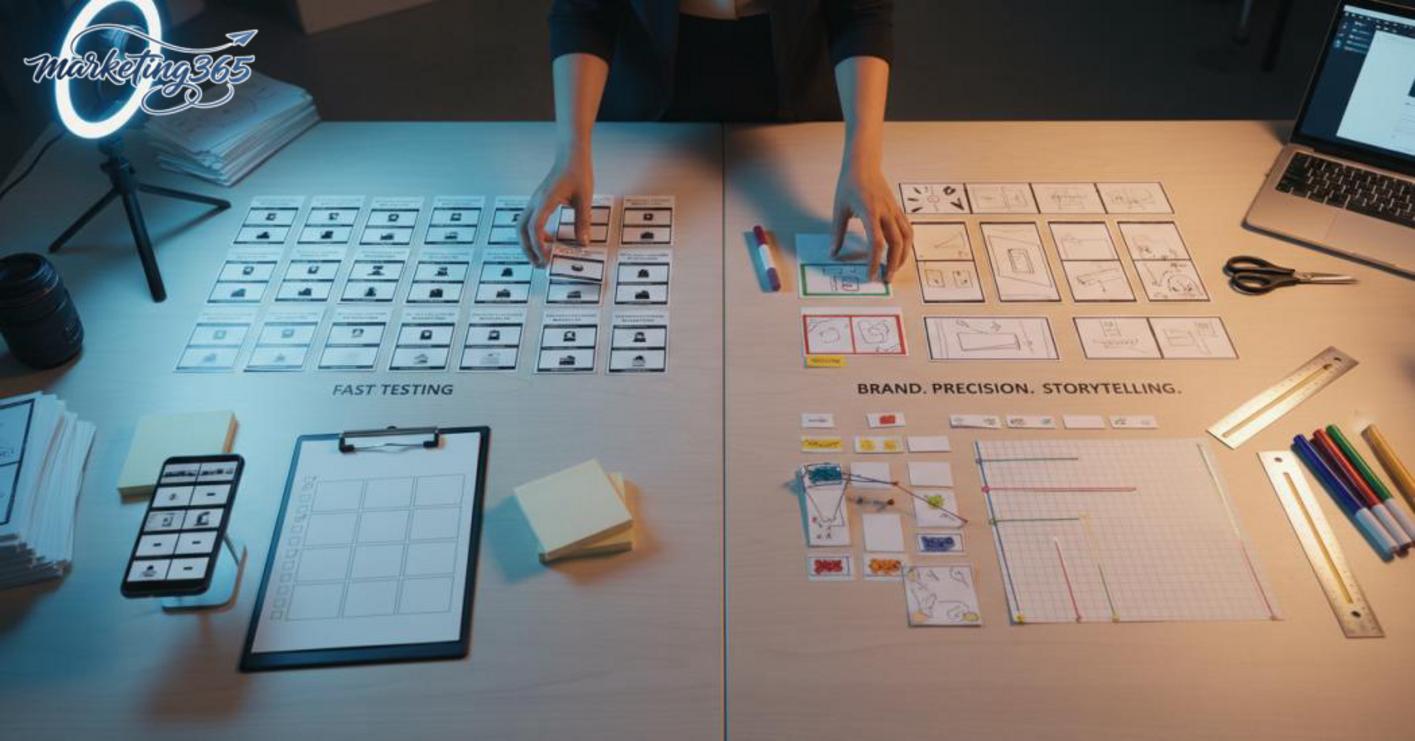
Short, repetitive videos that do not require deep personalization are where AI video creation performs best. Common examples include short social videos, simple product intro videos, turning a blog post into video, or creating short videos with AI to test 3–5 versions at once.
Best-use checklist:
- The content has a clear structure and few complex scene transitions.
- You need multiple versions for A/B testing.
- You can accept moderate adjustments to rhythm, on-screen text, and background music.
- You need to create AI ad videos to test the message before investing in the main version.
For these tasks, automated video creation saves the rough editing stage. Some AI video software also supports turning images into video or building scenes from prompts, which is very useful when you need to produce content quickly for social and performance marketing.
Which types of video should still have manual editing?
Brand videos, major campaigns, and content that requires high accuracy should still involve a human editor working alongside AI video creation and more manual refinement. The reason is that these videos depend on storytelling rhythm, emotion, scene composition, and a high level of information control.
Manual editing should be prioritized when:
- The video needs strong storytelling or long-term brand building.
- The video includes legal elements, commitments, or technical instructions.
- The product is complex and needs accurate illustration of features and usage context.
- Shots must closely match the brand identity, transitions, and audio.
Quick decision table:
- Use AI: short clips, fast tests, high volume.
- Combine both: product intro videos, small campaigns, content that needs rhythm adjustments.
- Manual editing: brand videos, highly emotional videos, videos that require absolute accuracy.
If speed is the goal, free or paid AI video creation tools can both be a starting point. If persuasion and distinctiveness are the goal, humans still need to handle the final editing layer.
Frequently asked questions about AI video automation tools
AI video automation tools are suitable for beginners if they start with short videos, product intro videos, or text-to-video clips with a clear structure. This approach helps produce drafts quickly and makes quality easier to check than starting with a long video right away.

- Should beginners use it? Yes. Use it to test messages, learn editing rhythm, and reduce the time needed for the first draft.
- Can this tool replace an editor? Not yet. It handles video framing, illustrative scenes, and basic pacing well; an editor is still needed when the video requires emotion, refined rhythm, and brand identity control.
- What type of video should you start with? Choose short AI videos, short AI ad videos, or turning images into video for social posts. These formats are easier to edit and require less input data.
- How can you avoid videos looking “fake”? Use real images, keep fonts and colors consistent, limit transition effects, and review each frame for mismatched hands, eyes, logos, or text. If the lips do not match the audio or the background shakes, reduce the effects immediately.
- Are free tools enough for basic marketing? They are enough to test ideas, make teasers, or create automated videos for simple content. If you need to export many videos, remove watermarks, or keep branding consistent, free versions are usually not enough.
A quick check is to make one 15–30 second sample video and watch it on a phone before publishing. If viewers understand the message within the first 3–5 seconds, you are on the right track.
For official and up-to-date guidance, you can also refer to materials from Think with Google.
You can also explore more practical marketing guides at https://marketing365.vn.
Content from marketing365 is built for SMEs, online shop owners, and new marketers.
You can also read more articles on the same topic in the AI Marketing category.



