

Contents
Free n8n marketing templates are available in a public library at n8n.io/workflows — a repository contributed by n8n and the community, with thousands of free workflows. You only need to search by keyword or filter by app, import them into n8n, then assign credentials and adjust parameters to use them, saving hours of setup.
Key points
- Using ready-made templates cuts setup time from hours to minutes, helps you learn how to build workflows properly, and avoids basic logic errors.
- The largest official source is n8n.io/workflows: search by keyword (marketing, email, lead, SEO), filter by integration, and read each template description carefully.
- Useful marketing template groups include email automation/lead nurturing, social media management, AI content creation, tracking & reporting, and lead collection & cleaning.
- There are two import methods: the “Use workflow” button on n8n.io or importing via JSON; after that, you must assign credentials, adjust parameters, run a manual test, and only then Activate.
- For stable operation, check node versions, do not paste API keys directly into code nodes, test with dummy data first, respect rate limits, and monitor execution logs.
If you are looking for free n8n marketing templates to automate work without paying for services or building workflows from scratch, the good news is that a public library of shared templates is waiting for you to explore. For marketers and small business owners (SMEs), downloading a ready-made process and adapting it to your needs can save hours of setup and reduce the risk of logic mistakes. This article will show you where to find templates, which marketing workflows are worth using, how to import them into n8n, and the key things to keep in mind for stable operation.
Why use n8n templates instead of building from scratch
n8n is an open-source workflow automation platform that lets you connect hundreds of apps (Google Sheets, Gmail, Facebook, Notion, OpenAI…) through a drag-and-drop interface. However, beginners often spend a lot of time figuring out how nodes connect to one another. Using ready-made templates helps you:

- Cut setup time from hours to just minutes.
- Learn from the community’s standard workflow structures and avoid basic logic errors.
- Get a ready-made framework to customize instead of wondering where to start.
- See how real-world scenarios are handled: data filtering, API calls, and error handling.
If you are not yet clear on what n8n is and how it works, read what n8n is first to understand the basics, then come back here to get started with real templates.
Where to find free n8n marketing templates on n8n.io
The official and largest source is the template library at n8n.io/workflows. This is a public repository contributed by n8n itself and the community, with thousands of workflows across many fields. How to use it effectively:

- Search by keyword: type “marketing”, “email”, “social media”, “lead”, or “SEO” into the search box to filter the group you need.
- Filter by application (integration): choose the apps you already use, such as Google Sheets, Gmail, Telegram, or OpenAI, to see only compatible templates.
- Read the template description carefully: each template page clearly states what the workflow does, which credentials are needed, and which nodes are involved.
- View it in the app: in the n8n interface, the Templates section also lets you browse and open sample workflows directly from the library source.
In addition to the official library, you can also find templates shared on community forums and GitHub, but it is best to prioritize n8n.io because it is better quality-controlled and always updated to match newer node versions.
Useful marketing template groups to try
Below are the common types of marketing workflows you will often find in the template library. These are functional groups rather than a fixed template, because the specific list always changes as the community contributes:
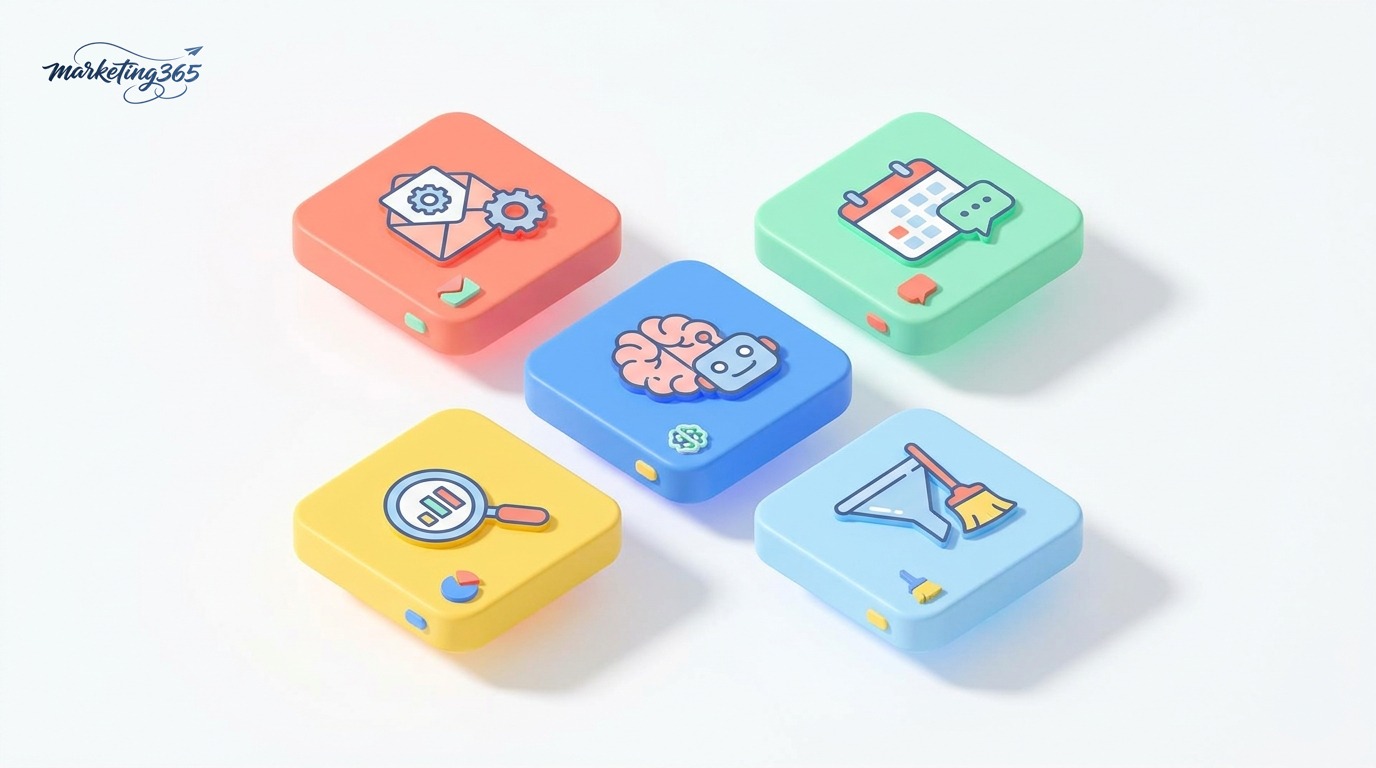
- Email automation & lead nurturing: trigger an email sequence when a new customer comes in from a form, and sync contacts between CRM and Google Sheets.
- Social media management: schedule and automatically publish content across multiple channels, or collect comments and brand mentions in one place.
- AI content creation: connect to a language model to write captions, summarize articles, and generate content ideas at scale.
- Tracking & reporting: pull data from Google Analytics, ads, or spreadsheets, then send periodic reports via email/Telegram.
- Lead collection & cleaning: gather prospect data from multiple sources, remove duplicates, and standardize it before sending it to the CRM.
To better understand how to apply these workflows in real marketing operations, you can refer to n8n automation marketing. Another popular template use case is connecting n8n with AI for content processing — see how to connect n8n with ChatGPT to add AI power to any workflow.
How to import a template into n8n
Adding a template to your n8n account is very simple. There are two main ways:

- Method 1 – Use the “Use workflow” button on n8n.io: open the template page in the library, click the use button, and the system will open that workflow in your n8n editor.
- Method 2 – Import via JSON: many templates allow you to copy the JSON code. In n8n, go to the workflow menu, choose Import from URL or Import from File/Clipboard, and paste the code.
After importing, you need to do the following for the workflow to run:
- Assign credentials: templates never contain your passwords or API keys, so you must add credentials for each node yourself (Gmail, Google Sheets, OpenAI…).
- Adjust parameters: change sheet names, channel IDs, sample content, and more to match your real data.
- Run a manual test: use the Execute workflow button to check each node before enabling automatic execution.
- Activate: turn on the trigger so the workflow runs on a schedule or via webhook.
If you have not installed n8n on your computer or server yet, see how to install n8n first. The official import/export documentation is also explained in detail at docs.n8n.io.
Notes for using free templates reliably
Templates save time, but that does not mean they will work perfectly the moment you download them. A few things to check:

- Check node versions: older templates may use nodes that have been renamed or replaced; open each node to make sure there are no error warnings.
- Be careful with credentials and security: never paste API keys directly into code nodes; always use n8n’s Credentials section to store them securely.
- Read carefully before running in a live environment: some workflows include nodes that send bulk email or delete data — test with dummy data first.
- Respect API limits: services like OpenAI or Facebook all have rate limits; add a Wait node or error handling to avoid being blocked.
- Monitor execution logs: after activation, check the run history for the first few days to catch errors early.
You can find more step-by-step guides in Marketing365’s AI guides section to combine n8n with other AI tools. The user community at community.n8n.io is also a good place to ask questions when you run into errors.
Frequently asked questions
Are templates on n8n.io really free?
Yes. The entire template library at n8n.io/workflows is shared publicly and free of charge. You only pay if you use paid services that the workflow calls, such as the OpenAI API, or if you use the paid n8n Cloud plan.

Do I need to know programming to use templates?
Not necessarily. Most templates work with just credential assignment and parameter adjustments. Some advanced workflows include a Code node (JavaScript), but you can still use them without changing that part.
Is it safe to use free templates?
It is safe if you get them from trusted sources like n8n.io and always read the workflow carefully before running it. Never enter API keys into unfamiliar nodes, and test with sample data before applying them to real data.
Can I edit a template after importing it?
Absolutely. After import, the template becomes your own workflow; you can add or remove nodes, change triggers, and customize it freely to fit your business marketing needs.



