
Contents
- Is Midjourney suitable for creating product images?
- What should you prepare before writing a product-image prompt?
- How to write a Midjourney prompt for product images in a controllable way
- A practical workflow for creating product images in Midjourney
- How to check whether a Midjourney image is ready for marketing
- Common mistakes when using Midjourney to create product images
- How Midjourney can be applied to different marketing needs
- Frequently asked questions about how to use Midjourney to create product images
If your marketing team or shop owner needs fast visuals for a campaign, how to use Midjourney to create product images is an option worth trying. The tool is well suited for building concepts, mockups, and ad visuals when you have not yet had time to shoot real photos, but the images it generates should not be assumed to match the product’s exact color, material, or details 100%. In practice, you need to know when to use it, how to prepare the prompt, which mismatches to check before publishing, and when to return to real photography. The goal is to create e-commerce-ready product images with Midjourney in a way that keeps risks under control.
Is Midjourney suitable for creating product images?
Midjourney is suitable for creating product images when the goal is a concept, mockup, banner, or ad visual that needs strong emotion and fast turnaround. It is not the best choice if you need images that are absolutely accurate in every detail, such as labels, specifications, material colors, or packaging.
In using Midjourney to create product images, its strength lies in the speed of idea testing. A marketing team can use real photos for the sales page, then use Midjourney product mockups to test backgrounds, lighting, settings, and mood before finalizing the key visual.
When should you use Midjourney instead of real photography?
Midjourney is a good fit when you need product ad images quickly, have not finalized the style, or want to create multiple variations for the same campaign. It is also useful when studio budgets are limited, but you still need visuals polished enough for internal presentations, ads, or landing pages.
Situations where Midjourney makes sense:
- The product is new and the concept has not been finalized.
- You need multiple background, setting, or style variations.
- You want to test creative A/B options before investing in a shoot.
- You need imagery that is more inspirational than technical.
If the goal is to create professional mockup images during the ideation stage, Midjourney is very effective for commercial product visuals. It shortens the approval cycle and helps avoid shooting too early when the direction is still unclear.
When should you not rely on Midjourney?
You should not rely on Midjourney when the image must be absolutely accurate to the real product. Common issues include incorrect packaging text, distorted shapes, off-color results, or accessories that do not match the SKU.
Real photography or product image editing with Midjourney should be prioritized when:
- The packaging must be accurate down to every detail.
- The product has important technical specifications.
- You need consistency across multiple SKUs.
- The image is for e-commerce, catalogs, or sales materials that require high credibility.
If used in the wrong context, the image may look beautiful but mislead customers about the product’s quality or features. For the need to create e-commerce-ready product images with Midjourney, it should be treated as a visual support tool, not a complete replacement for real photography.
What should you prepare before writing a product-image prompt?
Preparing inputs before writing the prompt helps you control product images better, reduces the chance of Midjourney adding incorrect details, and saves many revision rounds. With using Midjourney to create product images, missing even one detail such as packaging color, background style, or aspect ratio can quickly push the image away from the target.
Define the image goal from the start
The image goal determines how you write the prompt and how much control you need over the visual. Catalog images need a clean background and a clearly visible product; product ads often need strong emotion, dimensional lighting, and space for text; lifestyle images prioritize a natural usage context. If you are making a mockup, the focus is on preserving the product’s shape and front-facing identity.
Before typing the prompt, decide three things: where the image will be used, what the viewer should notice first, and whether you need room for text overlay. A hero banner for a landing page usually needs a wide horizontal layout, while a sales post on social media is often better in a vertical format.
Quick checklist:
- Catalog: simple background, few props.
- Advertising: a clear focal point and strong contrast.
- Lifestyle: a realistic usage setting.
- Mockup: prioritize product accuracy.
- Hero banner: needs space for the headline.
Prepare product data and brand identity elements
The clearer the product data, the fewer mistakes the generated image will have. When using Midjourney on Discord to create product images, you should gather the shape, material, main color, logo, packaging, and key selling points in advance. If it is a cosmetic product, you need to know the cap, bottle body, front label, or side label. If it is a beverage, you must finalize the bottle color, label style, and level of transparency.
When data is missing, Midjourney product mockups can easily “invent” the logo or packaging structure incorrectly. So divide the elements into two groups:
- Must keep: logo, main color, bottle/box shape.
- Flexible: props, background, lighting, camera angle.
If you need to create professional mockup images, start by describing the main face clearly, then add secondary details. This reduces the risk of getting a beautiful image that is wrong for the product.
Choose the right style and aspect ratio for the channel
The style and aspect ratio must match the channel where the image will be used, otherwise even a beautiful image may not perform well. Using Midjourney to design a product banner for a landing page usually works well at 16:9; social posts often suit 1:1 or 4:5; while marketplaces need a compact frame, a clear product, and few distracting details. In prompt guidance for Midjourney product images, this directly affects composition.
Before writing the prompt, lock in these three variables:
- Style: minimal, premium, natural, lifestyle.
- Ratio: 1:1, 4:5, 16:9.
- Amount of empty space: whether you need room for text.
For example, creating a product ad image with Midjourney for a beverage bottle usually requires a clean background, fresh lighting, and empty space on the right for the headline. By contrast, a catalog image on a marketplace should focus more on product clarity than visual effects. This is the foundation that helps how to use Midjourney to create product images start correctly from the very first prompt.
How to write a Midjourney prompt for product images in a controllable way
Writing a Midjourney prompt for product images in a controllable way means ordering the information so the output matches the product, the setting, and the intended mood with minimal drift. With using Midjourney to create product images, you should structure the prompt in layers: the main product first, then the setting, lighting, material, camera angle, mood, and the constraints that must be preserved.
Read more: AI Logo Design: How to Do It and Mistakes to Avoid
The prompt formula to prioritize for product images
The easiest formula to control is to move from “what must be seen” to “what must be avoided.” A Midjourney product prompt should usually have seven layers: product name, identifying features, setting, lighting, material or surface, camera/view, and final constraints. When writing English prompts for Midjourney product images, keep this order so the important parts do not get buried.
Short example: “premium skincare bottle, white marble surface, soft studio lighting, clean shadow, front view, minimal luxury style, no extra props, no text, no distorted label”. This structure makes a commercial product image clearer in intent than a long prompt packed with too many adjectives. If you are making a product ad image with Midjourney, choose one main goal: luxurious, minimal, or natural.
A quick way to check is to read the prompt back like a checklist: is the product included, is the setting included, is the lighting included, is the camera angle included, and are the constraints included? If one layer is missing, the image is more likely to drift.
Words and phrases that help product images look more accurate
The words that best describe product images usually fall into five groups: lighting, background, surface, realism, and composition. In prompt guidance for Midjourney product images, phrases like “soft studio lighting,” “clean background,” “matte surface,” “realistic texture,” and “center composition” are often more useful than vague words like “beautiful,” “premium,” or “luxurious.”
If you need to create product mockups with Midjourney, make the style distinction clear. “Studio” works well when you need a clean background and high control. “Lifestyle” works when you want a real-use feeling, but it can easily introduce unwanted objects. “Minimal” often suits e-commerce-ready product images with Midjourney because it reduces visual noise.
A practical tip is to choose only one main mood group per prompt. For example: “natural daylight” or “luxury studio,” but not too many emotional directions in the same image.
How to reduce unwanted details invented by Midjourney
Midjourney tends to add strange details when the prompt lacks constraints. When editing product images with Midjourney, clearly state what must remain unchanged: logo, label, brand color, number of products, bottle/jar shape, and a clean background.
Checklist to add at the end of the prompt:
- no extra objects
- no duplicate products
- no warped label
- no distorted logo
- no messy background
- keep bottle shape consistent
Common issues include distorted logos, warped label text, swollen bottles, or extra accessories. In those cases, the solution is not to make the prompt longer, but to tighten the constraints more specifically. If the image is meant for e-commerce, prioritize describing one product, one viewpoint, one background, and remove every unnecessary element in the final sentence.
A practical workflow for creating product images in Midjourney
A practical workflow for creating product images in Midjourney is an iterative loop of testing, reviewing, and revising to verify the product, composition, and brand feeling before using it for marketing. With using Midjourney to create product images, the goal of the first round is to get a direction check, not a perfect image right away.
Step 1: Create the first version to check composition and style
Read more: Copyright Notes When Using AI Images in Marketing
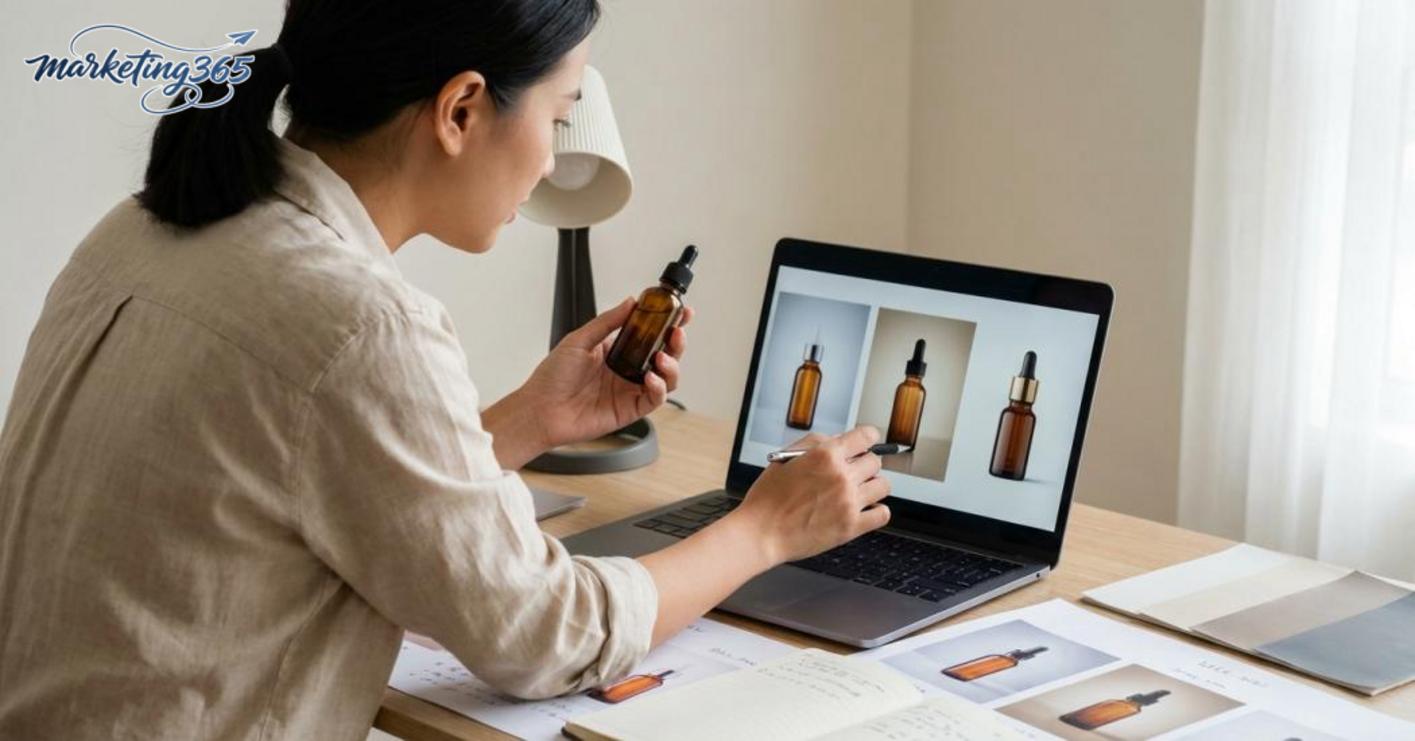
The first round is for checking whether the image is heading in the right direction. Enter the prompt in this order: main product, setting, camera angle, lighting, and then mood. For example, with a serum bottle, you might clearly describe “glass bottle, centered hero shot, clean studio background, soft light.” When the image comes back, quickly score four points: is the product clear, is the composition balanced, is the lighting appropriate, and does the feeling match the brand spirit? If you are testing a product ad image with Midjourney, do not over-edit too many details at the start.
Step 2: Revise the prompt based on the errors you observe
When the image is not good enough, revise in order of the errors, not randomly. The first priority is the wrong product; next is the wrong composition; then the wrong lighting; after that, adjust the mood; and only then remove excess details. For example, if a product mockup made with Midjourney is distorted, shorten the background description and add the core identifying features of the item such as color, material, and shape. If the composition is off, add instructions like centered, hero shot, clean background. If the lighting is too harsh or too dark, specify soft light, studio light, natural shadow. This approach makes the product Midjourney prompt more stable and avoids changing the entire direction of the image.
Step 3: Finalize the version that is usable for marketing
An image is good enough for marketing when the product is clearly visible, the brand spirit is correct, and there are no errors that reduce credibility. Finalize it when it meets at least three criteria: correct product, clean background, and lighting that does not distort the real color of the item. For a marketing team, it is best to save three things: the original prompt, the revised prompt, and the best result so it can be recreated later. If the image needs to work across multiple channels, finalize 2–3 different versions: one for ads that makes the product stand out, one for social that is more eye-catching, and one for landing pages that is clean, clear, and minimal. This helps you create professional mockups using the same prompt logic instead of starting from scratch for each channel.
How to check whether a Midjourney image is ready for marketing
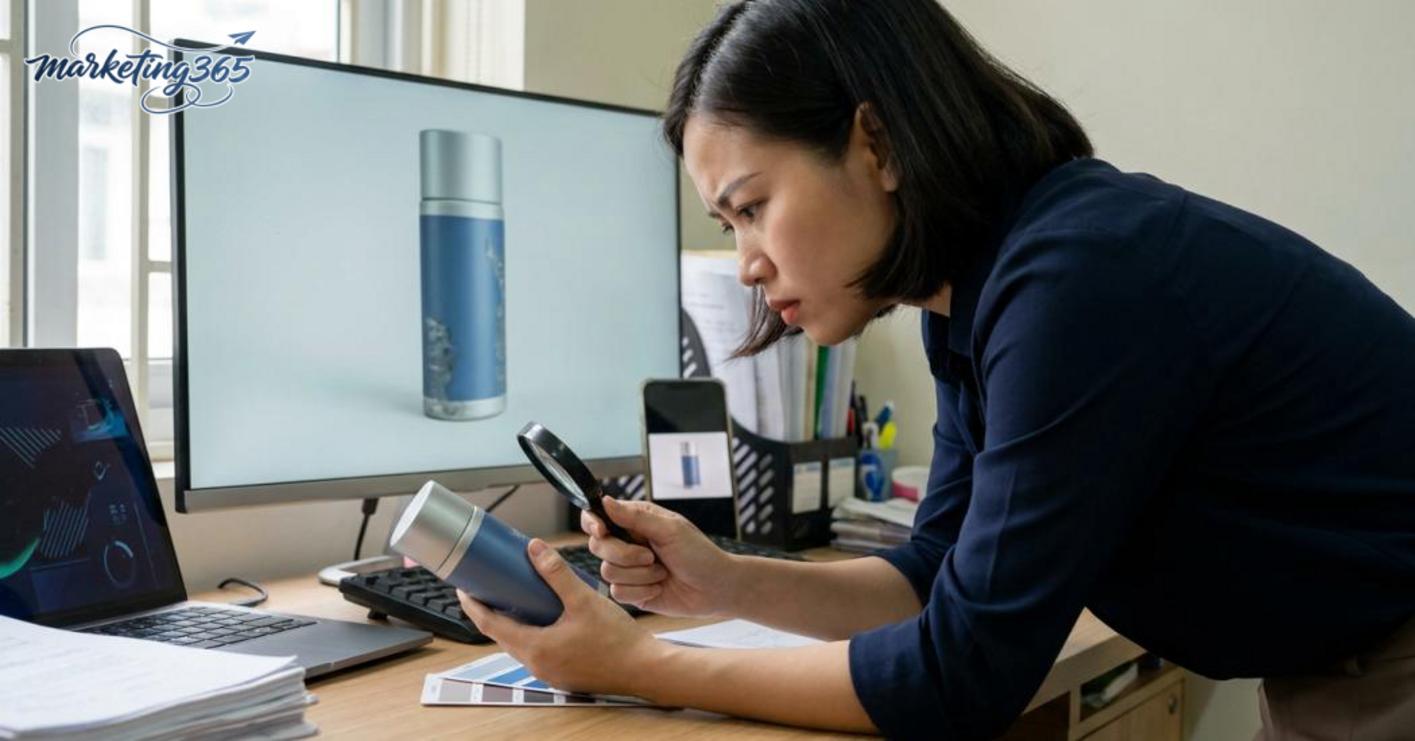
A Midjourney image is only ready for marketing when it shows the correct product, the correct identity, and remains readable at a small size. With using Midjourney to create product images, do not judge the image only on a large screen; check it in the actual use context such as a banner, social post, ad, or product page.
5-point checklist before publishing
- Correct shape and key details of the product. Cups, bottles, boxes, bags, or shoes must not be distorted, missing handles, have the wrong cap, or be out of proportion.
- Correct brand color. If the image is too far from the real color, viewers may lose trust when comparing it with the product they receive.
- Clear composition when scaled down. When reduced to feed or thumbnail size, the product must still stand out within one second.
- The background does not dilute the message. A beautiful background with too many details will kill the main focal point, especially when used for product ad images with Midjourney.
- No errors in text, hands, product edges, or “fake” details. A single distorted logo or wrong word can make the image unusable for paid media.
When should you discard the image and start over?
Start over if the product is heavily distorted, the logo is completely wrong, or the composition is so far off target that product image editing cannot save it. With Midjourney product mockups, if the image causes viewers to misunderstand the product’s features, color, or actual specifications, it should be discarded.
One very easy sign to spot: you have to explain too much to others before they understand what the image is selling. At that point, Midjourney’s limitations have been reached, and further editing usually takes more time than recreating the image from scratch.
Common mistakes when using Midjourney to create product images
The mistakes in how to use Midjourney to create product images usually fall into four groups: vague prompts, overdone effects, lack of consistency checks, and using the image in the wrong sales-channel context. At first glance the image may look good, but if the product is not clearly readable, the identifying details are not preserved, and there is no review step before publishing, the image is only suitable as an idea reference.
The prompt is too generic, so the image becomes vague
Read more: Who Will Replace Copywriters in the Future?
A prompt that lacks the product name, setting, and identifying features will produce a beautiful but hard-to-sell image. For example, if you only write “premium product shot, studio lighting,” Midjourney may create a very polished scene, but viewers will not know what kind of product it is, what material it uses, or what makes it different.
The fix is to lock in three layers of information: what the product is, where it is placed, and which details must be clearly visible. For example, in a product Midjourney prompt, add “300ml frosted spray bottle, white label, gray background, 3/4 angle, soft light.” When the prompt has clear identifying points, the generated image becomes usable for commercial product creation.
Overusing effects and losing the product’s selling power
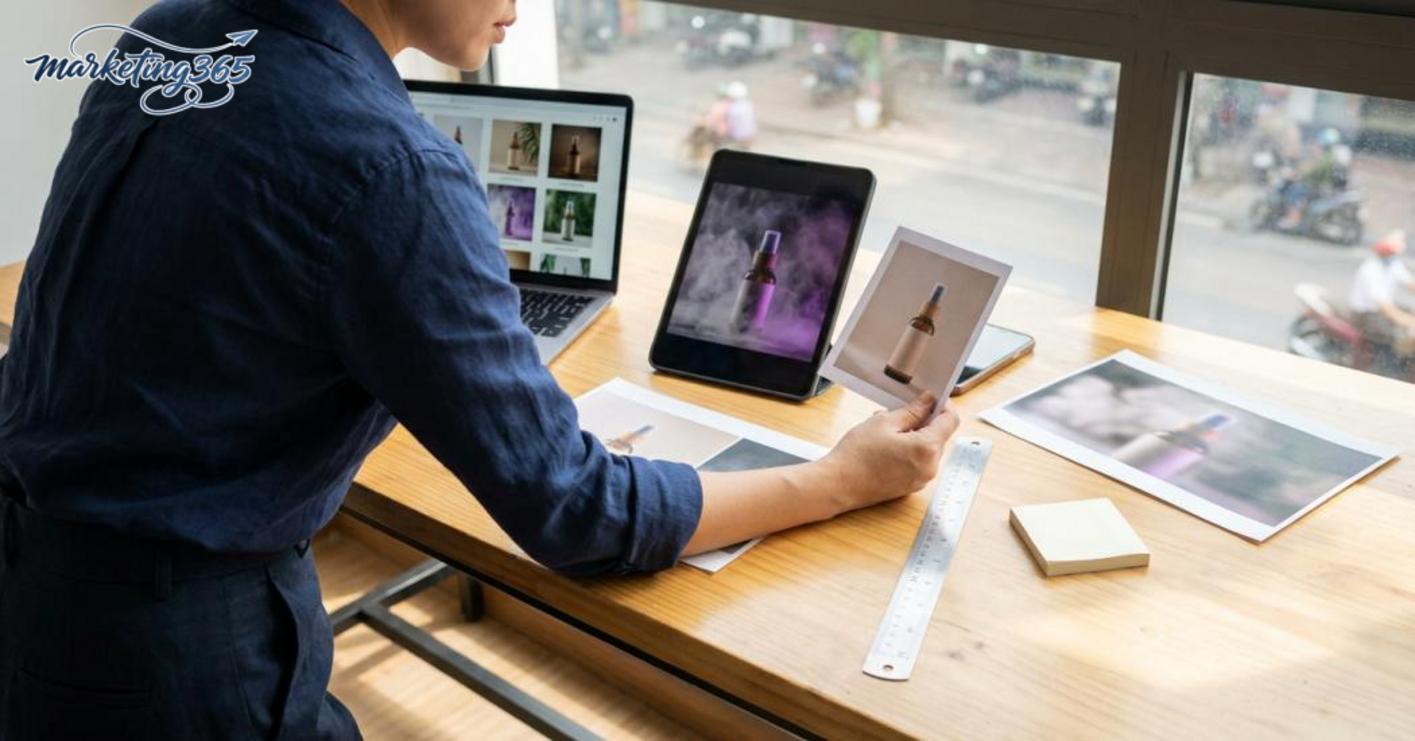
Images with too many layers of effects often lose the product’s role in a banner or ad post. Midjourney can create beautiful backgrounds, unusual lighting, smoke, or dense extra objects, but if viewers have to search for the product first, the image has already failed its sales objective.
For product ad images with Midjourney, prioritize one main product, a clean enough background, and moderate contrast. When using Midjourney to design a product banner, ask yourself: on a phone screen, can viewers recognize the product within two seconds? If not, remove details, reduce the “fantasy” effect, and bring the product to the center.
Not checking consistency before using the image across channels
An image may work on social media but break the layout when moved to a landing page, marketplace, or vertical ad crop. This often happens when creating e-commerce-ready product images with Midjourney without testing the 1:1, 4:5, and 16:9 ratios first.
A quick check is to export the image, then crop-test it in three places: avatar, banner, and small product frame. If the logo, label, handle, or product edge gets cut off, the composition needs to be adjusted before publishing. For a marketing team, this is a step worth doing before handing it to a designer or launching media, because fixing it later usually costs more than rewriting the prompt from the start.
How Midjourney can be applied to different marketing needs
Midjourney helps marketing teams quickly create many kinds of visuals, but the approach must change depending on the goal of each channel. Banners need room for text and clear product visibility; mockups need mood and key visual testing; social and landing pages differ in attention-grabbing power, credibility, and speed of readability.
Using it for banners and product ads
Midjourney works well for banners when the image supports conversion, not just aesthetics. Prioritize a layout with space for the headline, a clear subject, a simple background, and lighting that separates the product from the backdrop.
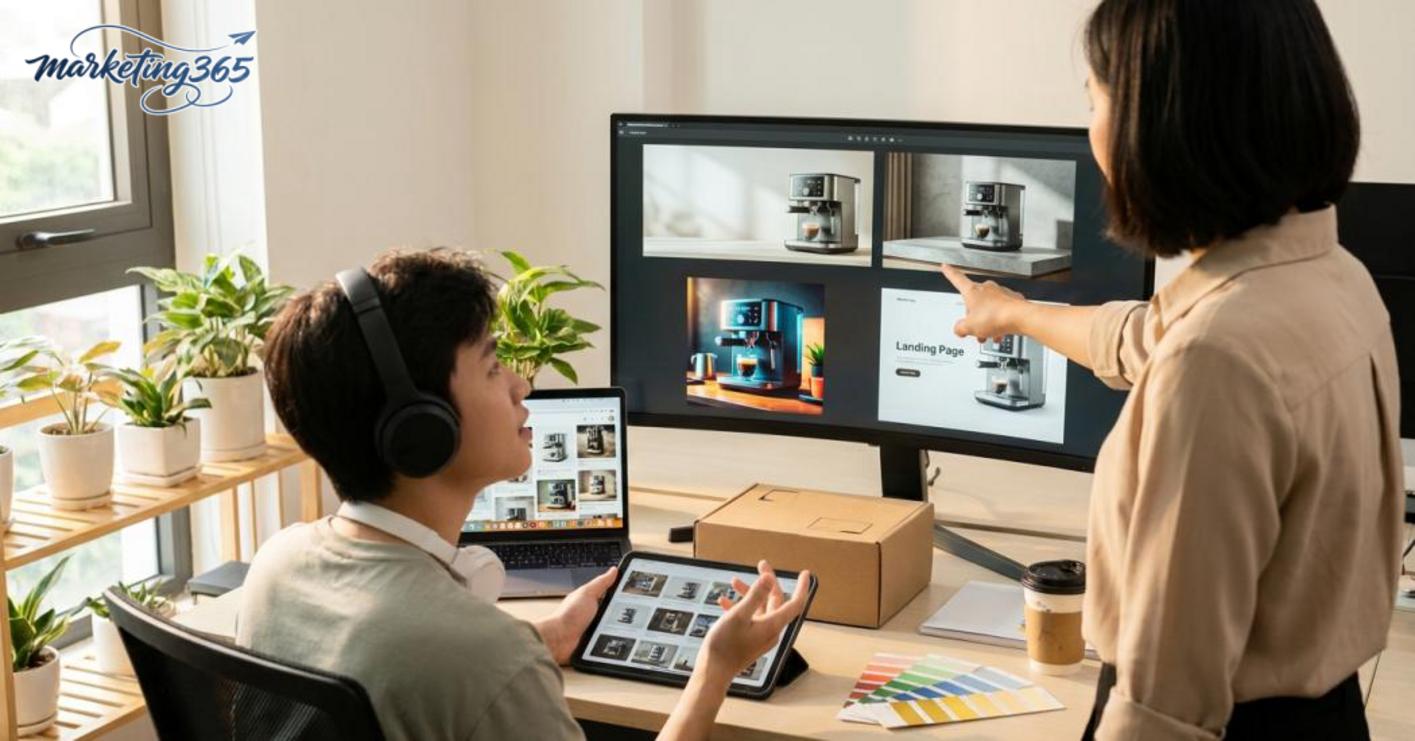
- Choose one main viewing angle for the product and avoid adding too many props.
- Request a simple background or gradient to leave room for text.
- Check the image at the actual banner size; if the product is blurry or text placement is difficult, recreate it.
When using Midjourney to design a product banner, the goal is to make viewers stop for a moment and immediately understand what you are selling. Product ad images with Midjourney should usually have one single focal point, because a cluttered background reduces message clarity.
Using it for mockups and product launch concepts
Midjourney product mockups are suitable for presenting ideas before real photos exist or before the design is finalized. This helps marketing teams test visual tone, brand mood, and campaign key visuals very quickly, especially during the concept-finalization stage.
- Create 2–3 different visual directions: minimal, premium, or youthful.
- Compare internal feedback on the same layout without changing too many variables at once.
- Choose the version that best reflects the campaign spirit, then move on to detail refinement.
Creating professional mockups at this stage helps reduce the risk of mood mismatch between the design team and the content team. If the mockup already feels off-brand, the real photos often need to be redone from scratch.
Using it for social content and landing pages
Social media needs images that stand out quickly, while landing pages need visuals that are consistent, easy to read, and trustworthy. For social, prioritize strong contrast, a clear subject, and thumbnail appeal; for landing pages, keep the composition clean, minimal, and aligned with the text beside it.
When creating e-commerce-ready product images with Midjourney, check three things: can the product be seen clearly, is there room for content, and does it fit the page’s reading flow? If one image must serve both social and landing page use, create two versions instead of forcing one layout to work everywhere.
Frequently asked questions about how to use Midjourney to create product images
How to use Midjourney to create product images can produce highly convincing visuals, but the result depends on the prompt, lighting, materials, and the amount of post-editing. For sales images, the goal is to be beautiful while still accurate to the product, especially the logo, packaging, and object proportions.
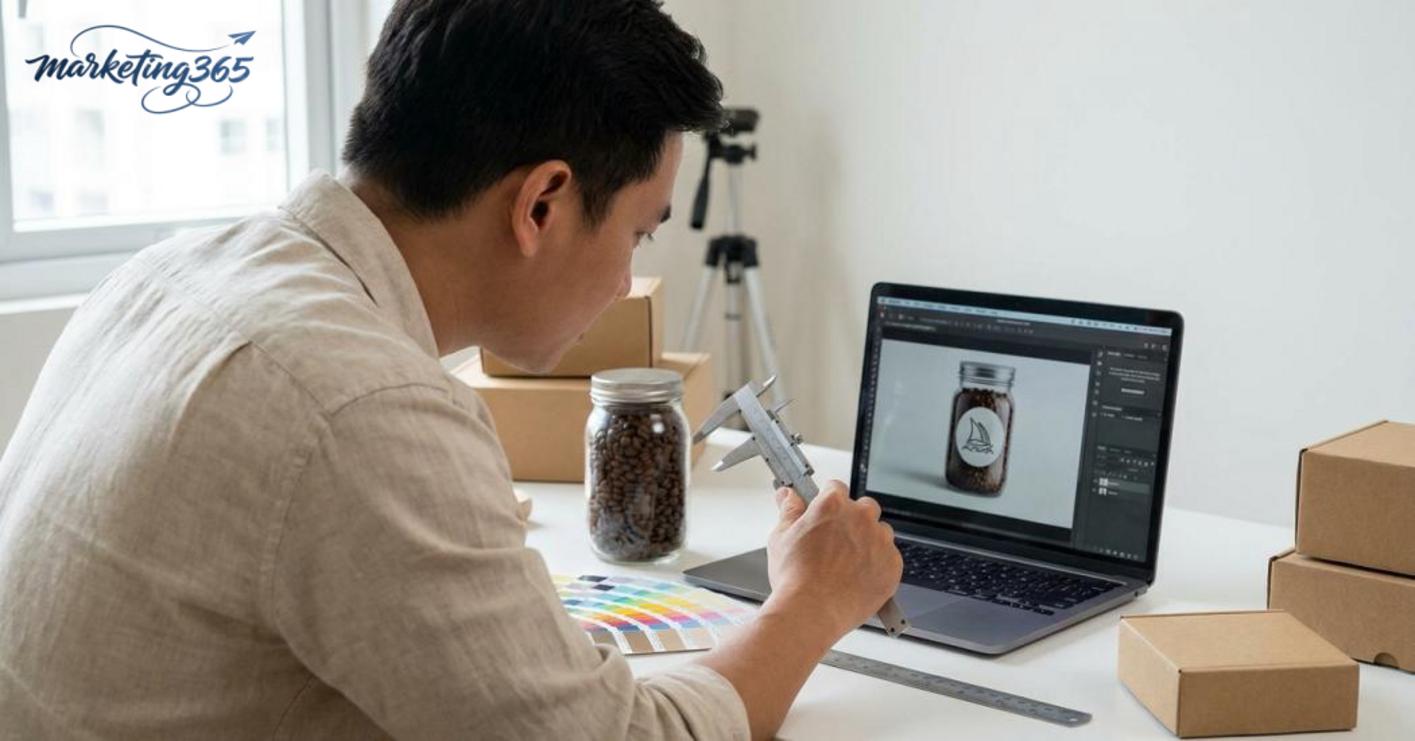
- Can Midjourney create realistic product images? Yes, if you describe the material, setting, camera angle, and lighting clearly enough. The more realistic the image needs to be, the more specific the prompt should be, for example adding “studio product photo,” “soft shadow,” “front view,” and “white background.” If you write only a short prompt, the image may look good but often gets the details wrong.
- Can Midjourney images be used for selling? Yes, but they should be used as illustrative visuals or product ad images with Midjourney, then compared against the real product before publishing. If the packaging contains legal information, barcodes, or identity-critical logos, check carefully because AI often distorts text and small characters.
- Should the prompt be written in English or Vietnamese? English prompts are usually more stable with Midjourney, especially when controlling lighting, materials, and composition. However, if your team is more comfortable writing in Vietnamese, you can still use Vietnamese for the main idea and add a few English phrases such as “e-commerce product shot” or “clean background” to improve the result.
- How can you prevent the logo/packaging from being wrong? The safest way is not to let AI invent the entire label. Create the background, angle, and lighting first; then insert the real logo with design software or edit the product image with Midjourney at a lower-control stage. For products with detailed labels, leave blank space so the real asset can be added at the end.
If you need to create product mockups with Midjourney in multiple versions, keep one fixed prompt structure so comparisons are easier. A stable prompt set usually produces more consistent images than constantly changing the description.
For official and up-to-date guidance, you can also refer to materials from Think with Google.
Related articles
- SEO-Friendly AI Writing Software: How to Choose and Use It
- Top AI Tools for Making Slides Worth Checking Out
You can find more hands-on marketing guides at https://marketing365.vn.
Content from marketing365 is built for SMEs, online shop owners, and new marketers.
You can also read more articles on the same topic in the AI Marketing category.



