

Contents
- How does a featured snippet work, and what criteria does Google use to choose content?
- How to choose keywords with a chance of winning a featured snippet before writing
- How to write a short answer paragraph so Google can easily feature it
- Optimize headings, article structure, and formatting to increase your chances of reaching position 0
- A process for optimizing an article to increase its chances of appearing in a featured snippet
- Common mistakes that make content less likely to be chosen by Google as a featured snippet
- How to track performance and know whether the article has actually improved
- Frequently asked questions about how to optimize Google featured snippets
To improve your chances of appearing in Google’s featured snippet, you need to do things in the right order: choose keywords that can trigger a snippet, refine the article structure, write a concise answer, and format the content so Google can read it quickly. If done incorrectly, the page may still be indexed but will struggle to reach the featured position.
This section focuses on how to optimize Google featured snippets in a practical way for websites and WordPress: checking keywords, optimizing H2 and H3 headings, writing short definition paragraphs, using lists or tables where appropriate, and avoiding mistakes that make content hard to extract.
How does a featured snippet work, and what criteria does Google use to choose content?
A featured snippet is a short answer Google pulls from a page with a clear structure to display in a prominent position, usually above the organic results. To make how to optimize Google featured snippets effective, you need to write in a way that makes it easy for Google to separate the answer, not just increase keyword density.
A page is more likely to be selected when the answer appears near the top of the article, is concise, matches the query intent, and has enough surrounding context. For example, for the question “what is a featured snippet,” a paragraph that gives a 40–60-word definition and then expands with an example is more likely to reach Google’s top 0 with a featured snippet than a long, rambling introduction without a clear takeaway.
Which query types are more likely to trigger a featured snippet
Google often prioritizes queries with a clear goal and a short answer. Common types that appear in Google featured snippets include “what is,” “how to,” “how much,” “compare,” “steps,” and lists.
You should prioritize articles with a quick-answer intent, such as definitions, processes, checklists, or comparison tables. By contrast, queries that require deep analysis, many variables, or broad context are less likely to be extracted as a short snippet.

What signals does Google read on the page to choose a snippet
Google looks at the title, opening paragraph, H2 and H3 headings, and the structure of the answer around the section to be extracted. The best approach is to place the answer directly at the start of the section, then add explanation, examples, or conditions afterward.
A page with strong featured snippet content optimization usually uses headings that match search intent, short 2–3 sentence paragraphs, and lists or tables when the content involves steps or comparisons. There is no need to stuff keywords; just optimize H2 and H3 headings for featured snippets and keep the wording clear, complete, and on point.
How to choose keywords with a chance of winning a featured snippet before writing
Choosing the right keyword before writing is the most effective how to optimize Google featured snippets approach, because Google only extracts snippets from queries with a clear question intent and a short enough answer. For a guide article, prioritize keywords where the SERP already shows a snippet, the topic matches your site’s strengths, and the answer can be delivered in a few sentences or a short list.
Signs that a keyword is worth optimizing for a snippet
A keyword worth targeting for a snippet usually has a clear question, for example starting with “what is,” “how to,” “why,” or “should.” When you search on Google, the SERP already shows a featured snippet, and the top 3 results answer very briefly and go straight to the definition, steps, or comparison. This is a good sign for how to choose keywords with a featured snippet, because Google has already shown what kind of answer it prefers.
Quick selection checklist:
- The query has a specific question intent, not something too vague.
- A snippet is already present on the SERP.
- The topic belongs to explanation, how-to, checklist, or definition content.
- The answer can be written in 40–60 words or a short table.
- Your site already has related content close to the topic.
For example, a query about a definition or a how-to process is usually easier to optimize than a broad commercial query. If you are looking for tips to win position 0 on Google Search, start with keywords that users have already asked clearly.
When to skip a featured snippet opportunity
You should skip it when the query is too broad, the snippet result changes constantly, or the correct answer cannot be shortened without losing meaning. Some keywords look attractive but end up forcing you to keep revising the short answer without holding the position. This is a common risk when optimizing short answers for featured snippets in highly competitive topics.
You should also stop if your site is still weak on the topic. For example, if the site does not yet have a related content cluster, lacks a pillar article, or the current content only touches the topic lightly. In that case, how to reach Google’s top 0 with a featured snippet is often much harder than strengthening the foundational article first.

Quick decision:
- Clear snippet and narrow query: go for it.
- Broad, vague, highly volatile query: skip it.
- The article is not strong enough for a precise short answer: postpone it.
- The topic fits your site’s strengths: prioritize rewriting it with a featured-snippet article structure.
How to write a short answer paragraph so Google can easily feature it
A short answer paragraph that Google can easily feature is a 40-75-word section that answers the question directly right after the heading. It should contain one main idea, short sentences, and no long lead-in before the answer. For SEO-friendly articles, the goal is for readers to see the conclusion immediately and for Google to recognize the answer easily.
How to write a definition paragraph that fits a snippet
A featured snippet definition paragraph should begin with an “X is Y” pattern in the first sentence, with a clear subject and a concise definition. For example, “A sitemap is a file that lists important URLs on a website so search engines can crawl them faster.” Then add one sentence about its use case or main benefit. The full paragraph should stay within 40–75 words so it does not become diluted.

How to revise an existing answer paragraph
How to optimize Google featured snippets for an older article means pulling the answer to the top of the paragraph and cutting the long introduction. Follow 4 clear steps: 1) identify the slowest-answering section, 2) remove 2–3 roundabout opening sentences, 3) keep 1 main idea and 1 short example, 4) check that the length is still around 40–75 words. If the paragraph has two main ideas, split it into two separate paragraphs to avoid dilution.
Corrected example: “How to optimize Google featured snippets is to write the answer directly at the start of the paragraph, use one main idea, and keep sentences short. For an article about sitemaps, you can start with a one-sentence definition and then add one sentence about the benefit, instead of a long introduction to SEO.”
Optimize headings, article structure, and formatting to increase your chances of reaching position 0
Headings, article structure, and formatting must help Google read quickly, understand correctly, and extract exactly one idea. To increase your chances of reaching position 0, each H2/H3 should answer a small query, the opening paragraph should state the main point directly, and lists or tables should only be used when they make the content easier to scan.
Pre-publish checklist:
- Compare H1, H2, and H3 with the target query. If a heading is too broad, split it into a smaller question.
- Read the first sentence of each section. If it does not contain the main idea on its own, rewrite it as a short conclusion.
- Find sections that list many ideas. If it is a process, criteria, signs, or notes section, convert it into a list.
- Find sections that compare, classify, or check items by column. If there are 2–4 clear groups, convert them into a table.
- Cut overly long paragraphs. A paragraph that tries to hold too many ideas often makes it harder for Google to extract the right answer.
When to use bullet points

Read more: How to Write an Attention-Grabbing Meta Description
Bullet points are suitable when the content is about steps, benefits, signs, notes, or selection criteria. If readers need to scan quickly to grasp 3–7 key points, a bullet list makes the featured-snippet article structure clearer and more likely to produce a list snippet.
For example, instead of writing a long paragraph about how to optimize content for featured snippets, break it into bullets such as: step 1 check the query, step 2 write a short answer paragraph, step 3 add the right subheading. For the “what to avoid” section, a list is also easier to read than a paragraph because each mistake stands on its own line.
When to use a table instead of a paragraph
A table is suitable when you need to compare, classify, contrast criteria, or record checkpoints. If a section needs to state “content type,” “when to use it,” “advantages,” and “risks,” a table will be clearer and more likely to become a table-style featured snippet.
A good table should be short, have clear columns, and not be overloaded with data. In practice, just 3 columns such as “Situation,” “What to use,” and “Why” are enough for most articles optimizing H2 and H3 headings for featured snippets. If the table is too long, readers cannot scan it easily and Google will also have a harder time extracting the main point correctly.
A process for optimizing an article to increase its chances of appearing in a featured snippet
The process for optimizing an article to increase its chances of appearing in a featured snippet starts with fixing the short answer, the right snippet format, and the query Google is currently prioritizing. For an article that already has traffic, the most effective how to optimize Google featured snippets approach is to adjust the opening paragraph, formatting, and headings in a clear order, then track changes in Google Search Console.

Step 1: Review the SERP and identify the snippet format that is winning
This step helps you see whether Google is prioritizing a paragraph, list, or table for that query. Open the results page in incognito mode, search for a query like “how to optimize Google featured snippets“, and record 3 things: the snippet format shown, the length of the competitors’ answer, and the headings they use. For example, if the page is showing a 4-step list snippet, you should prioritize a short list instead of writing a 120-word descriptive paragraph. Doing this keeps you aligned with search intent and increases your chances of being selected.
Step 2: Fix the short answer first, then adjust the article structure
This step has the fastest impact because featured snippets often pull from the short answer placed right next to the relevant heading. Write a 40–60-word paragraph directly under the H2 or H3, starting with a direct statement, for example: “How to optimize Google featured snippets is to reduce the answer to 40–60 words, use the format the SERP is currently prioritizing, and then refine the heading to match the query.” After that, revise the headings, add a 3–5 item list, or include a short table if the article needs comparison. For a WordPress article already getting 2,000–5,000 organic sessions per month, I usually fix the opening paragraph first, because this is the part Google reads very quickly when testing a snippet change.
Step 3: Recheck relevance and monitor in Google Search Console
This step helps you see whether the article is clear enough for Google to try displaying it. Read the content again as a first-time searcher: does the first sentence answer directly, do the headings match the query, and is there any section that rambles for more than 2 consecutive sentences? After updating, go to Google Search Console > Performance > Search results, filter by the article URL, and compare the 7 days before and 7 days after for impressions, clicks, and average position. If impressions increase but there is still no snippet, prioritize shortening the answer and switching to a list or short table.
Quick optimization checklist
- Prioritize queries with clear intent such as “how to,” “what is,” and “how much.”
- Place the short answer directly under the relevant heading.
- Use the same snippet format that is appearing on the SERP.
- Keep each paragraph under 4 sentences so it is easy to scan.
- Track the URL in Google Search Console 7–14 days after making changes.
A good process usually goes from observing the SERP, to revising the answer paragraph, and then checking the data again. When you follow this order, the article is more likely to be tested by Google because its structure matches both the query and the format users need.
Common mistakes that make content less likely to be chosen by Google as a featured snippet
The mistakes that make content less likely to be chosen by Google as a featured snippet usually come from the answer, the structure, and the query selection. Simply shortening the text is not enough; the short answer must be clear and aligned with search intent.

Writing too much before answering
A roundabout introduction makes it harder for Google to extract the answer, especially for queries that need a definition, a step, or a short conclusion. With how to optimize Google featured snippets, the answer should appear in the first 1–2 sentences, then context, examples, or exceptions can be added. A common mistake is writing 3–4 introductory sentences before the main point, which leaves the featured snippet without a concise enough section to pull from.
The quick fix is to write in an answer-first model: state the answer first, then explain briefly with a specific example or a single action step. If you are optimizing an article for the query “how to write a definition paragraph that fits a featured snippet,” start with a 40–60-word definition and then add one illustrative bullet. For how-to articles, the opening should show the action or conclusion immediately instead of spending too long on background. This is a more practical way to reach Google’s top 0 with a featured snippet than stretching the introduction.
Combining too many ideas in one heading
A heading that contains too many ideas makes the featured-snippet article structure unclear, because Google has a harder time identifying which section answers the main question. When one H3 explains a concept, compares it, and gives tips all at once, the content often loses clarity. The way to optimize H2 and H3 headings for featured snippets is to let each heading handle only one question or one action.
If there are three related ideas, split them into three short sections or move two supporting ideas into a list or table. For example, instead of combining “how to choose keywords, write a definition, and optimize the answer paragraph,” separate them into distinct blocks to make featured-snippet content optimization easier. In one SEO content audit, simply splitting headings and reducing each paragraph to 2–4 sentences often makes the snippet clearer because Google can read the structure immediately. When you finish writing, ask yourself: is this heading answering exactly one question? If not, split it before publishing.
How to track performance and know whether the article has actually improved
After optimization, you should only consider the article improved when the target query, display position, and CTR all rise over a long enough period. With featured snippets, rankings can change very quickly with SERP fluctuations, so you need to look at before/after milestones instead of drawing conclusions after just a few days.
Which metrics should you review before and after optimization
The three most important signals are impressions, CTR, and the position of the target query in Google Search Console. If the article previously had steady impressions but low CTR, and after revising the short answer the CTR increases, that is a better sign than looking only at the overall ranking.
You should record 3 points before making changes: which queries the URL is receiving, where the article ranks for the main keyword, and what type of snippet is currently shown. After optimizing, compare the number of pages selected within the same query cluster to see whether Google is prioritizing the article more or whether it is only temporarily fluctuating. If you are tracking how to optimize Google featured snippets, do not look at just one query because snippets often change with search context.
- Impressions increase but CTR does not change: the content may be seen more often, but the opening is still not compelling enough.
- CTR increases but the position drops slightly: the new snippet may be more attractive, and you need to see whether it stays stable.
- The snippet type changes from paragraph to list: you should recheck the featured-snippet article structure.
When to conclude that the article has improved
An article should only be considered improved when the post-optimization signals remain stable across multiple checks and are not heavily distorted by SERP fluctuations. A good change over a few days is not enough to conclude, especially with how to reach Google’s top 0 with a featured snippet.

A reasonable checkpoint is to compare before and after over the same time period and the same target query group. If the article holds its position, CTR does not drop, and the target query continues to appear in results, that is a reliable signal. If the snippet disappears and then returns, you should review the definition paragraph, H2 and H3 headings, and how to choose keywords with a featured snippet before making further changes.
Quick checklist:
- Compare the same time period.
- Review the query, position, CTR, and SERP fluctuations.
- Only conclude when the signals are stable, not based on intuition.
Frequently asked questions about how to optimize Google featured snippets
Featured snippets and rich snippets are two different things: a featured snippet is the highlighted answer at position 0, while a rich snippet is a result with additional display data such as stars, prices, or FAQs.
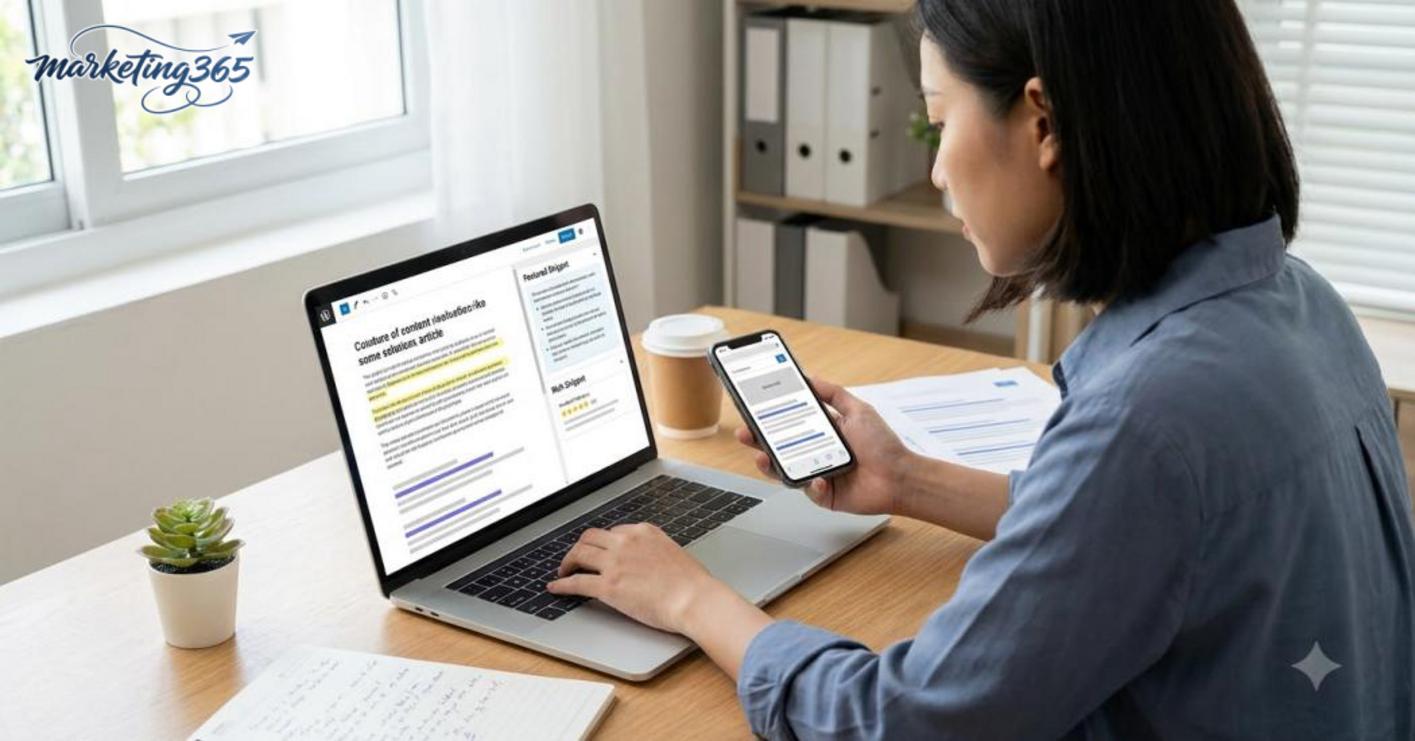
- If your goal is how to optimize Google featured snippets, prioritize a 40–60-word short answer, clear headings, and an easy-to-scan structure.
- Rich snippets depend heavily on schema, while featured snippets depend on how you answer the question in the content.
- A page can have both, but do not assume that adding schema alone is enough to reach position 0.
Do you need a very long article to rank in a featured snippet? No, because Google usually chooses a concise answer that matches the intent better than a long article.
- Many snippet-winning articles only need 600–1,200 words if the opening is strong, the definition is clear, and there is a short table or list.
- A long article is only useful when the topic is broad; for narrow questions, the direct answer matters more than length.
- When writing how to optimize Google featured snippets, place the answer directly under the heading, then expand with examples.
How long it takes to see changes after optimization depends on crawl frequency and keyword competition.
- Some articles change after a few days, while others need a few weeks if Google has to reassess the entire page.
- For older articles, update the title, opening paragraph, headings, and answer formatting before waiting for results.
- In Google Search Console, review performance by query to see whether the page has new display signals.
Can you optimize a featured snippet for an older article? Yes, and this is often faster than writing a new article.
- Check whether the article is already ranking in the top 10, because those pages have a higher chance of winning position 0.
- Revise the definition paragraph, add a list or table if the query requires comparison, and then trim the answer to match search intent.
- If the older article already has traffic but has not won the snippet, prioritize optimizing the H2 and H3 headings for featured snippets and reduce the filler.
Quick practical tip: choose the right question, answer briefly at the start of the section, check on mobile first, and remove long paragraphs that are hard to extract.
MARKETING365
📧 Email: lienhe@marketing365.vn
🌐 Website: https://marketing365.vn
👍 Fanpage: https://facebook.com/marketing365.official
For official and up-to-date guidance, you can also refer to materials from Google Search Central.
You can also read more articles on the same topic in the SEO category.



