
Contents
- Key points
- What is On-page SEO for beginners, and why understanding it correctly matters before optimizing
- What On-page SEO includes: the elements beginners should check first
- How to self-optimize On-page SEO for a new website in priority order
- SEO On-page checklist for beginners: check your page before publishing
- When to do it yourself and when to get professional help
- Common On-page SEO mistakes beginners make and how to avoid them
- Frequently asked questions about what is on-page seo for beginners
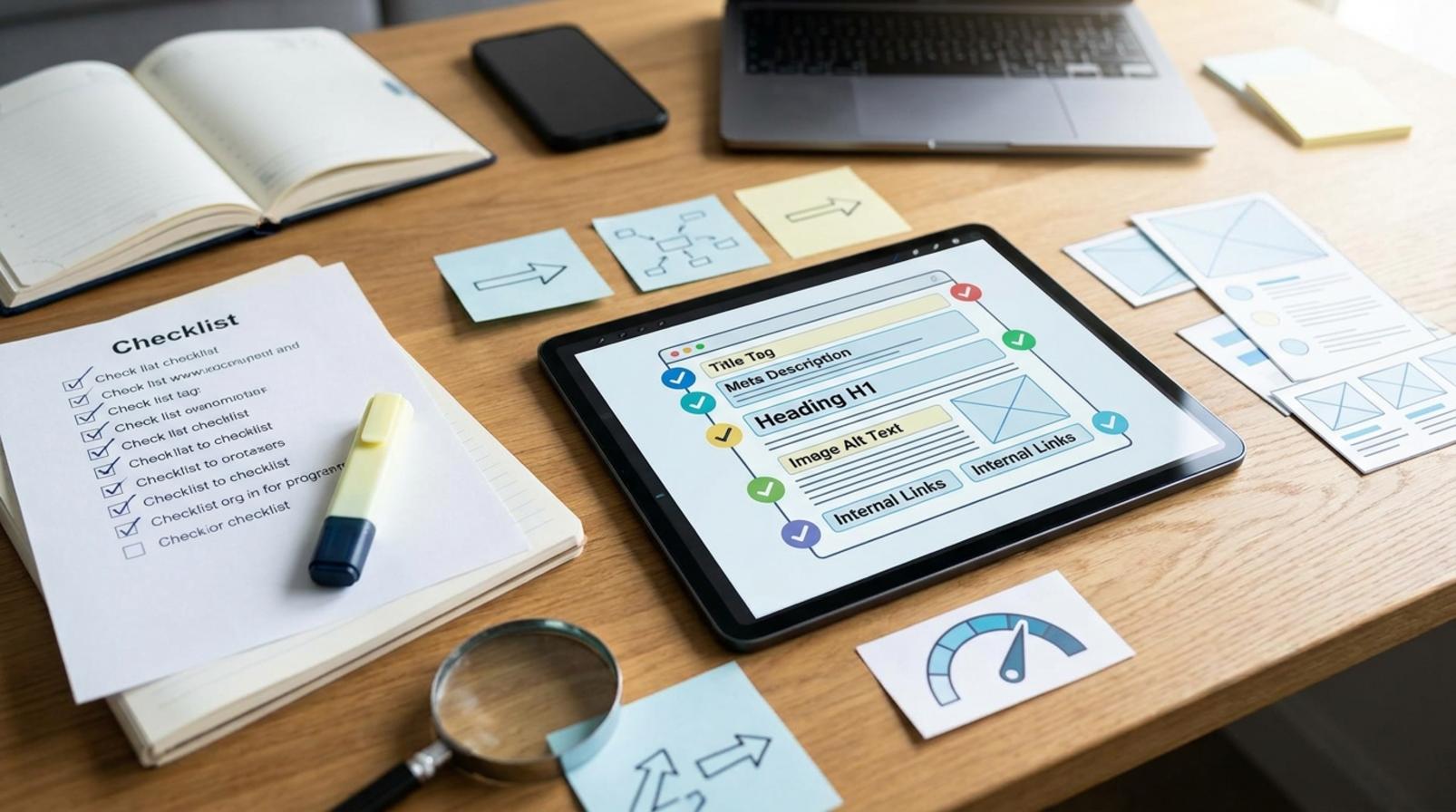
On-page SEO for beginners is the way to optimize what sits directly on your page so readers understand it faster and search engines read it more accurately. It touches titles, content, headings, images, internal links, and on-page experience, making it the easiest part to review and fix when you are just starting out.
Key points
- On-page SEO optimizes directly on the page: titles, H2/H3 headings, content, images, internal links, and reading experience.
- It should be done in order, from obvious errors to technical ones, so you fix the right place and avoid going off track.
- On-page is different from Off-page (backlinks, external signals) and Technical SEO (robots, sitemap, speed, index).
- The essence of On-page is not keyword stuffing, but doing the signals that Google and readers can directly see.
- Blogs, product pages, and landing pages need different On-page optimization approaches depending on the goal.
If your website has a weak title, heavy images, messy internal links, or pages that are not being indexed correctly, SEO on-page is the first thing you should check. For beginners, what is on-page seo for beginners can be understood simply as optimizing directly on the website so content is easier to read, easier to understand, and easier for search engines to recognize.
This part focuses on actions you can do right away: reviewing titles, expanding content, checking headings, fixing internal links, compressing images, improving load speed, and rechecking basic index status. For example, a shop may discover a product page has not been indexed simply because the noindex tag was turned on by mistake, or a post loads slowly because the images are too large. Working in order from obvious errors to technical ones will help you fix the right place and avoid unnecessary work.
What is On-page SEO for beginners, and why understanding it correctly matters before optimizing
On-page SEO is the way to optimize what sits directly on your page so readers understand it faster and search engines read it more accurately. For beginners, this is the easiest part to check because it directly affects titles, content, images, internal links, and the on-page experience.
A blog post, product page, or landing page all need On-page SEO in different ways. A blog post needs a clear title, logical headings, and content that answers the right question; a product page needs descriptions, benefit information, and images; a landing page needs a short message aligned with the conversion goal. What is on-page seo for beginners is not about stuffing keywords, but about doing the signals that Google and readers can directly see.
How On-page SEO differs from Off-page SEO and Technical SEO
On-page SEO is the part you edit directly on the page, while Off-page SEO is the signal coming from outside the website, and Technical SEO is the technical layer behind the scenes that helps the page be crawled and indexed correctly.
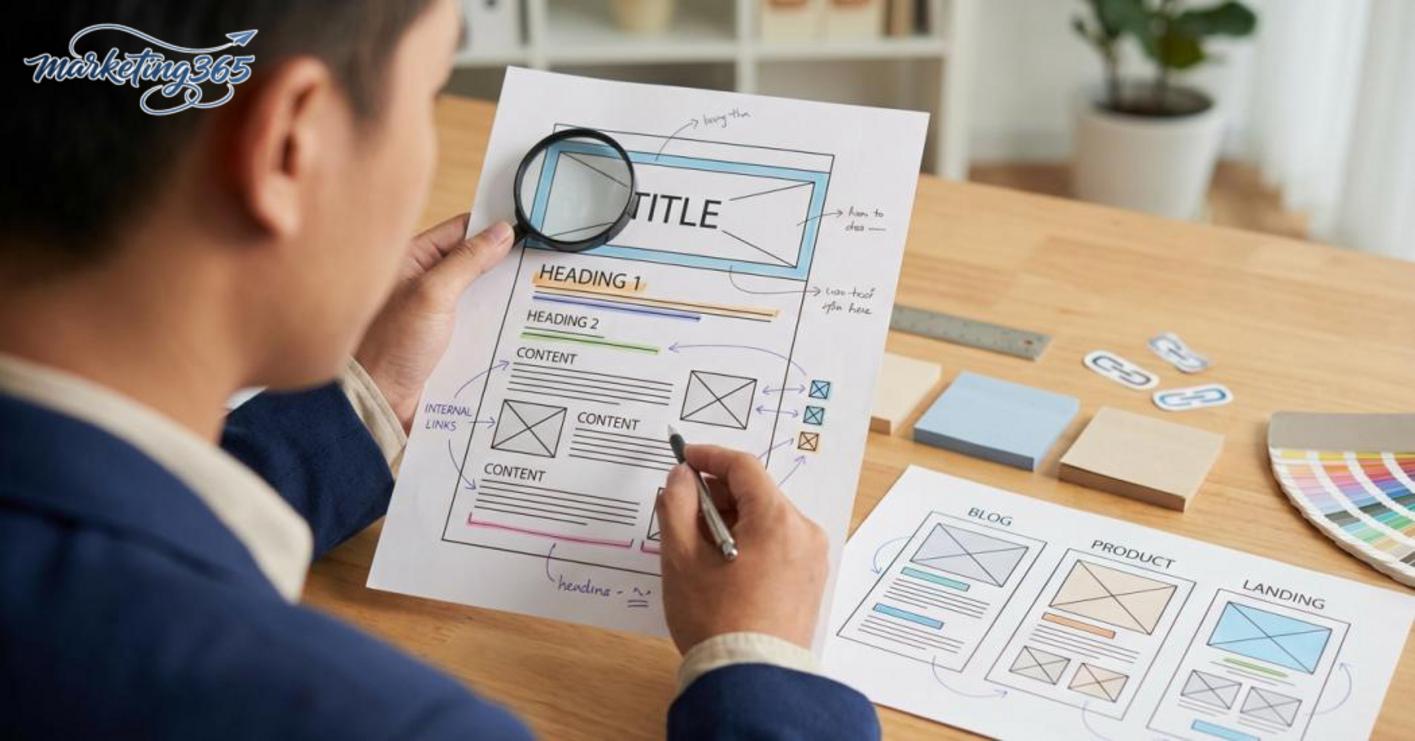
- On-page: titles, H2 H3 headings, content, images, internal links, reading experience.
- Off-page: backlinks, external mentions, authority signals.
- Technical: robots.txt, sitemap, load speed, index structure.
If you need a quick self-check, start with the article URL, page title, heading structure, and internal links. These are things you can fix right away without waiting for the technical team.
Common misconceptions beginners have about On-page SEO
Misunderstanding On-page SEO often leads to over-optimized articles that still fail to rank for the right query.
- Repeating the keyword more often is always better: the right keyword density should feel natural and not make the sentence hard to read.
- Writing longer content is enough: long content that does not answer search intent is still weak.
- Installing a plugin means SEO is done: plugins only support, they do not replace content and structure.
- More headings are better: headings should be clear in meaning, not simply more numerous.
- Good content with weak titles and headings still struggles to perform.
The seo onpage checklist for beginners should start with 3 things: check the title, review the headings, then add internal links in the right context.
What On-page SEO includes: the elements beginners should check first
On-page SEO is the set of elements directly on the page that help Google understand the content and help readers read more easily. For beginners, simply reviewing the priorities below is enough to know whether a page is in good shape.
How to check title, meta description, and URL
The title is the first signal that decides whether someone clicks. The title should contain the main topic, be concise, clear, and avoid keyword stuffing. The meta description should summarize the page accurately and include a specific benefit, while the URL should be short, readable, and use consistent hyphens. For example, a page about what is on-page seo for beginners should have a URL like `domain-name/on-page-seo-what-is-it`, instead of a long, hard-to-guess string of characters.
Quick checklist:
- Does the title match the topic and make the content clear at a glance.
- Does the meta description avoid repeating keywords pointlessly.
- Is the URL not too long, free of extra characters, and consistent across posts.
- If titles are the same across multiple pages, fix them immediately to avoid duplicate intent.
Headings, content, and topic relevance
Headings help break ideas into clear sections so readers can scan the article quickly and still understand it. There should only be one main H1 title. H2 and H3 should separate ideas into logical groups, not split them into scattered fragments. Each section should answer one specific question instead of repeating the definition. For seo onpage for beginners, content is solid when readers finish one section and know what to do next.
How to review quickly:
- Scan H1, H2, and H3 to see whether they stay on topic.
- Check whether each section has one clear main idea.
- Look for repeated wording or overstuffed keywords.
- See whether the article covers enough key points or misses what readers are looking for.
Images, alt text, and internal links
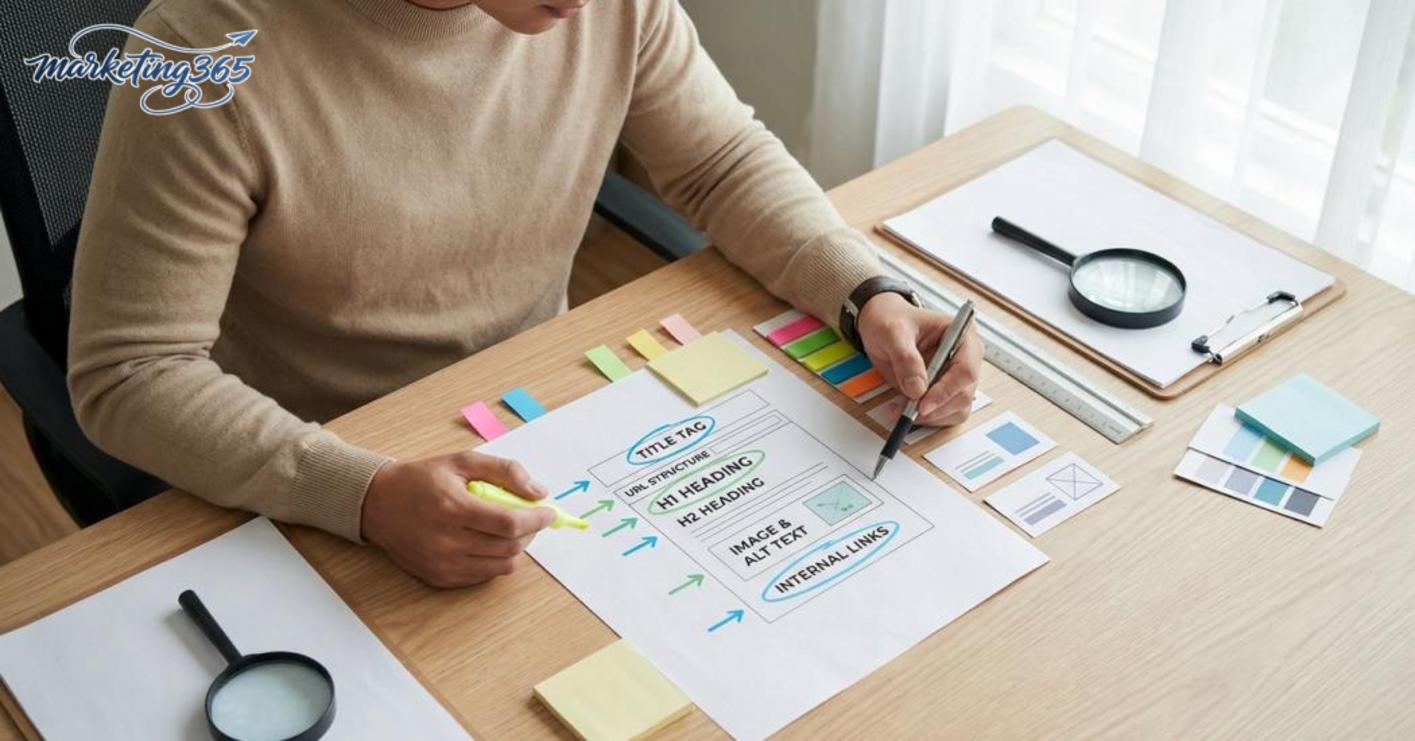
Images, alt text, and internal links are often overlooked, but they directly affect the reading experience. Images should have meaningful file names and a reasonable size so they load quickly, while alt text should describe the image in the right context. Internal links should only be added when they lead to truly related content, for example a post about the steps to optimize seo onpage should link to a detailed article about content structure or URL structure.
Short checklist:
- Images have clear file names, not default names.
- Alt text describes the image content and does not stuff keywords.
- Internal links lead to the right reading path and are not added just for the sake of it.
- New pages should have a few basic internal links so readers can continue naturally.
How to self-optimize On-page SEO for a new website in priority order
On-page SEO for a new website should be done in this order: define the page goal, adjust the title and headings, complete the content, then add internal links. Following the right order helps you avoid scattered edits and makes it easier to see what is missing.
Step 1: Define the page goal and search intent
On-page SEO for a new website starts with choosing the right goal for each URL. A blog page, category page, product page, and landing page will each need different titles, content lengths, and call-to-action buttons.
For example, for the keyword “what is on-page seo for beginners”, the page should prioritize a short, easy-to-understand explanation with examples. If users are searching for a product, the page should clearly present benefits, specifications, pricing, or differentiators. After defining search intent, rewrite the opening so the first sentence answers that need directly.
Step 2: Fix the title, headings, and content using a checklist
The SEO On-page checklist for beginners should follow this order:
1) Does the title contain the main idea and match the search purpose.
2) Do H1, H2, and H3 divide ideas clearly without repeating content.
3) Does each paragraph have one main idea, with short and easy-to-read sentences.
4) Does the content already include specific examples for beginners.
5) If any part is too general, replace it with data, actions, or real situations.
A post that is easy to optimize usually has 2 to 4 sentences per paragraph and few difficult terms. If a section only explains theory, add examples such as: a service page should include FAQ, pricing tables, or common questions to make it clearer. For a new website, cutting long sentences often works better than stuffing in more keywords.
Step 3: Add internal links and check navigation
Internal links should be added after the main content is already solid, because links only matter when they send readers to the right related topic. For a post about On-page SEO, you can link to articles about title optimization, image optimization, content SEO, or basic technical SEO if those articles already exist.
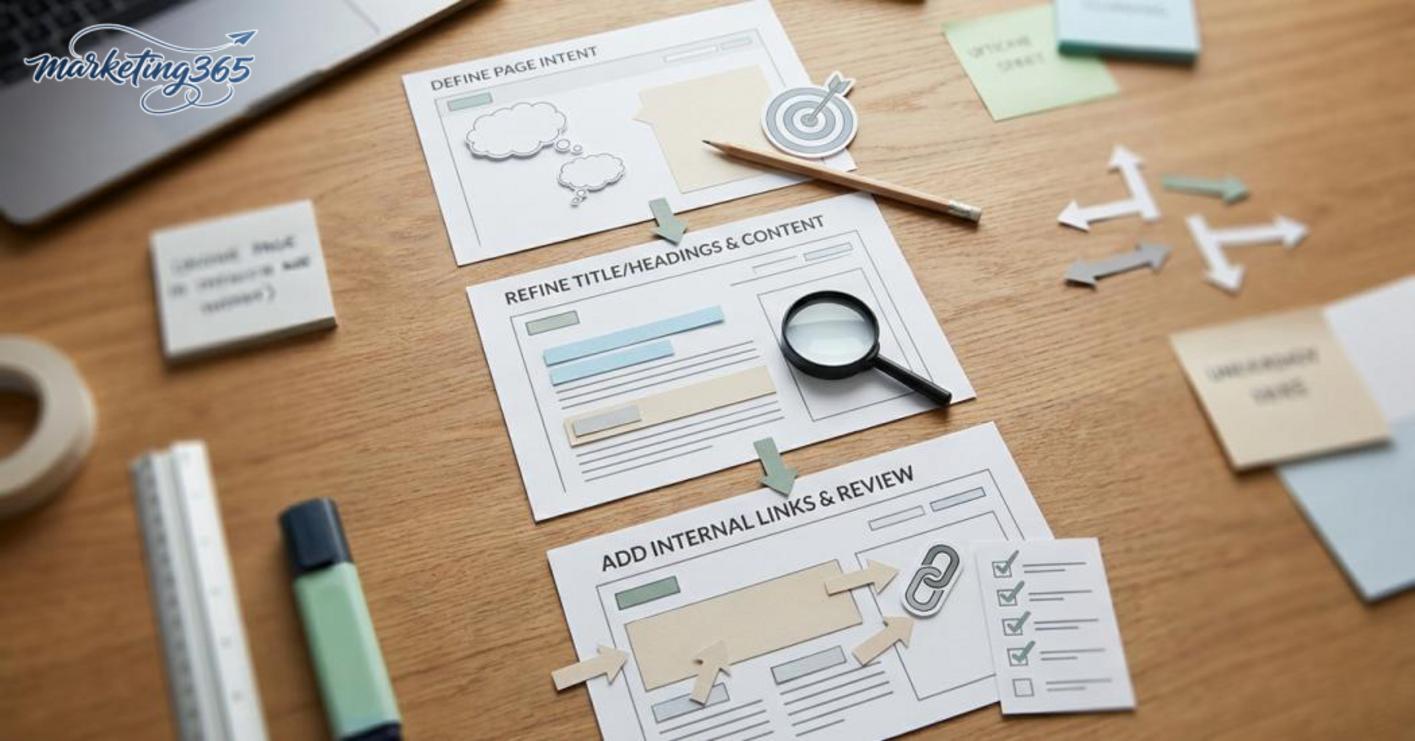
The right way to place links is to add them in the proper context. For example, in a paragraph about images, link to an image optimization article; in a paragraph about article structure, link to an article about headings or outlines. If a paragraph has too many links, readers can lose focus and the page can lose its content flow.
Step 4: Review again before publishing
Read more: SEO Overview: A Complete Guide for Beginners
On-page SEO for a new website should be checked again in Google Search Console after publishing. Make sure the URL has been indexed, the displayed title is correct, and the description is not being cut off unusually.
If the page still shows no positive signals after a few days, revise the opening, headings, or internal links before waiting longer. For a new website, a page with a clear structure and the right search intent is usually easier to improve than a long page that lacks order.
SEO On-page checklist for beginners: check your page before publishing
What is the seo onpage checklist for beginners? It is a quick checklist to review a page before publishing, avoid structural errors, and increase the chance that the article is understood correctly. For seo onpage for beginners, you only need to check the items below to catch most basic mistakes.
Checklist for titles, keywords, and article structure
Check this group first because it decides whether the article stays on topic. In the steps to optimize seo onpage, this is the easiest part to fix, but also the one most often done mechanically.
- Does the topic appear naturally in the title, intro, and a few early headings.
- Is the title concise, clear, free of keyword stuffing, and does it tell you immediately what the article is about.
- Do H2/H3 divide the ideas correctly, with each paragraph handling a separate issue.
- Does the main keyword appear moderately, not in every paragraph.
- Is there at least one example of seo onpage or a real application scenario so readers can picture it.
The sign that it works is that readers can scan for 10 seconds and still understand what problem the article solves. If you have to reread the headings several times to understand them, the structure needs adjustment.
Checklist for reading experience and supporting signals
The seo onpage checklist for beginners is not just about writing, but also about how the page helps readers stay longer. This part is often overlooked when people just want to finish writing.

- Are paragraphs short, with each one focused on a single idea.
- When listing items, does the article use bullet points instead of turning everything into one block of text.
- Are images placed in the right context, with captions if they illustrate a step or result.
- Do internal links lead to related pages so readers can continue naturally.
- If the page has a table or a quick-loading checklist, that is a good sign because it is easy to scan and save.
For seo onpage what is it for beginners, the simple standard is: it reads smoothly on mobile, the eye can scan it quickly, and the writer does not need to “rescue” the article by stuffing in more words. If a page has many headings but no reading rhythm, cut it down and add clearer structure.
When to do it yourself and when to get professional help
Beginners can handle basic seo onpage tasks themselves if the website is still small, has few pages, and the issues have not spread widely. For what is on-page seo for beginners, the boundary is this: which tasks can be fixed on one page, and which ones may affect many other pages.
Signs beginners can handle it themselves
You can do seo onpage for beginners yourself when you only need to make local changes on one page. The clearest examples are changing the title, rewriting the meta description, rearranging H1-H2-H3, adding 1-2 internal links in the right context, or optimizing images and alt text. For a 1,200-word blog post, simply fixing the title and opening paragraph is often enough to make the topic clearer.
A seo onpage checklist for beginners can follow this order:
- Open the article and see whether the H1 matches the content.
- Check whether the title is a reasonable length and not cut off on Google.
- Rearrange the headings so each main idea sits at the right level.
- Add 1-2 internal links to related pages.
- Rename image files and add alt text that accurately describes the image content.
For example, a service introduction page can be updated directly in WordPress using the Rank Math or Yoast SEO plugin. If after updating the URL stays the same and only the title, meta, and headings change, the risk is low. This is the kind of work that suits beginners because it can be rolled back quickly.
Signs you should stop and review more carefully
You should stop making changes yourself when the website has many duplicate pages, a messy category structure, or multiple URLs targeting the same keyword. At that point, what On-page SEO includes is no longer just editing one article, but reviewing the site structure, canonical tags, sitemap, and internal links.

If Google Search Console reports many URLs as Crawled – currently not indexed, or important pages are being indexed slowly even after you submit the sitemap, check robots.txt, the noindex tag, and the navigation structure. For example, the sitemap URL is usually ten-mien/sitemap_index.xml in WordPress, while robots.txt is at ten-mien/robots.txt. When you find errors in these files, it is better to fix them together instead of adjusting each article separately.
When to get professional support
You should get professional support when the issue spreads across multiple folders, traffic data is lost, or you need to fix problems after a theme change, permalink change, or platform migration. At this point, a technical SEO specialist can read logs, check crawl budget, and compare data in Google Search Console to avoid fixing things in the wrong order.
A safe approach is to handle the simple tasks yourself first, then stop when you see the impact goes beyond one page. If after 2-3 weeks of updates CTR, indexation, and rankings do not change, you need to review the entire seo onpage checklist you are using instead of continuing to test randomly.
Common On-page SEO mistakes beginners make and how to avoid them
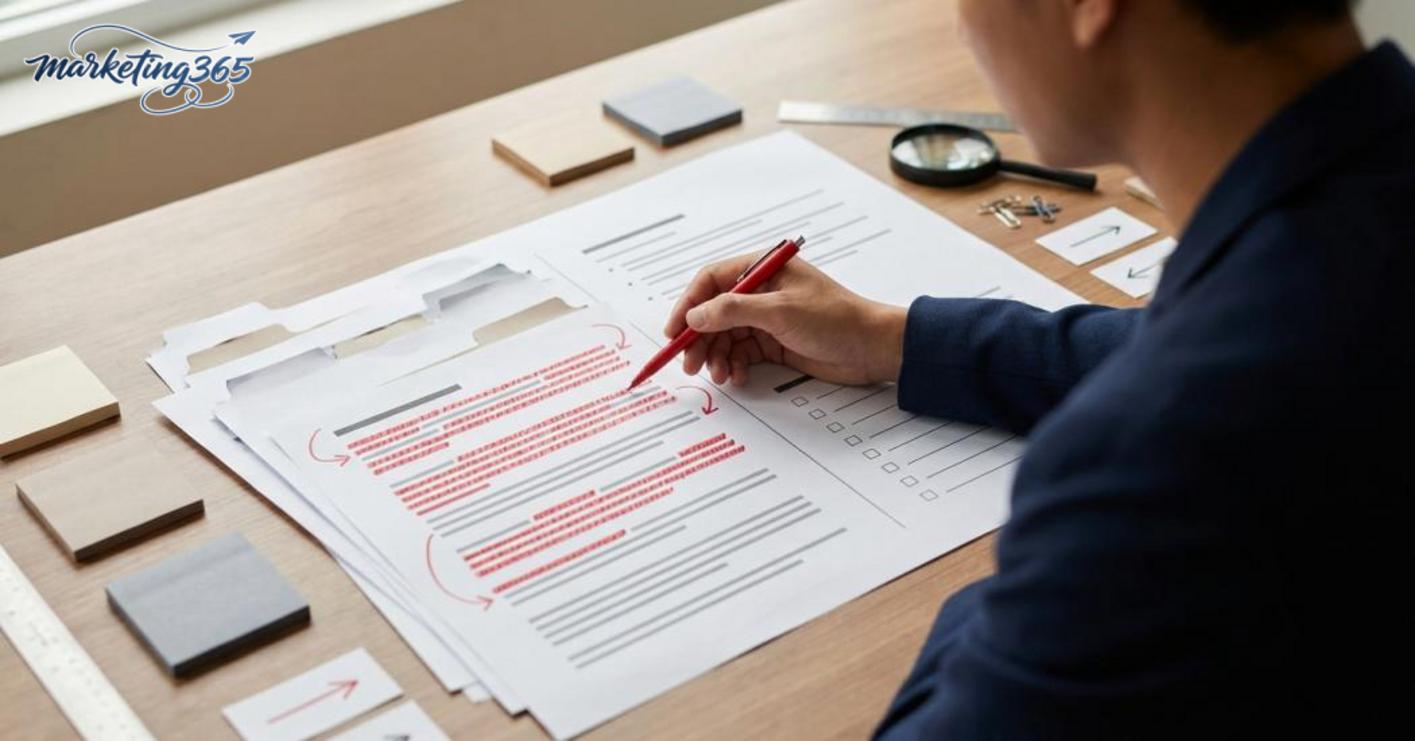
Beginners doing On-page SEO often make mistakes in three places: keyword stuffing, messy heading structure, and ignoring the on-page reading experience. These three issues make the article harder to understand, reduce time on page, and push optimization in the opposite direction of the original goal.
Stuffing keywords too much
Keyword stuffing is a common mistake when writing about what is on-page seo for beginners, because many people think repetition is always better. The way to avoid it is to place the main keyword in the title, opening, and a few truly necessary spots, then use natural variations like seo onpage for beginners or basic seo onpage guide. When reviewing, if a short paragraph repeats the main phrase more than 2 times, rewrite it with semantic wording.
Heading structure and internal links lacking logic
Messy headings make the article read like disconnected pieces. A common mistake is jumping heading levels, splitting each idea into short fragments without leading to the next one, while internal links are added just for the sake of it. The fix is to divide headings by the correct level, let each H3 handle one task, and place links where readers genuinely need more detail. For example, when writing about optimizing h2 h3 headings, the link should lead to the related section, not be added to the closing sentence just to meet a number.
Ignoring the on-page experience
Content may have information, but readers still leave early because the on-page experience is poor. Paragraphs that are too long, no bullet lists, no tables, and heavy images are the easiest signs to spot. The quick fix is to split paragraphs into 2–4 sentences, add a seo onpage checklist for beginners where action is needed, and use images only when they support the seo onpage example. When the article is easy to scan, readers grasp the idea faster and stay longer.
Frequently asked questions about what is on-page seo for beginners
What is on-page seo for beginners is usually understood as the group of tasks that optimize directly on the page so search engines and readers understand the content correctly. Beginners should start with the easiest items to check, such as titles, descriptions, URLs, headings, content, internal links, and images.
- Is On-page SEO difficult? Not if you follow the order. Just handle the first 3 things correctly: choose one main keyword, place it in the title and H1, then write content that answers the search intent.
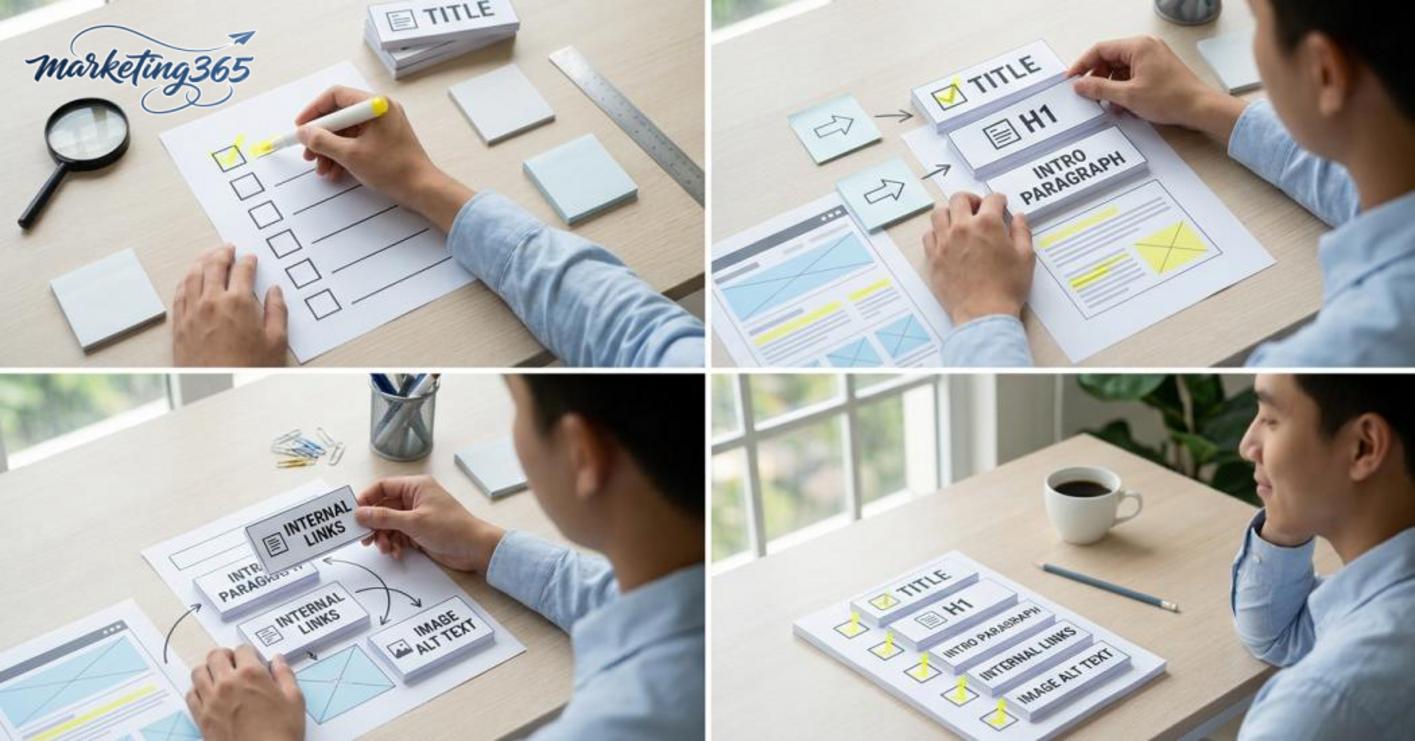
- Where should beginners start? Open each article and check 5 items: is the URL short and clear, does the title contain what is on-page seo for beginners, is the H1 different from the title, does the opening paragraph talk about the right topic, and does the image have alt text.
- What does an optimized On-page article need? At minimum, it needs a title, meta description, H1, reasonable H2/H3 headings, enough content, internal links, lightweight images, and alt text that matches the context. If the article has FAQ, short answers should be written so they are easier to feature in snippets.
- How often should On-page be reviewed? It should be checked again when the article shows lower clicks, changes keyword targets, or after each major content update. For important pages, a monthly review is enough to catch title drift, broken internal links, or outdated content.
If you need to prioritize, follow the seo onpage checklist for beginners: fix the title, check the H1, review the meta description, reread the first 3 paragraphs, then optimize images and links. This helps avoid scattered edits and makes the problem clearer from the first review.
To update with official and latest guidance, you can also refer to the materials from Google Search Central.
You can also explore more practical marketing guides at https://marketing365.vn.
Content from marketing365 is built for SMEs, online shop owners, and new marketers.



