

Contents
- Why fanpages get low engagement: check the real cause before fixing it
- How to increase fanpage engagement naturally with content people want to respond to
- How to post to increase reach and drive more stable organic engagement
- Ways to drive “real” engagement while keeping the fanpage safe
- Common mistakes that make fanpages lose engagement even when posting consistently
- When to optimize on your own, and when to seek deeper support
- How to track whether the fanpage has truly improved
- Frequently asked questions about how to increase fanpage engagement naturally
Low fanpage engagement is usually not due to “bad luck,” but to content, posting schedule, calls to action, or how the platform distributes posts. For shop owners, small businesses, or admins managing a channel, the first step is to check each point in order: whether the post matches audience needs, whether the posting time is consistent, whether the caption encourages responses, and whether reach is dropping unusually. The goal of how to increase fanpage engagement naturally is to drive real engagement, not fake, so the fanpage maintains a stable and more sustainable response rhythm without running ads.
Why fanpages get low engagement: check the real cause before fixing it
Low fanpage engagement usually comes from one of four causes: content that does not fit the audience, an unsuitable posting time, a lack of early signals, or reduced organic distribution. To handle it properly, look at the most recent post first, then expand to the behavior of the entire fanpage. How to increase fanpage engagement naturally only works when you identify the real bottleneck instead of making random changes across all posts.
Signs your fanpage is truly losing engagement
Fanpage engagement loss shows up clearly in repeated metrics across multiple posts, not just one low-performing post. When views decline steadily, likes/comments/shares fall below previous averages, and new posts get almost no early response within the first few hours, that is a signal worth checking.

- Reach drops even though posting frequency stays the same.
- Comments mostly come from people you already know.
- Posts that used to perform well now feel cold when reposted.
If this continues across multiple pieces of content, you need to determine whether the fanpage is truly losing engagement or just going through a weak-post streak.
Quickly check 4 points before deeper optimization
Check in order from easiest to hardest to avoid fixing the wrong thing. First, see whether your current follower base still matches your target customers; if the old audience no longer fits the need, free ways to increase fanpage engagement will be harder to make work.
- Open the 5 most recent posts and note which ones got higher views, comments, and shares.
- Compare posting times with the time slots that previously performed well.
- Compare content types: images, short videos, text posts, Q&A.
- Check whether any posts were ignored even though the headline and topic were similar.
This helps you clearly see which posts are generating real signals instead of changing the entire fanpage at once. For sales fanpages, how to increase fanpage engagement for small businesses often starts by keeping the exact post formats that have already generated natural responses.
When the problem is content, and when it is distribution
If a post gets views but almost no one responds, the issue is usually content or the call to action. If the content is fine but few people see it, the cause is more likely Facebook reach algorithm behavior and organic distribution.
- Views but no response: check the headline, opening angle, and CTA.
- Not enough views: check distribution, follower base, and posting schedule.
- Responses from the wrong audience: review the fanpage positioning.
Once you distinguish these three cases, you can choose the right way to increase fanpage reach naturally instead of constantly changing content without knowing where the problem is.
How to increase fanpage engagement naturally with content people want to respond to
Choose the right content type for each engagement goal
How to increase fanpage engagement naturally works best when you choose the right content type for the exact behavior you want. If the goal is comments, use a short question with clear context. If the goal is saves or shares, use checklists, quick tips, or comparison tables.

- Write opinion questions when you want more comments. For example, a home appliance fanpage could ask: “After cooking, do you wipe the stove with a damp cloth or a cleaning solution?” This is easier to answer than “What do you think about cleaning the kitchen?”
- Write short tip posts when you want more saves. A post with 5 kitchen odor-removal tips, or 7 common mistakes when cleaning a fan, is often saved more than a generic product introduction.
- Write real case studies when you want to build trust. For example, a cosmetics shop can share how it handled customer feedback within 24 hours and how orders increased after changing its response style.
- Alternate soft-selling posts after every 2–3 useful posts so the fanpage does not feel like it only sells. This works well for small shop owners because it still maintains engagement rhythm.
Write captions and CTAs that make people want to reply
A caption that performs well needs one main idea, one lightly debatable point, and one question that is easy to answer in 5 seconds. The CTA should ask for a specific action such as choosing A/B, leaving a number, or sharing a short experience.
- Open with a familiar problem. For example: “Which step takes you the most time when closing an order?”
- End with a clear point of view. For example: “The more specific the question, the easier it is for people to respond.”
- Close with a simple CTA. For example: “Choose 1 option from the 2 choices below.”
If you want ways to increase likes, comments, and shares on a fanpage, avoid overly broad CTAs like “Comment if you like this.” Instead, switch to “Do you choose A or B?” or “Which situation do you encounter more often? Share one short sentence.”
Optimize images, videos, and post formats to keep readers longer
The right format helps people stop longer and increases the chance of response. The first image needs to clearly state the topic, while videos should get straight to the main point within the first 3–5 seconds.
- Use a single image when the post contains a quick question. For example, an image with the title “How do you clean the kitchen after cooking?” will attract more attention than a generic decorative image.
- Use a carousel when you need a checklist or comparison. A 4-slide post about “4 mistakes that make fanpages get fewer comments” helps readers go through the content and makes it easier to save.
- Use short video when you have a real-life situation. A 15–30 second video showing before and after handling customer feedback often keeps viewers longer than a static image.
If the opening image makes viewers immediately understand what they are about to get, the stop rate is usually better. This is an important foundation of how to increase fanpage engagement naturally, because engagement only comes after people actually stop and read through.
How to post to increase reach and drive more stable organic engagement
How to increase fanpage engagement naturally works best when you choose the right time, keep a consistent rhythm, and read early signals after posting. A good post published at the wrong time, posted inconsistently, or ignored in the first 2–3 hours will often struggle to build steady reach.
Choose posting times based on audience behavior, not guesswork
The right time slot is when your target audience is most likely to be online and respond quickly. The practical approach is to open the fanpage Insights section, note 2–3 time slots with high follower activity, then test the same content format at different times over 2 weeks. For example, a shop selling to office workers should compare posts before lunch break and after 8 p.m. instead of relying only on generic “golden hours” found online.

Quick checklist:
- Choose 2–3 fixed time slots.
- Keep the content type the same when comparing.
- Prioritize the time slot where comments come in earlier, not just views.
Keep a steady posting rhythm so the fanpage does not “lose signal”
Posting consistently helps the system recognize that the fanpage has a stable activity rhythm, making it easier to maintain distribution momentum. You do not need to post too often; 1–2 posts per day or a few posts per week is still fine if you keep the schedule and topic group consistent. What you should avoid is posting 4 times today and then going silent for a week, because the fanpage will lose engagement rhythm and the next post will usually start more slowly.
A simple schedule is better than an overly ambitious one. For how to increase fanpage engagement for small businesses, divide content into pillars and keep a repeating schedule so viewers gradually get used to it.
Track responses in the first few hours after posting
The first few hours are when a post gives the strongest signals about whether it is worth replicating the format. Look at initial views, the first comment, early shares, and how long readers stay on the post; if there is early response but it drops quickly, the opening usually is not strong enough to hold attention. Conversely, a post with few views but natural comments and early shares often has a better chance of pulling in more reach later.
How to increase fanpage engagement naturally works best when you record the last 5–10 posts, mark which ones had strong early signals, and then repeat the opening style, image format, or caption length. This is a free way to increase fanpage engagement that many admins use when they do not want to rely on ads.
Ways to drive “real” engagement while keeping the fanpage safe
The safest way to drive real engagement for a fanpage is to create responses in the right context, for the right audience, and with controlled posting rhythm. The goal is to increase likes, comments, and shares from people with real needs, instead of pushing fake signals that dilute the page or cause posts to be distributed less effectively.
Encourage comments with context-appropriate questions
How to increase fanpage engagement naturally works best when you ask about the exact situation readers are facing. A question tied to a choice, an experience, or a buying pain point will generate more natural comments than “comment if you care.”

Simple checklist:
- Ask one main question, and avoid combining 3 questions in one post.
- Connect the question to the content you just posted, such as comparisons, usage tips, or common mistakes.
- Prefer questions that force readers to choose between A and B.
- At the end of the post, you can invite people to share experience, without asking for engagement too obviously.
For example, with a product post, ask “Do you prioritize a good price or durability when choosing this model?” With an experience-sharing post, you can ask “Have you ever faced a similar situation?” This kind of engagement post usually creates more real responses because viewers have a reason to reply.
Interact back with comments and other fanpages
How to increase fanpage engagement for small businesses is to reply quickly, accurately, and selectively interact with pages that share the same customer base. When admins respond clearly within the first day of posting, the post usually maintains a better discussion rhythm.
Read more: Effective Facebook Posting Times for Fanpages
Follow this order:
- Reply to comments early, especially purchase questions or requests for more information.
- Pin useful comments to guide the conversation in the right direction.
- Interact with other fanpages only when the content is directly relevant to the audience you serve.
- Avoid back-and-forth spamming or cross-spam because it can dilute signals.
If you sell home appliances, interactions with other fanpages should revolve around pages with the same usage needs, not entertainment pages. This free way to increase fanpage engagement is more sustainable because it preserves follower quality.
Mini-games, promotions, and share-friendly content: when to use them
Mini-games and promotions should only be used when there is a clear goal, such as activating a new audience, warming up a launch, or boosting a promotion campaign. If overused, the fanpage can attract prize hunters who rarely buy, distorting engagement metrics.
Control 3 points:
- The participation rules should be short, clear, and should not force tagging too many people.
- Comments should be tied to a real question or content, not just an emoji drop.
- The share of promotional content should be mixed with useful posts to maintain page quality.
For how to increase fanpage engagement for sales pages, mini-games are only a starter trigger, not the core pillar. If the goal is how to build a fanpage with high engagement over the long term, prioritize valuable content first and then use promotions for short-term lift.
Common mistakes that make fanpages lose engagement even when posting consistently
Posting consistently is not enough to maintain engagement. Fanpage reach drops often come from posting at the wrong rhythm, on the wrong topics, and ignoring response signals after each post. To increase fanpage engagement naturally, you need to fix the root mistakes instead of just increasing post volume.
Posting too much without a clear topic
Scattered posting makes the audience base feel diluted, because each post says something different and does not create content expectations. When a fanpage sells today, shares tips tomorrow, and then mixes in unrelated news, followers struggle to understand what the page is really about. Engagement signals are therefore spread out, making it very hard to build a fanpage with high engagement over the long term.

The fix is to lock in 3–5 fixed topic groups, such as products, usage guides, FAQs, feedback, and behind-the-scenes. The posting schedule should revolve around a clear core so viewers recognize that this page has the exact kind of content they need.
Content that only sells and lacks intermediate value
A posting schedule full of promotions and closing sales often makes viewers scroll past quickly because there is no reason to stop. This is a very common Facebook posting mistake on small sales pages: every post asks people to buy, but it does not build enough trust for viewers to engage naturally.
To make how to increase fanpage engagement for sales more effective, mix in explanatory posts, usage tips, comparisons, real situations, and open-ended questions. A practical posting structure is 3 value posts, 1 sales post. This helps the page maintain a steadier reading rhythm while also supporting how to increase fanpage engagement through content.
Ignoring audience feedback after posting
Missing the first 30–60 minutes after posting often makes it harder for a post to maintain engagement momentum. If you do not reply to comments, do not pin good responses, and do not use follow-up questions for future content, the fanpage loses the chance to pull in more real comments.
What you should do immediately after posting is: reply to comments early, pin valuable comments, and note repeated questions to turn them into new posts. This is a very practical way to increase likes, comments, and shares on a fanpage, because viewers see that the page responds in real time and are more likely to join in.
When to optimize on your own, and when to seek deeper support
Fanpage admins should optimize on their own before seeking deeper support when the page still has baseline signals, because this is a problem that can be handled through content, posting schedule, and distribution. With how to increase fanpage engagement naturally, the right decision depends on how far the channel has drifted: minor issues can be fixed through posts and rhythm, while major issues require a closer look at the fanpage structure, audience base, and how to build a fanpage with high engagement over the long term.
Signs you should handle it yourself first
You can do free ways to increase fanpage engagement yourself if the page still has viewers, older posts once got likes or comments, and the follower base is not too far from the product. In this case, you usually only need to review 3 things: change the content format, adjust posting times, and see which posts still hold reach so you can scale them.
- Prioritize posts that already got real comments, even if only a few.
- Keep topics close to buying needs.
- Test 2–3 new formats before concluding the channel is dead.
If the page still generates scattered engagement, how to increase fanpage engagement through content is still the cheapest direction. A small shop often only needs to fix the posting schedule and caption rhythm before thinking about changing the entire strategy.
Signs you need deeper fanpage strategy support
You should seek deeper support when engagement keeps dropping despite changing many post types, the audience base is unclear, or the fanpage needs major restructuring to support how to increase fanpage engagement for small businesses. At this point, the issue usually lies in content structure and distribution rather than individual posts.

- Posts keep changing but reach remains low.
- Engagement comes from the wrong audience.
- You need to review posting style, topic clusters, and distribution rhythm.
When this happens, the goal is not to gain a few short-term reactions, but to drive real fanpage engagement that is not fake and is more stable over time. This is also the moment to review how the Facebook reach algorithm is responding to your channel.
How to track whether the fanpage has truly improved
Whether the fanpage has truly improved is determined by the trend across multiple posts, not a single post. If you track the right 3–5 metrics over 2–3 weeks, you will know which how to increase fanpage engagement naturally methods are generating better reach, comments, and early responses.
Which metrics are enough to track
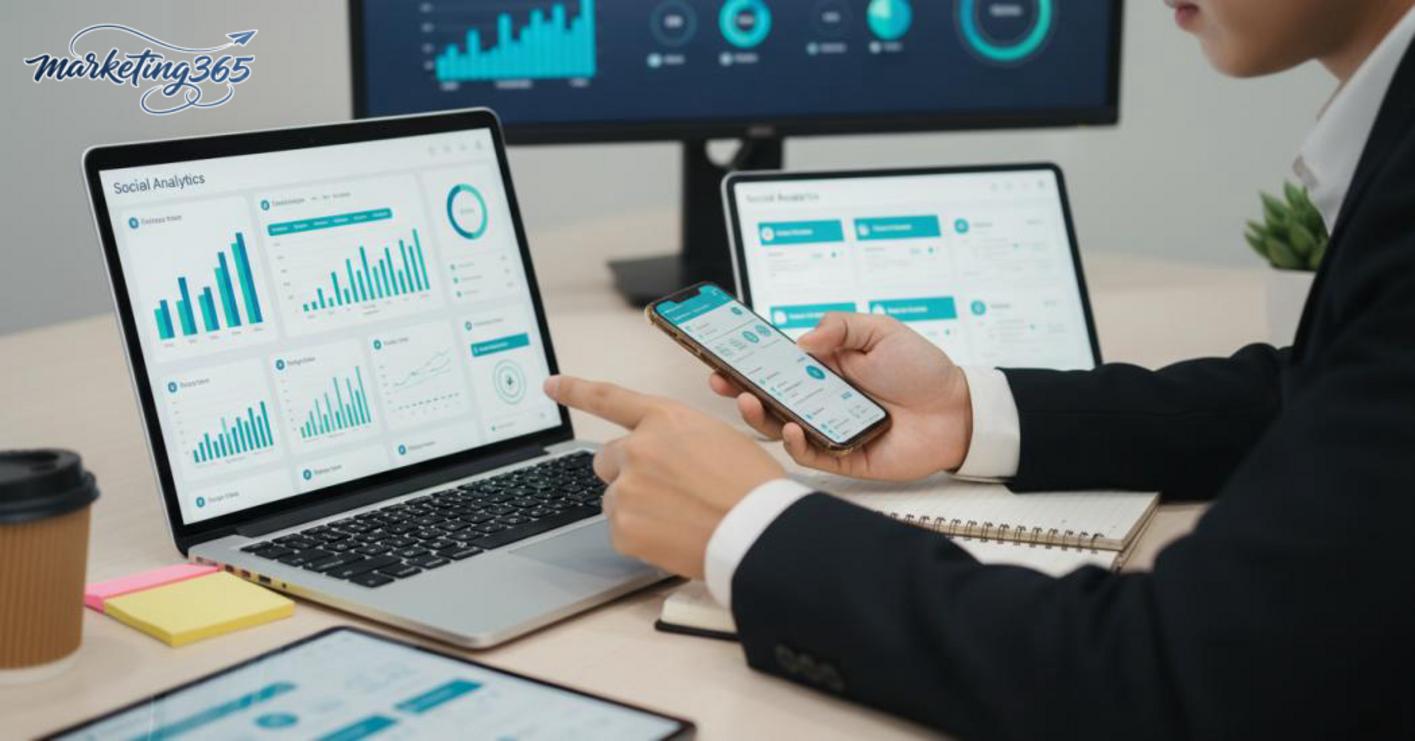
Tracking just 5 metrics is enough for fanpage management: reach, total engagement, comments, shares, and saves. For a cosmetics shop I once supported, comments increased from 8 to 19 across 10 posts, while reach stayed stable around 1,200–1,500; that was a sign the content was reaching the right customer group. If the goal is to increase likes, comments, and shares on a fanpage, also add responses within the first 1–2 hours after posting, because this is an early signal of whether the post is making viewers stop. When comparing, place posts with the same format side by side, such as image posts, short videos, and posts with clear CTAs.
How to read trends to know which strategy is working
Reading trends across clusters of 5–10 posts is the safest way to know whether the fanpage is truly improving. Do it in 3 steps: record the posting date, post format, and 5 key metrics; compare posts with the same format in the same time slot; keep the winning format for 2–3 weeks before changing it.
If one content type consistently gets better reach and more real comments, that is the format worth replicating. If one time slot gets better early responses, keep that time slot for 2–3 weeks before changing it. CTAs also need comparison: open-ended questions often drive better engagement than sales CTAs too early. How to increase fanpage engagement through content works when you record which posts generate real comments, which only get likes, and then prioritize posting methods with stable signals.
Frequently asked questions about how to increase fanpage engagement naturally
Do you need ads to increase fanpage engagement naturally?
The answer is no—you can still increase fanpage engagement naturally without running ads if the content fits the audience, you post consistently, and you respond to comments quickly. A home appliance page usually only needs 3 to 5 posts per week, plus responses within the first 1 to 2 hours, to generate more stable real comments. Ads should only be used when you want to boost reach for a seed post or test a new topic.
What should you do when a newly created fanpage has almost no engagement?
A new fanpage should follow 3 specific steps to build an initial engagement base. Step 1: complete the profile picture, cover photo, About section, and contact button so the page looks trustworthy from the start. Step 2: publish the first 3 to 5 posts in 3 different formats such as image, short video, and Q&A, instead of repeating one type of content. Step 3: reply to every comment on the posting day, because for a new page, just 5 to 10 real comments are enough to create better signals for the next post. This is a free, easy-to-control way to increase fanpage engagement for small businesses.
Should you use like-page tricks or fake engagement?
No—you should not use fake engagement because it distorts the data and pulls in the wrong audience. A page with 10,000 fake likes but only 2 to 3 real comments per post will usually struggle to improve reach later. If you need a real way to drive fanpage engagement, do 3 things: ask a specific question in the caption, pin a comment that expands the topic, and respond to the first comments very quickly within 15 to 30 minutes. This helps the post maintain real signals and makes it easier to optimize future content.
For official and up-to-date guidance, you can also refer to resources from Meta for Business.
You can also explore more practical marketing guides at https://marketing365.vn.
Content from marketing365 is built for SMEs, online shop owners, and new marketers.
You can read more articles on the same topic in the Social Media category.



