

Contents
- What is a YouTube video description, and how far can AI help?
- What should you prepare before using AI to write a video description?
- How should you write a prompt so AI creates the right YouTube description?
- What should you check in an AI-written SEO-friendly YouTube description?
- Common mistakes when using AI to write YouTube video descriptions
- Sample AI-written YouTube video descriptions that are easy to apply
- What workflow should you use to scale AI-written video descriptions safely?
When you need to write a video description quickly, how to use AI to write YouTube video descriptions works best when you treat it as a controlled draft, not a ready-to-publish version. This approach is ideal for marketers, content creators, and business owners who need to stay true to the brand voice, keep the video topic accurate, and avoid vague descriptions.
With just the title, video goal, and a few key points, you can create a YouTube description with ChatGPT, then review three things: whether the content matches the video, whether the CTA feels natural, and whether you need to add hashtags to the YouTube description. Done right, AI speeds up writing while keeping the channel safe.
What is a YouTube video description, and how far can AI help?
A YouTube video description is the text that accompanies each video, used to summarize the content, help viewers decide whether to keep watching, and help YouTube understand the video’s context. When written well, it is also where you can place natural keywords, relevant links, and a call to action if needed.
AI can be very helpful at the drafting stage, pulling ideas from a transcript, organizing the opening structure, or turning a short brief into a complete description. But AI should only handle the framework; the writer still needs to check accuracy, brand voice, and where to place the CTA in the YouTube description so it does not turn into a pile of keywords.

How is a video description different from a channel description and CTA?
A video description serves one specific video, while a channel description positions the entire channel and tells viewers what the channel is about. The CTA in a description is only one component inside the video description, such as inviting viewers to watch related videos, download a resource, or subscribe to the channel; it is not the whole content. If you confuse these three parts, it is very easy to write a video description that is too general, or to cram too many calls to action into the very place that should be summarizing the content.
A common mistake is copying the channel description into every video. That makes the description diluted and less useful for each search. For every video, keep three layers clear: what the video is about, what the viewer gets, and which CTA is enough.
When should you use AI, and when should you write manually?
Use AI when you need to automatically create YouTube video descriptions for many videos with a similar format, or when you already have a transcript, outline, and clear output requirements. In these cases, how to use AI to write YouTube video descriptions usually saves time at the first-draft stage.
Write manually, or edit heavily by hand, when the video contains specialized content, sensitive data, or requires a very distinct brand voice. For example, a technical tutorial whose steps are misread by AI is enough to make the description inaccurate. A safe workflow is: 1) let AI create a draft, 2) compare it with the transcript or brief, 3) edit the opening sentence, numbers, CTA, and keywords. This keeps the speed while still controlling quality.
What should you prepare before using AI to write a video description?
Before using AI to write a YouTube video description, you need to prepare enough input data so the description matches the content, the audience, and the goal. If you leave out the topic, audience, message, or keywords, AI will often return a description that is generic, wordy, or off focus.
Checklist of information to give AI
A good prompt must include enough data for AI to understand what the video is about and what action it should encourage. With how to use AI to write YouTube video descriptions, the minimum input should include:
- Video title or main topic.
- Video goal: increase views, increase subscriptions, drive clicks, or explain a product.
- 3–5 key points that should appear in the description.
- Main keyword and 1–2 secondary keywords.
- Target viewer: beginner, someone with basic knowledge, or a potential customer.
- Desired CTA: watch more, subscribe, download a resource, or contact.
- Brand voice: professional, friendly, concise, or persuasive.
For example, if the video is a basic ad-running tutorial, the prompt should clearly say the viewer is a new shop owner, the description should emphasize practical benefits, and the CTA should be to watch the related series. With enough information, AI writes a YouTube video description more accurately and needs less revision afterward.
How to use transcripts to help AI write more accurately
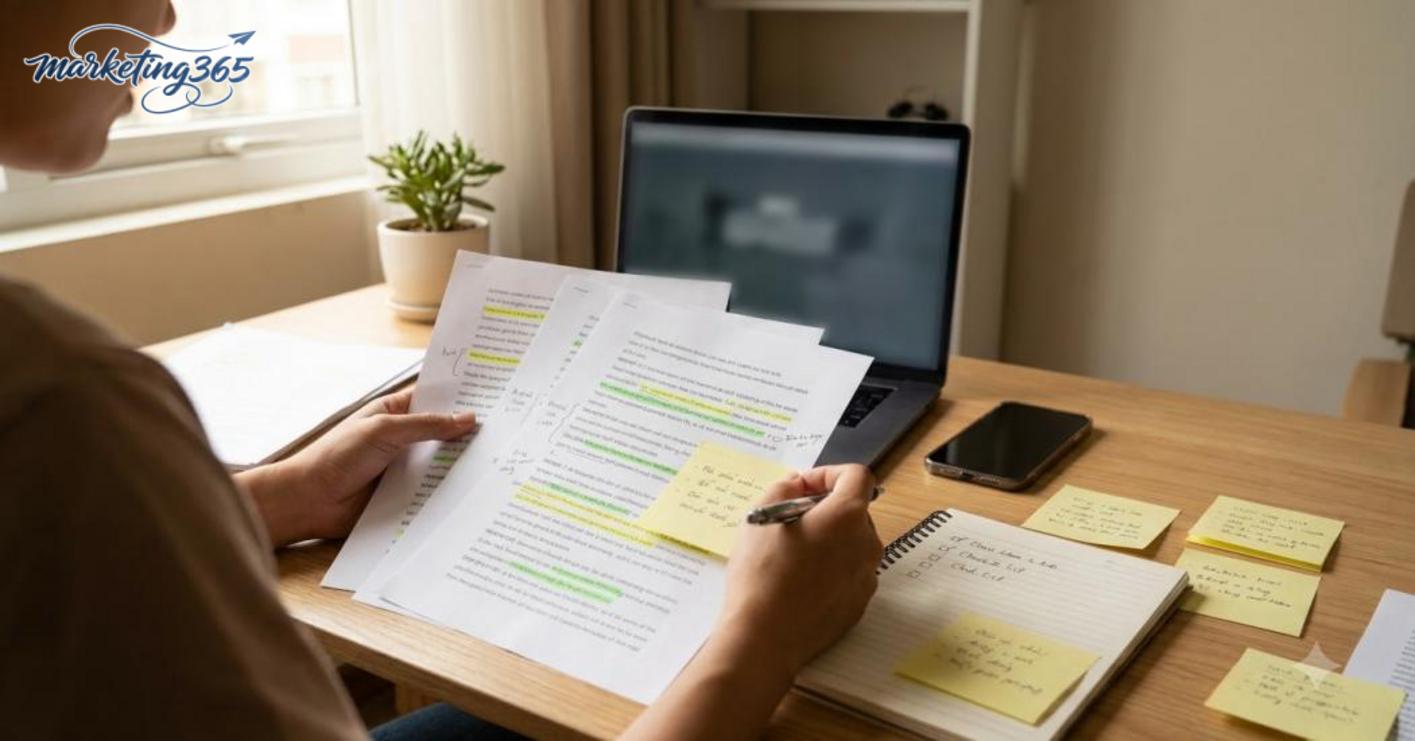
A transcript helps AI stay aligned with the exact wording, numbers, and order of ideas in the video. When using a transcript to write a video description, paste in a clean transcript first, then ask AI to extract the main points into a short description with a suitable CTA and keywords.
The effective process is:
- Use the full transcript or the main spoken section of the video.
- Mark the 3 most important points first so AI does not miss them.
- Ask AI to remove rambling sentences, repeated ideas, or supporting examples.
- Read it again to check whether AI added details that are not in the video.
For example, if the speaker mentions one benefit at the beginning of the video but does not repeat it at the end, AI can still pull that point correctly when the transcript is clear enough. On the other hand, if the transcript cuts off part of the middle, an automatically generated YouTube description can easily miss key points or choose the wrong focus.
How should you write a prompt so AI creates the right YouTube description?
How to use AI to write YouTube video descriptions effectively starts with a prompt that includes the role, input data, output requirements, and review criteria. When you clearly state the video context, audience, length, tone, and limits on hashtags or CTA, AI is less likely to ramble and more likely to produce a draft that matches your needs.

What sections should a prompt include?
A good prompt should be broken into clear blocks so AI understands what is background and what is the output requirement. This is especially useful when you create a YouTube description with ChatGPT for sales videos, tutorials, or educational content.
- Role: ask AI to act as a YouTube video description writer for the right goal.
- Video context: state the topic, main content, what makes the video different, and the target audience.
- Output requirements: specify whether you need 2–3 versions, the desired length, tone, natural keywords, and a moderate CTA.
- Review criteria: ask AI to check for repeated words, keyword stuffing, or exaggerated calls to action.
For example, for a tutorial video, the prompt should clearly state: 120–150 words, one opening sentence that states the benefit, one light CTA at the end, and no more than 3 hashtags. Written this way, AI will write the video description from the transcript more accurately instead of inventing extra ideas.
Prompt mistakes that make AI descriptions sound very “fake”
A prompt that is too short is the most common mistake because AI does not know who the video is for or what goal it should achieve. A line like “write a good YouTube description” usually produces something generic, repetitive, and unfocused.
Common mistakes include:
- Stuffing too many keywords into one sentence, making the description awkward to read.
- Not specifying the audience, so AI chooses the wrong tone.
- Not asking it to verify accuracy, so the description may add details that are not in the video.
- Requesting an overly aggressive CTA, making the description feel more like an ad than content that supports the video.
When optimizing a YouTube video description, prioritize a concise prompt with clear constraints. If needed, ask AI to write 2–3 versions, then choose the most natural one and edit the opening line, hashtags, and CTA to fit the channel context.
What should you check in an AI-written SEO-friendly YouTube description?
An SEO-friendly YouTube description is only usable when you check the original content, keyword naturalness, and the viewer’s intended action. With how to use AI to write YouTube video descriptions, the review step after generation matters more than the generation itself, because even one off-topic sentence or a CTA in the wrong place can make the description ineffective.
Check content accuracy before publishing
The description must match the original video in details that can be checked immediately. A wrong product name, incorrect number, or added promise that is not in the transcript is enough to make the description less trustworthy.

Read more: AI Video Automation Tools: How to Choose and Use Them Right
Read more: How to Use AI to Write SEO Meta Descriptions
Checklist to follow in order:
- Compare character names, products, and events with the video or transcript.
- Check numbers, timestamps, features, and results if the video mentions them.
- Remove any ideas AI added outside the script, especially promises like “fast growth” or “instant results.”
- Read it once more to see whether the automatically generated YouTube video description is summarizing the main point correctly or drifting into side points.
A quick check is to place the description next to the transcript and mark each sentence that can be traced back to the source. If a passage cannot be found in the script, it should be removed or rewritten more briefly. Writing the video description from the transcript is safer when you need to keep the original information accurate and reduce the risk of detail errors.
Check SEO and readability
A good description should be easy to read on mobile, include just enough keywords, and lead viewers toward the action that matches the video goal. When optimizing a YouTube video description, prioritize scanability before adding hashtags or links.
Check these 4 points:
- Do the first two sentences clearly state what the video is about?
- Do the main keyword and variations such as AI writing YouTube video descriptions appear naturally?
- Are the sentences short enough to skim, avoiding one long block of text?
- Are the CTA or link placed in the right spot and aligned with the video goal?
If the video is instructional, the CTA should be “watch more,” “download the resource,” or “read the guide” rather than pushing a purchase. If the video is more introductory, the CTA should stay brief and not crowd the end of the description with too many hashtags. Adding hashtags to the YouTube description should only be done when truly needed; 3–5 relevant hashtags are usually enough, while too many will dilute the message and reduce the clarity of the opening section.
Common mistakes when using AI to write YouTube video descriptions
Using AI to write YouTube video descriptions saves time, but doing it the wrong way will make the description less useful and less helpful for SEO. The most common mistakes are copying the output as-is, stuffing keywords, or writing a description that does not match the video content. Once you use a prompt to write a YouTube video description, you need to edit it based on the title, transcript, and real viewing goal, instead of letting the automatically generated YouTube video description run completely on its own.
Keyword stuffing and excessive hashtags
A description should only contain enough keywords to read naturally and still fit the context. If you repeat phrases like how to use AI to write YouTube video descriptions, AI writing YouTube video descriptions, and optimizing YouTube video descriptions in the same paragraph, viewers will find it confusing and search engines will also struggle to understand the focus. Keep it to 1–2 natural uses in the right place, then move on to explaining the benefits or main content.
The same goes for hashtags. Adding hashtags to the YouTube description is only useful when they serve a clear categorization or topic purpose. A short description with too many hashtags and a CTA at the same time often breaks the reading flow. The safe approach is to choose a few that match the topic, and place them at the end only if truly necessary.

Quick checklist:
- Keep the main keyword to a reasonable amount, without repeating it back to back.
- Use hashtags only when there is a clear purpose.
- Prioritize natural description sentences, not a list of tags.
- If any line sounds awkward when read aloud, cut back the keywords immediately.
Descriptions that do not match the video, or match too little
An effective description must reflect the video content accurately, especially for tutorials, reviews, or process explanations. For example, if a video teaches how to write descriptions but the description reads like an ad for a course, viewers will feel the expectation mismatch when they click. For videos with many points, prioritize the main ideas and use writing the video description from the transcript to stay close to the real content instead of trying to cram in every detail.
A quick fix is to compare three things: the title, the three main ideas in the video, and the call to action. If these three do not align, the description needs to be rewritten. AI writes YouTube video descriptions best when you provide enough context: who is watching, what problem the video solves, and which section is the main point. Then the description can help viewers understand the video correctly from the first few lines.
Sample AI-written YouTube video descriptions that are easy to apply
An AI-written YouTube video description sample should be short, clearly structured, and aligned with each video’s goal. When the sample is done well, viewers understand what the video is about within the first few lines, and the writer only needs to swap in the right benefit, key points, and CTA for each context.

Sample for educational content videos
This sample works well when the video teaches a skill, explains a concept, or shares a method. The opening should immediately state the problem or result the viewer wants to achieve, then summarize 2–3 key points so AI writing YouTube video descriptions still stays focused.
Example:
“Do you want to optimize your YouTube video description so your video is easier to find? In this video, you will learn how to use AI to write YouTube video descriptions in 3 steps: define the video goal, pull key points from the transcript, and add a light CTA at the end. If you are creating a YouTube description with ChatGPT, this template helps save time while keeping the content natural.”
This structure works because viewers see the value immediately, while the transcript-based video description stays short enough to read quickly. If appropriate, you can add a light CTA such as “see more examples below” or “save this template for later.”
Sample for review or product/service introduction videos
This sample needs to balance information and persuasion. The opening should clearly state the standout point, then briefly mention who it is for, avoiding exaggeration and adding a prompt to watch more if the viewer needs to decide quickly.
Example:
“This video reviews how AI writes description youtube for content creators who need to publish quickly while keeping a natural voice. The description will cover two strengths of the method, one caution when using an AI tool to create a YouTube description, and how to add hashtags to the YouTube description in the right place. If you are comparing methods, this is an easy template for a service introduction video.”
This sample works because the opening helps viewers recognize the benefit, the middle keeps the information specific enough, and the closing CTA only serves to open the door. Written this way, the YouTube description has a CTA without feeling pushy or overly promotional.
What workflow should you use to scale AI-written video descriptions safely?
A safe workflow for using AI to write video descriptions is to standardize the input, create a clear prompt, edit the draft, compare it with the original video, and then save the best template for reuse. This approach is suitable when you need automatically generated YouTube video descriptions for many videos, but still need to keep the information accurate, the voice consistent, and the SEO goal intact.
Working quickly and safely often depends on discipline at each step. If you skip the review stage, the description can easily add details that are not in the video, stuff keywords, or use the wrong CTA. For a channel that publishes regularly, just one bad template repeated 10 times can spread errors very quickly.

A 5-step workflow for channels with many videos
- Standardize the input: title, video goal, 3 key points, CTA, main keyword, and a short transcript excerpt if available.
- Create a draft with AI: use a prompt to write a YouTube video description that clearly states the length, tone, number of hashtags, and restrictions.
- Edit for brand voice: trim unnecessary sentences, add the channel’s familiar phrasing, and keep the YouTube description’s CTA natural.
- Check SEO and accuracy: compare it with the actual video, verify the main keyword, the transcript-based video description, and where the link is placed.
- Save a reusable template: keep the AI-written YouTube description template that works, along with variables you can apply to the next video.
If you need to optimize YouTube video descriptions at scale, follow this order and do not skip step 4. That is the best error checkpoint when using AI to write YouTube video descriptions at scale.
MARKETING365
📧 Email: lienhe@marketing365.vn
🌐 Website: https://marketing365.vn
👍 Fanpage: https://facebook.com/marketing365.official
For the latest official guidance and updates, you can also refer to materials from YouTube Creators.
You can also read more related articles in the AI Marketing category.



