
Contents
- What are free AI image generators, and who are they for?
- How to choose a free AI image generator without falling into the “free” trap
- Using free AI image generators for marketing: where should you apply them first?
- How to use them safely without affecting accounts, data, or digital channels
- How to write prompts and control output so the images are actually usable
- Common mistakes when using free AI image generators
- How to test a free AI image generator in 15 minutes before deciding to use it
- Frequently asked questions about free AI image generators
When you need to quickly create visuals for content, social, ad mockups, or landing pages, free AI image generators are often the best fit at the idea-testing and visual-direction-checking stage. For small businesses or marketing teams, this is a time-saving way to move faster before investing in formal design. However, if you plan to use them commercially, you need to carefully review usage rights, account stability, and the accuracy of the output images. This article helps you choose the right type of tool, know when to use it for testing, and check safety before publishing.
What are free AI image generators, and who are they for?
Free AI image generators are platforms that let you create images from text or perform basic image editing without paying upfront. For marketing teams, their value lies in quickly testing ideas, creating mockups fast, and reducing costs before deciding on paid software.
At first glance, a free online AI image generator website or an AI text-to-image app can feel like it can be used freely. But free plans usually come with clear limits: a daily generation cap, lower image quality, processing queues, login requirements, watermarks, or download restrictions. If you just need to quickly check a social concept, that may be enough. If you need a full set of visuals for a major campaign, you should treat it as a testing tool first.
The three groups that benefit most are beginners testing ideas, content/social teams needing fast visuals for posts, and startups building cost-saving mockups before investing in more advanced tools. For example, a content team can use a free text-to-image AI tool to draft five illustration directions in a brainstorming session, then choose one direction to redesign. A startup can also use it to try generating AI product images for a draft landing page instead of immediately locking in a time-consuming key visual set.
How “free” is free, really?
The free tier of free AI image generators is usually only enough for experimentation, not long-term operations. You may run into daily usage limits, medium-resolution output, account creation requirements, and sometimes restrictions on commercial use. For free unlimited AI image generation, readers should read the terms carefully, because “unlimited” is often just marketing language, while in reality there may still be queues or hidden limits.
Quick checklist before using:
- Do you need to log in?
- Is there a watermark on downloaded images?
- Are commercial usage rights limited?
- Can you choose the image size, or is it only a default export?
- Does it slow down during peak hours?
When should businesses test, and when should they stop at testing?
Businesses should try free AI image generators when they need moodboards, social post concepts, blog or draft landing page visuals. They are especially useful when a marketing team needs 3–10 quick image options to lock in a direction, instead of going through a long design cycle.
You should stop at testing when the image is for official advertising, a brand key visual, or a publication with legal considerations. The reason is that AI-generated images can be off in the details, inconsistent with brand identity, or not safe enough for sensitive use cases such as finance, healthcare, or products that require strict visual control. For artistic image generation with artificial intelligence, treat it as an idea-exploration tool; for long-term use in a visual system, you need a clear review process.
How to choose a free AI image generator without falling into the “free” trap
Choose a free AI image generator based on your usage goal first, then look at the interface. This helps marketing teams avoid wasting time on random trials and choose the right free text-to-image AI tool for content, ads, or mockups.
Choose by goal: content, social, ads, or mockups?
If you work on a blog, prioritize a free online AI image generator website for illustrations that clearly match the topic, have few detail errors, and are easy to prompt. If you work on social, choose an AI text-to-image app for speed, eye-catching images, and multiple variations. For ads, the key criterion is keeping the style consistent across versions; for mockups, you need fast generation to review the concept, not perfection in the first draft.
A team that once used a single tool for all four tasks may end up with blog images that look fine but ads that feel off-tone, or mockups that are fast but have incorrect product details. So, match the need to the output before choosing. If the goal is artistic image generation with artificial intelligence, prioritize creativity. If you need free AI portrait generation or product images, prioritize control over composition and facial features.
Checklist of 6 criteria to check before signing up
Before creating an account, check these 6 points to avoid “free but hard to use”:
- Is there a limit on generations per day?
- Do the images have watermarks?
- Can you download at a resolution suitable for web and social?
- Can you save prompt history to edit quickly later?
- Do the terms allow commercial use?
- Does the account require overly broad data permissions?
If a free AI image generation tool gives you beautiful images but the usage rights are unclear, stop before using it in a campaign. With a free online AI image generator website, don’t just look at the interface; open the terms page and check the input data and output image rights sections. A tool for generating anime images with AI may be fun to try, but if it doesn’t allow high-resolution downloads or forces public sharing, it is not suitable for real-world use.
Using free AI image generators for marketing: where should you apply them first?
Free AI image generators should be applied to short-cycle marketing touchpoints that need quick testing and can tolerate controlled error. The safe approach is to prioritize lower-risk content first, measure response, and then expand to more important assets such as main banners or product images.
Which types of visuals are best to test first?
The best visuals to test first are those used for ideas and that do not require absolute accuracy. This group often performs well when using free AI image generation software to save time on drafting.
- Blog covers and article illustrations. The image only needs to match the topic, not the real product exactly.
- Topic-based social posts, especially carousels, quote cards, or explanatory posts.
- Abstract backgrounds, textures, moodboards, and concept images for campaigns.
- Content thumbnails for videos, temporary landing pages, or message-testing drafts.
- Product sketches to help content and design teams align on direction before final approval.
For these use cases, an AI text-to-image app is often enough if you check the layout, colors, and any incorrect details before publishing. A clean workflow is to generate 3–5 options, choose the one closest to the brand, then refine it with the built-in editor instead of trying to create a perfect image from the start.
Read more: Free Vietnamese AI Voice Generator: How to Use It Properly
When should you not use free AI images for marketing?
You should not use free AI images for marketing when the visual must be accurate, consistent, or legally constrained. This is an important boundary, because a fast-generated image with even one small mistake can reduce campaign credibility.
Avoid using them when:
- The image needs strong brand recognition, such as a major campaign key visual.
- The image must accurately show the product, packaging, interface, or features.
- The content involves healthcare, finance, legal matters, or claims that require clear copyright.
- It is a paid channel with a large budget, where one visual error could reduce media effectiveness.
If the goal is to generate product images with AI, use the free version only for concept testing. Once the direction is finalized, move to a tighter control process to avoid repeated revisions.
How to use them safely without affecting accounts, data, or digital channels
Using free AI image generators safely means checking data rights, prompt rights, and image rights before uploading, then entering only non-sensitive content. For marketing teams, this reduces the risk of exposing internal assets, customer images, and campaign prompts.
What should you check before uploading images or data?
A free online AI image generator website should only be used after you clearly review its storage, sharing, and data-training policies. Before uploading, do four things: 1) read the privacy or data usage section; 2) turn off any option that allows your images to be used for model improvement, if available; 3) do not upload images containing faces, phone numbers, work screens, or internal documents; 4) check whether files are auto-public or shared via link. When you need to test free AI image generation software, start with harmless sample images, then move to real assets only after internal approval.
Common mistakes that make marketing teams create their own risks
The biggest risk when using AI image tools is uploading real data by mistake without checking usage rights. A very common mistake is using images with real people, logos, documents, or campaign interfaces but forgetting to get permission and forgetting the legal review step. Some teams also save prompts containing product launch plans, so when they copy them on another machine, internal information is exposed immediately. If you use an AI text-to-image app for ads or brand assets, clearly separate test images from released images; only finalize files after checking commercial rights, portrait rights, and the approval process.
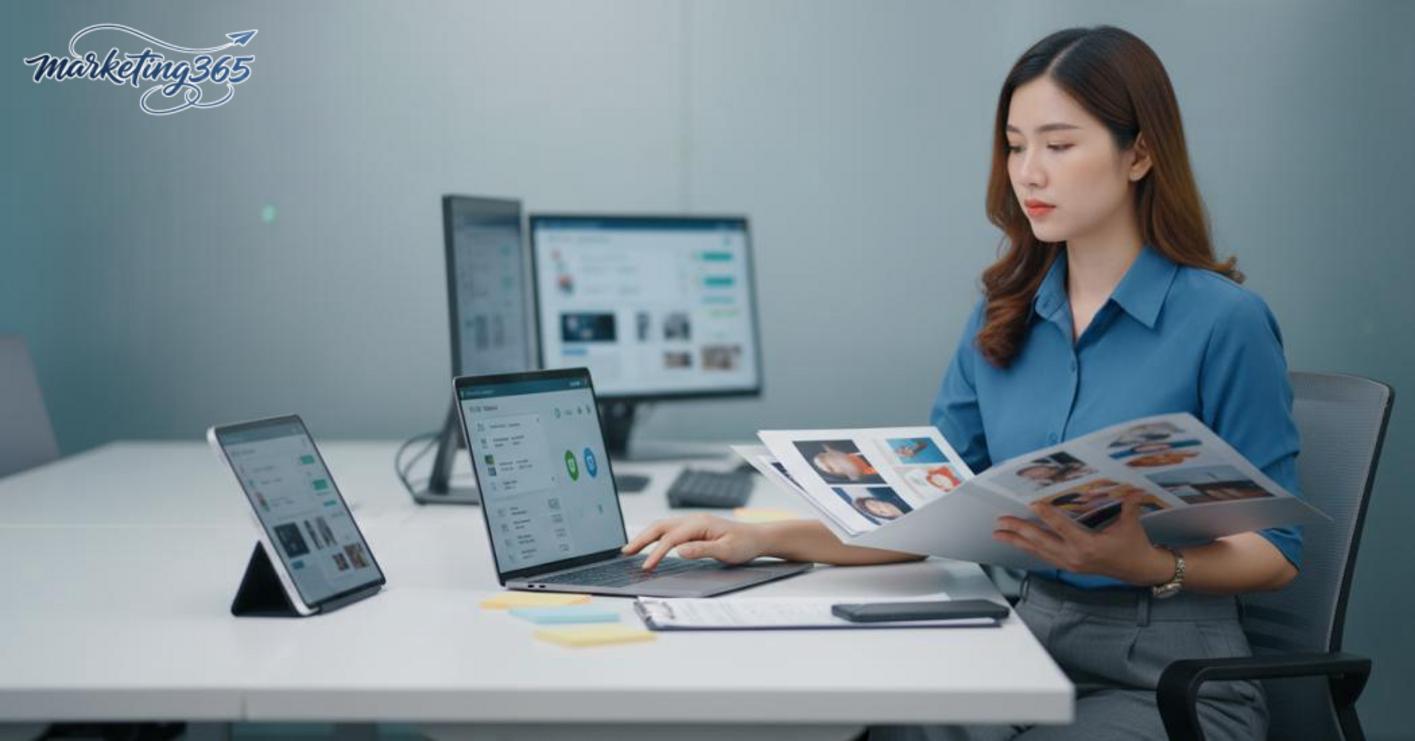
Short checklist for better safety:
- Do not upload customer photos, cards, invoices, or CRM screens.
- Do not paste prompts containing unreleased product names.
- Do not use AI images for items requiring legal review without confirmation.
- Do not keep the account logged in on shared devices.
Read more: Copyright Notes When Using AI Images in Marketing
When you need a way to use free AI image generators for a content team, prioritize one principle: the more sensitive the data, the more it should be anonymized first.
How to write prompts and control output so the images are actually usable
The clearer the prompt, the easier the image is to use, because AI tools follow the description you provide. With free AI image generators, the goal is not a generally pretty image, but one that is accurate enough for a banner, social post, or mockup.
What should a good prompt include?
A good prompt should include 7 parts: subject, context, style, color, material, camera angle, aspect ratio, and what to avoid. For example, instead of writing “a person sitting and working,” write clearly: “a marketing employee sitting in front of a laptop in a bright office, realistic photo style, blue and white palette, natural light, 3/4 angle, horizontal 16:9 frame, avoid distorted hands and text on the screen.”
This approach works for both AI text-to-image apps and free online AI image generator websites. When the prompt has enough detail, the image is usually less likely to have layout errors, incorrect aspect ratios, and is easier to refine afterward. Quick checklist to copy:
- What is the main subject?
- Where is the scene?
- Style: realistic photo, illustration, 3D, or artistic image generation with artificial intelligence?
- What are the colors and lighting like?
- Image ratio: 1:1, 4:5, or 16:9?
- What should be avoided?
Fixing an image that misses the point: where should you adjust first?
When an image misses the point, fix the prompt before switching tools, because the problem is often an overly broad description. If the image has the wrong person, wrong scene, or too many unnecessary details, split the main prompt into 2–3 smaller prompts and test each part again.
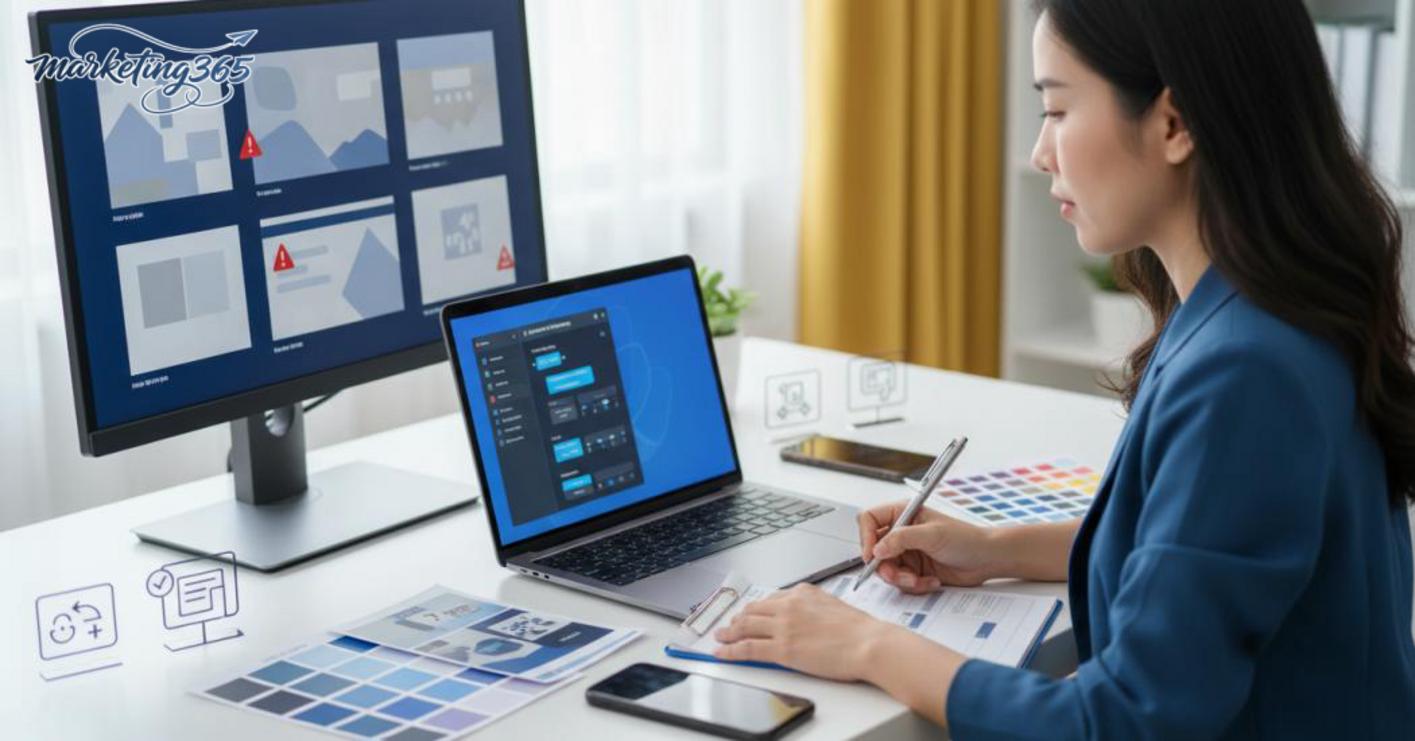
The order of fixes should be: 1) remove secondary ideas; 2) rewrite the subject more clearly; 3) add details about angle or lighting; 4) add a “no” section to block errors. For example, if the image has the right composition but the wrong clothing, just change the clothing description instead of rewriting the entire prompt.
With free text-to-image AI tools, several short editing rounds are often more effective than one long prompt packed with too many keywords. If you are using an anime image generator with AI or free AI portrait generation, keep one fixed description framework for the whole campaign so the images stay consistent in color, angle, and material.
Common mistakes when using free AI image generators
Using free AI image generators often goes wrong in three areas: output quality, usage rights, and brand consistency. If ignored, an image that looks fine on screen can still reduce engagement, make the visual set feel off-brand, or create risks when used on websites, ads, and social channels.
Read more: AI Video Automation Tools: How to Choose and Use Them Right
Output quality mistakes and how to spot them early
Quality issues usually show up immediately in distorted hands, warped text, uneven faces, cluttered composition, or overly noisy backgrounds. With AI image tools, the biggest warning sign is an image that looks good from a distance but breaks down in small details at 100% zoom. When testing an AI text-to-image app, check 5 things before using it: hands, eyes, teeth, shadows, and whether the color matches the brand. If an artistic image generated with artificial intelligence needs too much Photoshop work, discard it.
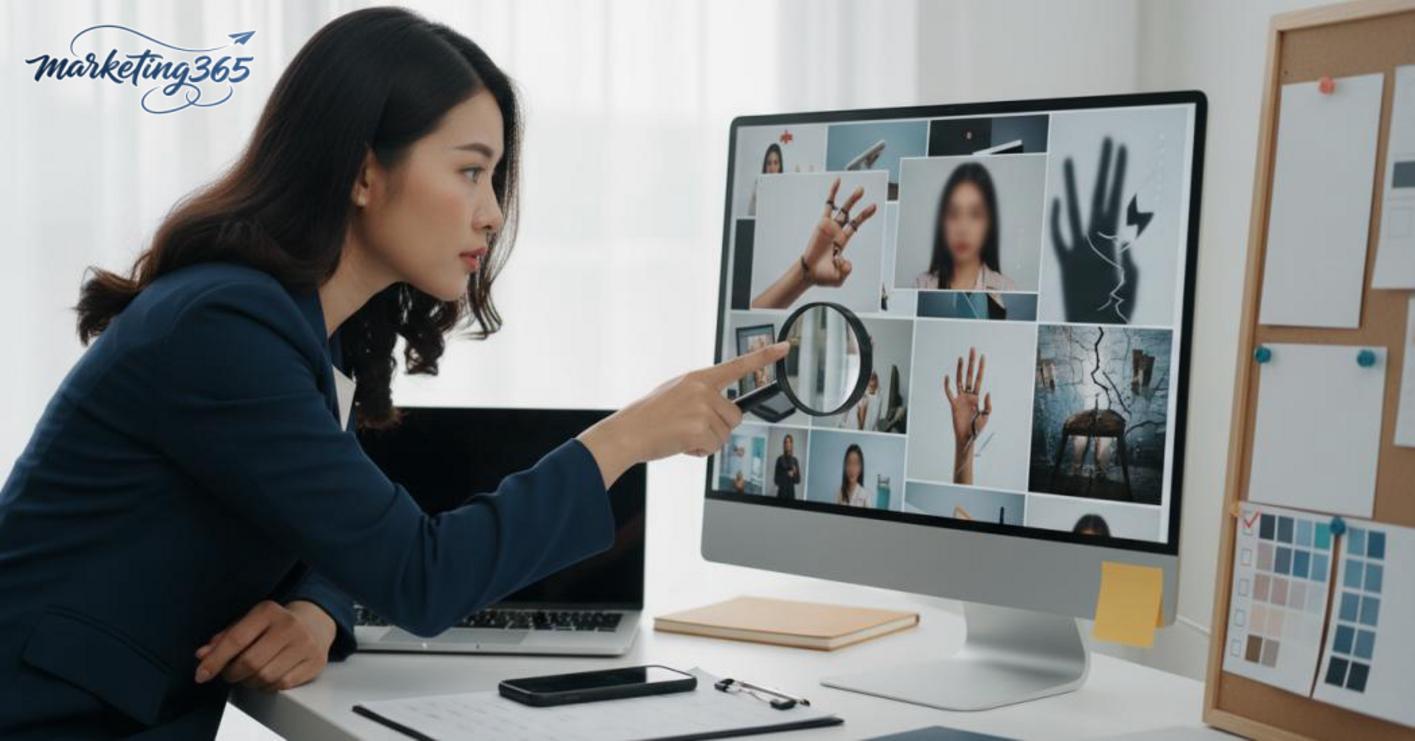
Usage-rights mistakes and brand-consistency issues
The biggest risk of free AI image generation software is unclear licensing or style changes from one generation to the next. A campaign can fail because each post looks different, especially when using a free online AI image generator website to generate product images with AI without checking the commercial terms. The fix is to define a short style guide in advance: background color, shooting angle, level of detail, and only use AI images for items that do not require strong recognition. For core channels, prioritize consistency over chasing free unlimited AI image generation.
How to test a free AI image generator in 15 minutes before deciding to use it
Testing free AI image generators in 15 minutes is the fastest way to know whether they fit your workflow. One use case, one sample prompt, one output image, and one read-through of the terms of use are enough to eliminate tools that are not a fit.
5-step quick test checklist
- Choose one specific goal, such as a social post image, product mockup image, or blog banner.
- Write one short prompt that only states the subject, context, style, and desired size.
- Generate one image and immediately check subject accuracy, text on the image, hands, background, and brand colors.
- Read the usage rights section: whether commercial use is allowed, whether there is a watermark, and whether there are usage limits.
- Decide whether to keep or discard it. If it takes more than 15 minutes to get one usable image, the tool is not a fit for the team.
For marketing teams, the use of free AI image generators should start with a real image need, not an overly complex prompt. A free online AI image generator website may be fine for quick ideas, but if it fails on basic details, do not force it into the workflow.
When should you move from a free tool to a paid one?
Move to a paid tool when you need high-volume production, brand consistency, or clear usage rights for sales materials. If the team has to test many free text-to-image AI tools and still cannot achieve stable quality, the total time spent fixing images is often more expensive than upgrading.
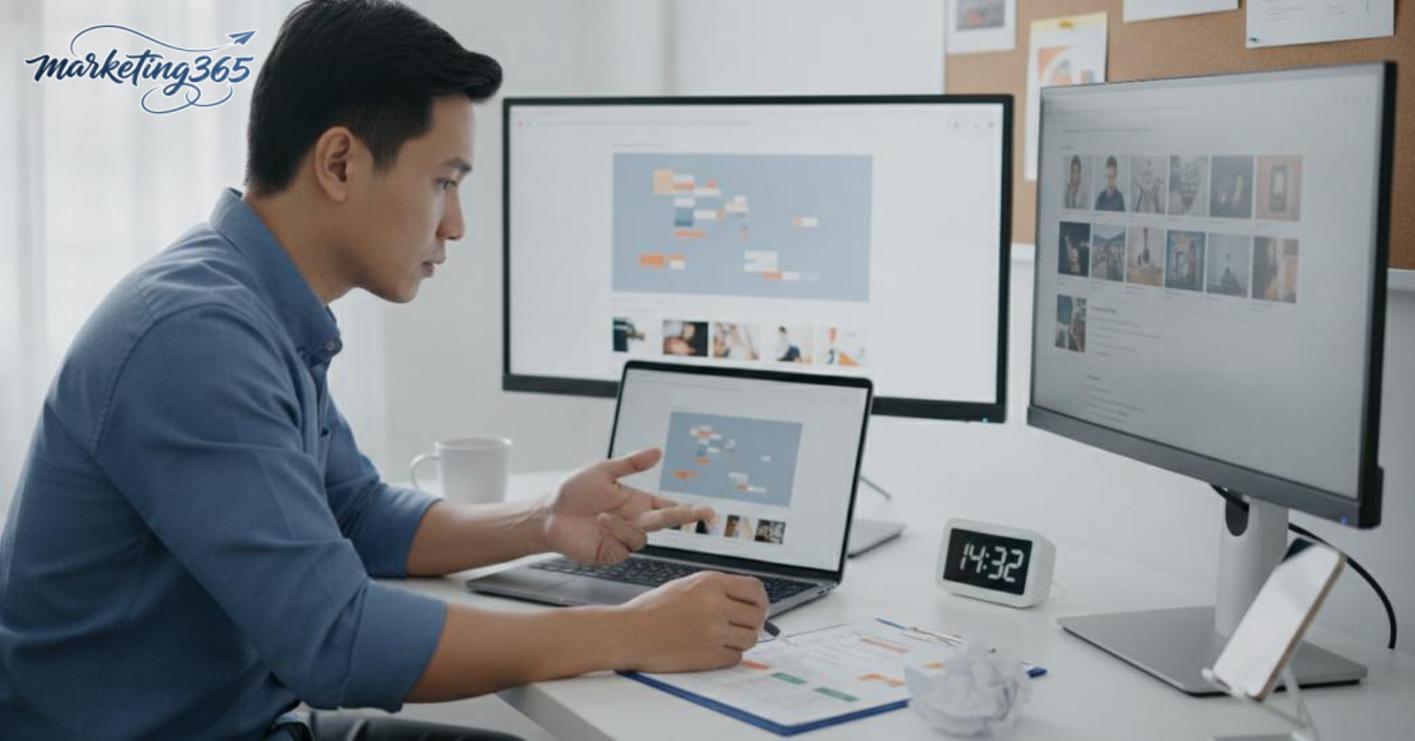
The signs to switch early are also quite clear: the style changes from one generation to the next, version control is impossible, or the tool claims to offer free unlimited AI image generation but the output is unstable. In that case, choosing an AI image tool that fits the workflow will save more effort.
Frequently asked questions about free AI image generators
Free AI image generators can still be used for commercial purposes, but you must read each platform’s terms carefully before using the images in ads, landing pages, or brand assets. Many tools allow the generated images to be used, but only within the free plan, certain regions, or specific output types.
- Quick check: look for the license, terms of use, commercial use, or usage rights section directly on the image-generation page.
- If the terms do not say clearly, assume commercial use is not allowed yet.
- When working for a brand, save the original image, prompt, and terms page at the time of creation for later reference.
Yes, but you should only upload real images when the tool has a clear data policy and you accept the storage risk. For customer portraits, employee photos, or internal-use images, prioritize tools with data deletion options, no training on input images, or local processing mechanisms.
Short safety checklist:
- Check privacy and file retention time.
- Avoid uploading images containing sensitive information.
- If you only need to test ideas, use sample or non-identifiable images.
To make AI images look more natural, write specific prompts about lighting, camera angle, material, and context, then refine them step by step instead of asking for too many details at once. Images usually feel less “fake” when you reduce overly harsh colors and avoid extra details in the hands, text, and background.
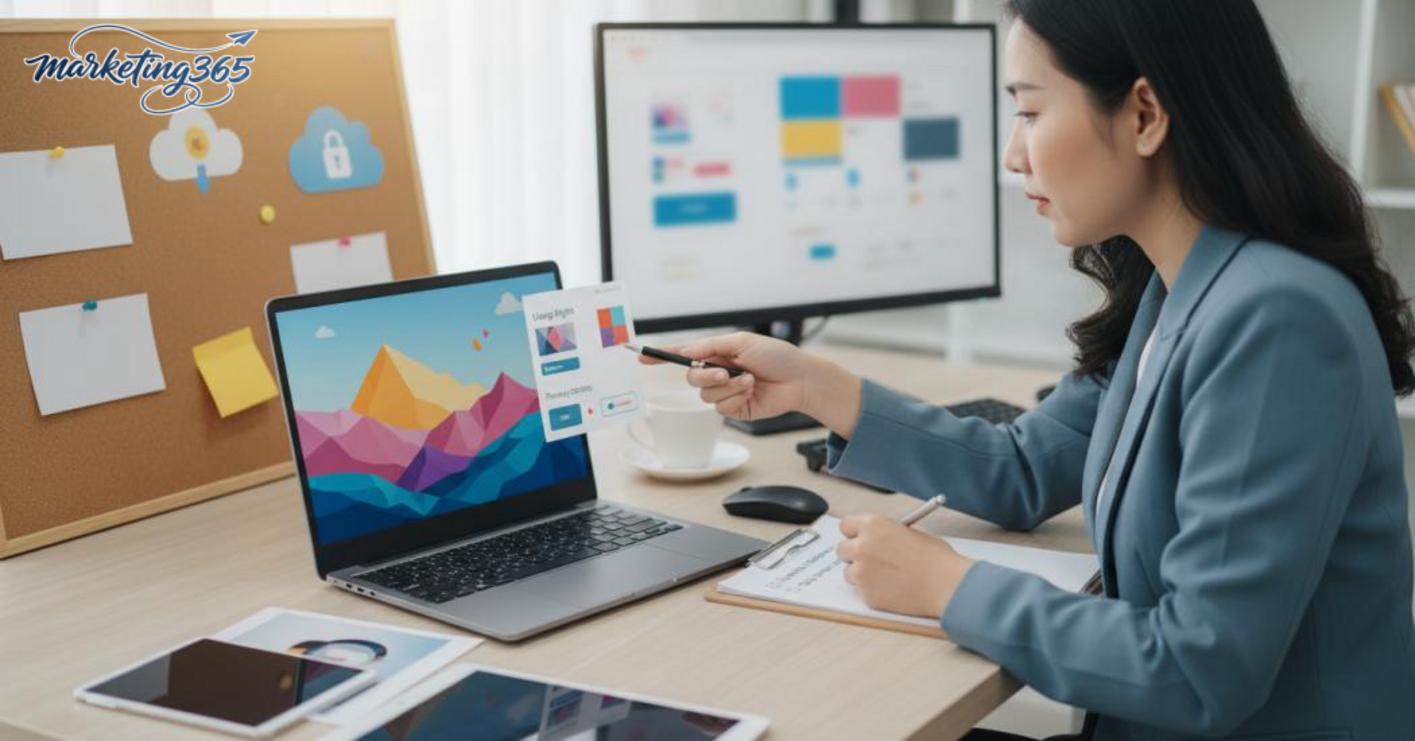
For example, instead of asking for “a professional beautiful person,” describe “a half-body portrait, soft window light, blurred office background, neutral color palette.” This usually works better on both free AI image generation software and free online AI image generator websites.
If you need images for a campaign, create 3–5 versions, choose the one with the cleanest composition, then do light post-production before publishing.
For the latest official guidance, you can also refer to resources from Think with Google.
You can also find more practical marketing guides at https://marketing365.vn.
Content from marketing365 is created for SMEs, online shop owners, and new marketers.
You can read more articles on the same topic in the AI Marketing category.



