
Contents
- Why is Facebook Live losing engagement right from the start?
- What should you check before going live to reduce early viewer drop?
- How to drive interaction during the live without annoying viewers
- What should you do if Facebook Live loses views midway?
- What signals should you review after the live so you do not repeat mistakes next time?
- Mistakes that make a live drop faster the harder you try to drive interaction
- Frequently asked questions about how to keep Facebook live streams from losing engagement
When engagement drops during a live stream, the cause usually lies in the opening, speaking rhythm, and how well you keep viewers in the first few minutes. For fanpage admins, shop owners, and first-time streamers, this is a fairly common mistake when people join and leave quickly or comments gradually thin out.
To handle it properly, you need to check in order: whether the live title clearly shows the benefit, whether the first 30 seconds are engaging enough, whether the greeting feels natural, whether the interaction prompts are too frequent, and whether you know how to pick the pace back up when the live starts to feel flat.
How to keep Facebook live streams from losing engagement is about fixing the right drop-off point at each stage of the live, rather than simply talking more or asking for more interaction.
Why is Facebook Live losing engagement right from the start?
Facebook Live losing engagement right from the start usually comes from five signals at once: a slow start, a weak opening hook, too few early interactions, moving into sales too quickly, or audio/video quality that makes viewers leave within the first minute. When these signals worsen, how to keep Facebook live streams from losing engagement means fixing the early bottleneck, not blaming the algorithm for everything.
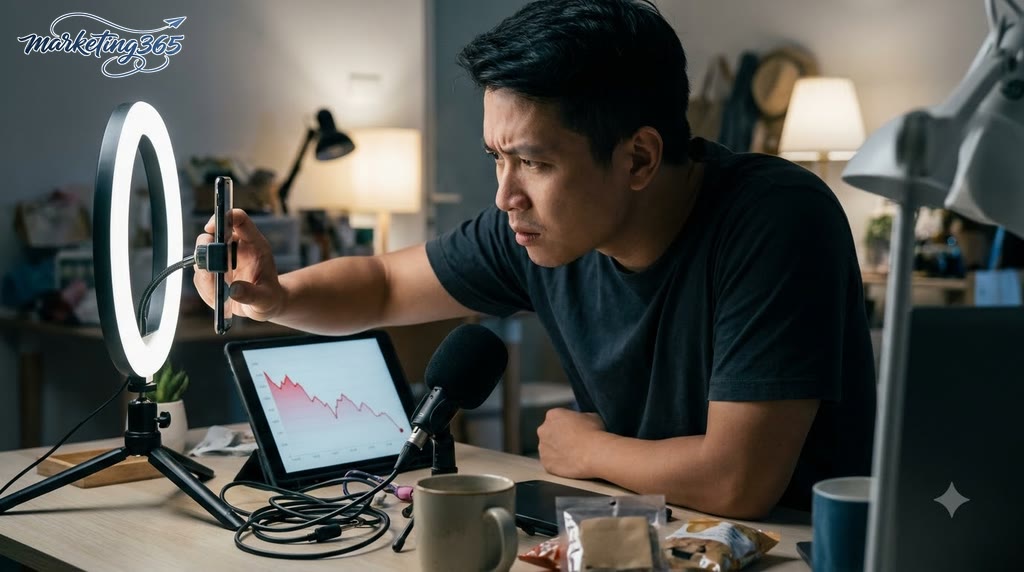
Signs that the drop in engagement comes from the content, not the algorithm
Weak content usually shows up very quickly in the first 30–60 seconds. Viewers join and leave fast, comments are sparse, but the live title still matches the topic fairly well. This often happens when the opening is too drawn out, the greeting takes too long, or there is no clear reason to stay. With engaging Facebook Live content, viewers should immediately know what they will get: tips, comparisons, demos, or offers.
A simple way to check is to look at retention at the start of the live. If you go live and the viewer count briefly appears before dropping quickly, review three things: the opening line, the first 60 seconds of content, and the call to interact. The most effective way to keep viewers watching on Facebook Live is to get straight to the point, state a clear benefit, and create early interaction, instead of waiting until the end to say the important part.
When to suspect a technical issue or live setup problem
If the reason Facebook Live has few viewers is technical, the signs are usually clearer: low or distorted audio, dark lighting that makes the speaker’s face hard to see, shaky camera movement, or unstable internet causing the video to stutter. A live with solid content but viewers still leaving very early should prompt you to check the setup before assuming distribution has been throttled.
A quick troubleshooting checklist includes 3 steps: 1) test the mic and lighting before going live; 2) check whether the title, caption, and topic match; 3) review the fanpage’s status after recent live sessions, especially if previous posts also had low reach. If these signs repeat often, the way to reduce mid-stream viewer drop is to fix the input setup first, then optimize the content.
What should you check before going live to reduce early viewer drop?
Before going live, check the live goal, topic, opening hook, equipment, lighting, audio, internet connection, interaction script, and follower comments in that order. Following this checklist helps how to keep Facebook live streams from losing engagement stay more stable in the first 3–5 minutes, because viewers who leave early usually do so because the live feels messy, is hard to hear, or does not make clear what they will get.
- Define the live goal before turning on the camera. A sales live, a sharing session, or a product launch will each need a different opening rhythm.
- Lock in one main topic. Do not try to cover too many ideas, because viewers scrolling in should immediately understand what this live is about.
- Write the opening hook as a sentence with a specific benefit. For example: state the problem, promise a time frame, or ask a question that speaks directly to the audience’s pain point.
- Check the equipment, lighting, audio, and internet speed. A shaky camera, crackling sound, or unstable connection can affect how to increase Facebook Live viewers right away.
- Have an interaction script and someone responsible for comments ready. Early viewers need to be greeted, pinned questions should be used, comments should be encouraged, and responses should keep the pace moving.
Choose your live time based on viewer behavior, not intuition
Your live time should match when your audience is consistently online, not what feels like a universal “golden hour” for every channel. For sales lives, prioritize the time when buyers have time to stop and ask about pricing; for educational lives, late evening or early evening often keeps people watching more easily; and for product launches, the schedule should be fixed so viewers build a habit. If you are looking for the best Facebook Live time without losing views, test one fixed time slot for 2–3 sessions and compare watch time and comment volume, rather than changing times constantly. This is a more practical approach for effective Facebook Live sessions.
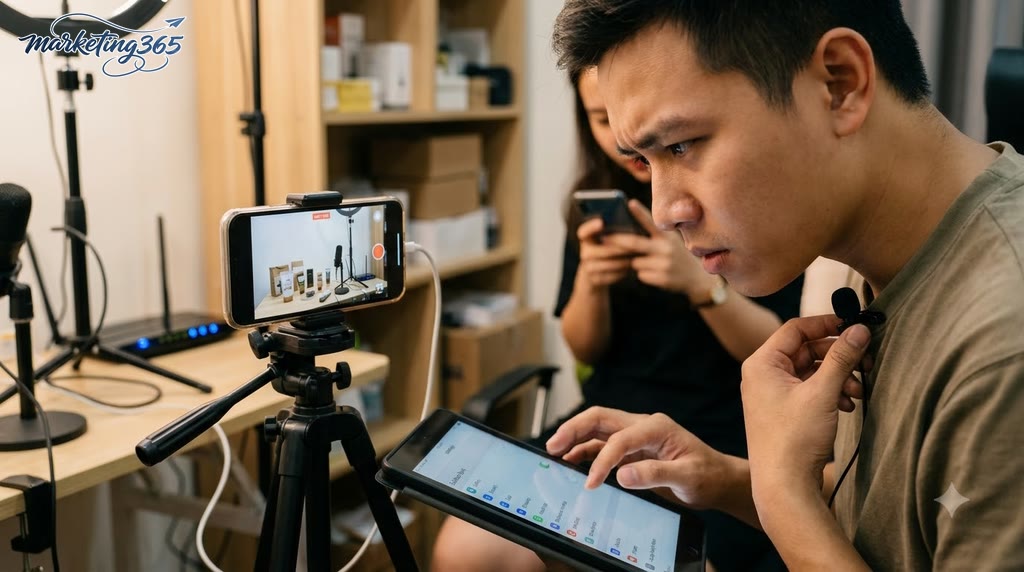
A 3–5 minute opening script to keep viewers watching
A strong live opening greets viewers quickly, confirms the topic, states a clear benefit, and leads into a specific content milestone. Do not spend too long on greetings or jump into the sale the moment viewers arrive. A simple structure is: 1 greeting sentence, 1 sentence explaining what this live helps with, 1 sentence previewing what comes next, then 1 easy question to encourage comments.
Opening checklist:
- Keep the greeting short and address the right audience.
- Restate the topic in one sentence.
- Clearly say what viewers will get within a few minutes.
- Invite comments with an easy-to-answer question.
- Pin a prompt comment if you need a way to increase comments during Facebook Live.
If the goal is how to keep viewers watching on Facebook Live, the first 3–5 minutes need rhythm: speak quickly, clearly, with a benefit, and with early interaction.
How to drive interaction during the live without annoying viewers
The way to drive interaction during the live without annoying viewers is to guide responses at the right pace, using short questions, selectively reading comments, and returning to the main content when needed. The goal is to keep the live flow clear, increase comments naturally, and avoid making viewers feel pressured.
The easiest flow to apply is: open with a simple question, remind viewers to interact after a content segment, then read comments only when they expand on the topic. If comments start drifting off-topic, acknowledge them briefly and bring the flow back. This works well for how to encourage interaction in Facebook Live and how to drive interaction in sales live streams because viewers still feel heard.
How should you ask questions so viewers are ready to comment?
A good question is one viewers can answer in 1–2 seconds without thinking too long. When you want to increase comments during Facebook Live, prioritize either/or questions, need-confirmation questions, or questions tied to real situations.
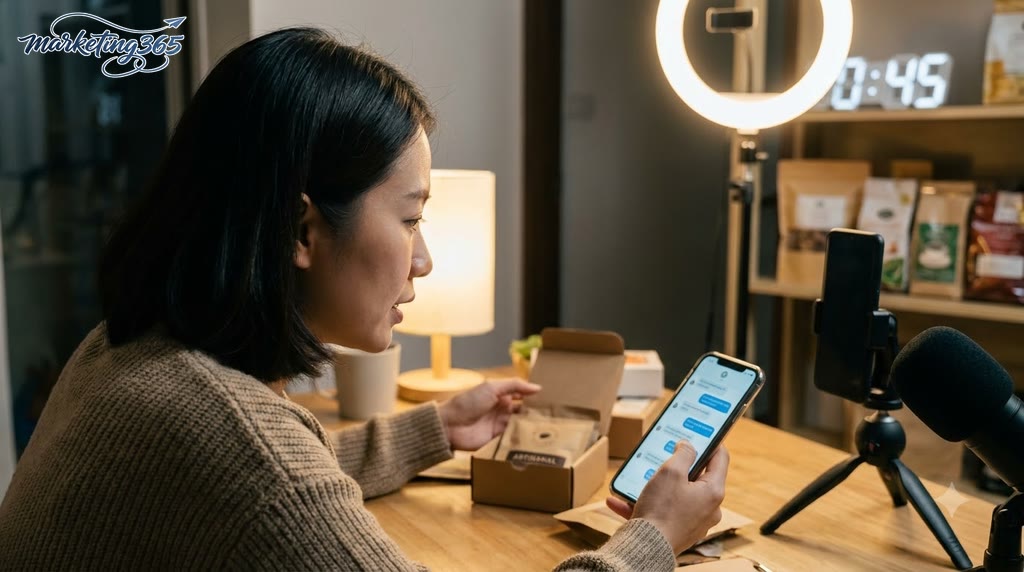
For example, instead of asking “What do you think?”, ask “Are you here to choose size or color?” or “Do you need something for everyday use or for events?” These questions are easier to answer because viewers only need to pick one option or reply briefly. If it is a sales live, you can add a closing line like “If you need size advice, leave one measurement and I’ll read them by group” to guide comments toward a goal.
A less annoying way to encourage interaction in Facebook Live is to ask right after you have given enough clear information. Viewers understand the topic first, then respond, so comments feel more natural and less scattered.
When should you read comments, and when should you return to the main content?
Only read comments that expand on the topic; off-topic comments should be acknowledged quickly and then you should return to the main flow. This is how to keep viewers watching on Facebook Live without turning the session into a series of random replies.
If you are talking about features, read questions about features; if you are highlighting advantages, read comments comparing similar products. By contrast, questions that are too far from the content should get a short response like “Noted, I’ll come back to that in a moment,” then you continue. This helps Facebook Live perform better because the content rhythm does not break.
Live rhythm checklist:
- Read comments after finishing one point.
- Prioritize comments that clarify the topic being discussed.
- Do not get pulled into long arguments.
- Repeat the interaction CTA after each short content segment.
What should you do if Facebook Live loses views midway?
If Facebook Live loses views midway, it usually means the live pace has slowed, viewers no longer have a reason to stay, or the audio/video quality has a problem. How to keep Facebook live streams from losing engagement at this point is to fix it within 2–3 minutes, rather than forcing the old script to continue.
How to rescue the live pace when viewers start leaving
Follow this order to keep viewers watching on Facebook Live:
- Pause for 5–10 seconds and immediately restate the value of the live. For example: “I’m covering 3 points that will help you sell faster, so if you just joined, make sure you catch the beginning.”
- Change the pace with a short question or a real example. The question should be easy to answer right away, such as “Which step are you stuck on?” to pull in comments.
- Add a 15–20 second mini recap. Briefly summarize what has already been covered so new viewers can catch up, then return to the main topic.
If you are selling, add a clear milestone like “In 5 minutes I’ll compare 2 models” so viewers have a reason to stay. This is a fairly effective way to reduce mid-stream viewer drop when the pace starts to sag.
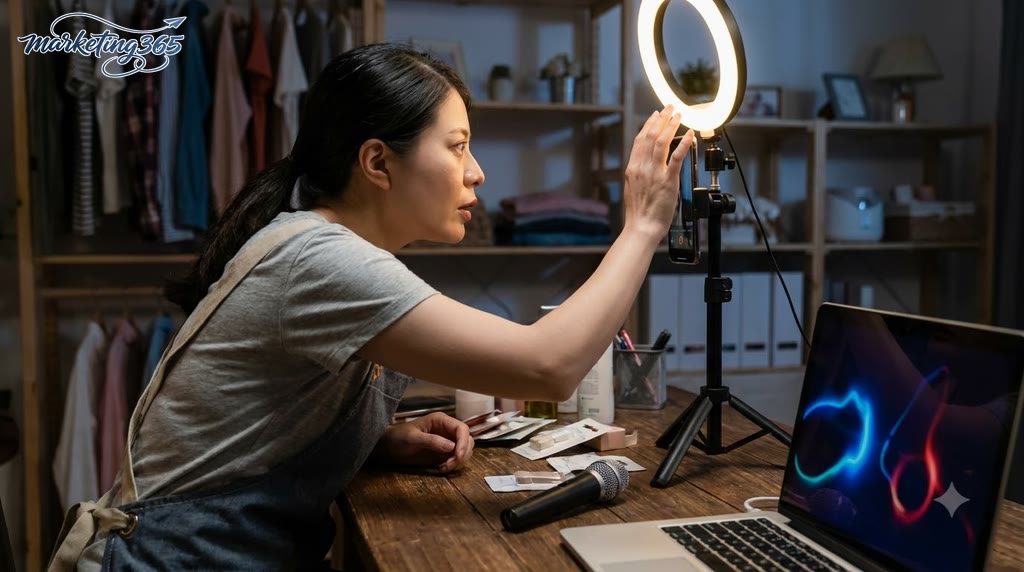
Small mistakes during the live that make views drop faster
The reason Facebook Live has few viewers often comes down to small mistakes that repeat over and over. Just one mistake lasting a few minutes can make viewers leave very quickly.
- Staying silent for too long after reading comments.
- Speaking too fast, making it hard for new viewers to follow.
- Changing topics abruptly, which breaks the live flow.
- Crackling, echoing audio, or a frame that is too dark.
- Repeating the same point many times without adding examples.
- Pushing the sale too early before enough trust has been built.
- Forgetting new viewers and not giving any recap at all.
To make Facebook Live content more engaging, check these 3 things right away: is the audio clear, is the speaking pace steady, and is there a short interaction every 2–3 minutes? Fixing even one of these can noticeably reduce view drop.
What signals should you review after the live so you do not repeat mistakes next time?
After the live, review the retention, drop-off, and comment signals to see what worked and what made viewers leave. With how to keep Facebook live streams from losing engagement, post-live review should focus on simple data that can be recorded right after the session, rather than relying on memory alone.
Post-live checklist to optimize the next session
This checklist helps fanpage admins or shop owners quickly identify the cause of viewer drop, from the title to the audio, visuals, and interaction rhythm. When you are wondering what to do if Facebook Live loses views, record these 5 points: whether the title matched the topic, whether the first 3 minutes got straight to the content, whether comments were prompted early enough, whether the audio and visuals were stable, and which segment caused the most viewers to leave.
- Does the title match the promise?
- Did the opening hold the first 30–60 seconds?
- Were interaction prompts used consistently?
- Were the audio, lighting, and framing clean?
- Did viewer responses change at key moments?
If one session drops sharply right at the start, the problem is usually a long opening or a slow lead-in. If it drops midway, review how to reduce mid-stream viewer drop through speaking rhythm, pause points, and how to drive interaction in sales live streams.
Signals to compare after each live session
To make Facebook Live perform better, compare data by segment instead of looking only at total views. The most important signals are which minute viewers left in large numbers, whether comments rose or fell after each key point, whether new viewers stayed through the first 1–2 minutes, and which segment got the most follow-up questions.
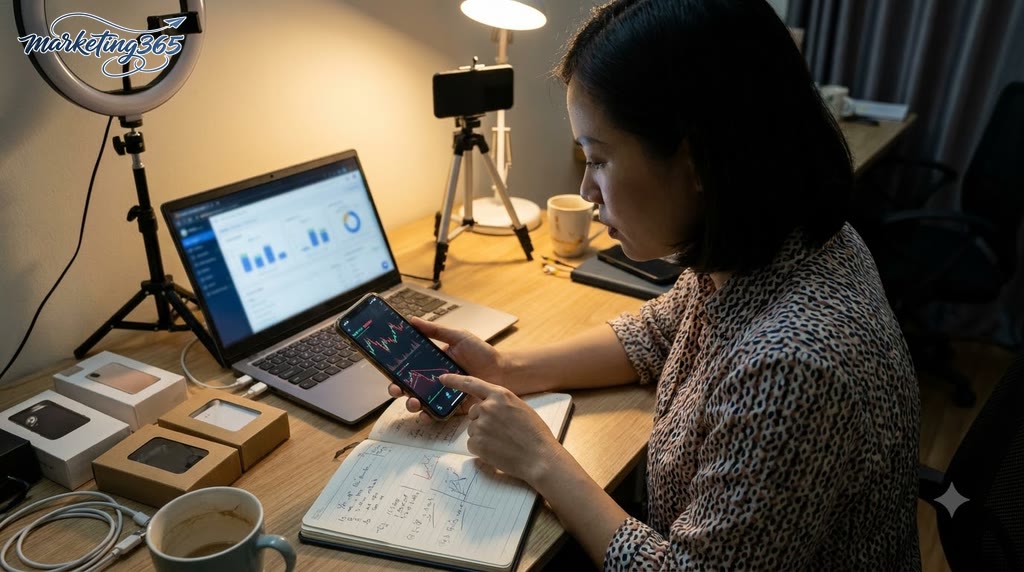
- If comments cluster around one topic, that is the part to keep for the next live.
- If viewers leave when you switch to a long product introduction, shorten that section.
- If there are many skipped or negative responses, you need to adjust the opening line and pacing.
- If views rise but comments do not, check how to increase comments during Facebook Live.
Recording these milestones after each live will show whether the reason Facebook Live has few viewers lies in the content, the retention rhythm, or an incorrect approach to increasing Facebook Live views.
Mistakes that make a live drop faster the harder you try to drive interaction
Driving interaction the wrong way makes the live lose momentum very quickly, because viewers feel pressured to participate instead of being guided into the content. With how to keep Facebook live streams from losing engagement, the priority is to avoid gimmicks first: overdone clickbait, repeated CTAs, misleading headlines, spamming discount codes, or cramming too much information into one live.
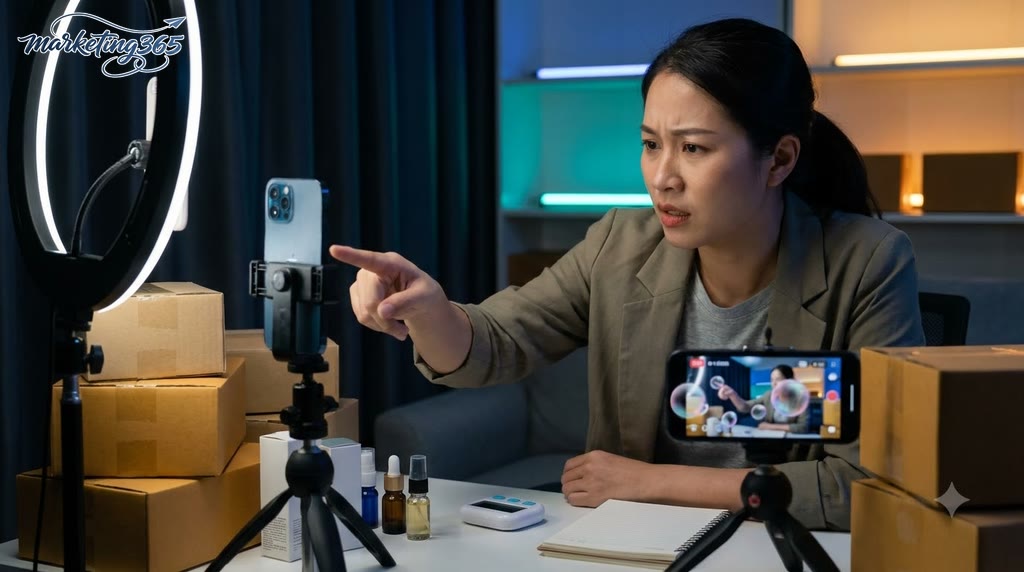
Signs that you are driving interaction the wrong way
Comments rising while viewers leave quickly is the clearest sign. A live may get steady comments, but if viewers exit after a few dozen seconds, or if questions on the main topic are not answered in time, then the interaction rhythm is being pushed in the wrong direction. In that case, how to increase comments during Facebook Live only creates noise, not retention.
- Repeated comments because prompts are too frequent.
- Viewers join and leave early.
- Real questions are ignored in favor of collecting side comments.
- The main content is constantly interrupted by reminders to buy, share, or like.
If you see two or more of these signs, how to keep viewers watching on Facebook Live needs to be adjusted immediately.
How to adjust the live rhythm without ruining the viewer experience
Reducing the frequency of prompts and bringing viewers back to the main content with concrete examples is the fastest fix. To make Facebook Live perform better, divide the live into clear sections: introduce the problem, demo, summarize the point, then prompt interaction at a natural transition.
- Only prompt interaction after each complete content segment, not continuously.
- Add real examples from orders, common customer questions, or slow-response situations.
- Every 3–5 minutes, summarize one sentence so new viewers can catch up.
The way to reduce mid-stream viewer drop is to keep the live paced, with clear pauses and timely answers; engaging Facebook Live content always starts with the viewing experience first, then interaction.
Frequently asked questions about how to keep Facebook live streams from losing engagement
The FAQs below focus on common situations when a live stream loses viewers midway, so you can respond quickly without disrupting the session.
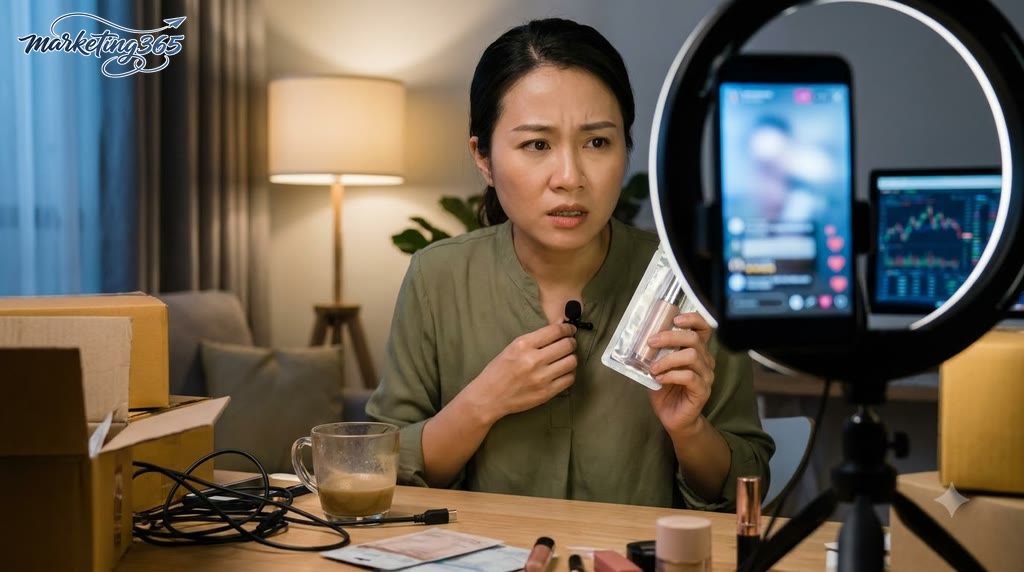
- Is low Facebook Live viewership caused by the time slot? Yes. Timing has a strong impact if your audience is usually online at a fixed time, especially for sales fanpages. Try 2–3 different time slots, keep the topic the same, and compare how long viewers stay.
- What should you do if Facebook Live loses views? First, check three things: is the opening too slow, is the audio clear, and are you getting to the main benefit too late? If views drop sharply around minutes 3–5, the issue is usually that the lead-in is not clear enough.
- Should you change the content immediately when views drop? Only if you see that the topic is not matching viewer expectations. If the drop is only slight, change your speaking rhythm, give a real example, read comments, or switch to a short question to regain attention.
- Should you keep prompting interaction constantly? No, you should not repeat prompts too often. A more effective way to encourage interaction in Facebook Live is to ask specific questions, such as A/B choices, price guesses, or feedback on a real situation.
- How can you reduce mid-stream viewer drop? Prepare 3 pacing checkpoints: the opening, the transition segment, and the closing segment. Each checkpoint should include a clear action such as Q&A, product demonstration, or a benefit summary.
If you want better retention, prioritize short content, clear benefits, and early comment responses within the first 5 minutes.
MARKETING365
📧 Email: lienhe@marketing365.vn
🌐 Website: https://marketing365.vn
👍 Fanpage: https://facebook.com/marketing365.official
For official and up-to-date guidance, you can also refer to resources from Meta for Business.
You can also read more articles on the same topic in the Social Media category.



