
Contents
- What is free video design software and who is it for
- How to choose the right tool for video marketing needs
- How to use free video design software to make your first video
- Common mistakes when using free software and how to avoid them
- Should you choose online tools, desktop software, or mobile apps
- Features to prioritize if you make videos for marketing
- Frequently asked questions about free video design software
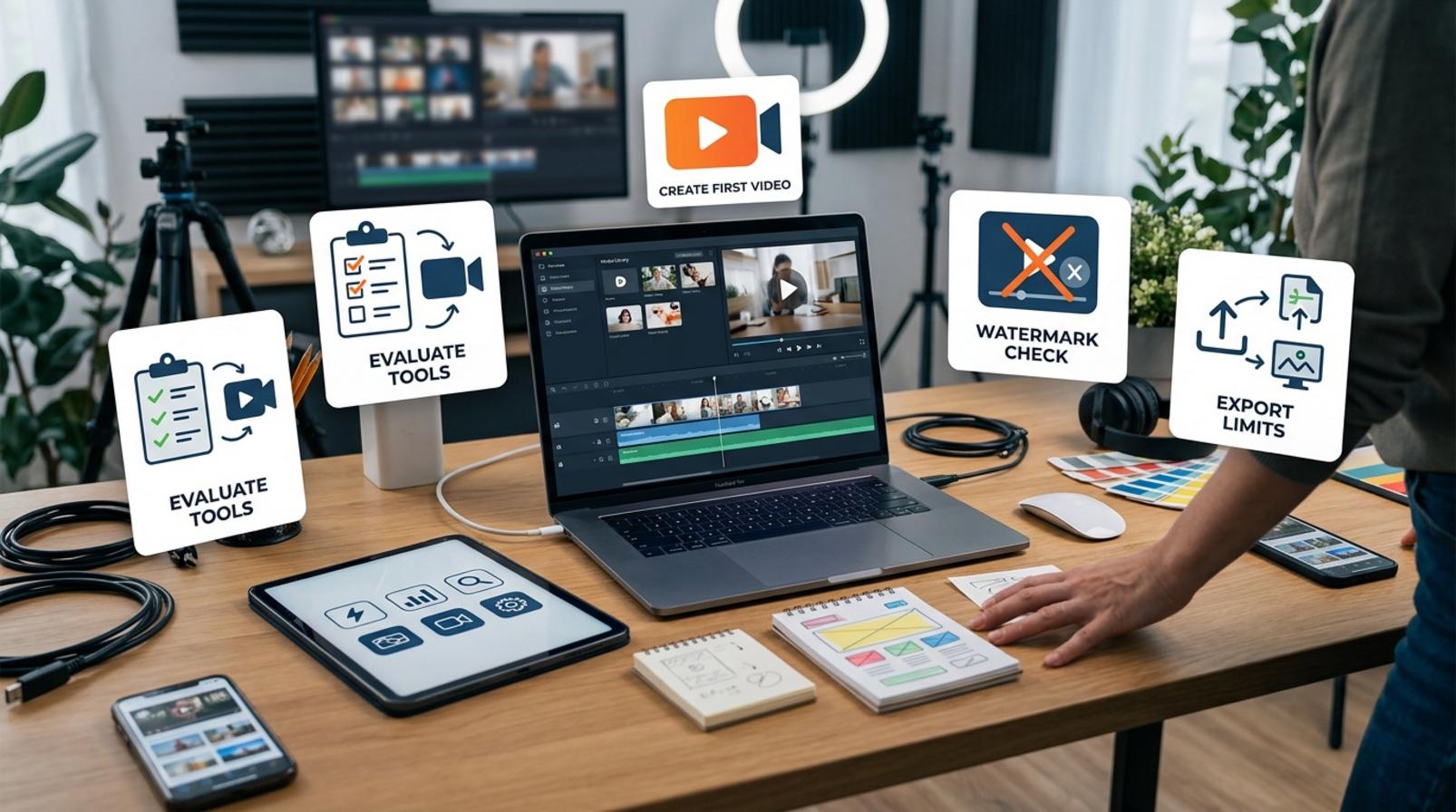
When you need to make videos for social media, ads, or sales channels, many marketers and shop owners only need a free video design software tool that they can use right away without slowing down production. The problem is not having too many options, but choosing the wrong tool: getting stuck with a watermark, export limits, a confusing interface, or copyright issues when posting to your channel. This section helps you identify how to choose the right software, how to use it safely for your account, and what to check before you start editing so you do not waste time reworking everything from scratch.
What is free video design software and who is it for
Free video design software is a tool that lets you create, cut, combine, and edit videos without paying upfront. This group often includes free desktop video editing software, free online video editors, mobile apps, and tools focused on templates or AI.

Use it when you need to make product clips, short social videos, introductions, or simple ad videos. For beginners, a simple video editing software for beginners is often enough to cut scenes, add text, insert music, and export videos for TikTok, YouTube, or test ad formats.
How is it different from paid video editing software
Free video design software is usually enough for basic needs, but it often comes with limits such as watermarks, export resolution caps, fewer templates, and fewer advanced features. Some apps are fine for social posting, but when you need longer videos, multiple effect layers, or watermark-free exports, the free version usually falls short.
The clearest difference lies in the scope of use:
- Free: suitable for quick cuts, testing ideas, and making short videos.
- Paid: suitable when you need multiple export formats, brand control, and team collaboration.
- Free AI video creation tools: convenient for fast editing, but usually less customizable.
If you only create short content for social media, free video editing software may be enough. If you need long commercial videos, multiple versions, and stable output, a paid version is worth considering.
Who should prioritize free tools first
The groups that should start with free video design software are beginners, small shops, marketing teams testing formats, and people without a dedicated editor. It is a way to reduce experimentation costs before investing in watermark-free video editing software or a paid plan.
Quick selection guide:
- If you only need to cut clips, add text, and insert music: use a free video-making app or a free online video design app.
- If you work on a laptop and want easy file management: prioritize free desktop video editing software.
- If you need to produce videos quickly for TikTok, YouTube, or light ads: choose a tool with ready-made templates and the correct aspect ratio export.
If your team has not finalized a content format yet, starting with the free version helps you test the workflow, approval speed, and how well the tool fits your needs.
How to choose the right tool for video marketing needs
Choose the tool based on the output first, then evaluate the interface, watermark, and export capabilities. With free video design software, a good choice should match your goal: social videos, sales videos, short ads, YouTube videos, or videos for team collaboration.
Criteria to check before choosing
Check these 5 points first on the tool’s introduction page: whether it runs on the web or desktop, whether it has ready-made templates for your industry, whether it supports drag-and-drop and Vietnamese, whether it exports videos without a watermark, and whether it supports subtitles and 9:16 or 16:9 ratios. If you need videos for a long-term channel, free video design software for YouTube and TikTok should let you quickly change the brand kit so you can update colors, logos, and fonts in just a few minutes. A good free online video design app should also render fast enough so you do not lose momentum when creating multiple versions in a row.
Quick checklist:
- For social media: prioritize vertical templates, auto subtitles, and fast editing.
- For sales videos: prioritize templates with price frames, CTAs, and space for product images.
- For team work: prioritize project sharing, comments, and brand kit storage.
- For weak computers: prioritize a lightweight browser version or a stable installed app.
Signs you should skip a free tool
Skip it immediately if the tool adds a large watermark, imposes heavy export limits, or requires a cumbersome sign-up just to view the interface. Watermark-free video editing software that lacks the formats you need is not worth testing either, because you will waste time redoing everything from scratch. A free desktop video editing software tool worth considering should let you preview assets clearly, avoid intrusive ads, and not lock all basic features after a few exports.

Easy-to-spot red flags:
- No suitable installer file or the web version loads too slowly.
- No support for vertical or horizontal export based on your needs.
- Unclear rights for using assets for marketing purposes.
- Every render forces an upgrade before you can download the file.
How to use free video design software to make your first video
Free video design software helps you create your first video through a short process: choose a template, place the media in the right order, edit the text, add music, trim the pacing, and export in the correct aspect ratio. If you follow the right sequence, a product video or promotional video for TikTok, Reels, or a landing page can be finished in the first draft.
Read more: How to Use Canva to Design Effective Ad Images
A 5-step process for quickly editing a short video
The fastest process is to start with a ready-made template and then replace the content with your own. This approach works well for beginners using free video editing software because it reduces layout errors and saves time.
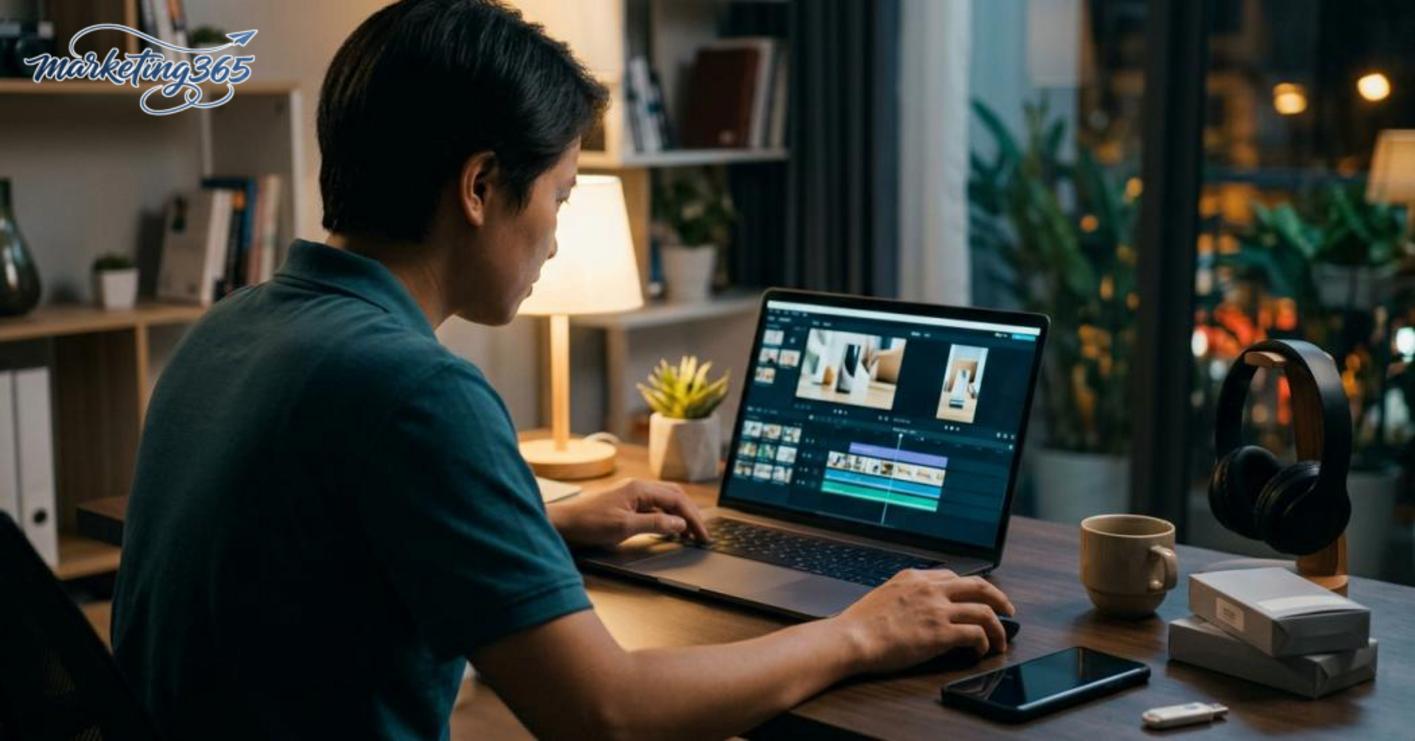
- Choose the right template for your goal: product videos should use a clean frame with few effects; flash sale videos should use a fast pace; landing page videos should prioritize a clear benefit-driven layout.
- Import images or clips in story order: start with an attention-grabbing scene, then show product details, and finish with the offer or a call to action. A common mistake is dragging media in randomly, which breaks the viewing flow.
- Shorten scenes and add captions: each scene should be short enough for viewers to understand quickly, while captions help when people watch with the sound off. If the text is too long, split it into multiple lines instead of cramming it into one sentence.
- Check the music and cut timing: background music should be quieter than the voiceover or main text, and cuts should land on the transition beat. With free video editing software, common mistakes are music that is too loud or cuts that are off-beat.
- Check the aspect ratio and then export: 9:16 vertical video works for TikTok and Reels; 16:9 horizontal video works for YouTube; square video is often used for some social formats. Before exporting, make sure text is not covered and that the logo or price is not too close to the edge.
Example scenarios for small shops and marketing teams
Videos for small shops should stay focused on a clear goal: selling, introducing, or explaining how to use something. Using the same free video editing software, the template and editing rhythm will differ depending on whether you are making a launch video or a campaign recap.
- New product introduction video: choose a bright template with little text, and use the first 3–5 scenes for product visuals.
- Flash sale video: use a fast cut rhythm, short captions, and emphasize the main numbers and the promotion period.
- Product how-to video: keep scenes slightly longer and add step-by-step instructions so viewers can follow along.
- Short social video for a marketing team: try a free online video design app when you need to work quickly on a weak computer or do not want to install anything.
If you need a simple video for beginners, choose one template first and then edit it in depth. This helps you produce the first version faster and avoid having to redo the entire layout.
Common mistakes when using free software and how to avoid them
Using free video design software is convenient for testing ideas quickly, but the risks appear at the publishing stage: watermarks, wrong aspect ratios, music rights issues, and output files that are hard to use for channels or ads. The safe approach is to check a draft first, then invest time in the main project.
Watermarks and export limits
Watermarks are the most obvious issue when choosing watermark-free video editing software, because they may appear even in the free version or only allow low-resolution exports. Before making a real video, try editing 10–15 seconds, export a short file, and carefully inspect the frame corners, file size, sharpness, and time limit.
Quick check list:
Read more: Martech: How to Choose and Use a Marketing Toolkit
- Open the export section and see whether there is a built-in logo or an upgrade prompt.
- Check whether the social video exports in the correct 9:16, 1:1, or 16:9 ratio for the channel.
- If you are only using an internal draft, a small watermark may be acceptable; for an official post, it should be removed immediately.
A common mistake is finishing the entire project and only then discovering that the free version only exports low-quality files. In that case, stop fine-tuning details and check the export limits first so you do not waste time rebuilding the video.
Copyright issues with music, images, and templates
Copyright issues are the easiest mistakes to overlook when using free video editing software, especially for beginners who use trending music or ready-made templates for advertising videos. If an asset does not clearly state its usage rights, the video may be blocked from monetization, muted, or unsuitable for ad campaigns.
The fix is simple:
- Only use music, images, icons, and templates that clearly state licensing or usage terms.
- Do not use trending music for sales videos if commercial rights are unclear.
- Before exporting, open the asset terms and check whether commercial use is allowed.
With free desktop video editing software or free AI video creation tools, this issue is even more likely because template libraries are convenient, but not every template is free to use. If the video is for a personal channel, the risk may be lower; if it is for advertising or brand content, prioritize clean-licensed assets from the start.
Should you choose online tools, desktop software, or mobile apps
Choose the tool based on your working context, not on the name or advertised features. With free video design software, the right decision is the tool that helps you finish the job quickly, reliably, and with the fewest errors in real-world use.
When to use an online video editor
An online video editor is suitable when you need to work quickly, do not want to install anything, and are only handling a simple project. This works well for people producing content on a tight schedule, small teams sharing files via link, or when you only need to cut, add text, music, and a logo to a short video. Many free online video design apps are convenient because you can open them and start using them right away, but they depend on your internet connection and often limit file size, the number of editing layers, or video length.
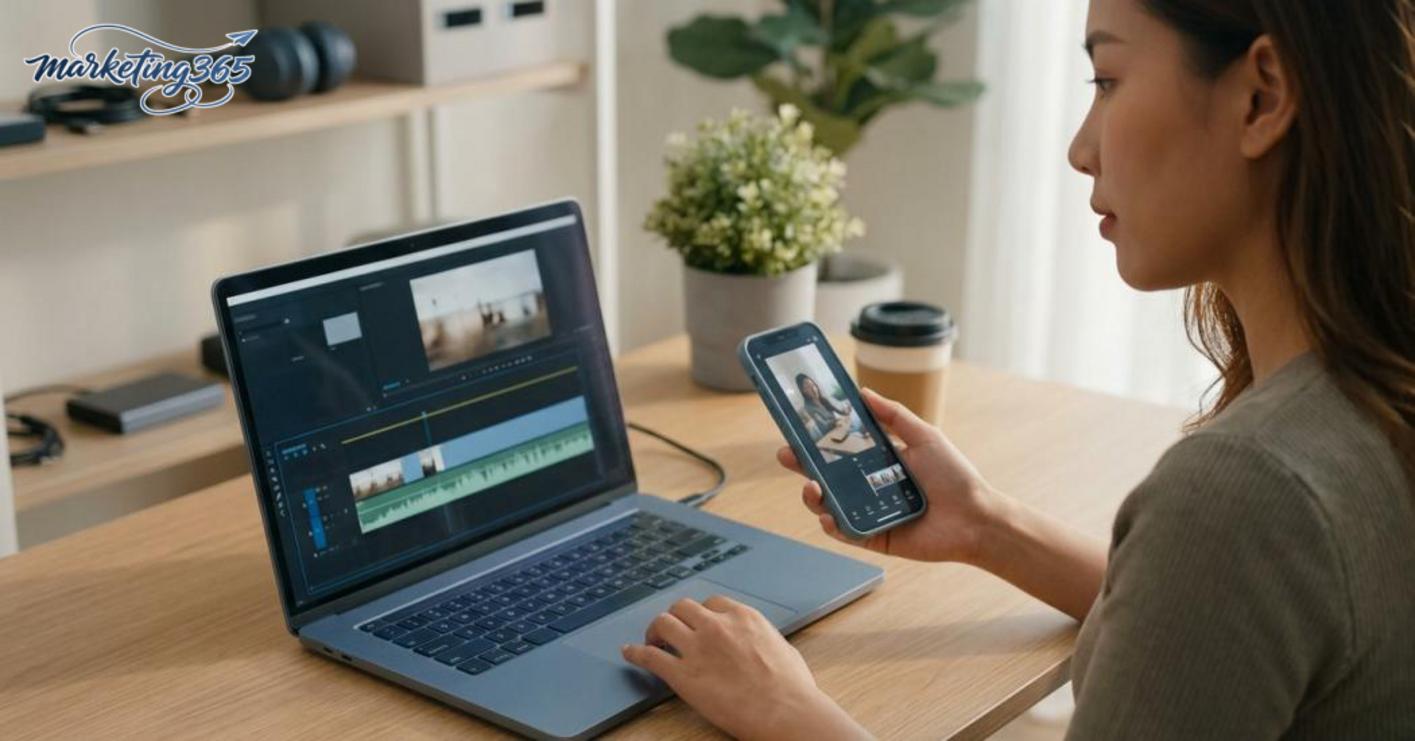
If the file is heavy, the connection is unstable, or you need to export multiple versions in a row, online video editing can become slow and prone to project-saving errors. In that case, use it only when startup speed matters more than stability.
Read more: Project Management Software for Freelancers: How to Choose Right
When to use desktop software or mobile apps
Installed desktop software is suitable when files are large, there are many layers, you need a stable timeline, and you want more precise control. This is often the better choice for free desktop video editing software if you are editing long videos, managing many assets, or want exports that are less likely to be interrupted when the connection is weak.
Mobile apps are suitable for short videos, editing right after filming, adding subtitles, trimming the pace, and posting quickly to your channel. Free video-making apps are often convenient because they support one-handed use and make it easy to use photos and clips already on your phone, but they are less comfortable when you need precise framing, multiple tracks, or detailed audio work. A simple rule to remember: the more complex the work, the more you should switch to a computer; the faster the work, the more you should prioritize a phone.
Features to prioritize if you make videos for marketing
If you make marketing videos, prioritize features that help you produce content quickly, maintain brand identity, and publish immediately on each platform. With free video design software, the value lies in saving time for small teams, not in how many effects it has.
Which features make social video creation faster
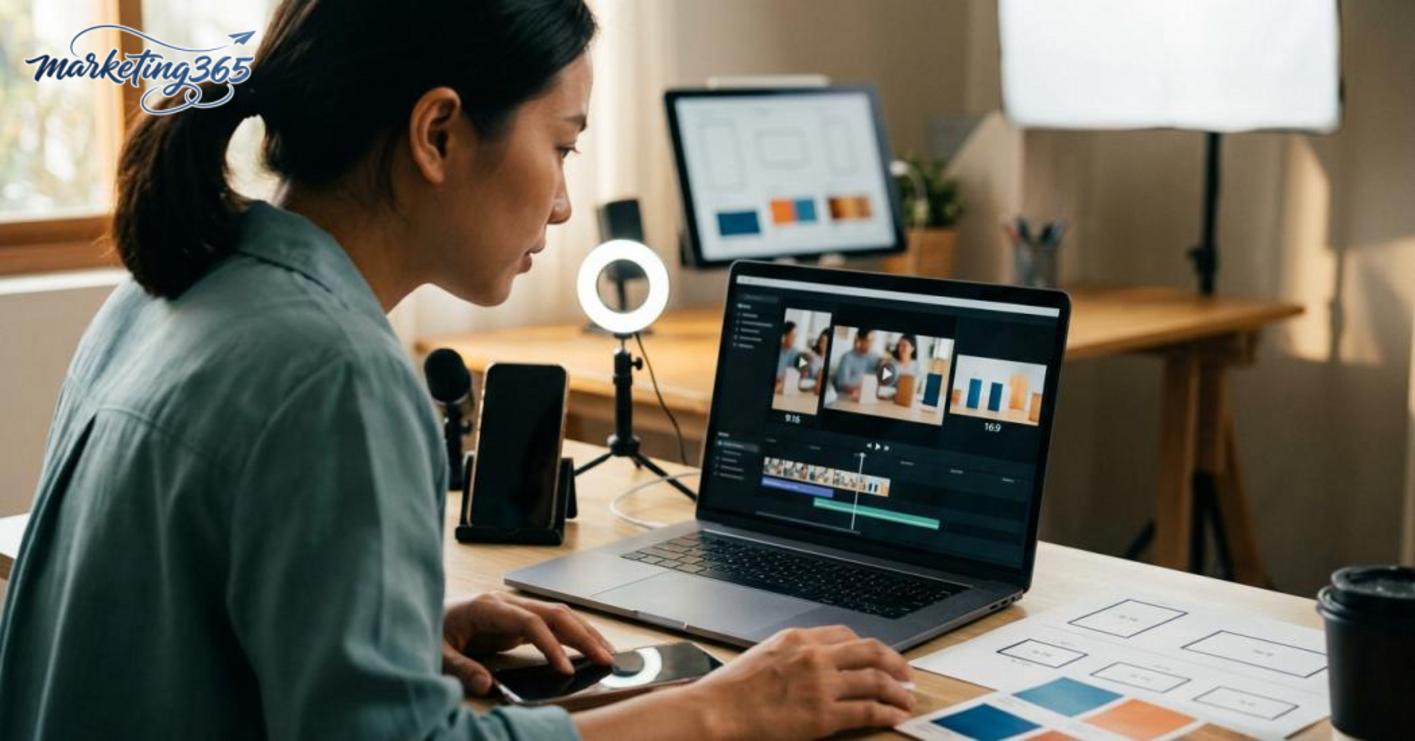
The features that make social video creation faster are industry-specific templates, auto-captioning, vertical/horizontal aspect ratio presets, quick scene cutting, and saved branding. Good free video editing software usually lets you turn one template into multiple versions for TikTok, Reels, and YouTube Shorts in just a few steps.
Checklist to prioritize:
- Ready-made templates for ads, product introductions, and testimonials.
- Automatic subtitles/captions for talking-head videos or screen recordings.
- Platform-based resizing to avoid cutting off text or products.
- A media library that is sufficient but easy to search.
- Save logos, fonts, and colors to keep everything consistent.
If your team posts 3–5 videos per week, these are the biggest time-saving features. Free video design software for YouTube and TikTok that lacks vertical/horizontal presets often forces you to adjust each frame manually, which is very time-consuming.
Which features do not need to be a priority in the free version
Features that do not need to be prioritized are overly complex effects, huge libraries that are hard to filter, and advanced functions that are rarely used in everyday marketing output. With free video editing software, you should choose a tool that covers 80% of your needs first, instead of getting distracted by the 20% of effects that are hard to apply.
For example, flashy transitions may look good in a demo but make sales videos more confusing. If your goal is consistent posting, a free online video design app with a clear interface, fast export, and stable logo handling will be far more practical. Only upgrade when you truly need to create elaborate videos or long series; otherwise, prioritize speed and consistency.
Frequently asked questions about free video design software
Free video design software can be enough for basic needs, but it should only be used when you accept limits on watermarks, export size, and asset libraries. For small teams, choosing the right tool from the start helps avoid wasting time moving projects between platforms.
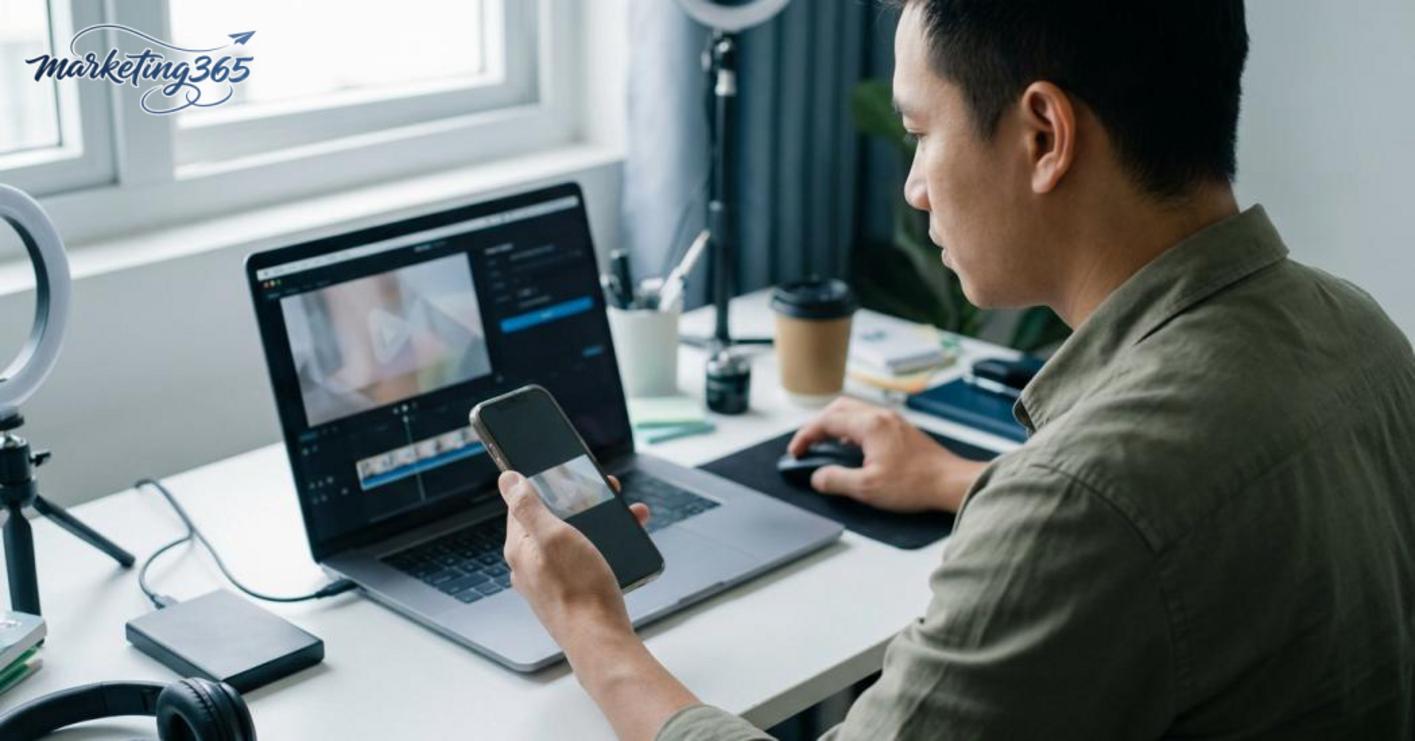
- Does it have a watermark? Yes, but not every tool does. When reviewing free video editing software, try exporting a short 10–15 second file at the resolution you need. If a logo is added in the corner or at the end of the video, that is a sign the free version has export limits. For social media content, watermarks often reduce the video’s credibility.
- Can it make videos for YouTube and TikTok? Yes, if the tool supports 16:9 and 9:16 aspect ratios, exports MP4, and lets you add text, music, and trim pacing. For example, TikTok videos need a vertical frame, large text, and a short opening; YouTube videos usually need a horizontal layout and a slower editing rhythm. If the tool lacks the correct size presets, you will have to adjust things manually quite a bit.
- Should you choose online or desktop? If you need to work quickly and avoid installations, a free online video design app is a convenient choice. If files are large, you need to cut and combine multiple layers, or you want stable performance when the connection is weak, free desktop video editing software is usually safer. A quick rule: choose online for short videos with few effects; choose desktop for long projects and file control.
- Is a free tool enough for a small marketing team? Yes, if the main needs are free video cutting, adding subtitles, logos, CTAs, and publishing consistently for social media. But if the team needs consistent templates, brand kit storage, or multi-user permissions, the free version is often limited. Check three things before using it long term: whether there is a project limit, whether it exports without a watermark, and whether it supports the formats needed for your publishing channels.
- What is the most common mistake? The exported video is blurry or the frame is off. The fix is to check the source resolution, choose the correct export ratio, and preview it on a phone before posting. For ad content, this step should be done for every important file, because framing issues often only become obvious after export.
MARKETING365 📧 Email: lienhe@marketing365.vn 🌐 Website: https://marketing365.vn 👍 Fanpage: https://facebook.com/marketing365.official
For the latest official guidance and updates, you can also refer to resources from Think with Google.
Related articles
- What is CRM? Customer relationship management
- How to Install a Chatbox on a Website Easily and with Fewer Errors
- Canva Pro vs. Canva Free: A Comparison
You can read more articles on the same topic in the Martech Tools category.



