

Contents
- What is project management software for freelancers, and when do you really need it?
- Which features should freelancers prioritize when choosing software?
- How to choose software that fits your working style
- How should freelancers use project management software without getting buried in tools?
- Should you start with free software first?
- Which habits make project management software for freelancers more effective?
- Frequently asked questions about project management software for freelancers
When projects start overlapping across briefs, deadlines, and multiple communication channels, project management software for freelancers helps bring everything into one place. It is useful when you need to track tasks, deadlines, client feedback, and the status of each item without opening too many tabs.
This section focuses on how to assess your needs, choose priority criteria, and avoid common mistakes when using project management software for freelancers. You can compare the number of clients, project complexity, and your working habits to narrow down the right tool, reduce missed deadlines, and limit scattered notes.
What is project management software for freelancers, and when do you really need it?
Project management software for freelancers is a place to keep tasks, deadlines, priorities, communication, and progress in one spot. It helps freelancers clearly see what they are working on, what is waiting for approval, and what is about to be late instead of chasing through chats, loose notes, or a personal calendar.
This tool differs from note-taking apps because it tracks task status. It differs from chat tools because the conversation is tied to each task. It also differs from standalone task management software because it can track multiple projects, multiple clients, and delivery milestones at the same time.
Freelancers usually need project management software for freelancers when they have to handle multiple clients, several parallel tasks, or projects that require frequent updates. If you often forget deadlines, have to ask again about finalized details, or spend time piecing together information from 3–4 different channels, that is a sign your manual system is starting to fall short.
What problems do freelancers often face without a clear management system?
Without a system, work easily gets lost in chat, deadlines slip, and the status of each project becomes hard to remember. A request sent in the morning can be buried under dozens of other messages, and by afternoon you may realize it has not been done or replied to yet.

Common signs include:
- Missing deadlines because tasks are scattered in too many places.
- Forgetting to remind clients to confirm content.
- Not knowing which tasks are waiting for approval.
- Constantly changing priorities based on new messages.
- Spending time piecing together the communication history of each project.
If you have to reopen chats every time you start working, that is a sign your project deadline management has a gap.
When should you use software, and when is a simple task board enough?
A simple task board is enough when you only have 1–2 clients, few tasks, and no need to track time or update progress frequently. When your work still fits neatly into a To do, Doing, Done board, you do not yet need an extra layer of complexity.
You should switch to a multi-client management tool when you hit one of these thresholds:
- 3 or more projects at the same time.
- There are collaborators or clients who need to see progress.
- Work depends heavily on approval milestones.
- You need time-tracking software to calculate fees.
- You need to manage projects online instead of relying only on memory.
If a project starts involving many files, multiple revisions, and several rounds of feedback, Kanban software for freelancers is often clearer than paper task boards or scattered notes.
Which features should freelancers prioritize when choosing software?
Project management software for freelancers should prioritize features that help you see work, set deadlines, and communicate with clients quickly. If the tool makes task entry slow, progress hard to view, or forces you to open too many screens, it usually does not fit the pace of freelance work.
Task, deadline, and priority management
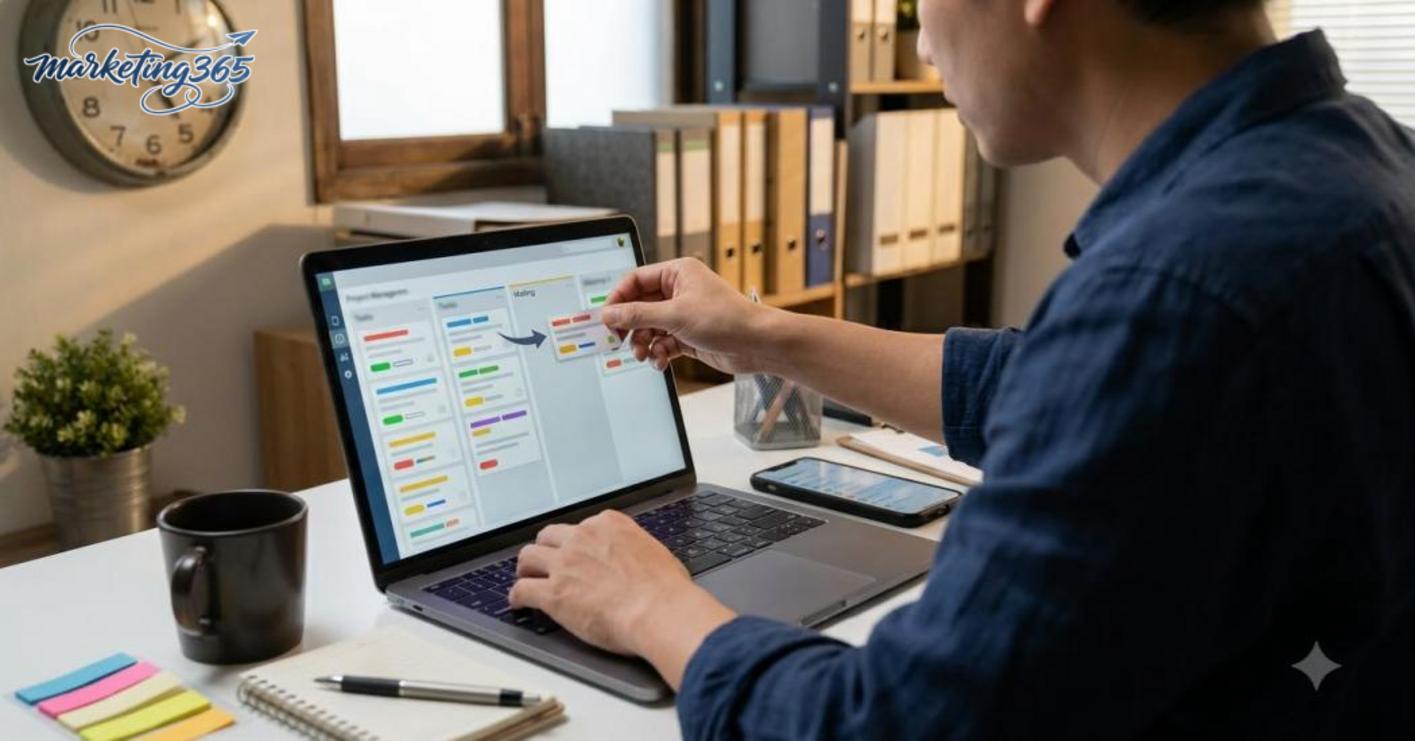
The first three things to check are tasks, deadlines, and priority levels. A good task management software should offer a list or Kanban view, allow drag-and-drop status changes, let you set due dates, and mark blocked work so you can immediately see which task needs attention first.
With a task management app for freelancers, I usually look at three things: is it quick to add tasks, can it filter by deadline, and can you see overdue work at a glance? If you work alone, you do not need a heavy system; if you collaborate, adding an assignee is enough to avoid confusion.
Quick selection checklist:
- Has a list view or Kanban software for freelancers.
- Has priority labels, due dates, and statuses.
- Can alert you to overdue or soon-to-be-late tasks.
- Can break large tasks into subtasks.
Do you need time tracking, quoting, and client collaboration features?

Time tracking and client-facing features should only be prioritized when your workflow truly needs them. If you bill by the hour, time-tracking software will help record the duration of each task; if you work on a fixed package, this feature should be an add-on, not the main criterion.
Likewise, quoting and invoicing software for freelancers is useful when you need to finalize scope, send repeated quotes, or keep a payment history. Client collaboration tools should only be chosen when clients need to view progress, approve files, or leave feedback directly on each task.
Read more: What Is Shopee Sales Management Software?
A project management software for freelancers with too many enterprise features often makes the workflow heavier: data entry takes longer, tasks are harder to find, and deadlines are easier to miss. The safe approach is to prioritize the core functions first, then add time tracking, quoting, or client sharing only if they match your needs.
How to choose software that fits your working style
Project management software for freelancers works best when it matches your number of clients, working style, time-tracking needs, and level of collaboration. Choosing the right workflow will help you enter tasks faster, feel less overwhelmed, and avoid opening too many tabs every day.
A 7-question checklist before choosing a tool
- Do I work alone, or do I collaborate with others or clients?
- How many parallel deadlines am I handling each week?
- Do I need to view work in Kanban, list view, or both?
- Do I need automatic reminders for each task?
- Do I need to share progress with clients in the same system?
- Do I work mostly on mobile or mainly on a computer?
- Do I need time-tracking software, or just personal work-planning software?
If you work alone and only have 1–3 projects, a lightweight task management app for freelancers is usually enough. If you are managing multiple clients at once, prioritize a multi-client management tool with labels, filters, and clear project deadline management software. If you need to update things while on the move, the mobile interface should let you add tasks in just a few taps.
Common software-selection mistakes that still leave freelancers confused
The biggest mistake is choosing freelancer work management software because it has “lots of features,” while ignoring how you actually work. A tool with beautiful charts but a slow task-entry process will quickly be abandoned.

Three common mistakes are:
- Choosing too many features when you only need task management software and reminders.
- Choosing a difficult interface that makes every update take several minutes.
- Trying to use one online project management tool for everything, from internal planning to client communication, instead of reserving it for the main workflow.
The way to avoid this is to start with one small process: create a task, set a deadline, drag the status, and check project progress. If the first 3 minutes already feel confusing, switch to a simpler project progress tracking tool before moving all your work into the system.
How should freelancers use project management software without getting buried in tools?
Read more: Small Business CRM Software: How to Choose the Right One
Project management software for freelancers only works when you keep the workflow very lean: create the project, break it into tasks, set deadlines, prioritize important work, track progress daily, and mark completion clearly. If you add too many process layers, the work management tool becomes a place for messy notes rather than a place to coordinate work.
Set up a basic workflow for one freelance project
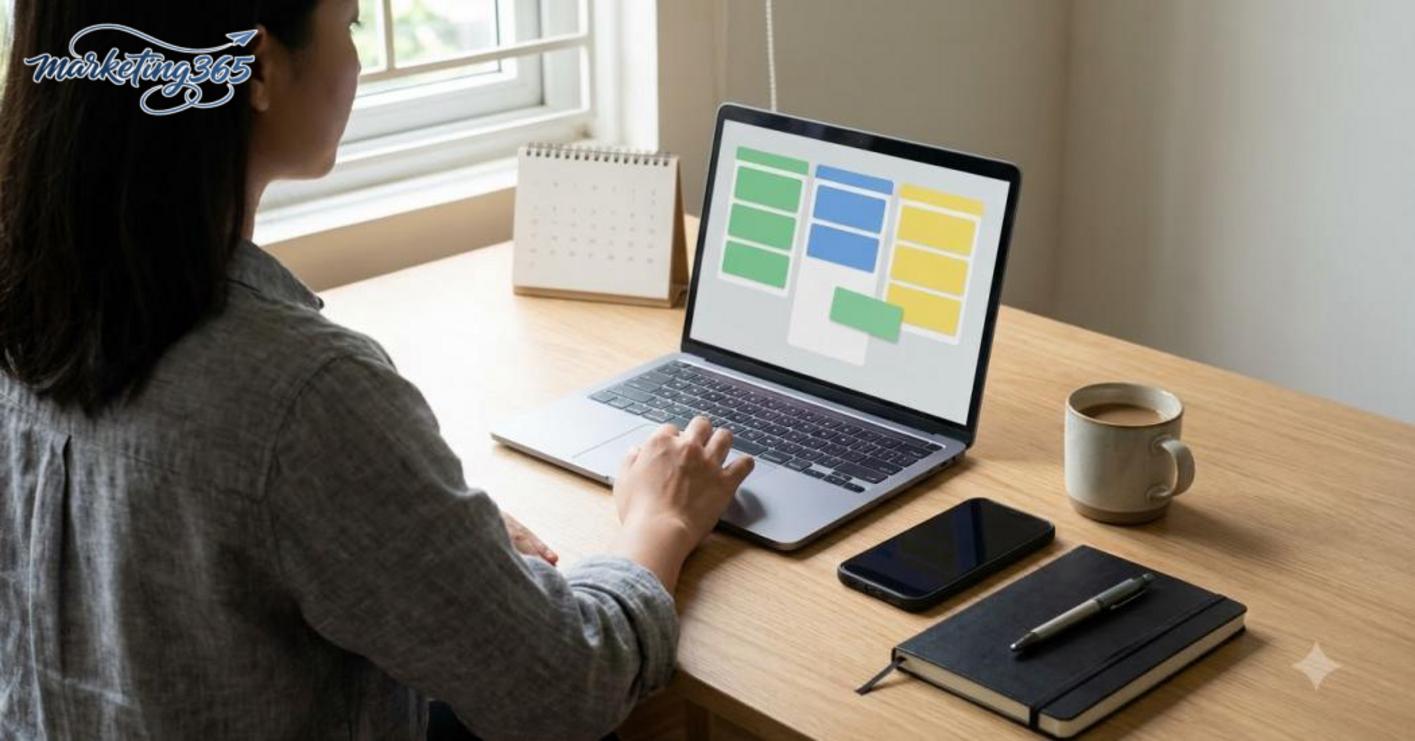
The minimum framework for project management software for freelancers only needs five steps. First, create a separate project for each client or major task. Then enter the brief, break it into smaller tasks, assign an owner if there is a collaborator, and set a clear deadline for each item. Finally, mark statuses such as “to do,” “doing,” “waiting for feedback,” and “done.”
For example, a content project can be split into: receive the brief, confirm the requirements, write the draft, send it to the client for feedback, revise, and deliver. This keeps project deadline management software from turning into a long, hard-to-read task list. If you work with multiple clients at once, keep each project in its own flow to avoid mixing up files, deadlines, and feedback. With a multi-client management tool, simplicity is often more important than using too many labels or automations.
How to track progress daily without spending too much time
The best way to track progress is to update once or twice a day, not keep opening the app constantly. In the morning, check which tasks are overdue and which are due soon, then reprioritize if a client sends something urgent. At the end of the day, just move statuses, note what is waiting for feedback, and mark completed work.
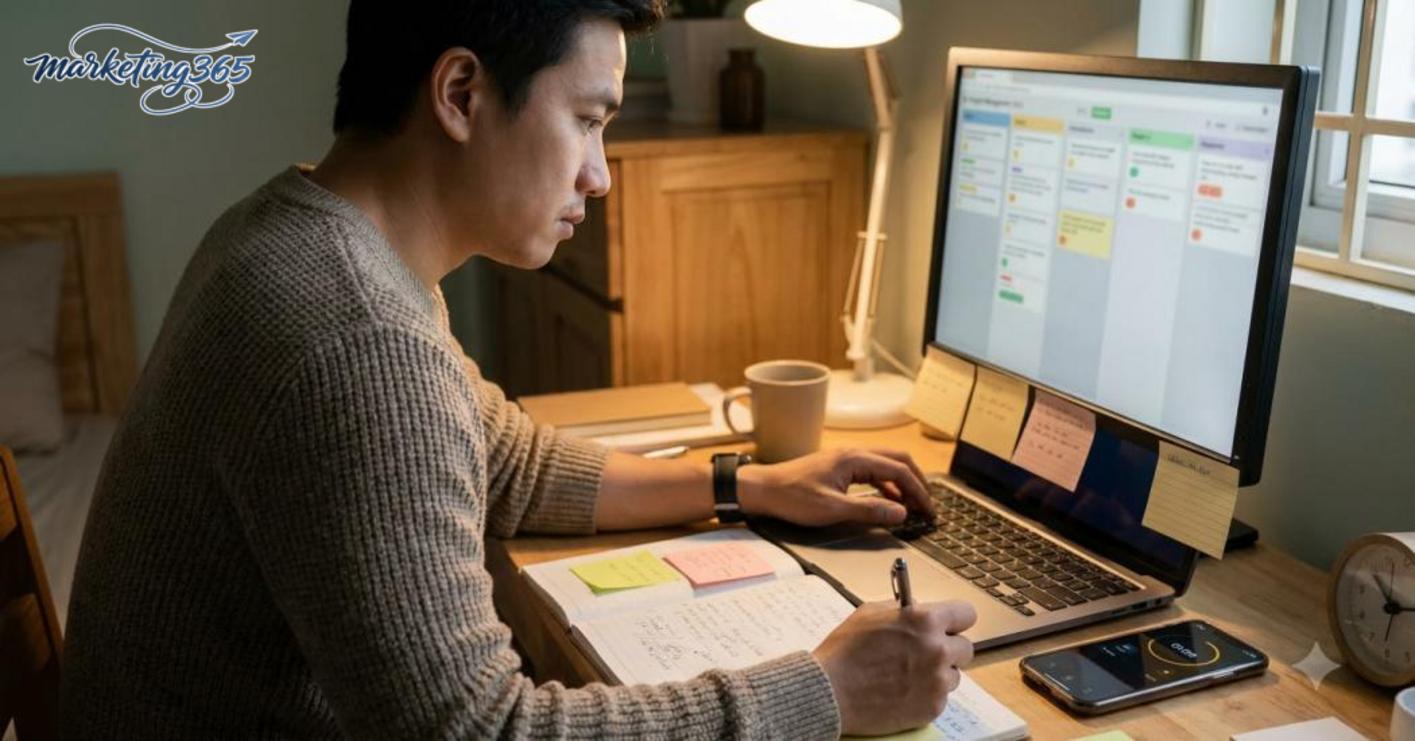
A useful habit in personal work-planning software is to mark items as “blocked” when you are stuck because a brief, file, or approval is missing. That way, the project progress tracking tool shows you immediately which tasks are delayed for reasons outside your control. Avoid editing tasks too often while you are working; it breaks your rhythm and makes it harder to see the real priorities. If you only have 10 minutes a day, use them to review deadlines, update statuses, and confirm completed work before closing your laptop.
Should you start with free software first?
Starting with a free version is the safest way to check whether a project management software for freelancers truly fits your working pace. If your needs are still simple, the free version is often enough to manage tasks, deadlines, and a Kanban or list layout.
When is the free version a reasonable choice?
A free version makes sense when you work alone, are handling 1–3 projects at once, and do not yet need advanced reporting. A task management app for freelancers at the free level is usually enough to split work into columns, set deadlines, and track project progress every day.
If you are switching tools, use the free version for 1–2 weeks to test three things: is it easy to add tasks, can you see your work schedule clearly, and does it waste time with extra steps? With work management software for freelancers, the right standard is “can I use it consistently?” not “does it have lots of features?”
Read more: Free Video Design Software: How to Choose and Use It
Signs the free version is no longer enough
The free version starts to become inefficient when you lack project limits, lack activity history, or have to write too many manual notes to make up for system restrictions. With a multi-client management tool, if you have to keep switching tabs just to remember each person’s tasks, the risk of missing deadlines is already clear.
Another clear sign is that you need time-tracking software but the free version does not include it, or it is not enough to separate hours by task. In that case, quoting and invoicing data can also become inaccurate, especially if you handle many short jobs.
A simple rule is: if after 1–2 weeks the free version still helps you keep track of tasks, schedules, and priorities without needing to record things outside the tool, keep using it. If you have to add paper boards, extra files, or manual reminders every day, it is time to consider upgrading.
Which habits make project management software for freelancers more effective?
Project management software for freelancers works best when you tie it to three fixed habits: update tasks twice a day, clear blocked work weekly, and use only one main system. This keeps the data clean, reduces forgotten tasks, and helps you immediately see what is being worked on, what is waiting for feedback, and what is about to be late.
Update at the start and end of the day
Open the software for 5 minutes at the start of the day to lock in your 3 most important tasks, then update it again before you finish. For example, a content freelancer can keep tasks like “create outline,” “write draft,” and “revise based on feedback” with clear statuses such as To do, Doing, Waiting, Done. If you work with 3 clients at once, labels by project will help prevent mix-ups in briefs and delivery files.
Clear blocked tasks and review weekly
Each week, spend 15 minutes handling all blocked tasks. Anything waiting for client feedback should move to Waiting, anything overdue but no longer valuable should be closed, and anything nearing its deadline should be moved to the top of the list. For recurring tasks such as receiving briefs, making plans, approving content, and delivering work, save a template checklist so you can duplicate it next time.
Keep one main system to avoid messy data
You should enter tasks as soon as you receive new work instead of scattering them across Zalo chats, Telegram, or phone notes. When briefs live in too many places, you waste time searching for them and may enter them twice. One main system, such as Notion, Trello, or ClickUp, is enough to track progress, deadlines, and who is waiting for feedback in one place.
Small discipline helps the software play its real role
Choosing a fixed update time, such as 8:00 a.m. and 5:00 p.m., is easier to maintain than updating at random. Every time you receive a new job, create the task immediately with a deadline, contact person, and attachment if available. When you do these four things consistently, project management software for freelancers becomes a place to coordinate work, not just a place to store task lists.
Frequently asked questions about project management software for freelancers
Project management software for freelancers is useful even when you work alone, because it brings tasks, deadlines, and client notes into one place. As the number of tasks grows, you will notice fewer forgotten items, easier prioritization, and better control over progress.
Do solo freelancers need project management software? Yes, if you are handling 2 or more projects or switching between multiple clients. Even a simple board is enough to see which tasks are late, which need a response, and which are still waiting for approval.
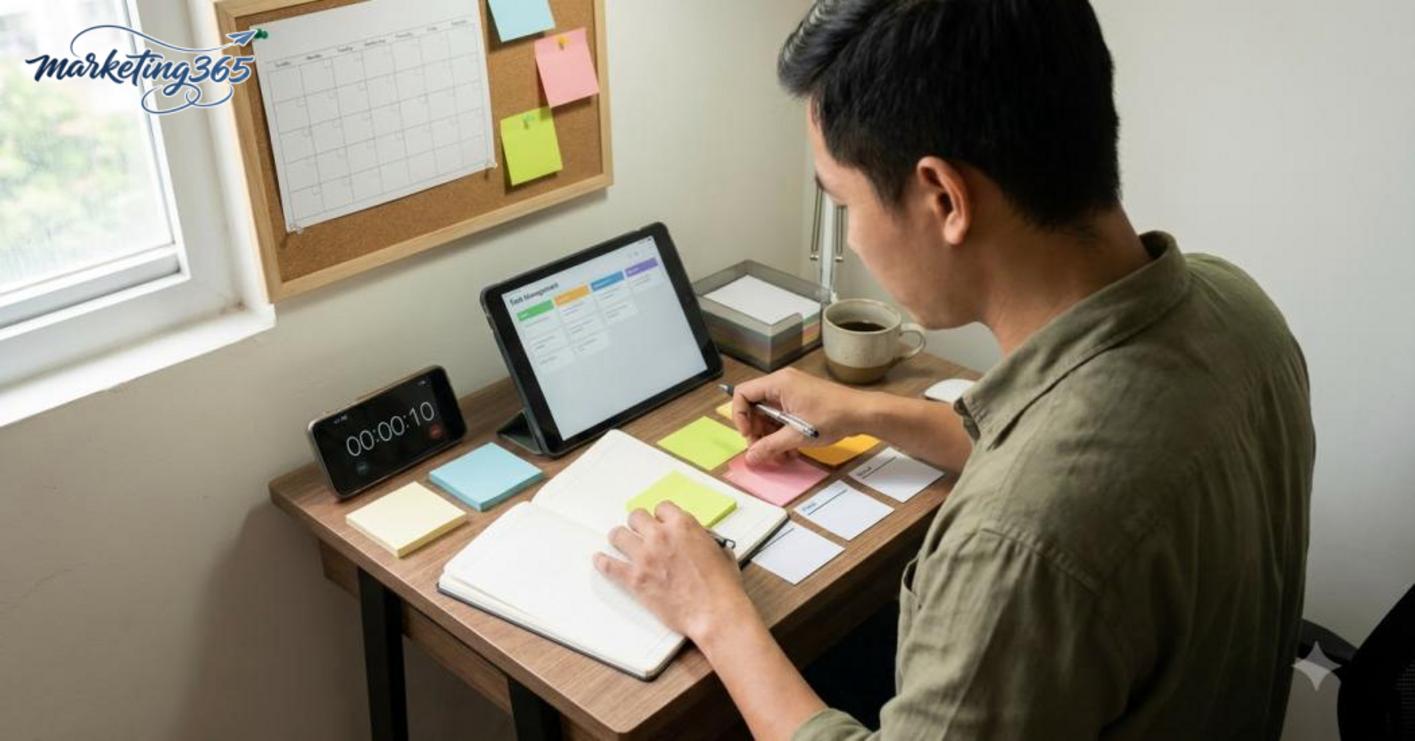
Should you prioritize Kanban or a task list? If your work has many statuses such as “doing,” “waiting for approval,” and “done,” Kanban is usually easier to read. If your work is more of a daily checklist, a task list is faster and takes less time to organize. Some people use both: Kanban for projects, lists for personal tasks.
Do you need time-tracking software? Yes, if you bill by the hour, get distracted easily, or work on multiple projects at once. If you charge fixed package rates, time tracking is not mandatory, but it is still useful for seeing how long a task takes and where delays happen.
Is free software enough? Yes, if you only need to manage tasks, deadlines, and a few basic labels. When you need multi-client management tools, quoting and invoicing software for freelancers, or clearer client collaboration permissions, the free version usually shows its limits quickly.
Choosing work management software for freelancers should start from your real needs: do you work alone or with collaborators, do you need project progress tracking tools, do you need project deadline management software or not. Choosing correctly from the start will save you from switching systems repeatedly and reduce the risk of missing important work.
MARKETING365
📧 Email: lienhe@marketing365.vn
🌐 Website: https://marketing365.vn
👍 Fanpage: https://facebook.com/marketing365.official
For the latest official guidance, you can also refer to materials from Think with Google.
You can also read more articles on the same topic in the Martech Tools category.



