
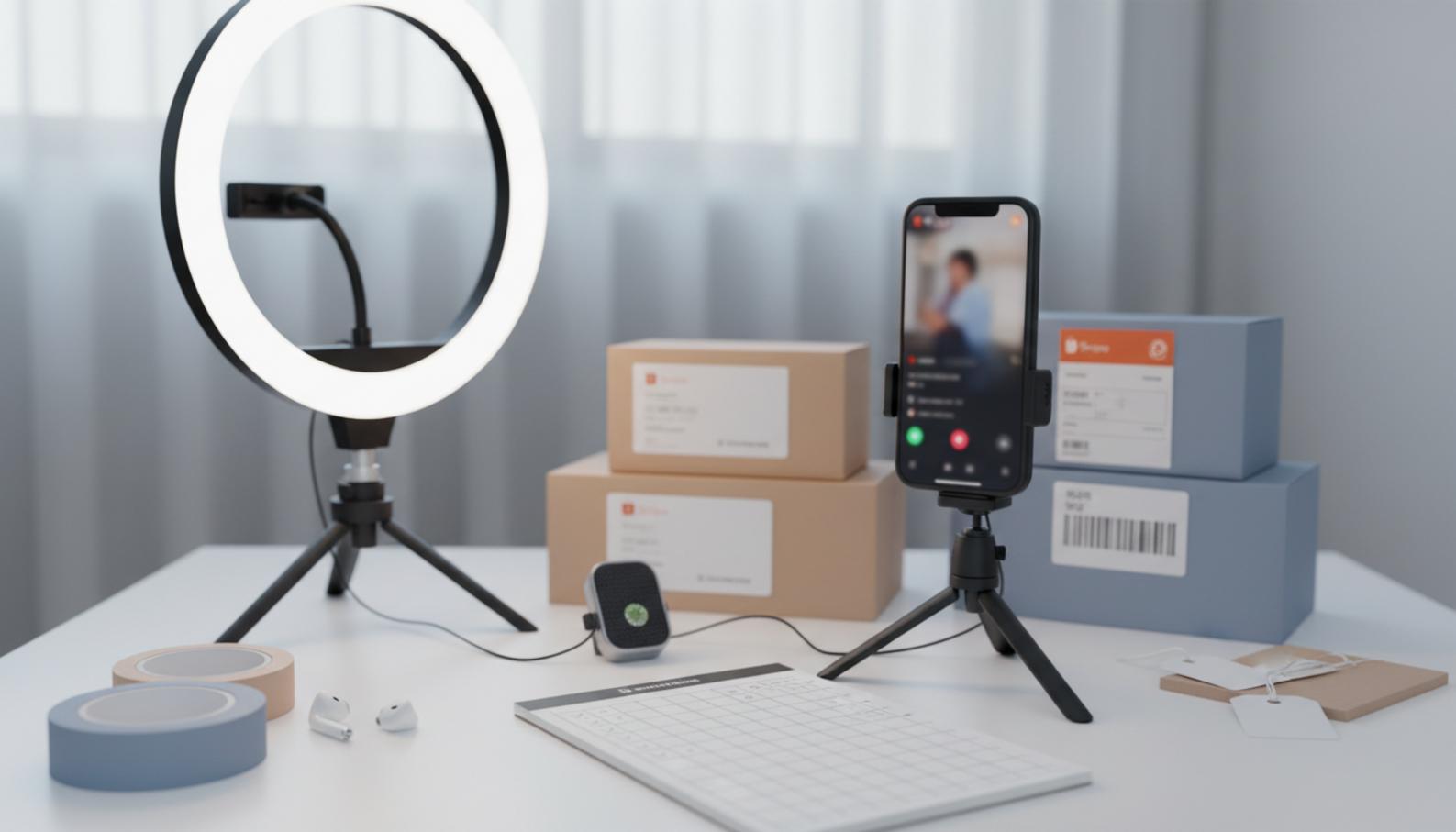
Contents
- Understand the real goal of Shopee livestreaming: it is not just about viewers, but orders
- Prepare before going live to avoid mistakes from the start
- Livestream scripts and speaking style to keep viewers until the close
- Tips to increase orders during the livestream itself
- Which comments should you answer first to keep sales momentum?
- Which promotions should you use to encourage immediate buying without making customers wait for deeper discounts?
- What reminder rhythm should you use so viewers do not feel pressured?
- Which livestream time slot is best for increasing orders?
- A short checklist before pressing go live
- Track orders, process them, and preserve the post-purchase experience
- When should you seek professional support instead of handling everything yourself?
- Frequently asked questions about Shopee livestream tips to drive orders
Shopee livestream sales do not depend on luck if you prepare properly, run the session well, and track the right metrics. For new shop owners, the issue is usually not “bad luck,” but going live without a script, without knowing how to keep viewers engaged, and without reviewing the numbers after the session.
This section brings together hands-on experience to improve conversion rates, not gimmicky tricks. You will see how to identify basic mistakes, fix each step, and apply the lessons to your next live session for more stable sales.
Understand the real goal of Shopee livestreaming: it is not just about viewers, but orders
An effective Shopee livestream is measured by the number of orders generated, not just views or likes. A live session with lots of viewers but no product clicks, no add-to-cart actions, and no orders is still a weak livestream.
If you are dealing with a crowded live session that is not converting, check these first three points: is the content keeping the right audience, is your speech leading to a purchase action, and are products being introduced at the right time? Shopee livestream tips to drive orders usually start with measuring livestream performance correctly instead of chasing surface-level signals.
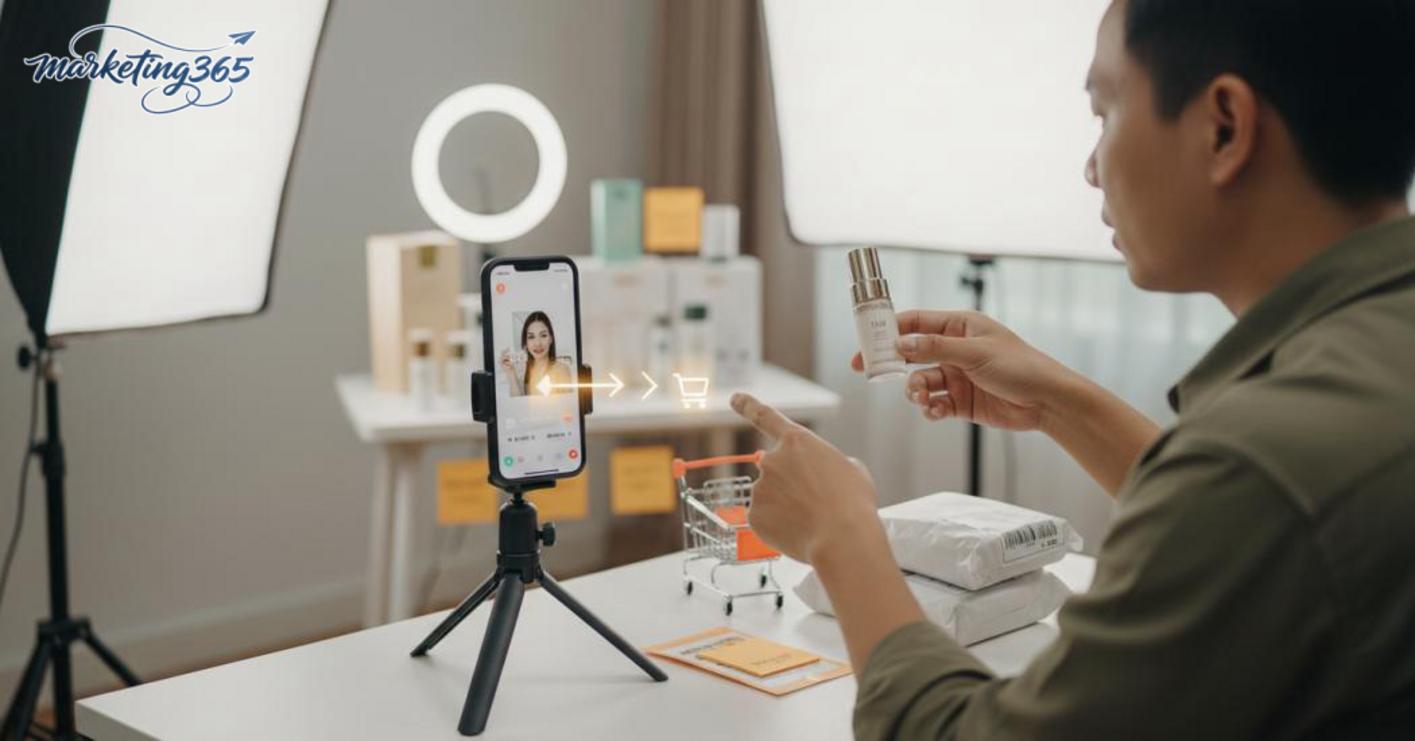
How is a livestream with orders different from one with lots of viewers?
A livestream with orders is one that makes viewers understand why they should buy now, while a livestream with lots of viewers usually creates engagement but lacks conversion. The “busy but cold” sign is easy to spot: there are comments and likes, but product clicks are low and orders barely move.
To close more orders on livestream, you need to clearly distinguish the goal of each type of live session:
- Entertainment lives prioritize keeping livestream viewers engaged.
- Selling lives prioritize driving purchase behavior.
- Speech, presentation rhythm, and closing style must all point toward orders.
Which metrics should you review after each live session?
Evaluating livestream performance must be based on metrics tied to buying, not just total views. After each session, you should record the following:
- Average watch time: shows whether the content is engaging enough to keep people watching.
- Entry and exit counts: help identify whether the opening segment is losing viewers.
- Engagement counts: comments, likes, and shares to understand attention levels.
- Product clicks: a signal very close to purchase intent.
- Orders generated: the final metric for measuring closing effectiveness.
- Drop-off points: often when the host talks too long, introduces products too early, or fails to remind viewers to buy.
When you save these metrics after each session, it becomes clear whether your weakness is retention, persuasion, or closing.
Prepare before going live to avoid mistakes from the start
Preparing a Shopee livestream properly helps the session get into rhythm quickly, reduces technical errors, and keeps viewers watching longer. Based on Shopee livestream tips to drive orders, the pre-live setup should follow this order: check inventory, confirm pricing, draft the script, test equipment, then go live.
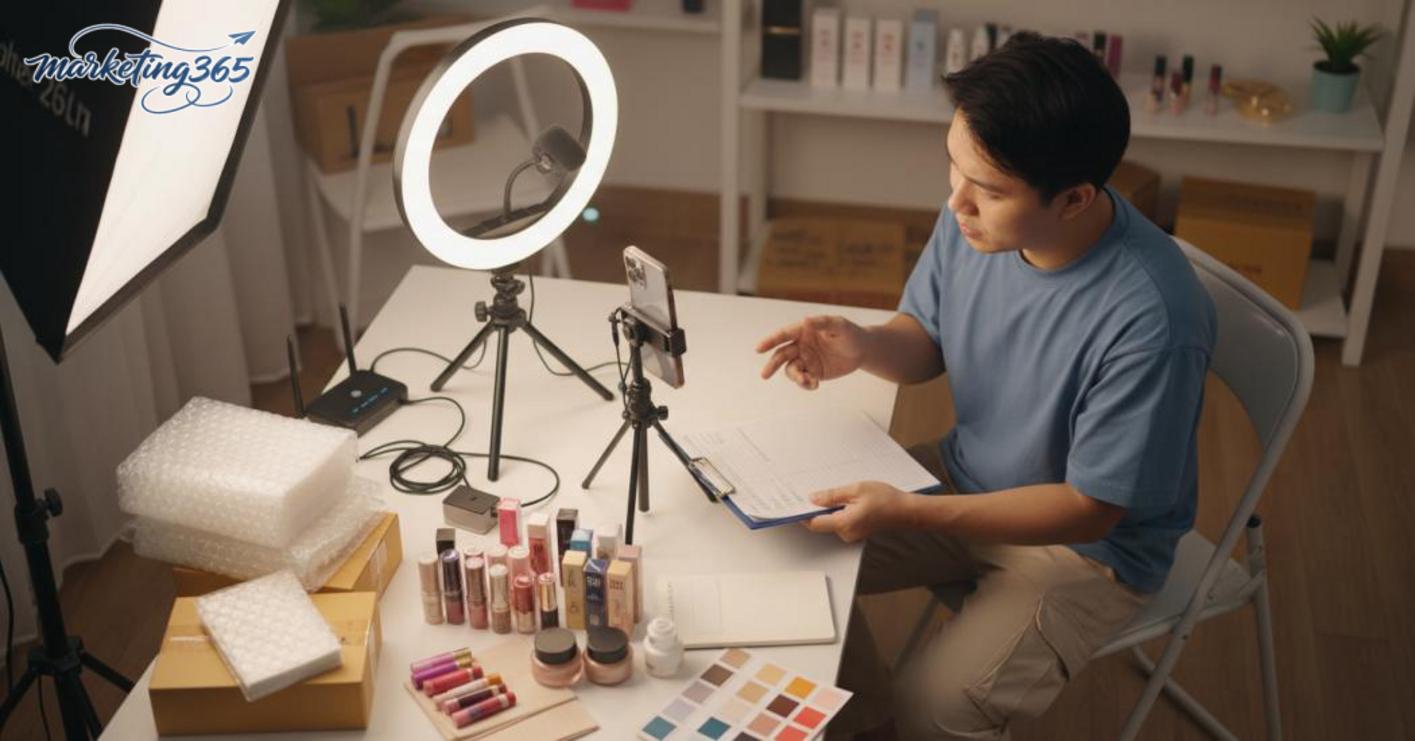
Minimum checklist before livestreaming
Preparing before going live means having enough stock, sales information, and technical conditions ready so you do not have to stop and fix problems during the stream. If even one step is off, the session can easily lose momentum, especially in the first 5 minutes.
- Check that products are in stock, correct model, correct size, and correct variant.
- Confirm pricing and promotions before going live; live prices must match the product page.
- Set a clear live title that names the main item and its key benefit.
- Keep the filming area tidy, well lit, and free of cluttered backgrounds.
- Test sound, camera, battery, network, and connection 10–15 minutes in advance.
- Prepare your greeting, purchase invitation, and reminder for viewers to tap the product.
If you have a team, assign roles clearly: one person speaks, one replies to comments, and one handles orders and inventory. This makes Shopee livestream preparation smoother, especially when many questions come in at once.
Which setup mistakes should you avoid to prevent a weak live session?
Shopee livestream mistakes often come from sloppy setup rather than weak speaking skills. When viewers see a messy product name, changing prices, or overly dark visuals, they usually leave very quickly.
The most common mistake is using a generic product name with no sales hook. For example, only listing the item name without mentioning size, use case, or the bundle being promoted. The second mistake is when the live price and the product page price do not match, which immediately destroys trust.
In addition, Shopee livestreams often fail to convert because no one is actively monitoring comments. When questions about color, shipping fees, or how to place an order go unanswered for too long, the session loses conversions very quickly. For Shopee Live setup for new sellers, these issues should be fixed before thinking about a fancy script.
Livestream scripts and speaking style to keep viewers until the close
An effective livestream script is a flexible speaking framework based on time markers, not something you memorize word for word. With Shopee livestream tips to drive orders, beginners should divide the live into three beats: the opening to keep viewers, product introduction through benefits, and the closing prompt at the right moment when interest has just been activated.
How should you open a live so viewers do not drop off in the first 30 seconds?
A good live opening greets the right people, states the topic clearly, and gives them a reason to stay within the first 30 seconds. A concise livestream opening usually includes four points: greeting, what is being sold today, why they should keep watching, and a reminder of the promotion or closing time.
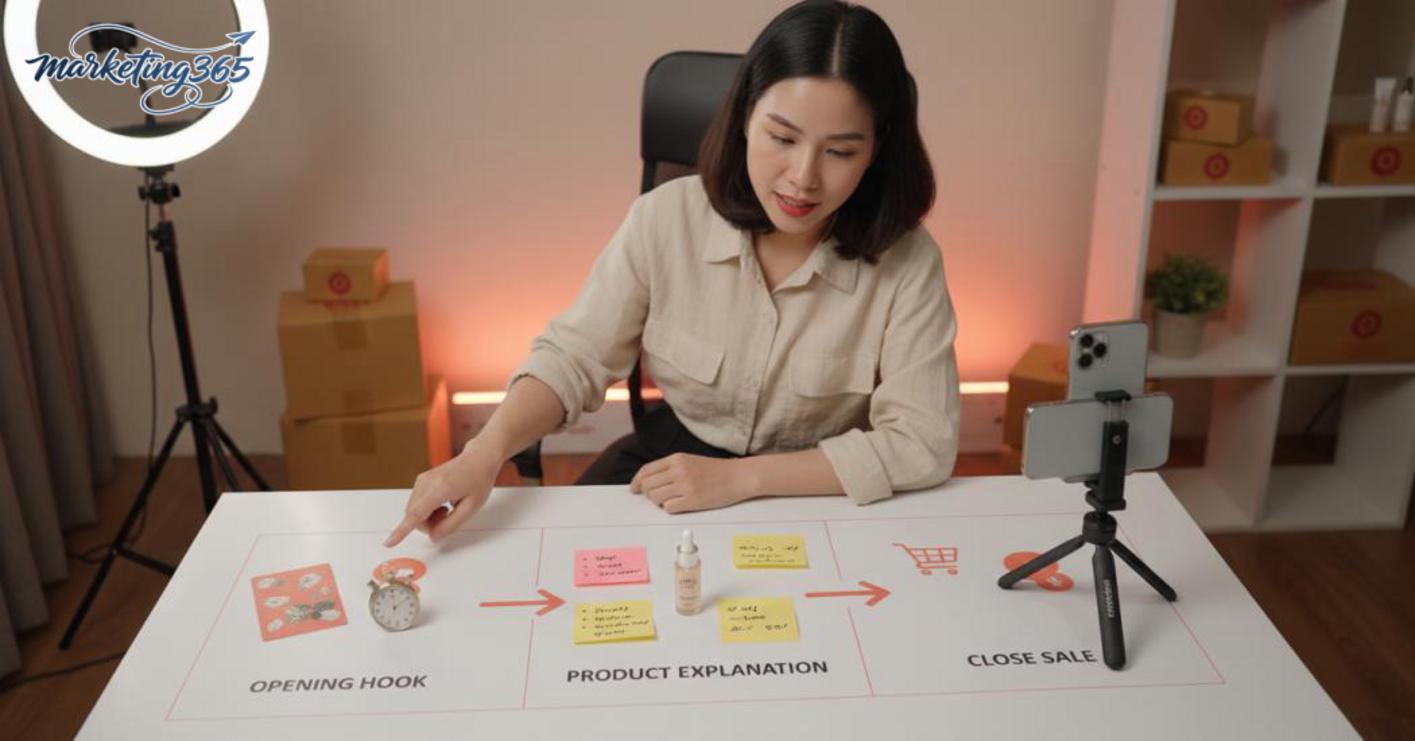
- Greet briefly and address the exact group watching.
- Say directly what is worth waiting for in this live.
- Highlight one specific benefit, such as price, gifts, bundles, or limited quantity.
- Remind viewers of the closing time so they know when they need to decide.
For example: “Hi everyone, today we’re bringing 3 highly requested models. If you’re looking for something easy to use and reasonably priced, stay for the first 5 minutes, and I’ll lock in the promo before switching models.” This keeps viewers better than a long greeting before getting to the point.
How should you present a product so viewers understand why they need to buy now?
The way to speak during a Shopee livestream to generate orders is to start from the customer’s problem, then move to the benefit and the difference. Viewers usually stay because they see the product solving a problem they actually have, not because they hear every specification.
A simple speaking framework:
- State a common customer problem.
- Explain how the product helps in that situation.
- Point out one easy-to-understand difference.
- End with a clear call to action.
For example, with household items: instead of reading out the material, say, “This model is great for homes that need quick cleaning, less dirt buildup, and everyday use without much maintenance.” When introducing products on livestream, the more specific you are about the use context, the easier it is for viewers to compare and decide on their own. This is also a way to keep livestream viewers engaged because the content is useful the moment they hear it.
Where should the closing script be placed during the live session?
The livestream close should appear multiple times, not only at the very end. An effective closing strategy is to close after each product, after each bundle, and again at promotion checkpoints so viewers do not forget.
A reasonable rhythm is:
- Right after introducing a product with clear demand.
- After comparing the benefits and value received.
- Before moving on to the next product.
- In the last 5–10 minutes to capture those who are still undecided.
Example closing line: “If this model suits you, place your order now in the displayed frame, because I’m moving to the next model and won’t keep this promotion open for long.” For beginners, Shopee livestream tips to drive orders come down to closing at the right rhythm, speaking briefly, repeating with purpose, and always bringing viewers back to a specific action.
Tips to increase orders during the livestream itself
Shopee livestream tips to drive orders come down to handling interactions in the right order, launching promotions at the right time, and reminding viewers to buy in a clear rhythm so they can close during the live session.
Which comments should you answer first to keep sales momentum?
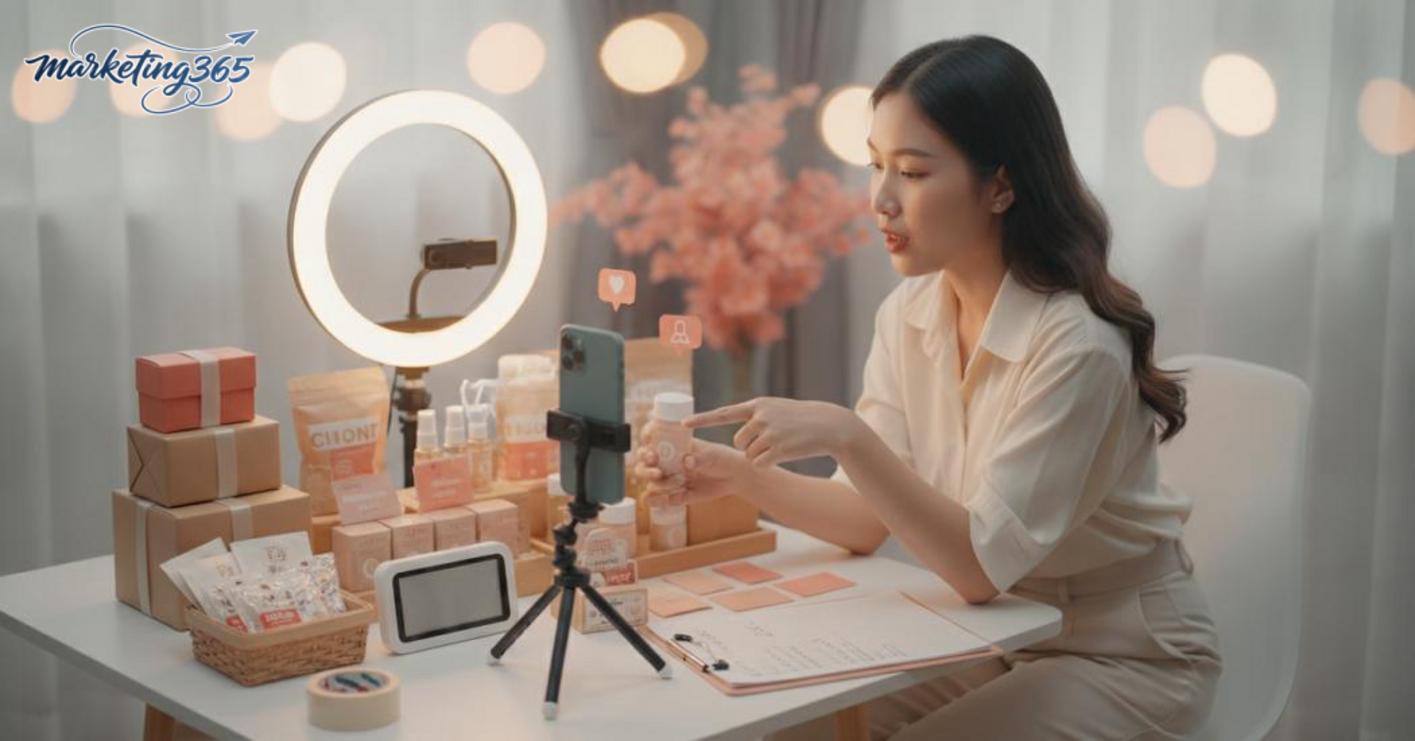
Answer first the questions most likely to lead to a sale, such as price, color, size, shipping fee, and how to buy. If the same question repeats 3 times within 1–2 minutes, group it into one short answer and repeat it every 20–30 seconds. For example: “The black color is still available in sizes S to XL, please tap the product on screen to choose quickly.” When there are two people on live, one handling comments and one closing in inbox will help the session stay on track.
Read more: Livestream Sales Script for Beginners
Which promotions should you use to encourage immediate buying without making customers wait for deeper discounts?
Promotions should be tied to a clear time and condition, such as “buy within the first 10 minutes to receive Shopee Live coins” or “buy 2 items and get an extra 15% off.” If the product has a low profit margin, it is better to offer a small gift, partial free shipping, or a bundle instead of a direct discount. A live session selling mini skincare sets often closes better when the shop owner announces a limited number of gifts, for example only 30 sets for the first 100 viewers.
What reminder rhythm should you use so viewers do not feel pressured?
An effective reminder rhythm is to introduce the benefits at the start, repeat the closing method in the middle, and end with a short call to action. For example, with household items, after a 1–2 minute demo you can say: “If you need this model, tap the product in the corner of the screen to lock in the live price.” If the session lasts 15 to 20 minutes, set one promotion reminder at minute 5, one in the middle, and one in the last 3 minutes. This keeps engagement while still giving customers enough time to ask questions and decide.
Which livestream time slot is best for increasing orders?
The time slot should follow the online habits of your target customers. Fast-moving consumer goods often work well at lunchtime or after 7:30 p.m., while products that require more consideration, such as household items, small machines, or premium cosmetics, are easier to close in the evening. If you are livestreaming for office workers, try 12:00–13:00 and 20:00–22:00 for 3 consecutive sessions to compare orders, comments, and average watch time. Then keep the slot with the best conversion rate instead of choosing based on intuition.
A short checklist before pressing go live
- Prepare 3 main promotions in advance: price, bundle, and gift.
- Write out closing lines for the 5 most common repeated questions.
- Assign roles for comment replies and inbox handling.
- Set reminder points at minute 5, mid-session, and near the end.
- Double-check inventory and variants before going live.
If you do all 5 of these, the livestream usually feels less scattered and is more likely to turn viewers into orders.
Track orders, process them, and preserve the post-purchase experience
Closing orders on livestream is only half the job; the rest is reviewing orders, processing them quickly, and preserving the post-purchase experience so orders do not get lost in the follow-up stage. If you do this well, you will know which orders are real, which are faulty, and which live sessions generate sustainable revenue.
What should you review after the live to know whether the orders are real and sustainable?
After the live, you need to compare generated orders with the live time slot, best-selling products, and cancellation reasons to know whether the session created real orders or only engagement.
- Compare orders in the order management system with the time customers closed, especially orders placed right as viewers left the live room.
- Separate product groups with many orders but few confirmations to detect inventory mismatches or unclear descriptions.
- Record hesitation signals such as questions about size, color, shipping fees, or asking for more time to think.
- Save livestream reports for each session to compare which one kept viewers better and which one generated more orders.
A fashion shop often sees many orders come in right at the moment of fast closing, but 2–3 orders get canceled because customers selected the wrong variant. In that case, the problem is not order-driving power, but order tracking and post-live confirmation.
Which post-production mistakes make a live session look successful but still ineffective?
Orders may come in, but the session is still ineffective if processing is slow, product information is vague, or mistakes are not recorded for the next session.

- Confirming orders too slowly makes customers change their minds, especially for impulse purchases.
- Inventory mismatches mean the same product is sold to multiple people without enough stock.
- Unclear size, color, or variant descriptions lead to complaints after the close.
- Not summarizing livestream mistakes means the same errors repeat in the next session.
Shopee livestream tips to drive orders are about keeping post-production clean, accurate, and documented. If you finish orders without saving the lessons, the next live session will still run into the same old mistakes.
When should you seek professional support instead of handling everything yourself?
When you have already handled the basics yourself but the results are still unstable, that is the time to consider professional support. With Shopee livestream tips to drive orders, the goal is not to hire someone to do everything for you, but to fix the real bottleneck so you do not keep losing views, orders, and time.
What signs show that it is time to get support?
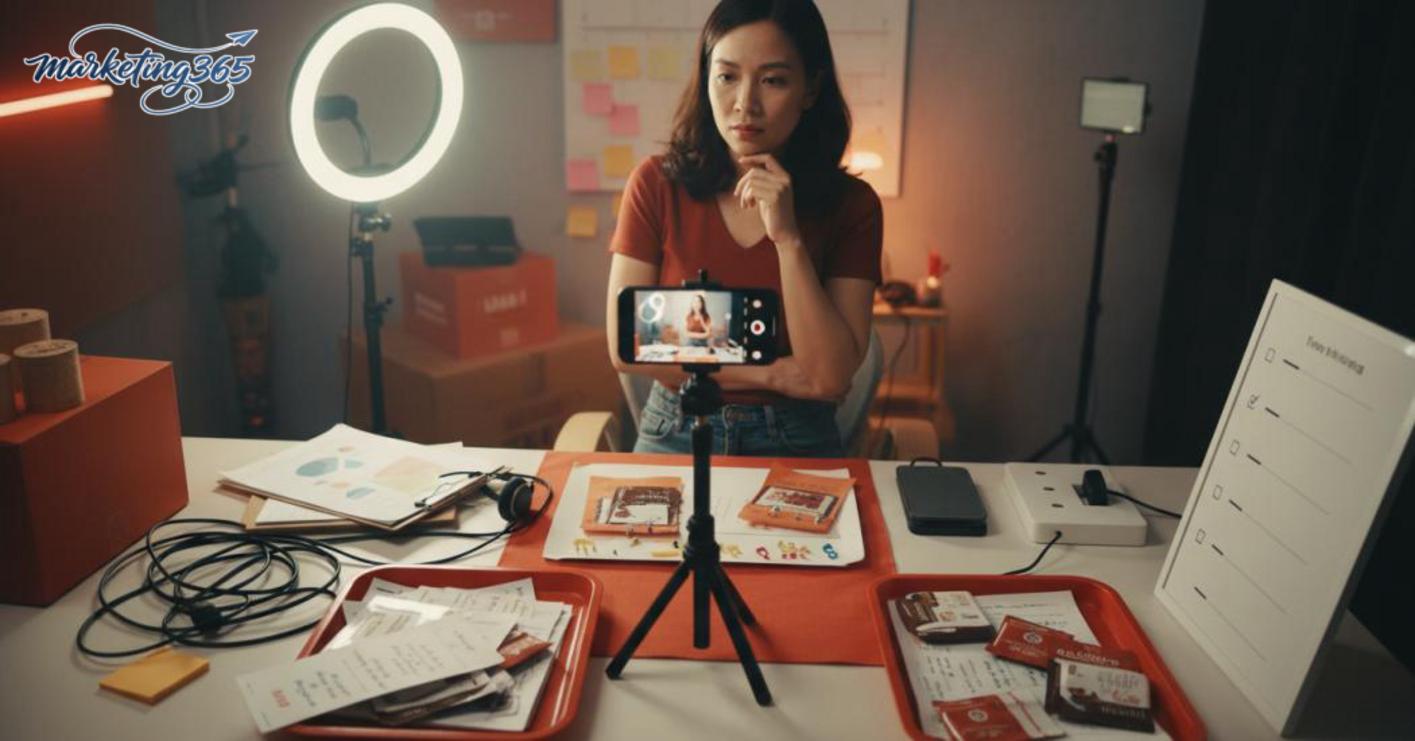
You should look for professional support when the live has viewers but orders are inconsistent, there is no one actively handling comments, each session uses a different script, or the team cannot read the data to make immediate adjustments. A very clear sign is when the live still gets engagement but the team does not know why orders are not coming in, so they keep trying repeatedly without results.
Self-check checklist:
- No one is available to speak, pin products, and handle comments at the same time.
- The livestream setup keeps changing; it works today and breaks again tomorrow.
- Orders come in, but the closing and confirmation process is messy.
- You cannot tell whether the problem is in the script or in operations.
Which area should you prioritize for support first?
Focus on the biggest bottleneck instead of trying to fix everything at once. If the live content is still chaotic, get support for the script and speaking style first; if the live is stable but orders are weak, move to setup, product pinning, and comment operations; if orders are coming in but leaking after the live, focus on measurement and improving the close.
Practical approach:
- Record the most recent live session and identify where it broke down.
- Rank the problems by how much they affect orders.
- Fix only one step before expanding to another channel.
For digital channel management with many moving parts, deep support is often most effective when it helps the team standardize the process first, then scale up.
Frequently asked questions about Shopee livestream tips to drive orders
The frequently asked questions below help beginners quickly handle the most common sticking points when livestreaming on Shopee to drive orders. Each answer focuses on what to do first, why orders are not coming in yet, and which part should be fixed to see a clearer change.
Do beginners need a script for Shopee livestreaming?
Yes, beginners on Shopee livestream should have a script, but only a framework clear enough to avoid running out of things to say. The basic structure is greeting viewers, introducing the product, stating the main benefit, closing the promotion, and reminding them how to order. For example, a live session selling household items could open with 2 minutes explaining the problem, 5 minutes demonstrating the product, and then closing.
Why does a livestream have viewers but still no orders?
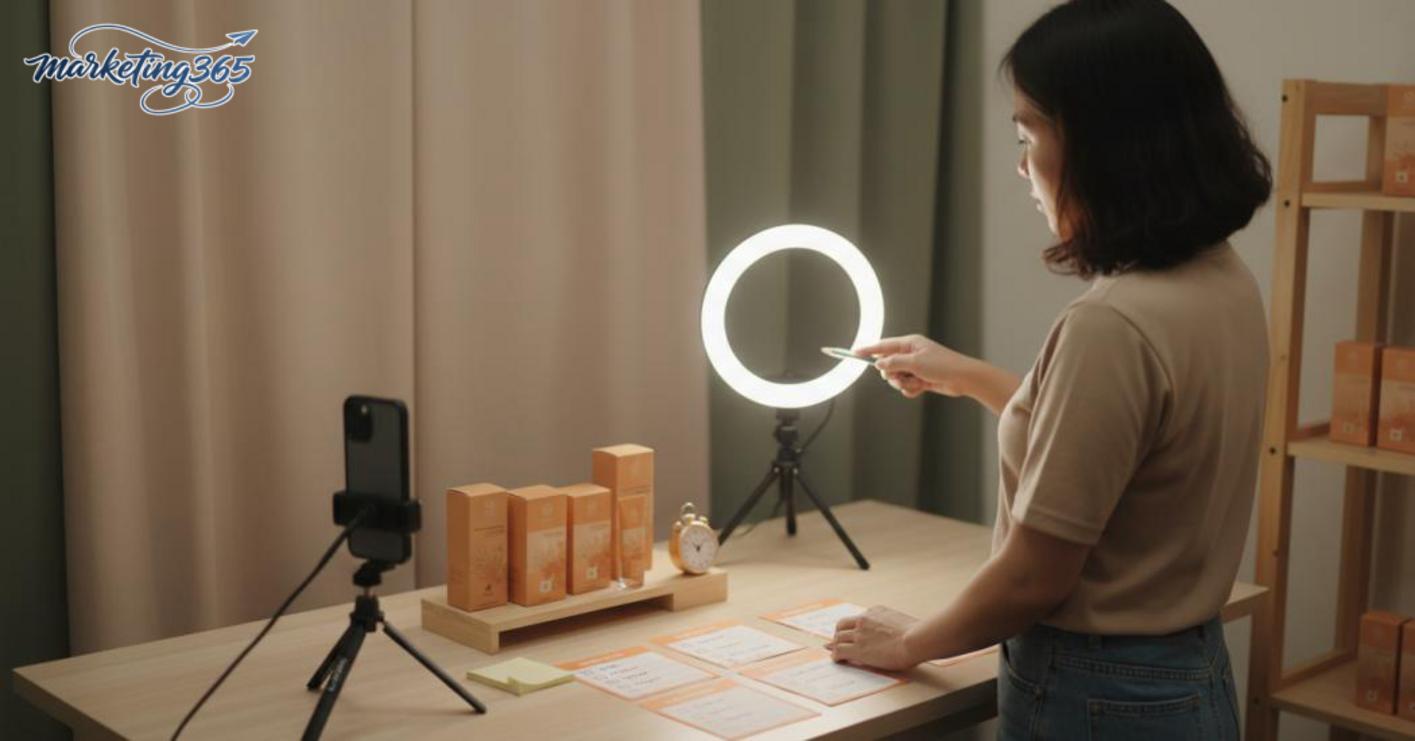
A livestream with viewers but no orders is often caused by content that does not match customer needs, too much emotional talk and not enough reason to buy, or no clear closing rhythm. Also, if there are many comments but they are not handled quickly, viewers will leave before deciding. To improve livestream conversion, review the product, greeting, promotion, and closing line in each segment of the live.
Which mistake should you fix first if you want to improve orders quickly?
You should fix the setup, script, and closing style first because these are the three factors that most strongly affect livestream improvement. If the visuals are blurry, the audio is noisy, or the layout is messy, viewers will struggle to stay long enough. After that, optimize the live rhythm, promotions, and feedback measurement. A short checklist is: check the camera angle, prepare 3 closing lines, then review which segment caused viewers to stop engaging.
For the latest official guidance, you can also refer to materials from Think with Google.
You can also find more hands-on marketing guides at https://marketing365.vn.
Content from marketing365 is created for SMEs, online shop owners, and new marketers.
You can read more articles on the same topic in the Ecommerce Marketing category.



