

Contents
- What Shopee Ads are and when to use them
- What to prepare before setting up Shopee Ads
- The Shopee Ads types you should understand before launching
- How to run Shopee Ads step by step on mobile and desktop
- Shopee keyword bidding and how to set bids without wasting money
- How to optimize Shopee Ads costs after launch
- Common mistakes when running Shopee ads and how to avoid them
- When to do it yourself and when to consider professional support
Running Shopee Ads correctly from the start helps you avoid burning budget on setup mistakes, bidding issues, or choosing the wrong ad type. If you are a shop owner or a marketer managing things yourself, how to run Shopee Ads should be seen as a checklist process: define your goal, choose the right format, set a budget, track costs, and pause to adjust when metrics turn bad.
This section focuses on practical steps for beginners or anyone reviewing an account: choosing the right ad type, setting an initial budget, reading signals from clicks and orders, then optimizing when a campaign is underperforming. Doing these steps correctly will help you control costs early instead of learning through trial and error with your budget.
What Shopee Ads are and when to use them
How to run Shopee Ads means setting a budget for a product so it appears in front of people who are already looking to buy, instead of waiting only for organic traffic. For small shops, it is a fast way to test keywords, check pricing, and measure customer response before increasing spend.
When to start running Shopee Ads
You should start when the product has clear images, competitive pricing, and enough stock for at least 3 to 7 days of continuous sales. For example, a T-shirt SKU should only go live in ads when the cover image clearly shows the material, the title includes the main keyword, and inventory has at least 20 to 30 units left to avoid running out during the campaign.
One easy-to-spot sign is that the product already has a few reviews or has generated some organic orders, because ads are easier to optimize at that point. If the listing has no data yet, ads can still run, but it usually takes more clicks to get the first order.
Basic steps to run Shopee Ads
Step 1: Go to Shopee Seller Center, select Shopee Ads, and add the product you want to promote. It is best to choose 1 to 3 SKUs with good pricing and a fully completed product page.
Step 2: Choose the ad type that matches your goal. If you want to drive traffic, prioritize search ads; if you want broader visibility, you can also test discovery ads for products that are already selling well.
Step 3: Set a small initial budget to measure performance, usually on a daily basis rather than allocating everything at once. For a new shop, you can start with a low amount for 1 to 3 days, then review clicks, orders, and cost per order to decide whether to increase or stop.
Step 4: Track keywords, product variants, and conversion rate. If a keyword gets many clicks but no orders, lower the bid or remove that keyword; if orders are steady, increase the budget in small steps to avoid burning money too quickly.

When you should not run ads yet and what to fix first
You should not run Shopee Ads yet if the product page is still weak, because ads will only amplify those weaknesses. If the images are blurry, the title does not match search intent, the description lacks information, or the price is far above the market average, costs will rise while results remain poor.
The right way to handle this before launching is to do three things in order: fix the cover image so visitors understand the product within the first 3 seconds, adjust the title to match the keywords real customers search for, and check inventory so orders do not get interrupted midway. Then run a small test budget on a narrow product set to gather data before scaling.
What to prepare before setting up Shopee Ads
Preparing before setting up Shopee Ads is the foundation check that helps you avoid wasting budget on a store that is not ready. If the account, product, listing content, budget, and measurement goals are unclear, the campaign can easily get clicks but few orders.
A practical pre-launch checklist usually includes 5 things: confirm the ad account is working properly; choose products that are in stock and have sales potential; review the listing content; set a test budget; and define which metrics you will review after launch. With how to run Shopee ads, doing the preparation carefully usually saves much more than fixing mistakes after money has already been spent.
Check the product and sales page before launching a campaign
Preparing the product properly before launching a campaign helps improve conversion rate and reduce cost per order. A weak product page can make ads bring in clicks without generating revenue.
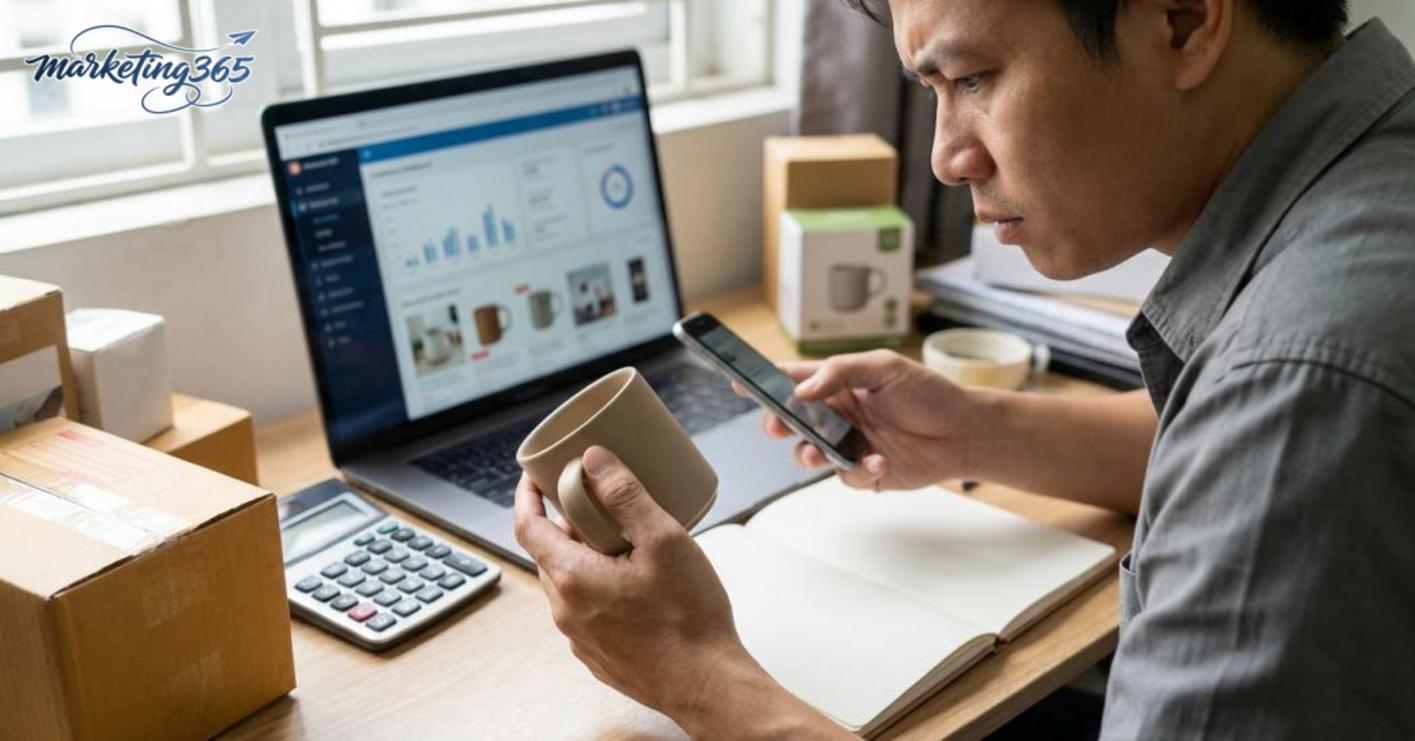
Check in this order:
- The main image must be clear, show the correct product, not be blurry, and not cut off important information.
- The title should contain the correct product keyword and avoid stuffing too many variants or hard-to-read symbols.
- Attributes, variations, pricing, and stock must match what the buyer can actually order.
- The description should explain benefits, materials, sizes, usage, and real differentiators.
- Read the latest reviews to see whether there are any repeated issues with shipping, quality, or feedback that need to be addressed.
Weak listing signs are fairly easy to spot: the image does not stand out in search results, the price is off compared with the market, variations are unclear, or the description is too short. When you see these signs, improve the product page first and then optimize the product with ads, instead of raising bids too early.
Set your budget and measurement goals from the start
Shopee Ads budgeting should start with a small test amount, enough to read click data and the first order. If the budget is spread too thin, it becomes hard to tell whether the problem is the keyword, the product, or the sales page.
Simple performance checkpoints:
- Choose a daily or test-period budget, not one based on emotion.
- Predefine the minimum KPIs to track: clicks, orders, and ad cost per order.
- Set a time to review after an appropriate run period, then decide whether to keep, stop, or adjust the Shopee Ads bid.
When measuring, do not look only at rising clicks. If clicks increase but orders barely move, the issue usually lies in conversion or in whether the product matches the search intent.
The Shopee Ads types you should understand before launching
Shopee Ads types are divided by purpose: capturing existing demand or expanding your audience. Choosing the right type from the start helps you avoid wasting budget on irrelevant impressions, especially when you are just setting a Shopee Ads budget and do not yet have enough data to optimize a Shopee Ads campaign.
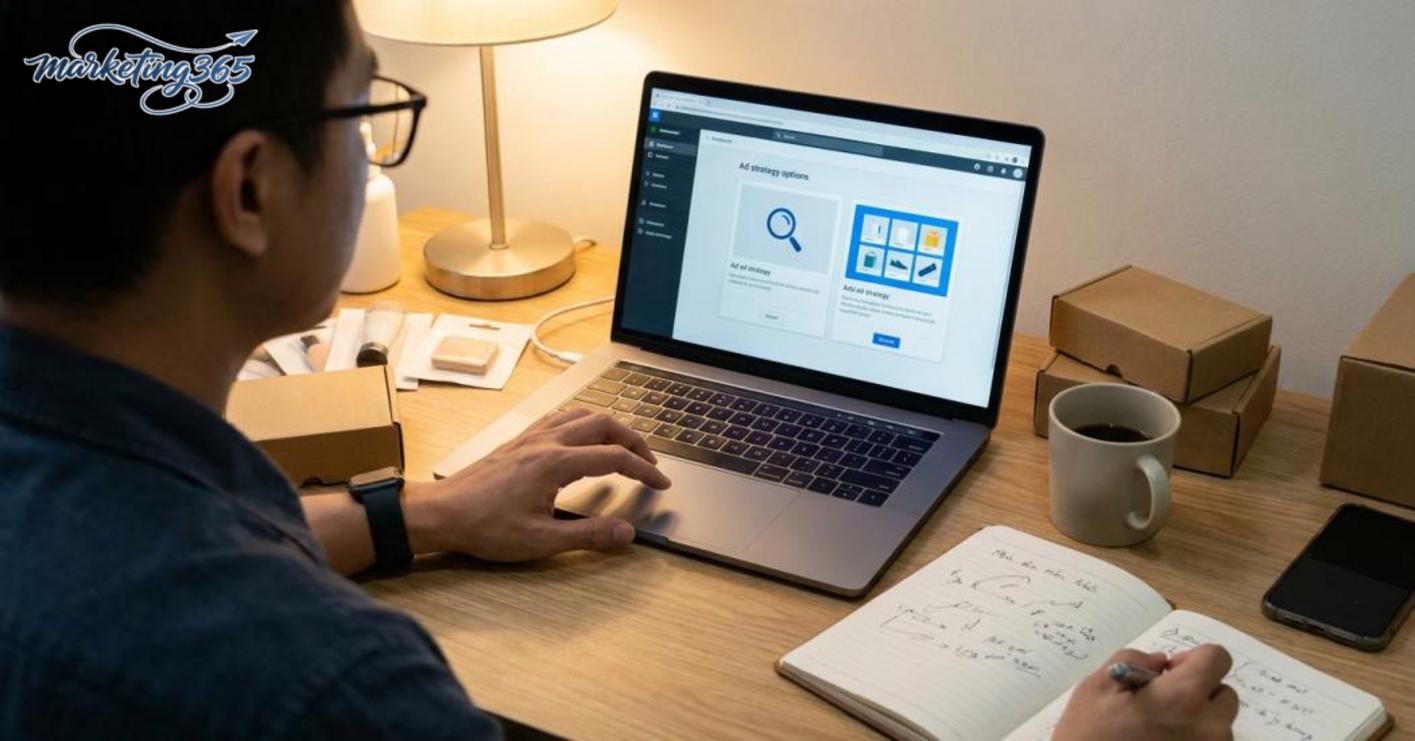
Search ads: use when you need to capture existing demand
Search ads are suitable when buyers have already typed the exact product or need they are looking for. This format is directly tied to Shopee keyword bidding, so you need to choose Shopee Ads keywords that closely match buying intent rather than going too broad.
For example, if you sell an air fryer, keywords with clear purchase intent are usually better than broad descriptive phrases. A quick way to check is by looking at the query: if users are searching for the product name, capacity, version, or a specific need, search ads usually convert more easily. But because competition is high, Shopee Ads bids can rise quickly in hot keyword groups. When starting out, you should separate keywords by how close they are to purchase intent and track which ones get clicks but do not generate additional product views.
Discovery ads: use when you want to expand reach
Shopee discovery ads are suitable when you want to show products to people who have not searched directly but may still be interested. This type is often strong in the audience-expansion stage, helping increase product impressions and test market response to new items.
If the product has little data, the description is not distinctive enough, or you want to reach beyond users with clear intent, Shopee discovery ads are worth testing. However, do not expect immediate conversion like with search ads. This type usually needs time for the system to learn and for users to go through multiple touchpoints before deciding to buy. If the product has weak images, uncompetitive pricing, or an unclear detail page, expanding reach will only increase impressions without driving orders. It is best used when the goal is awareness, testing new products, or adding traffic to Shop Ads.
How to run Shopee Ads step by step on mobile and desktop
How to run Shopee Ads step by step on mobile and desktop means going into the ad section, selecting a product, creating an ad group, entering keywords or placements, setting a budget, adjusting the bid, and checking everything before saving. If you follow the sequence correctly, you avoid choosing the wrong product, misaligning the goal, or turning on a campaign before the settings match.
Basic campaign setup steps
Start by going to the ad section in your shop management page, then choose to create a new campaign. Next, select a product with enough stock, clear images, and stable pricing; do not use products that are out of stock or have major price fluctuations, because the campaign will struggle to stay effective.
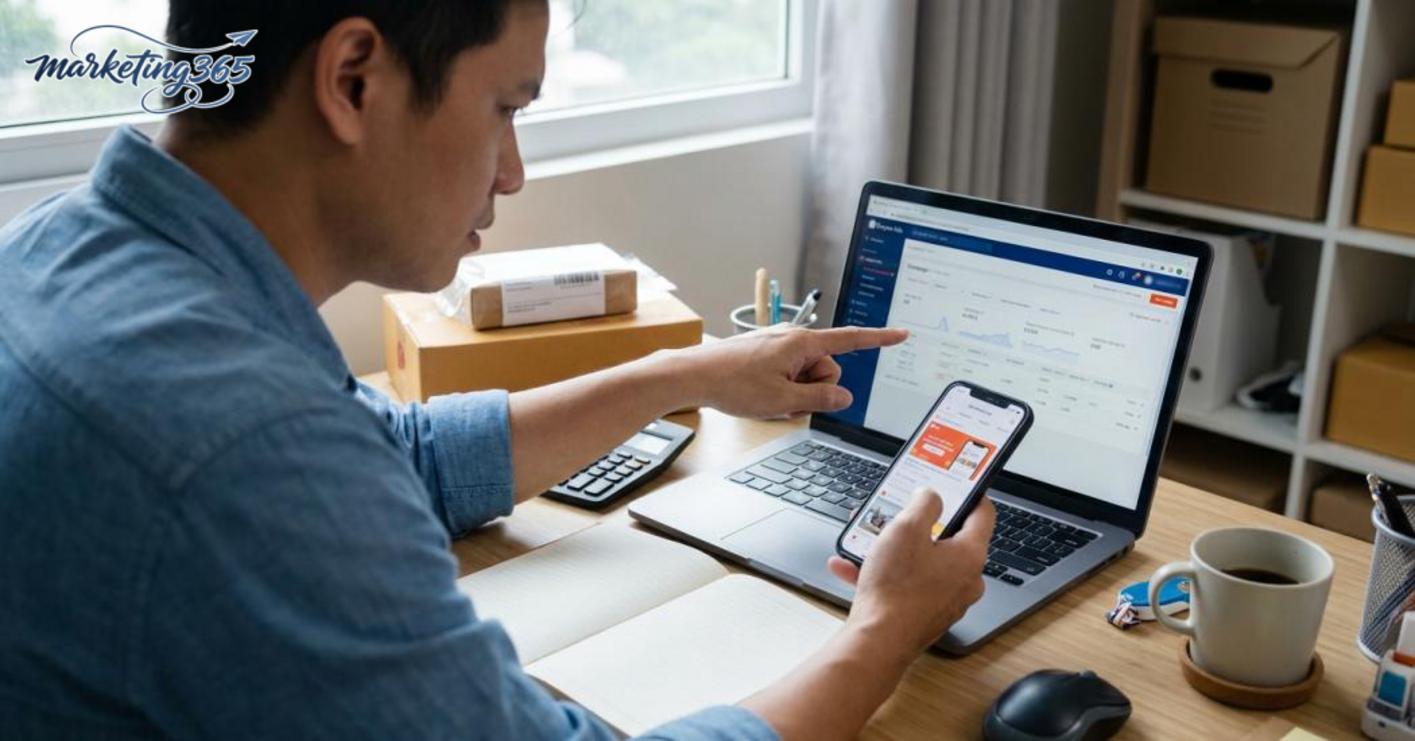
Next, set up the ad group and choose the format that fits your goal. For search ads, enter keywords related to the buyer’s real need; for discovery ads or Shop Ads, check the placement and product content before launching. When setting a Shopee Ads budget, choose a level that gives the campaign enough data, then adjust the Shopee Ads bid according to your category’s competitive landscape rather than pushing it too high from the start.
Pre-save checklist:
- The campaign and ad group names are easy to distinguish.
- The product is the correct SKU or variation.
- The keywords are not overly repetitive in meaning.
- The daily budget and bid match the goal.
- The campaign status is actually ready to run.
Differences between running ads on mobile and on desktop
Running Shopee ads on mobile is suitable when you need to quickly launch, pause, resume, or adjust a few basic settings. The interface is simpler, but it is easier to miss details if you need to compare multiple ad groups at once.
Running Shopee ads on desktop is more convenient when you need to set up Shopee Ads more carefully, especially when managing multiple products, checking keyword tables, and comparing metrics across campaigns. If you need to edit in bulk, review daily reports, or recheck ad group structure, desktop is usually less error-prone. For a new shop, it is best to create campaigns on desktop and use mobile to monitor and quickly turn things on or off when needed.
Shopee keyword bidding and how to set bids without wasting money
Effective Shopee keyword bidding means choosing the right keywords with clear purchase intent, setting a bid high enough to get initial visibility, then adjusting based on click and order data. The goal is to keep costs under control, not to bid aggressively from the beginning.
How to choose keywords that match the product and buying intent
Prioritize keywords that closely match the product name, product line, use case, and specific need. For example, if you sell “women’s sun-protective jackets,” a long-tail keyword like “loose-fit women’s sun-protective jacket” is usually more relevant than a broad keyword like “women’s jacket.” The closer the keyword is to purchase intent, the easier it is for Shopee ads to generate quality clicks.
Read more: How to Take Attractive Product Photos with a Phone
Read more: How to Handle Negative Shopee Reviews Effectively
When grouping keywords, separate them into 3 levels: main keywords, long-tail keywords, and context-related keywords. Keep groups with clearly defined needs, and drop groups that only have high search volume but are too broad. A keyword set that is too broad often brings many clicks but few orders, causing Shopee Ads bids to rise quickly.
Keep this checklist:
- It matches the exact type of product you are selling.
- It includes the use case, material, gender, size, or usage situation.
- It has better click or add-to-cart history than average.
When to increase, decrease, or remove keywords
Increase the bid when a keyword gets steady clicks, consistent impressions, but limited placement, and already has orders or strong cart signals. Lower the bid when costs keep rising without orders, or when the click-through rate is low even though search volume is steady. Remove a keyword when it brings irrelevant clicks, does not match the product, or consumes budget without any buying signal.
Adjustments should follow this order: filter keywords first, then change the bid, and only after that change the budget. If you change too many variables at once, it becomes hard to know whether the issue is the keyword or the bid level.
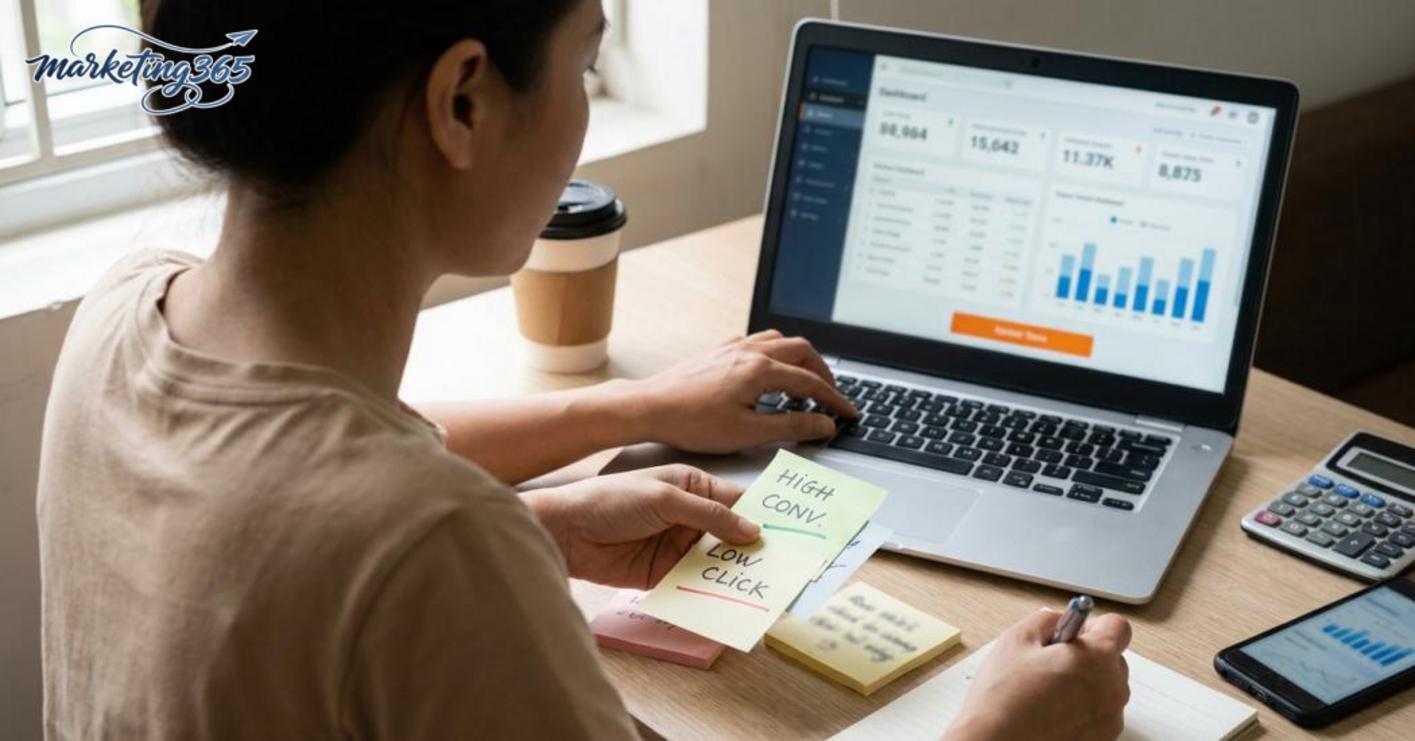
For example, in Shopee Ads campaign optimization, a group with 20 clicks and no add-to-carts should have its bid reduced first, not its budget increased. On the other hand, a group with steady orders but weak visibility can have its Shopee Ads bid raised slightly to maintain competitive placement.
How to optimize Shopee Ads costs after launch
Optimizing Shopee Ads costs after launch means reading the data once the campaign has clicks, orders, and spend, so you can cut losses in the right place, keep what is working, and fix what is hurting conversion. The goal is to reduce ad cost while maintaining campaign performance.
Which metrics to track first
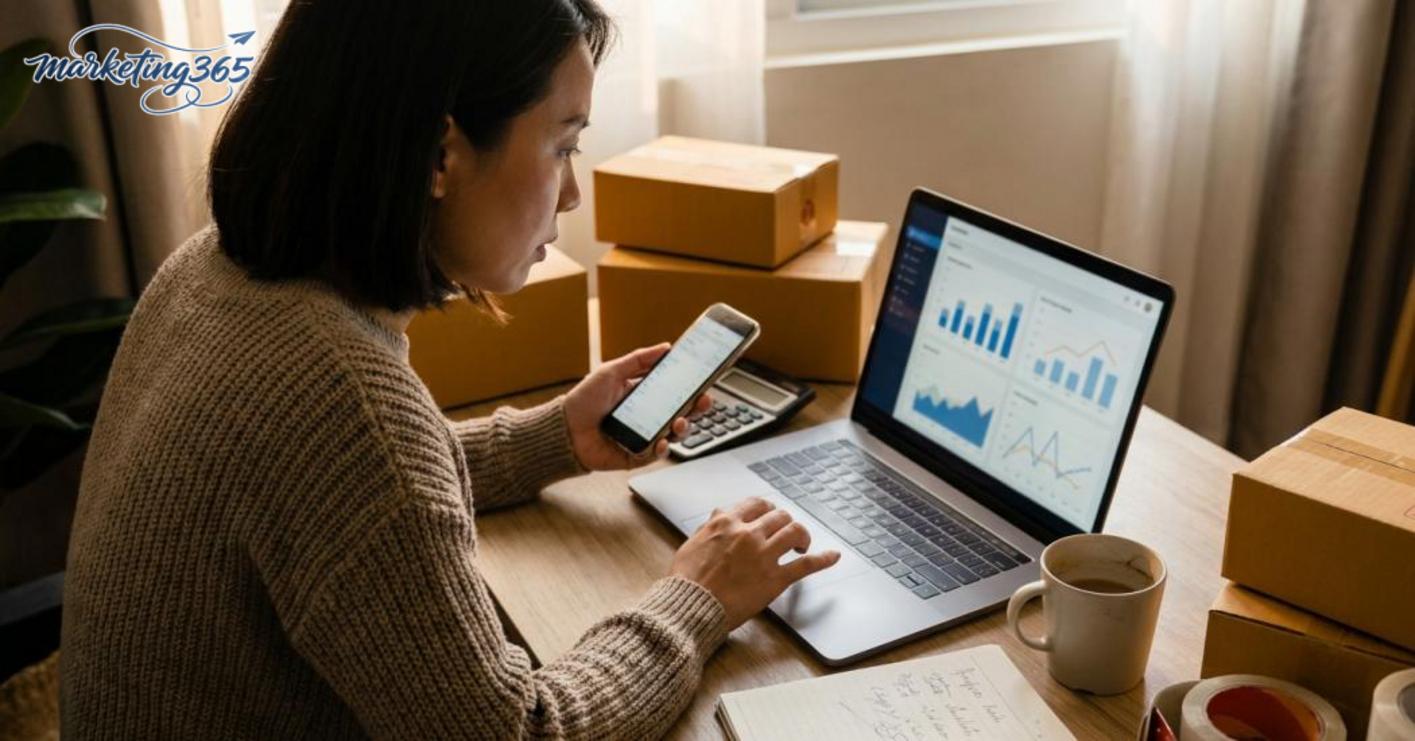
Prioritize reading metrics in groups, not one number at a time. A useful ad report usually needs four layers: clicks, cost, orders, and conversion rate. If clicks rise but orders stay flat, the issue is conversion or product relevance. If costs rise faster than orders, you need to review the Shopee Ads bid and whether the budget is being spent in the wrong place.
When reviewing, follow this order:
- Compare cost against the number of orders for each campaign.
- Check the conversion rate of each product or keyword group.
- Separate the parts that spend quickly but do not generate orders.
- Keep the groups that generate steady orders, even if they are not the cheapest.
With how to run Shopee Ads, a group with fewer clicks but steady orders is often worth keeping more than a group that drives many clicks but does not sell. That is the signal to optimize a Shopee Ads campaign based on real performance, not intuition.
How to handle a campaign that spends money but does not convert
A campaign that spends money but does not convert usually comes from two causes: the ads are targeting the wrong keywords, or the sales page is not persuasive enough to close the sale. The right fix is to check the chain from product to bid, then decide whether to cut or keep it.
Do these 5 steps in order:
- Check whether the product has clear pricing, images, descriptions, and variations; if the listing is weak, optimize conversion first.
- Check whether the keywords being used in Shopee keyword bidding actually match buying intent.
- Lower the bid if there are many clicks but no orders, especially in fast-spending groups.
- Reduce the budget or pause underperforming groups to avoid burning ad spend.
- Recheck the audience and the sales page; if the right people are coming in but still not buying, the issue is the product, not the ads.
The most effective way to cut losses is to stop the bad parts quickly, keep the good parts long enough to gather more data, and then expand.
Common mistakes when running Shopee ads and how to avoid them
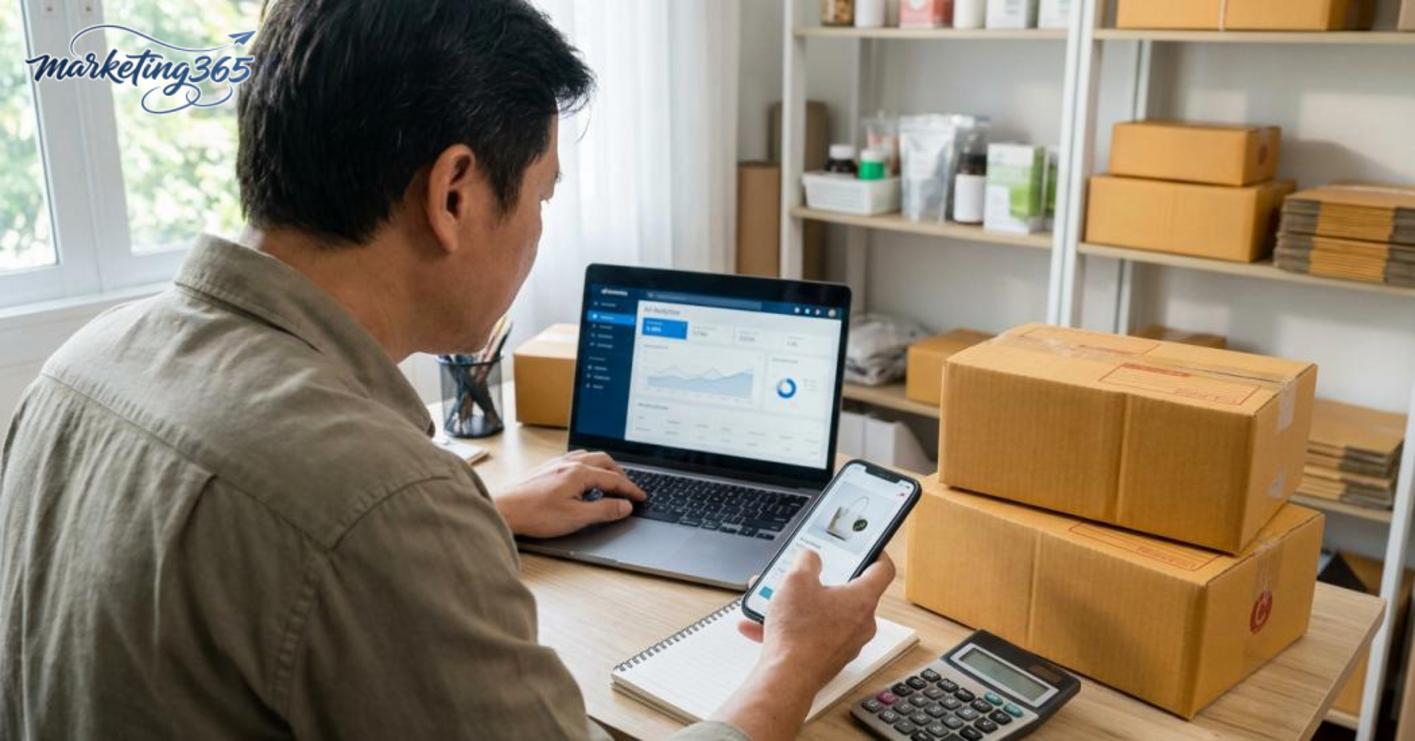
Common mistakes when running Shopee ads usually come from setup, keyword selection, and product page quality. To fix them properly, check in this order: keywords, bids, then the listing and inventory. If a campaign already has clicks but no orders, do not increase the budget right away. First determine whether the problem is in the ad or on the sales page.
Keyword and bid mistakes
Keywords that are too broad or bids that are misaligned with the goal often make how to run Shopee Ads expensive in clicks but weak in orders. For example, keyword groups like “T-shirt” or “lipstick” can attract many clicks from people just browsing prices, not people ready to buy. A clear sign is when the campaign gets its first 20–50 clicks but no add-to-carts or orders.
To avoid this mistake, follow 3 clear steps:
- Split keywords by buying intent, including broad keywords, comparison keywords, and closing keywords.
- After 3–5 days, if a group only has clicks and no conversions, lower the bid first.
- Only keep keyword groups that generate orders or clear add-to-cart signals before increasing the budget.
If a group has been running for several days and CPC keeps rising while orders stay at zero, stop expanding that group. For small shops, keeping budget for groups with good signals is usually more effective than putting more money into groups that have not converted.
Product and sales page mistakes
A weak product page will make Shopee Ads underperform even if the setup is correct. Blurry images, prices above the market, missing description details, and variations that frequently go out of stock all reduce conversion rate. For many shops, simply improving the product page makes a noticeable difference.
The fix should be done in 4 steps:
- Replace the main image with one that clearly shows the product and looks good on a phone screen.
- Write the first 2–3 lines of the description to highlight the main benefits, materials, or differentiators.
- Check stock for each variation before increasing the budget.
- Compare pricing with 3–5 competitors in the same category to avoid being too far off.
For example, a product with 30 clicks but where visitors leave quickly is not necessarily a sign that the ad is completely wrong. A common issue is that the product page is not clear enough for buyers to trust it and place an order. If you fix the main image and pricing first, conversion rate often improves more easily than constantly changing keywords.
When to do it yourself and when to consider professional support
Doing how to run shopee ads yourself is suitable when the account is still simple, the budget is small, and the goal is only to learn the basics of operation. For a new shop, one or two product groups, and a test budget of around 100,000–300,000 VND per day, you can create campaigns yourself, monitor bids, adjust budgets, and read stop-loss signals, as long as you change only one variable at a time.
When campaigns start involving multiple product groups, multiple goals at once, or coordination with a broader sales plan, support from someone experienced in Shopee advertising can help reduce campaign management mistakes. If you need to manage 3–5 campaigns, a budget larger than what is easy to track, or you have already optimized 2–3 rounds and ROAS is still fluctuating heavily, it is worth considering deeper support rather than trying to handle everything alone for too long.
Signs that you need support
Signs that you need support appear when costs rise quickly and you do not know why, the reporting data is hard to read, or you are running many campaigns but cannot control the budget. A common example is CPC rising continuously after changing the bid twice in the same day without recording any changes.
Quick checklist:
- You have changed the Shopee Ads bid many times but cannot identify the impact.
- You have many ad groups but do not know which one is consuming the budget.
- You need to optimize costs while still maintaining order volume.
- You do not have enough time to review performance daily.
If you want to keep optimizing on your own, what habits should you maintain?
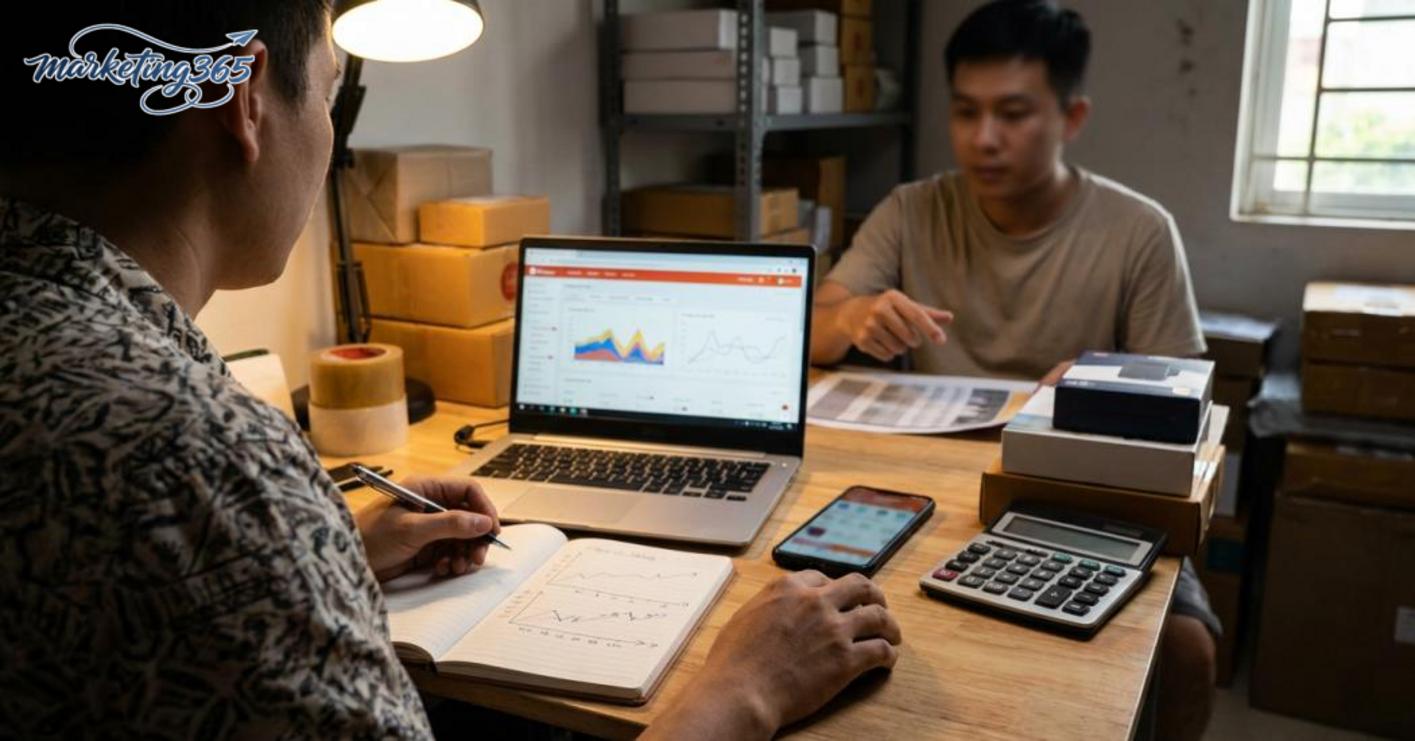
If you want to keep optimizing on your own, set a fixed performance review schedule and record every change after each adjustment. With Shopee Ads campaign optimization, the safe rule is to change only one variable at a time, for example only the budget or only the bid, then wait for enough data before drawing conclusions.
Habits to keep:
- Review campaigns on a fixed schedule, not by making constant changes throughout the day.
- Record the budget, bid, and product group before making changes.
- Compare before and after within the same time period to avoid misreading signals.
- Only scale when the running group is stable and Shopee ad tracking has enough clear data.
For the latest official guidance, you can also refer to Google Ads Help.
Related articles
- Effective Free Shipping Strategy for Online Shops
- How to Link TikTok Shop with a Personal TikTok Account
- How to Handle Negative Shopee Reviews Effectively
You can also find more hands-on marketing guides at https://marketing365.vn.
Content from marketing365 is created for SMEs, online shop owners, and new marketers.
You can read more articles on the same topic in the Ecommerce Marketing category.



