
Contents
- What free link shorteners are and when to use them
- Criteria for choosing the best free link shortener tool
- Free link shorteners worth considering by need
- How to shorten links safely and use them correctly in practice
- Optimizing shortened links for marketing, QR, and multi-channel use
- Frequently asked questions about the best free link shortener tools
When you need to share a link on Facebook, Zalo, TikTok, or in email, a long URL often makes the content cluttered and harder to track. The best free link shortener tools help you shorten URLs, check click counts, add QR codes, or create memorable names depending on your purpose. For shop owners, marketers, or fanpage admins, what matters is not only shortening quickly but also safety when clicking, entering data, and checking whether there are ads. This section helps you assess your needs, identify risks, and choose the right approach for each channel.
What free link shorteners are and when to use them
The best free link shortener tools are services that turn a long URL into a shorter, easier-to-share link and often include basic click statistics. This is useful when you need to send links on social media, profile bios, email, QR codes, or ads with character limits.

How shortened links work
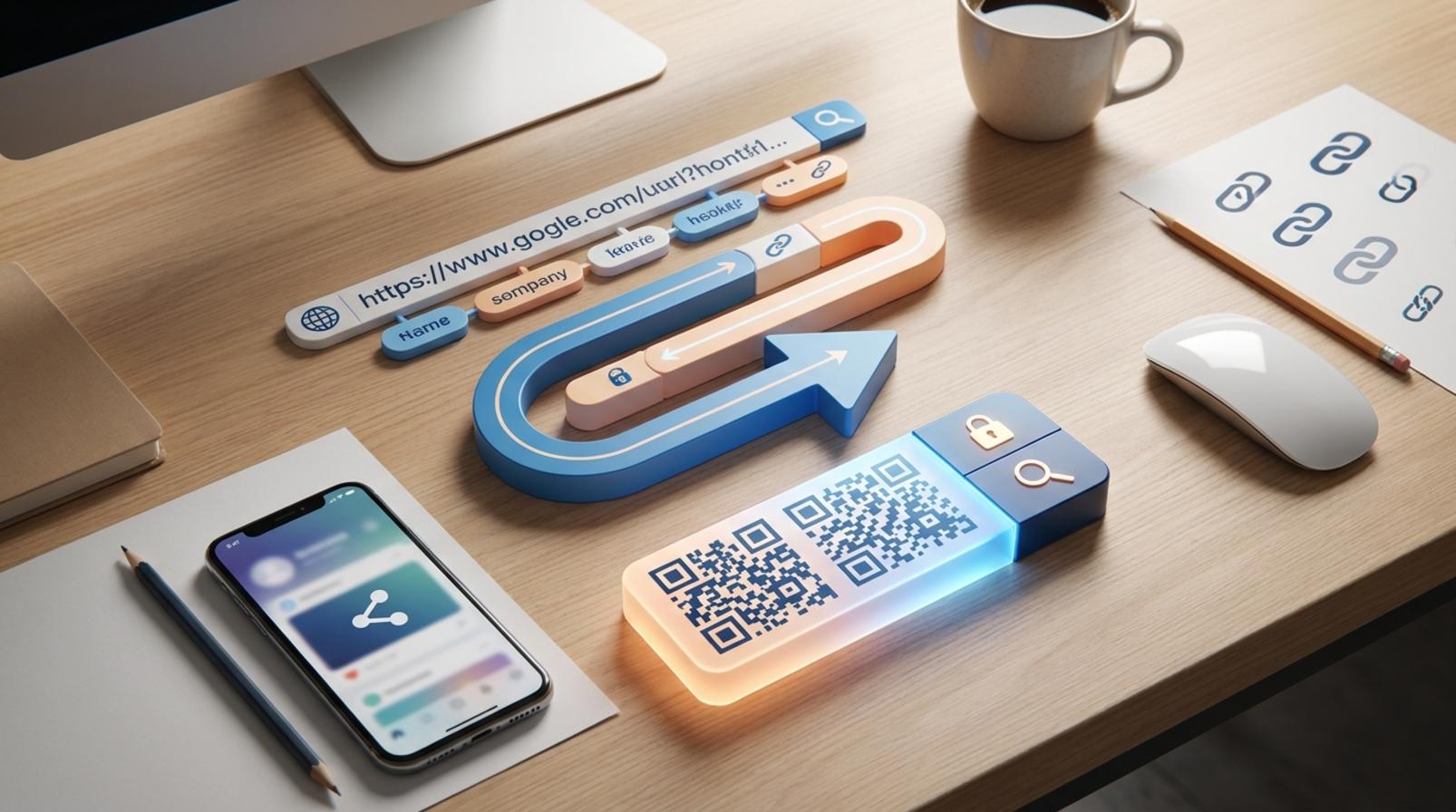
A shortened link simply acts as a redirect: users click the short link, and the system sends them to the original URL already attached. So the main benefits are brevity, memorability, and measurability, not making the destination itself safer.
For example, when you paste a very long product link on Facebook, Zalo, or TikTok, a short link looks cleaner and is less likely to display incorrectly. If you use it on flyers, a QR code from a shortened link is also easier to create and fits the layout better. But with unfamiliar links, you should still preview the destination; a short link can hide the real page.
When to shorten a link and when to keep the original
You should shorten a link when it is too long, when you need to add UTM parameters, when you need marketing link tracking, or when you need to create a free QR code link for multiple channels. For social content, shortening links for Facebook, Zalo, and TikTok makes posts cleaner and click tracking easier.
You should keep the original link when absolute transparency is required, such as in internal groups, review documents, or places where the recipient needs to clearly see the destination before opening it. If a platform is likely to block links or users are wary of shortened URLs, using the original link is often safer. A best free link shortener website today is one that offers free click statistics and also allows custom domains when needed.
Criteria for choosing the best free link shortener tool
A best free link shortener tool must balance stability, tracking capability, and control over the destination link. If you choose poorly, you may end up with slow links, inserted ads, no click data, or a tool that is not suitable for long-term use on Facebook, Zalo, or TikTok.

7-point checklist to review before choosing
A good URL shortener website today should pass 7 basic criteria before being used for work. First, check whether the link inserts intrusive ads; if it does, remove it immediately for campaigns that need a clean experience. Next, see whether it offers free click statistics, because without data it is very hard to know which channel is performing well.
Quick checklist:
- The link opens directly, without inserting an intermediate page that is hard to control.
- It offers free click views and time-based tracking.
- It allows slug or domain changes if you need custom-domain link shortening for free.
- It can generate QR codes or export code for offline use.
- Redirect speed is fast, with no interruptions on mobile.
- The interface is easy to use on a phone, especially when you need to act quickly.
- It has a clear data retention policy and can be used long term.
When you need to post for a fanpage or send a message, a mobile link shortener app should let you create, edit, and recheck a link in just a few steps. If it takes too many steps, you are more likely to skip the destination check or paste the wrong link.
Signs you should avoid a link shortener
A link shortener without ads can still be poor if it is slow, lacks transparency, or makes data hard to control. The first warning sign is when the link inserts ads or redirects through a strange page, because recipients may leave before reaching the destination.
You should avoid it immediately when you see these signs:
- No click statistics, or only very basic display.
- A cluttered interface that makes it hard to find an old slug after creating a link.
- Slow redirects, especially on 4G or mobile browsers.
- No clear explanation of whether access data is stored.
- Not optimized for safe link shortener use on mobile devices.
A common example is when you need to shorten a link for Facebook, but the link opens slowly on a phone and there is no way to edit the destination after you discover an error. In cases like this, switch to a tool that tracks clicks, supports QR codes, and offers clearer link management.
Free link shorteners worth considering by need
Free link shorteners worth considering should be chosen by use case, not just by familiar names. If you need to create links quickly, prioritize tools with fewer steps and a cleaner interface. If you need click measurement, choose one with clear statistics and tidy link management.
Easy-to-use tools for beginners
For shop owners, fanpage admins, or anyone who needs to send a link urgently on a phone, simple tools are always more valuable than complex features. A suitable free URL shortener usually lets you paste a URL, click shorten, and copy it right away without requiring login from the start.
- Suitable when you need to create links for Zalo, Facebook, or internal messages.
- Choose an interface with few steps, no distracting ads, and fast mobile operation.
- If you only need to share a clean link, this is a safe group to start with.
In this group, TinyURL is often chosen because it is quick to use, while similar tools suit beginners who only need to handle occasional links. What matters is how fast the link is created and whether it distracts users, especially when you need to do it many times a day.
Tools suited for marketers who need click tracking
If your goal is marketing link tracking, a tool with free click statistics is more useful than one that only shortens links. When running campaigns, you need to know which links are clicked, which sources perform well, and when engagement happens, even if free measurement is usually only basic.

- Use it when attaching links to posts, QR codes, emails, or small campaigns.
- Check whether it has at least a basic click data table.
- Do not confuse basic statistics with a full campaign measurement system.
This group suits content creators or people managing multiple channels, because consolidating links in one place makes tracking easier. If you do not need data, do not choose a management-heavy tool, as it will cost more time than it saves.
Read more: Free Infographic Maker Tools: How to Choose
Read more: Free Email Marketing Tools for Beginners
Bitly vs. TinyURL in real-world situations
Bitly and TinyURL are both familiar options, but they serve different needs. When you need to shorten a Bitly link for free to manage better, view statistics, and organize links by campaign, Bitly is often the better fit. When you just need to quickly create a clean link to send to a customer or post temporarily, TinyURL is simpler and requires fewer steps.
| Need | Bitly | TinyURL |
|---|---|---|
| Need click tracking | Better fit | More limited |
| Need to create links quickly | Okay | Better fit |
| Need to manage many links | Better | Simpler |
| Need fewer steps | Average | Good |
If you are deciding between Bitly and TinyURL, choose based on whether you need management or just shortening. For those who need a free, ad-free link shortener website with a clean workflow, TinyURL is often easier to start with; for marketing teams, Bitly is worth considering when clicks and link structure matter.
How to shorten links safely and use them correctly in practice
How to shorten links safely and use them correctly in practice is a pre-sharing verification process, not just clicking to create a short link. Doing it right from the start helps avoid pasting the wrong URL, reduces the risk of damaging channel credibility, and makes it easier to track the performance of each click source.
A 5-step process to create a short link without mistakes
Step 1 is to copy the correct original link and open it in a new tab to make sure the destination works normally. Step 2 is to create the short link on a free link shortener website with the features you need, such as click statistics or campaign naming. Step 3 is to click it immediately after creation to check the destination page, mobile layout, and loading speed. Step 4 is to save the link by purpose, for example: ads, bio, inbox, or internal sharing. Step 5 is, if you need performance measurement, add UTM parameters before shortening so you know which source brings clicks.
Checklist before publishing the link:
- The original link opens the correct page.
- The short link redirects to the correct destination.
- The saved name matches the campaign.
- There is a note for the channel used, such as Facebook, Zalo, or TikTok.
- Do not edit the link after it has been distributed.
Common mistakes when using shortened links
The most common mistake is pasting the wrong URL, causing the link to lead to a different page or return an error. Another mistake is forgetting to check the destination after creating the link, so by the time you post it, you discover the page structure has changed or the page has expired.

Users also tend to choose names that are too generic, making it hard to remember later which campaign the link was for. With an ad-free link shortener tool, you should still save the traffic source and usage purpose, because without data it is very difficult to assess which channel is effective.
When sharing, you need to consider where it will be posted. Shortened links for Facebook, Zalo, and TikTok should be paired with clear content to avoid being mistaken for spam. If the link is for verification or tracking, follow the safe link shortener workflow: check the destination, test on a phone, then publish it publicly.
Optimizing shortened links for marketing, QR, and multi-channel use
Shortened links help keep layouts clean, measure clicks more clearly, and roll out consistently across multiple channels. When doing marketing, use short links for QR codes, bios, captions, emails, and printed materials to reduce formatting errors and compare performance by traffic source.

Using shortened links for QR and offline channels
Short links make QR codes cleaner, easier to scan, and easier to print on posters, standees, flyers, or packaging. The longer the URL, the denser the QR code, and the harder it is to scan when printed small, misaligned, or placed in low light. For free QR code link shortening needs, the safe approach is to generate the code, scan it with two different phones, and only then place it in the final print version. If the QR leads to a promotion page or registration form, open it again on both Wi‑Fi and 4G to check that the path is correct and loads reliably.
Using shortened links on social media to avoid layout issues
Shortened links for Facebook, Zalo, and TikTok make captions, bios, and pinned comments cleaner, avoiding a cluttered or spammy look. A short link with a memorable name looks cleaner in PR posts, broadcast messages, or page introductions. When naming a link, prioritize something tied to the campaign or source, such as the product, category, or channel. Avoid long, hard-to-read strings, because viewers often skip them as soon as they see a heavy-looking link. If the tool offers free click statistics, separate clicks by channel so you know whether TikTok bios, Facebook pinned posts, or Zalo posts are driving better traffic.
Frequently asked questions about the best free link shortener tools
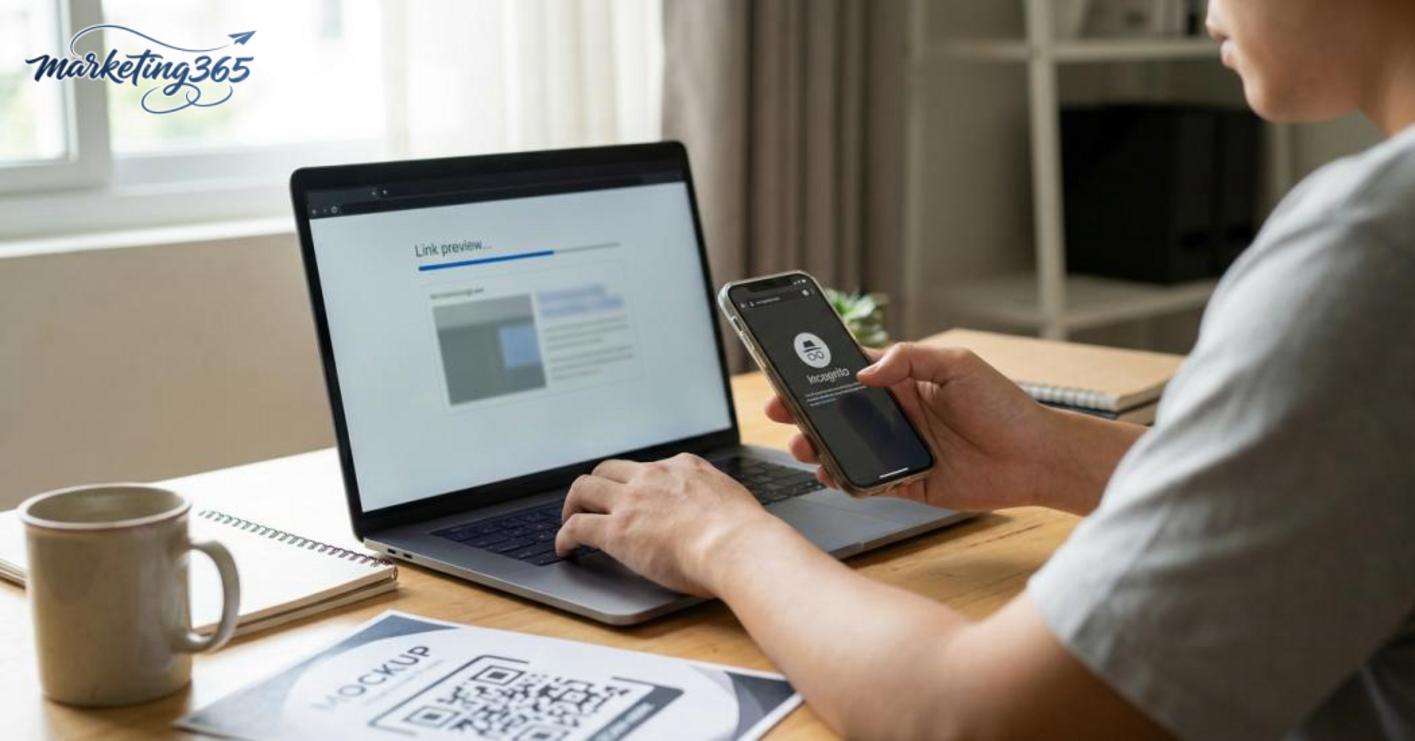
The best free link shortener tools can be safe if you use a site with HTTPS, do not force-install strange extensions, and allow previewing the destination before sharing. For links used on fanpages, Zalo, or TikTok, open them in an incognito browser first to check whether the redirect goes to the correct page.
- Should you use shortened links for every campaign? No. Shortened links are suitable for social posts, messages, QR codes, or places where a concise URL is needed. For nurture emails, partner documents, or content that requires high trust, the original link is sometimes clearer.
- Can you see click statistics with shortened links? Yes, but not every site offers them. If you need performance tracking, choose a link shortener with free click statistics and review at least three metrics: number of clicks, click time, and traffic source if the tool supports it.
- When should you choose an ad-free tool? When you need a clean experience, want to reduce the risk of users clicking the wrong banner, and want to maintain trust with recipients. This is useful for fanpage admins, QR codes placed at points of sale, or links shared in internal groups.
A quick way to check is to look for three signs: destination preview, slug customization, and no redirect to a strange domain. If all three are missing, think carefully before using it for a main campaign. For ongoing operations, the best free link shortener tools are those that are compact, offer enough statistics, and do not make recipients lose trust.
For official and up-to-date guidance, you can also refer to resources from Think with Google.
Related articles
- How to Use Canva to Design Effective Ad Images
- Top Team Task Management Software Worth Considering
- Simple Marketing Image Design Apps for Beginners
You can find more practical marketing guides at https://marketing365.vn.
Content from marketing365 is created for SMEs, online shop owners, and new marketers.
You can also read more articles on the same topic in the Martech Tools category.



