
Contents
- What is closing sales faster via messages, and why do many shops still close slowly?
- Prepare before messaging: the information you need to close faster
- What order should an effective closing message follow?
- Templates for handling hesitant, rejecting, or silent customers
- How to create a sense of scarcity while staying safe for your sales channel
- Differences between closing sales on Facebook, Zalo, Shopee chat, and livestream
- Common mistakes that slow down closing even when you send lots of messages
- Frequently asked questions about how to close sales faster via messages
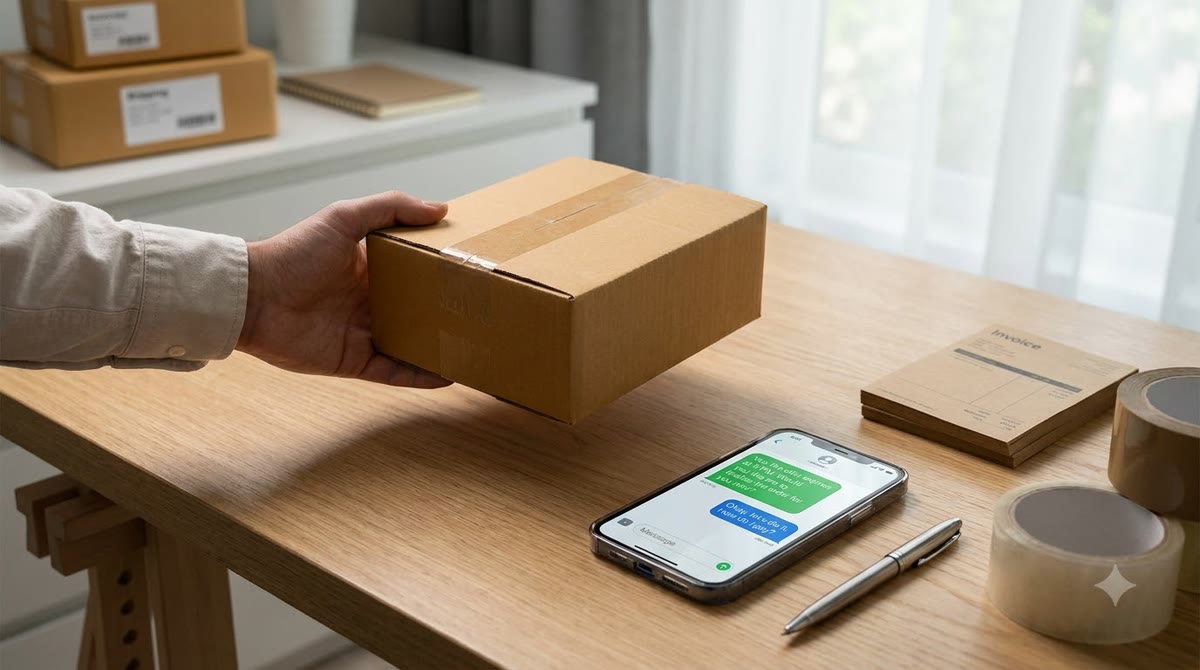
When a customer has just asked for the price but has not decided yet, the speed and clarity of your message determine whether you keep the order or let the customer walk away. How to close sales faster via messages is not about pushing harder, but about recognizing buying signals correctly, keeping your message concise, handling hesitation at the right moment, and politely reminding customers to pay. This article focuses on recognizing the right moment to close, structuring short but complete messages, handling objections or hesitation, and reminding customers to complete payment while keeping goodwill so online sellers can apply it right away.
What is closing sales faster via messages, and why do many shops still close slowly?
How to close sales faster via messages means shortening the customer’s hesitation by asking the right needs-based questions, confirming what is still unclear, and clearly setting the next step. The goal is to help customers decide faster, not to pressure them into paying immediately.
When are messages most likely to close a sale?
Messages work best when the customer has just shown a buying signal. At this point, how to close sales faster via messages should follow this rhythm: answer the question accurately, provide the deciding information, and close the next step.
Priority “hot spots”:
- After the customer asks for the price.
- After the customer has just viewed a promotion.
- When the customer asks to compare products.
- After the customer interacts with a livestream.
- When the customer abandons the cart without paying.
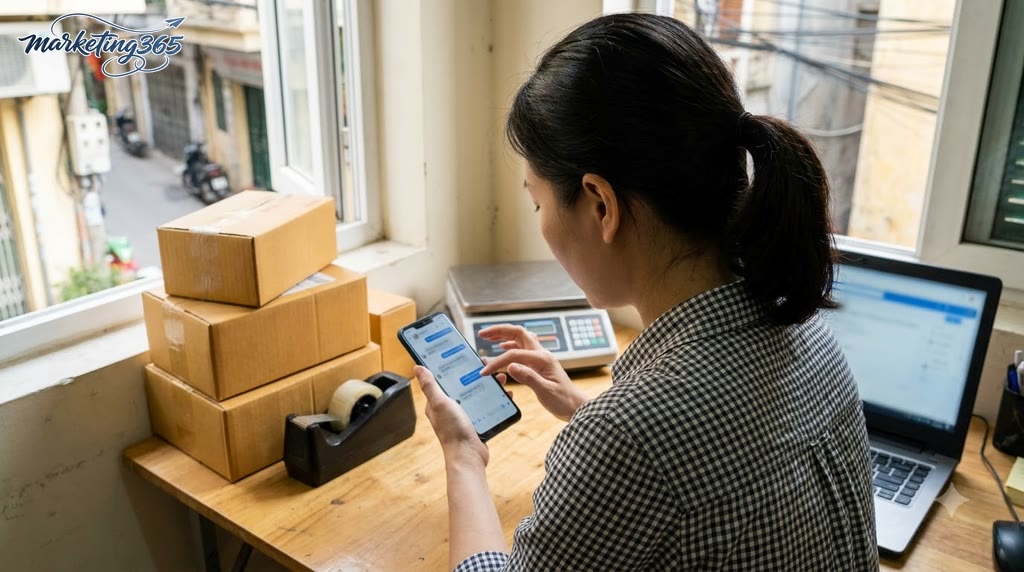
For example, if a customer just asks, “Do you still have size M?” don’t send a long paragraph introducing the shop. Answer directly, then ask one short question to confirm the need. For customers who have just watched a livestream, an online order-closing message should mention the exact product they viewed and clearly suggest the ordering step.
Why do customers read the message but still not close?
When customers read the message but still do not close, it is usually because one detail is still missing for them to decide. The issue lies in the content of the reply, not just in response speed.
Common bottlenecks:
- Missing key information such as shipping fees, returns, or delivery time.
- Replies are too long, forcing customers to filter the meaning themselves.
- No clear next step, so the conversation stalls.
- Asking for the purchase too early while the customer is still undecided.
- Not addressing reassurance around payment or after-sales support.
In handling objections when closing via messages, a short line like “I’ll hold this item for you, do you need another size or color?” is often more effective than a long introduction. That sentence both confirms the need and opens the way for a more natural chat-based close.
Prepare before messaging: the information you need to close faster
Preparing before messaging is the step that helps how to close sales faster via messages run more smoothly, because the seller already has the data needed to reply immediately instead of searching for information while chatting. During a shift or before a livestream, missing even one piece such as shipping fees, stock, or return policy can easily break the flow, make the customer wait too long, and cause them to leave.
A 7-item checklist you must have before replying to customers
The closing checklist should be right in front of your screen or in a shared team note file. Having just these 7 items is enough to save a lot of handling time:
- Final price after all current promotions.
- Shipping fee by region or carrier.
- Estimated delivery time.
- Return and warranty policy, if any.
- Stock by color, size, or version.
- Product differentiators for comparison questions.
- Payment method and order confirmation steps.
If the customer asks at the right moment but you are still looking up a color code or checking stock for each variant, your reply will be interrupted. A shop selling accessories often only needs one wrong line about size or color to have to correct itself, which easily makes the customer hesitate further.
How to organize reply templates so you don’t slow down
Online order-closing message templates should be grouped by situation, not kept as one long paragraph that you edit word by word. For chat-based closing scenarios, prepare response frames for: price inquiries, shipping fee questions, product use questions, comparison questions, promotion questions, and payment questions.

The fastest way is to create a ready-made library of short replies in notes or message templates. When customers ask, just choose the right frame and fill in variables such as color, size, shipping fee, or delivery time. The way you advise and close sales on Zalo/Facebook Messenger will feel more natural because you are responding to the core point instead of typing from scratch.
Small tip: each template should have only 2 parts, a short answer and a soft close. That way, when customers are still undecided, the seller keeps the conversation moving without slowing down.
What order should an effective closing message follow?
Read more: Instacart, Walmart, and E.l.f. show that content must close sales more clearly
An effective closing message usually follows 4 layers: confirm the need, clarify what is still unclear, suggest an option, and close the next step. With how to close sales faster via messages, the goal is to help customers read quickly on their phones, immediately understand what they are being advised on, and only need to reply one more step.
How should you open a message so the customer keeps reading?
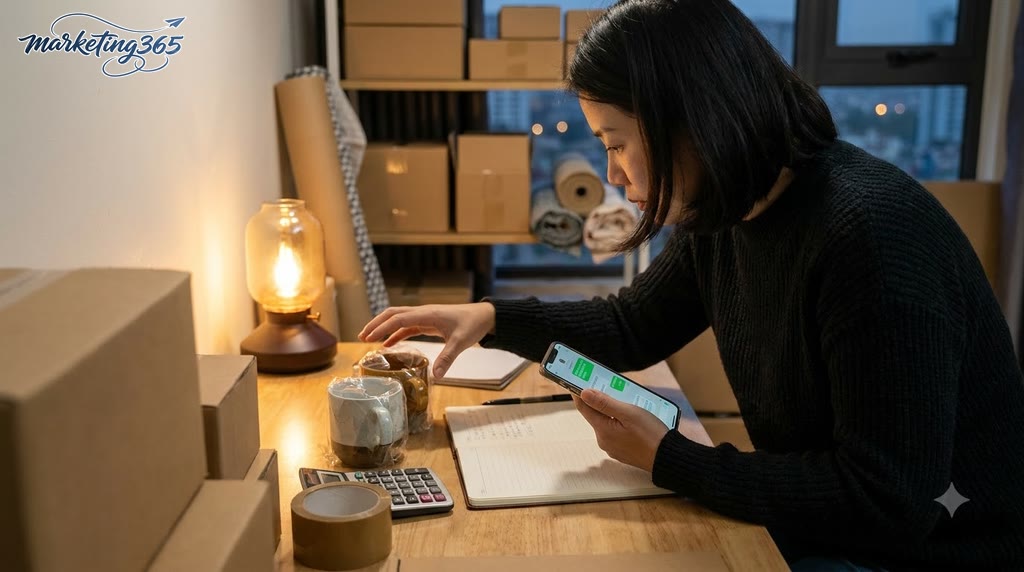
The best opening is to mention the exact need the customer just stated in one short sentence. The opening should confirm the product, color, size, quantity, or issue the customer needs, then ask a follow-up question; this makes the closing message feel more like online sales consultation than a sales push.
For example, if a customer asks about a size M shirt, don’t open with “Hi, let me give you the price.” Write: “I see you’re looking at the loose-fit shirt in size M; could you confirm whether you want white or blue?” This creates the feeling that you are handling the right need, not forcing the customer to read a long paragraph. On Facebook chat or Zalo, the shorter the opening, the easier it is to keep the conversation flowing.
Opening checklist:
- Mention the exact item the customer just showed interest in.
- Confirm one specific detail to avoid confusion.
- Cut down on long greetings, heavy emoji use, and empty phrases.
What should you include right away so the customer can decide quickly?
The deciding part should immediately include the final price, standout benefits, and the clearest differentiator. When writing a price quote and fast-closing message, customers need to see what they get, how long it takes to order, and why they should choose this option instead of continuing to hesitate.
A chat-based closing message is often more effective if it has 3 points in order: final price, main benefit, and how to order. For example: “This item is 249,000 VND, including a mini gift; it’s in stock, and if you confirm today I can place the order in 1 minute; just send your name, phone number, and address.” If there is a real promotion such as free shipping under certain conditions or a price hold until the end of the day, say it briefly and clearly. Don’t use vague wording, because customers will ask again immediately.
How should the closing line be phrased so it doesn’t feel annoying?
The closing line should give customers two simple choices instead of pressuring them to close immediately. An effective inbox closing line often asks something like “Would you like color A or B?” or “Should I place the order for home delivery or office delivery?”, then confirms the shipping information as soon as the customer replies.
A closing conversation template for customers who are still undecided should end with a clear next step: “If you confirm, I’ll send the order form; if you need to compare more, I’ll send real photos and specifications.” This keeps the tone soft and works for both chat-based sales closing and consultation on e-commerce platforms. When the customer is already leaning toward buying, don’t drag it out; one short confirmation is enough to move to the ordering step.
Templates for handling hesitant, rejecting, or silent customers
Customers who are hesitant, rejecting, or silent usually need a short response that addresses the exact concern without pressure. With how to close sales faster via messages, the goal is to remove barriers so customers can return to the decision themselves, not to send repeated messages or force a close.
What should you say when a customer says, “I’ll take a look first”?
This means the customer does not yet have enough information to close, so the best response is to open the path rather than push. Send 1–2 pieces of information that address the exact concern, then ask one short question to identify what they need to compare.
A closing conversation template for hesitant customers can follow 3 steps:
- Gentle confirmation: “Of course, please take your time and check carefully.”
- Add the deciding point: material, returns, delivery time, or usage.
- Soft close: “If you’d like, I can send more real photos or compare the 2 models right away.”
For example, if a customer asks about a shirt and says they’ll look more, don’t keep messaging repeatedly. Just send one real photo, one differentiating point, and one question: “Are you deciding between color or size?” This keeps the rhythm much more natural than a reminder message about an unpaid order.
How do you respond when a customer compares your price with another place?
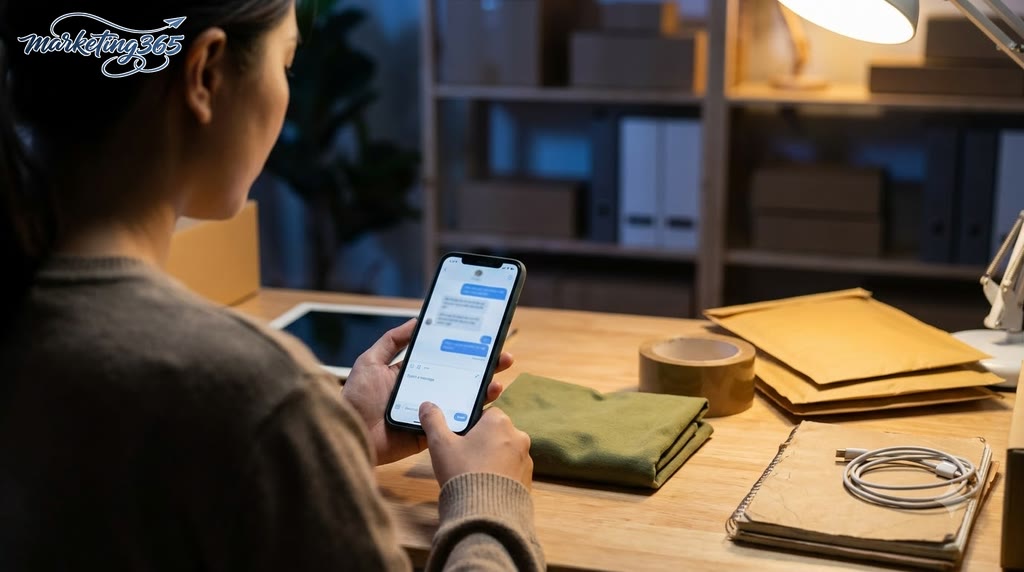
When customers compare prices, don’t argue about being cheaper; compare the value they receive. The way to advise and close sales on Zalo/Facebook Messenger effectively is to clearly state the difference in quality, commitment, return policy, or processing speed.
You can reply using this short framework:
- “Yes, our price may be a bit higher because of [differentiator].”
- “If you prioritize the lowest price, you should choose the option that fits your budget.”
- “If you want more stability, I can send you a quick comparison of the 2 main points.”
Read more: How to Optimize Order Cancellation Rates Effectively for Online Shops
In online sales consultation, automatic sales closing via messages only works when the reply content does not put down competitors and does not lower the price too early. If the customer only wants the cheapest option, accept that they may keep comparing.
If a customer goes silent after asking for the price, should you follow up?
Yes, but only follow up once at the right time and with the right purpose. For customers who have seen the price and then gone silent, the next message should be a short reminder that removes the obstacle and gives them an easy way out.
Safe follow-up checklist:
- Wait a reasonable amount of time; don’t message immediately after sending the price.
- Keep it short: mention the product again and ask whether they still have any concerns.
- Do not use pressure-filled lines like “please confirm for me.”
- If the customer still stays silent, stop messaging to avoid being off-putting.
For example: “I’m sending back the item you looked at yesterday. If you need help checking the size or confirming shipping fees, I’m here to help right away.” This is the kind of reminder message for an unpaid order that feels light, keeps the door open, and does not make the customer feel chased.
How to create a sense of scarcity while staying safe for your sales channel
A sense of scarcity is safest when it is based on real quantities, time limits, or gift quotas that can be verified. With how to close sales faster via messages, the goal is to create motivation to close sooner without making customers feel pressured or deceived.
When should you mention a time-limited promotion?
A time-limited promotion should be mentioned when the deadline has already been confirmed in advance and someone is responsible for updating it. For example, a Shopee Live shop can close with “promo price until 22:00” during a 19:30–22:00 livestream, or the CS team can clearly note “30 gift sets left” in the order-tracking Google Sheet.
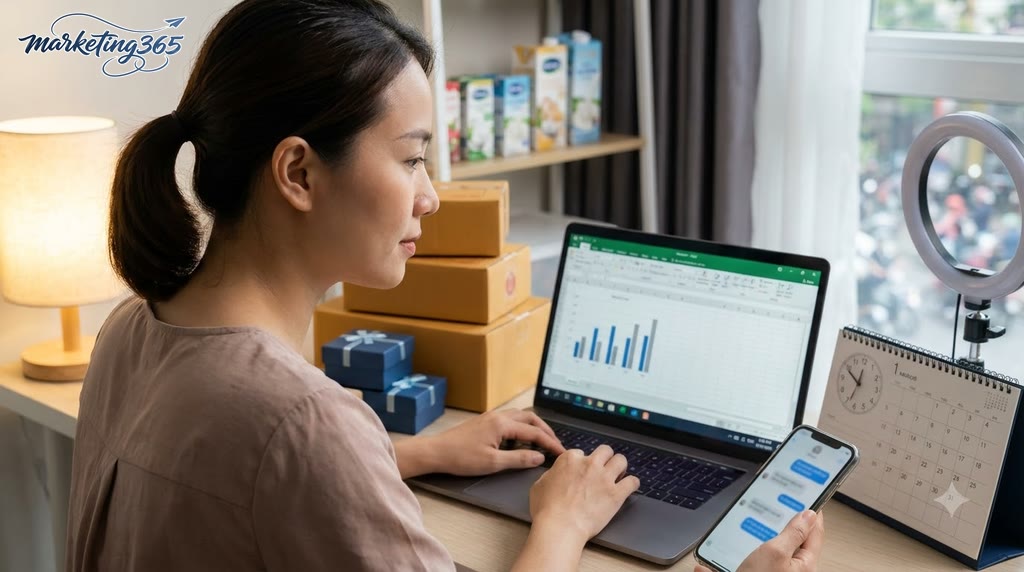
The safe approach is to tie the deadline to a specific condition: “discount until 22:00,” “applies only to orders closed during this livestream,” or “gift included while the 30 slots last.” When advising and closing sales on Zalo or Facebook Messenger, send the closing deadline and remaining stock status if your internal system can track it. If you do not have real data, do not invent a deadline to push the customer.
A simple process has 3 steps. Step 1: confirm the promotion end time from the inventory file, livestream schedule, or CRM. Step 2: rewrite it into one short message that states only the deadline and benefit. Step 3: mention it one time again in the closing section, then stop and let the customer decide.
What kinds of “fake scarcity” should you avoid?
“Fake scarcity” is any announcement that creates pressure without verifiable data. This kind of tactic quickly damages trust, especially when the sales team repeats the same pushy line to many different customers.
Avoid saying “only 1 left” for many days in a row, inventing expired promotions, making up “prices will go up soon,” or threatening stockouts to force customers. For a phone accessories shop on Facebook, if customers see the same “only 1 left” line from morning to night, they will usually ask more questions or stop replying.
The fix is to use scarcity only when there are real quantities, time limits, or gift quotas, and to clearly note the internal source for verification. For example: “12 gift slots left according to the closed-order sheet,” “promotion until 21:00 according to the campaign schedule,” or “size M is sold out, size L is still available.” The shorter, clearer, and more verifiable the message, the safer it is for your sales channel.
Differences between closing sales on Facebook, Zalo, Shopee chat, and livestream
How to close sales faster via messages must change its rhythm by channel, because Facebook, Zalo, marketplace chat, and livestream customers do not expect the same response style. To close quickly, sellers need to adjust message length, tone, follow-up style, and reminder timing for each channel. A single online order-closing message template used for every channel often gets ignored or skipped.
What should you keep in mind when closing sales on Facebook Messenger?
Closing on Facebook Messenger requires short sentences, one idea per message, and a very fast conversation flow. Regular users message quickly, so long messages are easy to overlook, especially when you quote the price and ask for the address in the same paragraph. The way to advise and close sales on Zalo/Facebook Messenger effectively is usually: confirm the need, mention the main benefit, then ask for the close in one clear sentence.

- Split the content into 2–3 short messages instead of packing everything into one block.
- Use an effective inbox closing line like “Should I hold this item for you?” instead of asking indirectly.
- If the customer is still undecided, ask about the exact concern: size, color, shipping fee, or delivery time.
- Follow up after a short while if the customer has read the message but not replied, but do not spam repeatedly.
What is different about closing sales on Zalo and marketplace chat?
Closing sales on Zalo and marketplace chat differs in response expectations and in how much information customers need before deciding. Zalo is better for re-engaging customers who have already asked before, while marketplace chat usually requires clear price, shipping, and payment information from the start. When advising online sales on a marketplace, sellers should answer directly first and then lead into the close, because customers often compare many stores quickly.
Read more: Fake news via email, lost trust, and lessons for content marketing
- On marketplace chat, prioritize price, stock, shipping fee, and delivery time before closing.
- On Zalo, you can use a warmer tone and remind them of the stock-hold deadline.
- If the customer is still hesitant, switch to a closing conversation template for hesitant customers instead of repeating the price.
- Automatic sales closing via messages for livestreams should prepare short, easy-to-read, and consistent lines across channels.
Common mistakes that slow down closing even when you send lots of messages
The mistakes that slow down closing usually lie in speed, content, and follow-up, not in the number of messages sent. A shop can send many messages and still close slowly if customers wait too long, do not understand the next step after reading, or are reminded in a way that feels pressuring. Below are the mistakes that are easiest to fix right away in your workflow.
Response speed mistakes
Slow replies break the buying rhythm right when the customer’s inbox interest is still hot. If customers are left waiting too long, they will move to another shop, especially when asking about price, shipping fee, or stock availability. The quick fix is to assign a person on duty by time slot, set a clear first-response target, and use short reply templates to confirm the message has been received.
- Prioritize high-intent messages such as price, size, color, and shipping fee questions.
- If you cannot handle it immediately, send one confirmation line with a return time.
- Review the time slots when customers message most often so you can schedule coverage.
Message content mistakes
Long, vague, or overly stacked messages make customers not want to keep reading. A closing conversation template for hesitant customers should have 1 main point, 1 clear benefit, and 1 specific next step, instead of sending a full product introduction and repeatedly asking “What do you think?” In chat-based sales closing scenarios, questions should move step by step: confirm the need, suggest an option, then close the action.
- Break information into short paragraphs.
- Ask only one question per turn if the customer is still comparing.
- End with a clear action: choose color, confirm size, send address.
Mistakes in how you follow up with customers
Reminder messages for unpaid orders go wrong when they are repeated too often, feel pushy, or use negative emotions. This makes customers avoid replying, especially when they still need more time to decide. Follow up gently: remind them of the benefit, ask whether they need any more help, and only then mention the order status.
- Do not send repeated messages in a short period.
- Avoid pressure-filled lines like “why haven’t you confirmed yet” or “it’s almost gone” if you have no basis for it.
- Track customer status so you know who needs a reminder, who is waiting, and who has already declined.
How to close sales faster via messages works better when the shop fixes these three points first: respond quickly, keep messages concise, and follow up at the right pace.
Frequently asked questions about how to close sales faster via messages
The short answer is: you should use a fixed message framework, but leave room to personalize it based on each customer’s needs, level of hesitation, and message history.
- Use one common framework for 70–80% of situations: greeting, confirming the need, stating the benefit, handling concerns, and closing the action.
- Do not copy it exactly for every customer. If the customer asks about size, color, shipping fee, or delivery time, you need to insert those exact details.
- If the customer has not replied, follow up after 4–24 hours depending on how urgent the order is. For new inbox inquiries, follow up sooner; for customers who are still considering, follow up later to avoid pressure.
- Chat-based closing can use a sense of scarcity, but it should only be based on facts such as stock quantity, closing time, or real priority slots. Overusing it can easily damage trust.
- When customers ask deeply about use cases, comparisons, or usage conditions, it is better to switch to a phone call or deeper consultation. A short call is often more effective than a long message chain when the customer needs layered explanations.
Quick checklist:
- Does the customer already understand the product?
- Are they still stuck on price, shipping, or warranty?
- If they are stuck on 2 or more points, switch consultation channels.
- If they are only mildly hesitant, use a short, clear online order-closing message with a specific action reminder.
With how to close sales faster via messages, the goal is to make it easier for customers to decide, not to send repeated messages to force a purchase.
MARKETING365
📧 Email: lienhe@marketing365.vn
🌐 Website: https://marketing365.vn
👍 Fanpage: https://facebook.com/marketing365.official
To stay updated with official and latest guidance, you can also refer to materials from Think with Google.
You can also read more articles on the same topic in the Ecommerce Marketing category.



